









Battery





Battery

Battery

Battery
Hang

Hard Drive

Hard Drive

RAM

SSD

Screen

Wi-Fi Card
|
crwdns2933315:09crwdne2933315:0 crwdns2934263:011crwdne2934263:0 |
My Asus laptop won’t power on/boot up at all after shutting it down |
|
crwdns2933315:06crwdne2933315:0 crwdns2934263:020crwdne2934263:0 |
I cannot switch laptop on. Power button blinking |
|
crwdns2933315:013crwdne2933315:0 crwdns2934263:0102crwdne2934263:0 |
How to enable my touchpad |
|
crwdns2933315:04crwdne2933315:0 crwdns2934263:03crwdne2934263:0 |
Random shutdowns without any sign |
AsusTek Computer Inc., more commonly known as ASUS, is an electronics company based in Taipei, Taiwan. Founded in 1989, ASUS began as a computer hardware company, creating computer motherboards for noteworthy companies such as IBM.
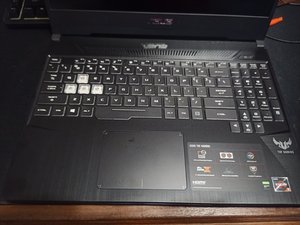
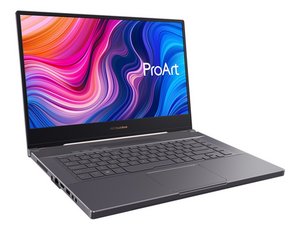
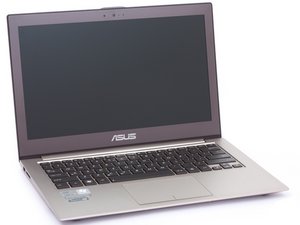
ASUS launched their first laptop, the ASUS P6300 notebook computer, in 1996. The ROG (Republic of Gamers) series was created in 2006 for PC gaming. ASUS also has an alternative budget-friendly PC gaming laptop series called TUF (The Ultimate Force). In 2011, ASUS launched the Zenbook series, a line of ultrabooks specifically designed with a slim form factor to compete with similar laptops on the market, such as Acer Aspire, Dell Inspiron, HP Pavilion, and Toshiba Satellite. Also in 2011, ASUS launched the Transformer series, which includes 2-in-1 convertible laptops.
Other popular laptops in the ASUS series include:

The most often replaced ASUS Laptop parts include the battery, screen, and motherboard.
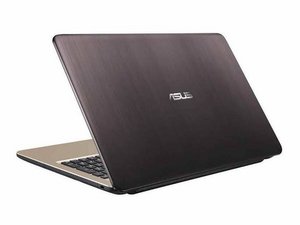
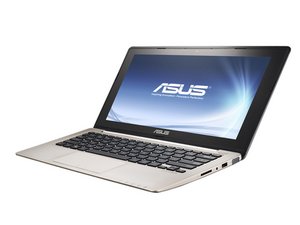
While older Asus laptops have the company name below the screen on the inside of the laptop and on the back of the display, newer machines may only have the Model Name below the monitors. The back of the monitor may read Asus, or use their newly branded "A" logo.
Additionally, a sticker on the bottom of the device will display a model number for lookup. Users can refer to this page for help identifying their laptop model.

crwdns2936751:024crwdne2936751:0 200
crwdns2936753:07crwdne2936753:0 1,316
crwdns2936753:030crwdne2936753:0 6,643
crwdns2959996:0crwdne2959996:0 1,051,740


