Disc Drive PCB

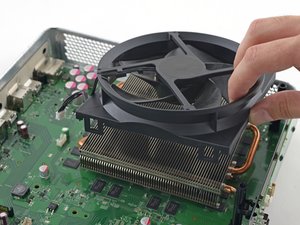
Fan

Hard Drive

Heat Sink

Motherboard

Speaker

Upper Case

Wi-Fi Board

Wifi Card
|
crwdns2933315:026crwdne2933315:0 crwdns2934263:065crwdne2934263:0 |
Xbox Powers on and immediately powers off |
|
crwdns2933315:09crwdne2933315:0 crwdns2934263:019crwdne2934263:0 |
Xbox one won't power on |
|
crwdns2933315:028crwdne2933315:0 crwdns2934263:068crwdne2934263:0 |
Why won't my One turn on? |
|
crwdns2933315:09crwdne2933315:0 crwdns2934263:049crwdne2934263:0 |
Why won't my console sync button work? |
Original
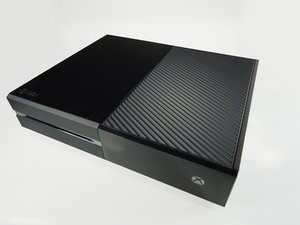
Released in November 2013, the Xbox One succeeded the Xbox 360. It ships with a controller, a Kinect unit, and a power brick in addition to the console. It serves as an all-in-one media center with both HDMI input and output.
The Xbox One is an all-in-one entertainment console. The Xbox Live service available on the console gives players access to online multiplayer games as well as TV, movies, music, and sports.
The most often replaced Xbox One parts include the optical drive, wifi cable, heat sink, and fan.
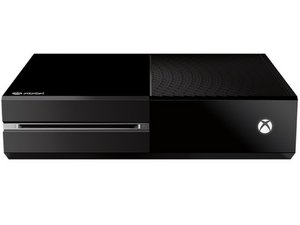
The Xbox One is a somewhat featureless rectangular game console that comes in either all-black or all-white. The front panel has the Xbox logo in white serving as the power button and a disc drive. The top is covered in a vent grill.
The model number can be found at the bottom of the device.
Check out the following pages for help identifying and fixing problems with your Xbox:
crwdns2936751:024crwdne2936751:0 114
crwdns2936753:07crwdne2936753:0 735
crwdns2936753:030crwdne2936753:0 2,637
crwdns2959996:0crwdne2959996:0 551,337