crwdns2915892:0crwdne2915892:0
Use this guide to remove or replace the metal shielding on the back of the iPhone 6 front panel.
You can also use this guide to replace the following parts:
crwdns2942213:0crwdne2942213:0
-
-
-
Power off your iPhone before beginning disassembly.
-
Remove the two 3.6 mm-long P2 Pentalobe screws next to the Lightning connector.
 crwdns2952109:0crwdne2952109:0
-
-
-
-
crwdns2935267:0crwdne2935267:0Clampy - Anti-Clamp$24.95
-
Pull the blue handle backwards to unlock the Anti-Clamp's arms.
-
Slide the arms over either the left or right edge of your iPhone.
-
Position the suction cups near the bottom edge of the iPhone just above the home button—one on the front, and one on the back.
-
Squeeze the cups together to apply suction to the desired area.
-
-
-
Pull the blue handle forwards to lock the arms.
-
Turn the handle clockwise 360 degrees or until the cups start to stretch.
-
Insert an opening pick under the screen when the Anti-Clamp creates a large enough gap.
-
Skip the next three steps.
-
-
-
-
crwdns2935267:0crwdne2935267:0Clampy - Anti-Clamp$24.95
-
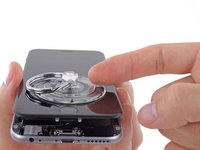
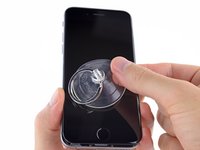
If you don't have an Anti-Clamp, use a single suction cup to lift the front panel:
-
Press a suction cup onto the screen, just above the home button.
-
-
-
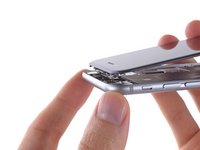
While holding the iPhone down with one hand, pull up on the suction cup to slightly separate the front panel assembly from the rear case.
-
Using a plastic opening tool, begin to gently pry the rear case down, away from the display assembly, while continuing to pull up with the suction cup.
-
-
-
Pull the plastic nub to release the vacuum seal on the suction cup.
-
Remove the suction cup from the display assembly.
-
-
-
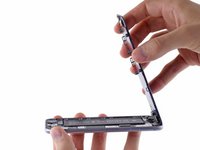
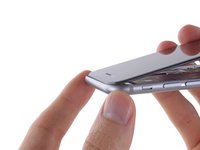
Open the iPhone by swinging the home button end of the front panel assembly away from the rear case, using the top of the phone as a hinge.
-
-
-
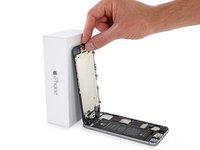
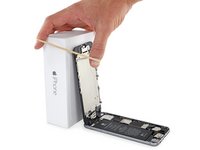
Open the display to about a 90º angle, and lean it against something to keep it propped up while you're working on the phone.
-
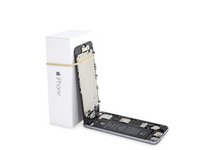
Add a rubber band to keep the display securely in place while you work. This prevents undue strain on the display cables.
-
-
crwdns2935267:0crwdne2935267:0Magnetic Project Mat$19.95
-
Remove the following Phillips screws from the battery connector bracket:
-
One 2.2 mm screw
-
One 3.2 mm screw
-
-
-
Remove the metal battery connector bracket from the iPhone.
-
-
-
-
Use a plastic opening tool to gently pry the battery connector up from its socket on the logic board.
-
-
-
Remove the following five Phillips screws securing the front panel assembly cable bracket:
-
Three 1.2 mm screws
-
One 1.7 mm screw
-
One 3.1 mm screw
-
-
-
Remove the front panel assembly cable bracket from the logic board.
-
-
-
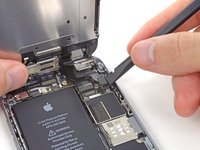
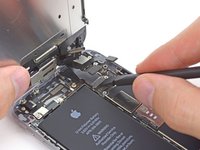
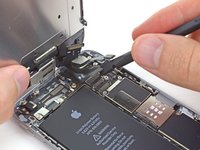
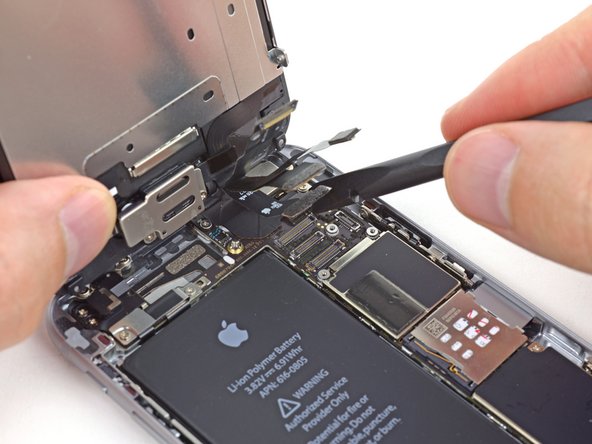
Use a spudger or a fingernail to disconnect the front-facing camera and sensor cable connector.
-
-
-
Use a spudger or a fingernail to disconnect the home button cable connector.
-
-
-
Use a spudger or a fingernail to disconnect the display data cable connector.
-
-
-
Use the flat end of a spudger to disconnect the digitizer cable connector.
-
-
-
Remove the front panel assembly from the rear case.
-
-
-
-
-
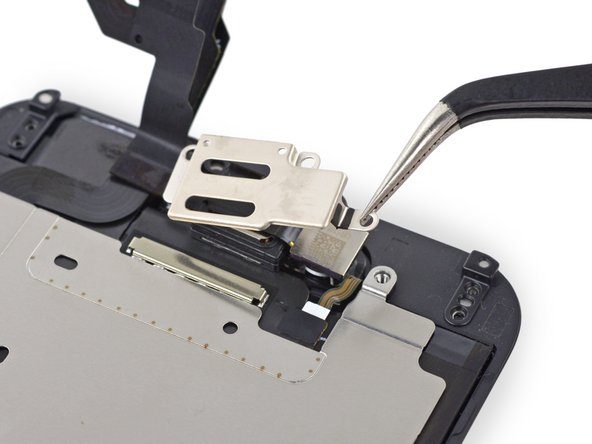
Remove the following Phillips screws from the earpiece speaker/front-facing camera bracket:
-
One 2.3 mm screw
-
One 3.0 mm screw
-
One 2.2 mm screw
-
-
-
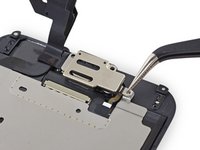
Remove the earpiece speaker/front-facing camera bracket from the front panel.
-
-
-
Remove the two 1.9 mm Phillips #00 screws securing the home button bracket.
-
-
-
Remove the home button bracket from the front panel.
-
-
-
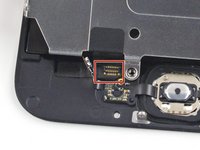
Use the point of a spudger to disconnect the home button cable connector by pushing it up and away from the home button.
-
-
-
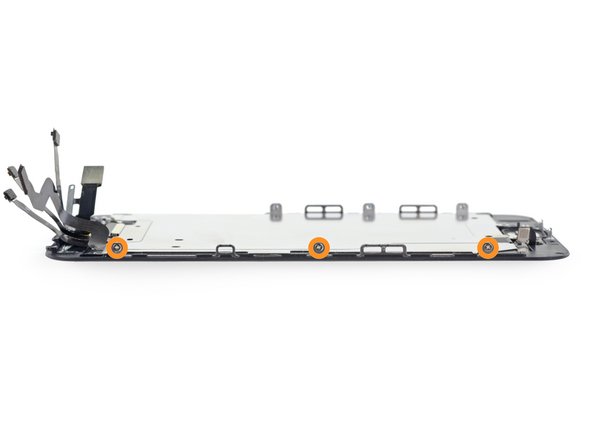
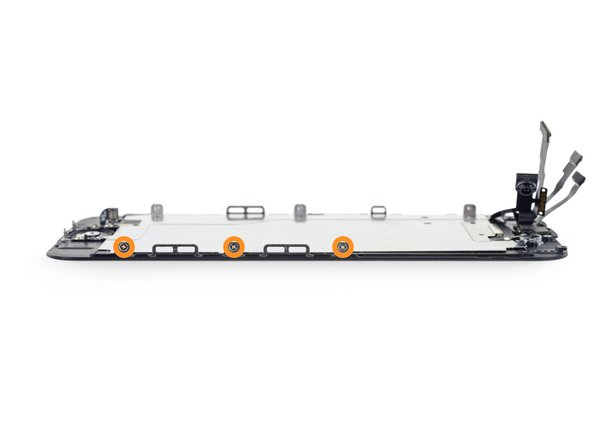
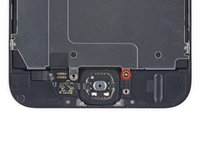
Remove the following Phillips #00 screws securing the LCD shield plate to the front panel:
-
One 1.7 mm screw
-
Six 1.6 mm screws (three on each side)
-
-
-
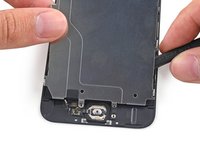
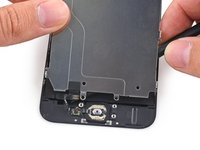
Lift the front-facing camera end of the LCD shield plate up slightly.
-
-
-
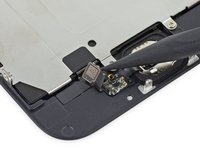
Slide the point of a spudger behind the shield plate to gently lift the home button cable up off of the front panel.
-
Remove the LCD shield plate.
-
During reassembly, make sure to seat the home button connector on the shield behind the small indentation in the plastic.
-
-
crwdns2935267:0crwdne2935267:0Tweezers$4.99
-
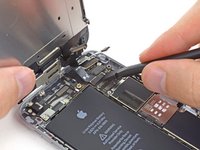
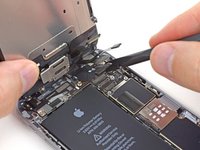
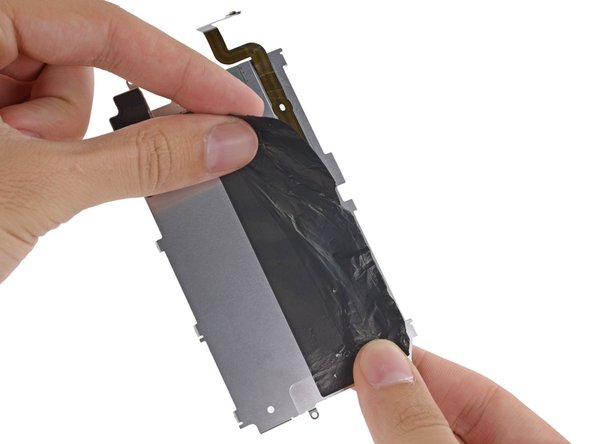
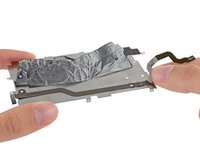
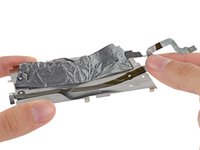
Peel the black backing tape away from the home button cable.
-
-
-
Carefully peel the home button cable up off of the adhesive holding it to the LCD shield plate.
-
-

















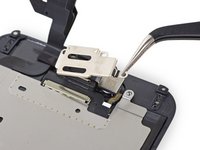


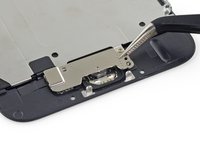
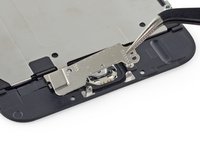


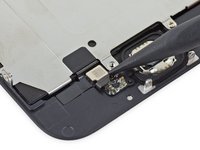

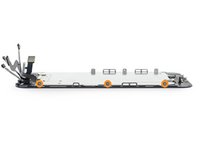
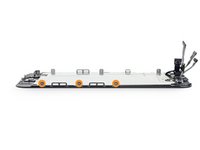


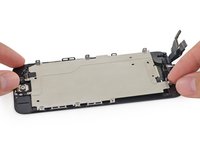
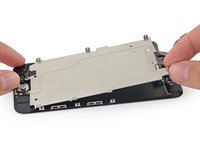



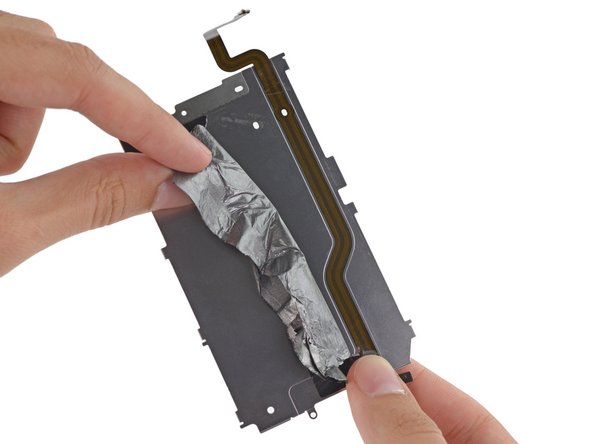



To reassemble your device, follow these instructions in reverse order.
crwdns2935221:0crwdne2935221:0
crwdns2935229:0194crwdne2935229:0


crwdns2947412:021crwdne2947412:0
You guys need to make a video on this! Yours are always the best!
gary - crwdns2934203:0crwdne2934203:0 crwdns2950251:0crwdne2950251:0
I have this in video.
prfc - crwdns2934203:0crwdne2934203:0 crwdns2950251:0crwdne2950251:0
When changing the shield plate do you need to keep the original home button cable ? I don't want to brick the phone. I know you need to keep the original home button but was not sure about shield plate. Also any new news on how to fix the error 53 ? I saw something on you tube but it was in Chinese. I attached the video maybe you can tell what he is doing..
Tony Coccerino - crwdns2934203:0crwdne2934203:0 crwdns2950251:0crwdne2950251:0
I spend when I went to change the screen turns me in black and I have tried several screens and no one who can help me and connect and disconnect the battery and nothing is still seen in black but the phone is turned on
javier - crwdns2934203:0crwdne2934203:0 crwdns2950251:0crwdne2950251:0
