Make sure the iPhone metal housing frame is bent back closest to original condition so that you are not squeezing your screens in causing the digitizer to go faulty.
You can test fit the corners of the housing with the screen by placing the screen flat upside down against the frame.
It has to be easy to install the screen without requiring forcing the screen in.
Make sure iPhone housing is not bent, dented in corners obstructing screen from going in and if you really need to, file / sand off the bottom plastic of the screen a bit to make it easier to fit in due to denting / bends.
Once you see the glass separating from the plastic screen housing frame due to forcing the screen in then I recommend trying another screen because that one may already have gone faulty from forcing the screen into the housing.
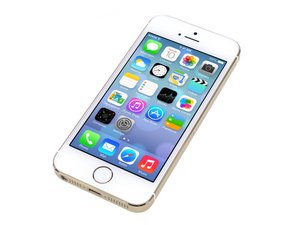
I can only suggest that if your screen broke and your getting ghosting you might need to check your connections or get a better screen. I would suggest the ones sold here. iPhone 5s Screen
I use to try and save money by buying the cheap ones but kept having to hope it worked. With the ifixit units, I have not had that issue. It also has a lifetime warranty that they stand behind. Good luck. Be sure to double check connector and use the repair guides to save some time.

 1
1  1
1 
 371
371