crwdns2915892:0crwdne2915892:0
Use this guide to replace the earpiece speaker in the LG G3 (D855).
crwdns2942213:0crwdne2942213:0
-
-
Insert a thumbnail, or a prying tool like a spudger, into the notch at the bottom left of the back cover.
-
Pry the back cover up to separate its plastic clips.
-
-
-
Lift the back cover to release the rest of the plastic clips and remove it.
-
-
-
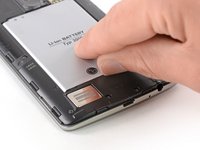
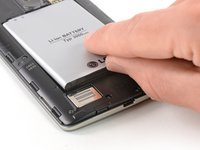
Use a fingernail or a prying tool at the marked notch to lever the battery out of its recess.
-
-
-
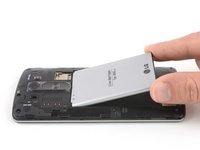
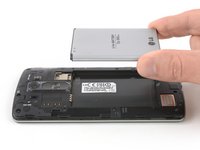
Lift the battery out of its recess and remove it.
-
-
-
Remove the four Phillips #00 screws (4 mm length).
-
-
-
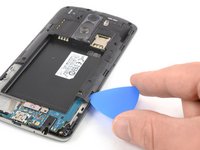
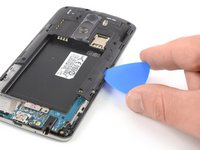
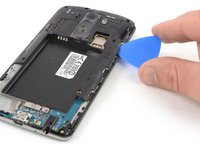
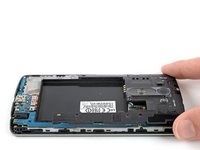
Insert a thumbnail, or a prying tool like a spudger, into the notch at the bottom left of the back cover you used earlier to remove the back cover.
-
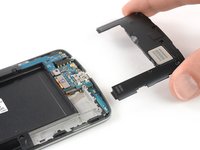
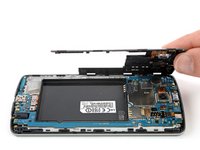
Pry up the plastic panel, including the loudspeaker, until you can get a good grip.
-
-
-
-
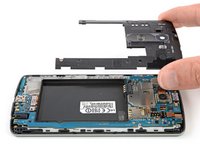
Carefully remove the plastic panel including the loudspeaker by gently pulling it away from the phone assembly.
-
-
-
Remove the eight Phillips #00 screws (4 mm length).
-
-
-
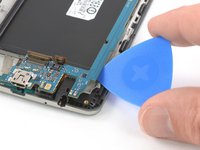
Insert an opening pick between the bottom right corner of the motherboard cover and the motherboard.
-
Pry up the motherboard cover to open the plastic clips which hold the cover in its place.
-
Work your way along the right edge.
-
-
-
Carefully lift the right edge of the motherboard cover.
-
Remove the motherboard assembly.
-
-
-
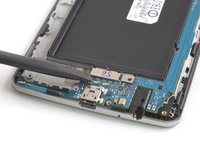
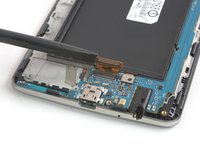
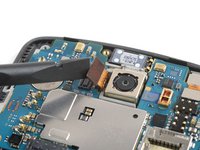
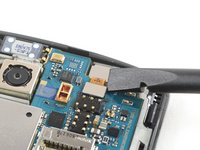
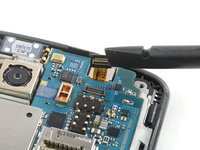
Use a spudger to pry up and disconnect the display flex cable.
-
-
-
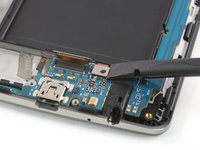
Use a spudger to pry up and disconnect the digitizer flex cable.
-
-
-
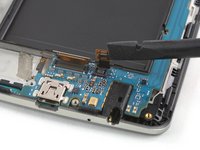
Use a spudger to pry up and disconnect the rear camera flex cable.
-
-
-
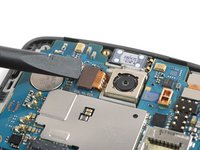
Use a spudger to pry up and disconnect the front camera flex cable.
-
-
-
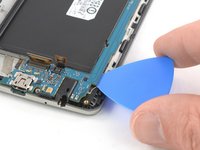
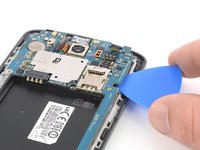
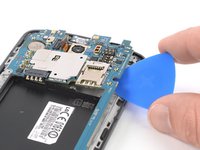
Slide an opening pick under the bottom right corner of the motherboard and slowly pry it out of its recess by rotating the opening pick sideways.
-
-
-
Slide the opening pick under the right edge of the motherboard where the SIM card slot is located and pry it up by rotating the opening pick sideways.
-
-
-
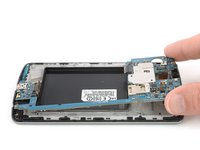
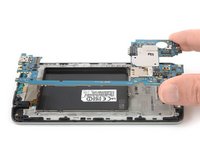
Grab the top section of the motherboard and carefully lift it out of the phone.
-
-
crwdns2935267:0crwdne2935267:0Tweezers$4.99
-
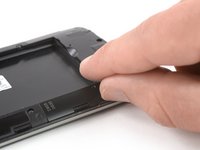
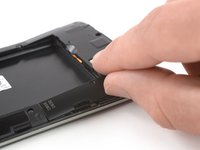
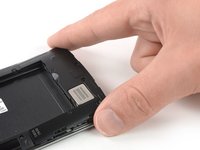
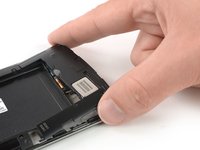
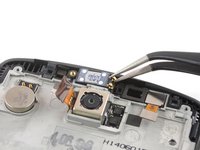
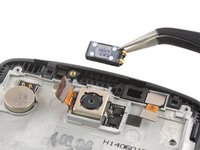
Use a pair of tweezers to remove the earpiece speaker.
-




























If possible, turn on your device and test your repair before installing new adhesive and resealing.
Take your e-waste to an R2 or e-Stewards certified recycler.
Repair didn’t go as planned? Try some basic troubleshooting, or ask our Answers Community for help.
crwdns2935221:0crwdne2935221:0
crwdns2935229:08crwdne2935229:0


crwdns2947412:03crwdne2947412:0
Can't just remove the earpiece without removing the motherboard?
unless you broke the phone, NO
To reassemble the earpiece what kind of adhesive do I need?
