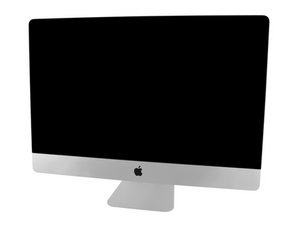
A1419 iMac, powers on but LED backlighting doesn’t light up.
Apple genius says my drive is dead. I want to remove it and get the data stored on it. They siad there are services that can do this. My last backup with Time Machine is pretty old.
I know the video is about a ssd upgrade but it’s the exact same process and just a little warning below the hard drive there is a power supply DO NOT TOUCH IT (sorry if that sounds aggressive)but really don’t as the is a chance you could get a shock of if it which I’m pretty sure can kill you ,however I have done the sort of repairs before and had no issues so as long as you are careful you will be absolutely fine
Start by confirming your A1419 iMac is a Late 2012 27” with iMac ID 13.2. The following should cover all iMacs from 2012 through 2019
Watch OWC’s removal/installation video here (OWC has been supporting Apple computers for DECADES)
I highly recommend purchasing OWC’s iMac tool kit ($25). You will need to remove the screen, and it is glued in place. Take your time and it will come off.
I do not and have never worked for OWC, but I did work as an Apple tech for 17 years and after trying many companies’ parts, will only deal with OWC to keep my iMacs going.

 1
1 
 34
34  42
42 
