crwdns2915892:0crwdne2915892:0
Use this guide to replace the battery in your Lenovo Legion 5 Pro 16ACH6H gaming laptop.
For your safety, discharge the battery below 25% before disassembling your device. This reduces the risk of fire if the battery is accidentally damaged during the repair. If your battery is swollen, take appropriate precautions.
crwdns2942213:0crwdne2942213:0
-
-
Use a Phillips screwdriver to remove the following ten screws securing the back cover to frame:
-
Six 12.7 mm PH00 screws
-
Four 4.2 mm PH00 screws
-
-
-
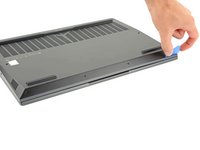
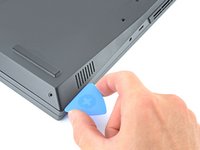
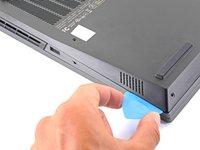
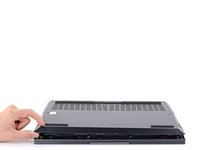
Insert the rounded edge of an opening pick between the back cover and the frame in the lower right corner.
-
-
-
Angle the pick to about 45˚.
-
Slide the pick along the front edge to release the clips securing the back cover to the frame.
-
-
-
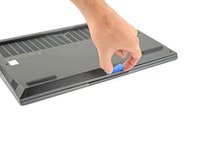
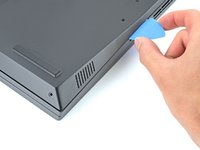
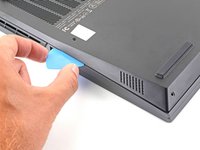
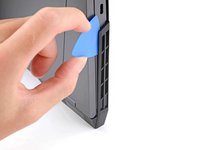
Insert the rounded edge of an opening pick between the back cover and the frame on the right edge.
-
Angle the pick to about 30˚ and slide down the right edge until you reach the plastic vents on the side.
-
-
-
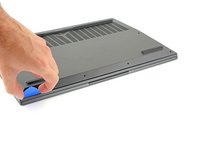
Repeat the same procedure on the left edge to release the clips.
-
-
-
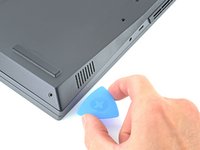
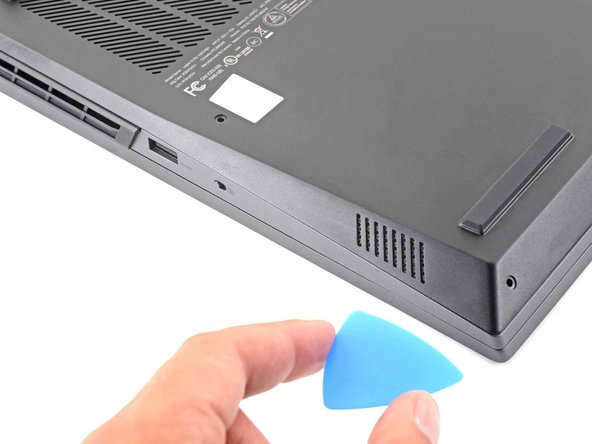
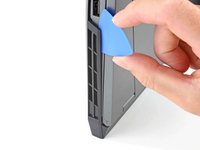
Position the laptop vertically so you can easily access the plastic vents.
-
Slide the rounded edge of an opening pick between the frame and the plastic vents on the right side near the USB-A port.
-
Rotate the pick so that it is positioned on top of the plastic vents.
-
-
-
-
Push the pick between the frame and plastic vents.
-
Slide the pick along the top edge of the plastic vents to release the clips.
-
-
-
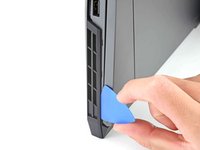
Slide the rounded edge of an opening pick between the frame and the plastic vents on the left side near the USB-C port.
-
Rotate the pick so that it is positioned on top of the plastic vents.
-
-
-
Push the pick between the frame and plastic vents.
-
Slide the pick along the top edge of the plastic vents to release the clips.
-
-
-
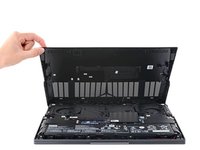
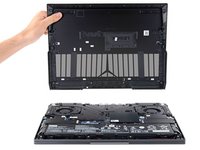
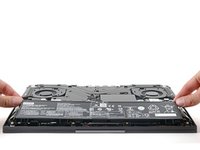
Lift the back cover up and remove it from the chassis.
-
-
-
Use the pointed end of a spudger to push each side of the battery connector to loosen it.
-
-
-
Use the flat end of a spudger to push out and disconnect battery cable.
-
-
-
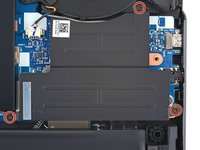
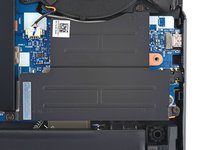
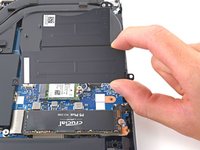
Use a Phillips screwdriver to remove the three 5.1 mm PH00 screws securing the right SSD shield to the motherboard.
-
-
-
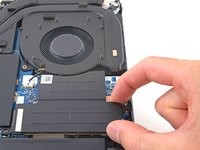
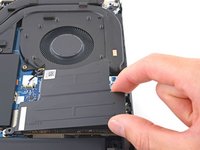
Grab the SSD shield and lift up to remove it.
-
-
-
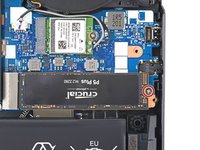
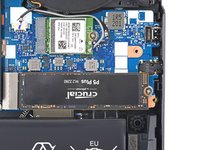
Use a Phillips screwdriver to remove the 2.6 mm PH1 screw securing the SSD to the motherboard.
-
-
-
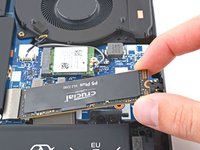
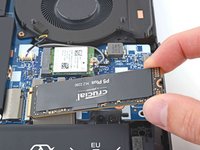
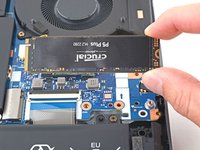
Grip the edges of the SSD near the screw indent.
-
Gently pull to remove the SSD.
-
-
-
Use your Phillips screwdriver to remove the six 5.1 mm-long screws securing the battery.
-
-
-
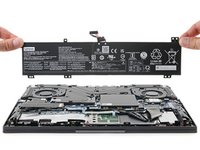
Remove the battery from its recess.
-

































To reassemble your device, follow these instructions in reverse order.
For optimal performance, calibrate your newly installed battery after completing this guide.
Take your e-waste to an R2 or e-Stewards certified recycler.
Repair didn’t go as planned? Try some basic troubleshooting, or ask our Lenovo Legion answers community for help.
crwdns2935221:0crwdne2935221:0
crwdns2935227:0crwdne2935227:0


crwdns2947410:01crwdne2947410:0
Thank you very much for the guide! This is the most expensive notebook I've disassembled yet, and I'm so grateful for your guide because this is the first notebook I was able to disassemble without breaking any tabs! Also the iFixit toolkit is the very best tool I've ever owned!
