crwdns2933423:0crwdne2933423:0
crwdns2947577:0crwdnd2947577:0crwdne2947577:0

How to Clean Corroded Battery Terminals

crwdns2942213:0crwdne2942213:0

    1. How to Clean Corroded Battery Terminals, Safety precautions: crwdns2935265:01crwdnd2935265:01crwdnd2935265:01crwdne2935265:0
      • Wear gloves to protect your hands from the corrosion—it's a skin irritant.

      • If your device still works, power it down completely before starting.

      crwdns2952109:0crwdne2952109:0

      crwdns2917038:0crwdne2917038:0

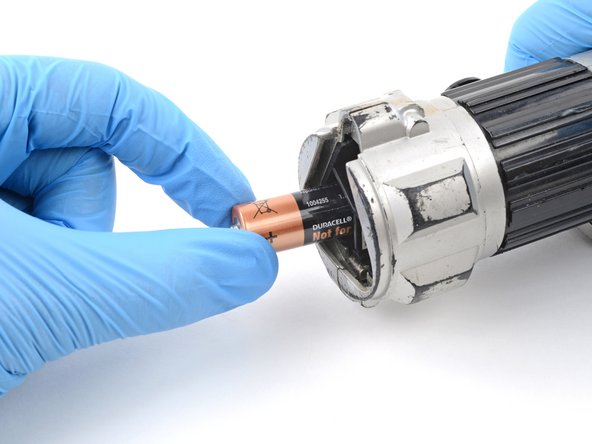
    2. How to Clean Corroded Battery Terminals, Remove the batteries: crwdns2935265:02crwdnd2935265:01crwdnd2935265:03crwdne2935265:0 How to Clean Corroded Battery Terminals, Remove the batteries: crwdns2935265:02crwdnd2935265:02crwdnd2935265:03crwdne2935265:0 How to Clean Corroded Battery Terminals, Remove the batteries: crwdns2935265:02crwdnd2935265:03crwdnd2935265:03crwdne2935265:0
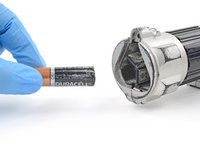
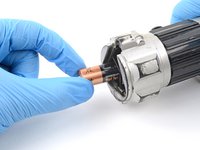
      • Remove the batteries from your device.

      • If there's a lot of corrosion, the batteries may be stuck in their recess. Don't try to force them out...unless you're a small, green, force-sensitive creature.

      • If any batteries are stuck, follow the next step as normal to clean around them.

      crwdns2952109:0crwdne2952109:0

      crwdns2917038:0crwdne2917038:0

    3. How to Clean Corroded Battery Terminals, Remove big chunks of corrosion: crwdns2935265:03crwdnd2935265:01crwdnd2935265:03crwdne2935265:0 How to Clean Corroded Battery Terminals, Remove big chunks of corrosion: crwdns2935265:03crwdnd2935265:02crwdnd2935265:03crwdne2935265:0 How to Clean Corroded Battery Terminals, Remove big chunks of corrosion: crwdns2935265:03crwdnd2935265:03crwdnd2935265:03crwdne2935265:0
      crwdns2935267:0crwdne2935267:0
      Anti-Static Brush
      $2.99
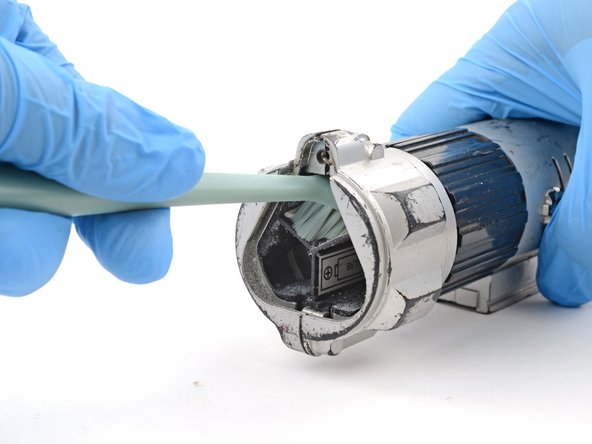
      • Use a toothbrush or anti‑static brush to gently remove any bigger chunks of corrosion from the battery terminals and battery recess.

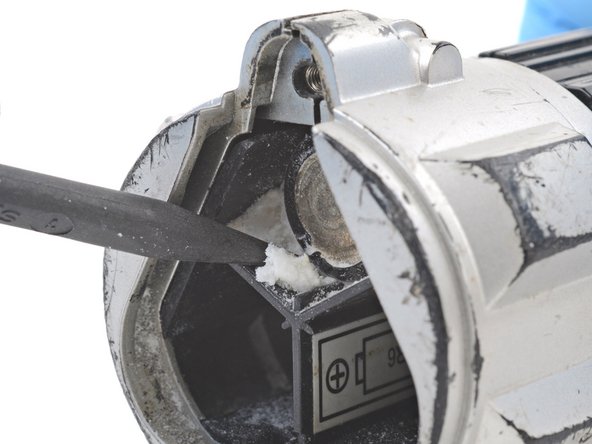
      • Use the point of a spudger to pick out any bits that are stuck.

      • Pick around the batteries, and not at the batteries themselves.

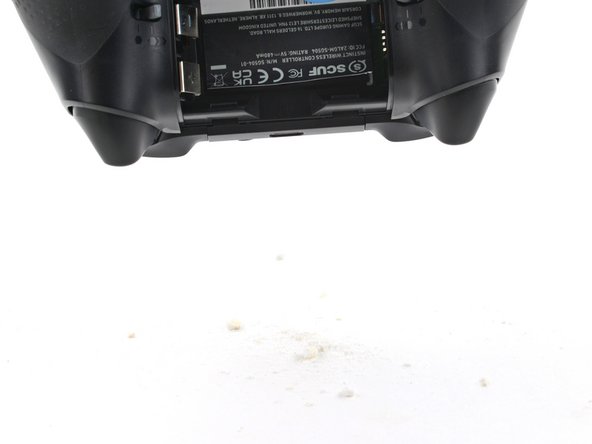
      • Flip your device over and gently shake out the loose corrosion and debris.

      • Dispose of the corrosion and debris in the trash.

      crwdns2952109:0crwdne2952109:0

      crwdns2917038:0crwdne2917038:0

    4. How to Clean Corroded Battery Terminals, Remove any stuck batteries: crwdns2935265:04crwdnd2935265:01crwdnd2935265:02crwdne2935265:0 How to Clean Corroded Battery Terminals, Remove any stuck batteries: crwdns2935265:04crwdnd2935265:02crwdnd2935265:02crwdne2935265:0
      • You should now be able to remove any batteries that were previously stuck.

      • Clean out the battery recess with a toothbrush.

      crwdns2952109:0crwdne2952109:0

      crwdns2917038:0crwdne2917038:0

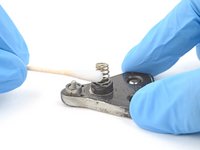
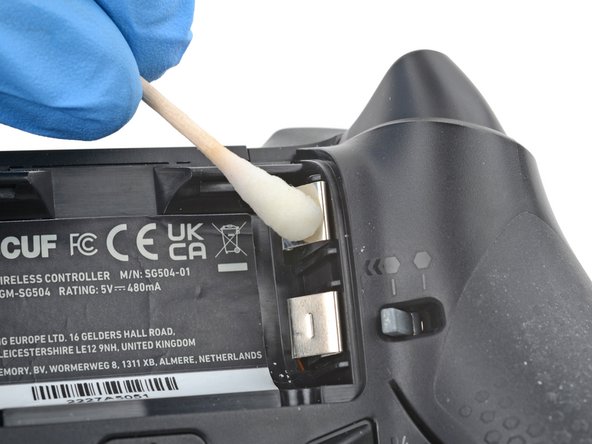
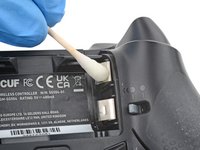
    5. How to Clean Corroded Battery Terminals, Clean the terminals: crwdns2935265:05crwdnd2935265:01crwdnd2935265:03crwdne2935265:0 How to Clean Corroded Battery Terminals, Clean the terminals: crwdns2935265:05crwdnd2935265:02crwdnd2935265:03crwdne2935265:0 How to Clean Corroded Battery Terminals, Clean the terminals: crwdns2935265:05crwdnd2935265:03crwdnd2935265:03crwdne2935265:0
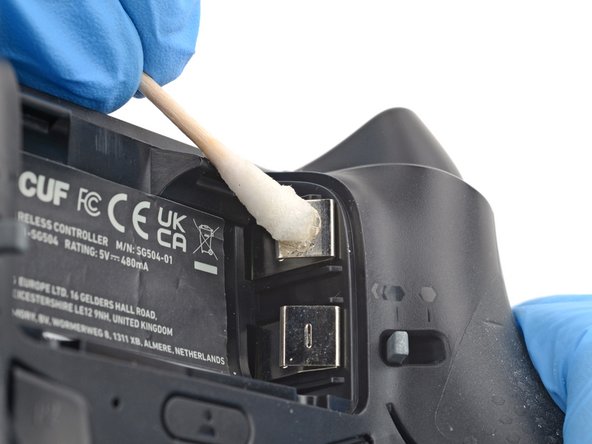
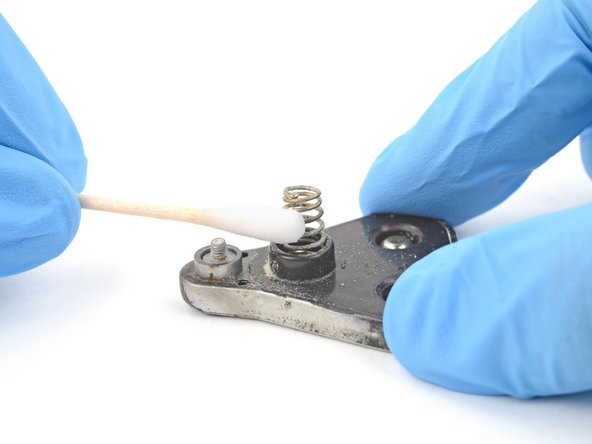
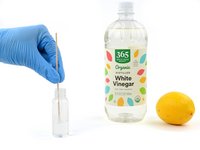
      • Alkaline batteries contain a base, which is what corrosion is made of. An acid like white vinegar or lemon juice will neutralize this base.

      • Lightly dip a cotton swab in white vinegar or lemon juice.

      • Don't soak the cotton swab. Only use a small amount of liquid at a time.

      • Gently rub the battery terminals with the cotton swab to dissolve and remove the corrosion.

      • The corrosion may fizz and bubble. Don't worry, this is normal.

      • Continue this process until there's no corrosion on the terminals.

      crwdns2952109:0crwdne2952109:0

      crwdns2917038:0crwdne2917038:0

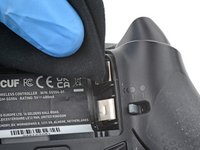
    6. How to Clean Corroded Battery Terminals: crwdns2935265:06crwdnd2935265:01crwdnd2935265:03crwdne2935265:0 How to Clean Corroded Battery Terminals: crwdns2935265:06crwdnd2935265:02crwdnd2935265:03crwdne2935265:0 How to Clean Corroded Battery Terminals: crwdns2935265:06crwdnd2935265:03crwdnd2935265:03crwdne2935265:0
      crwdns2935267:0crwdne2935267:0
      Microfiber Cleaning Cloths
      $3.99
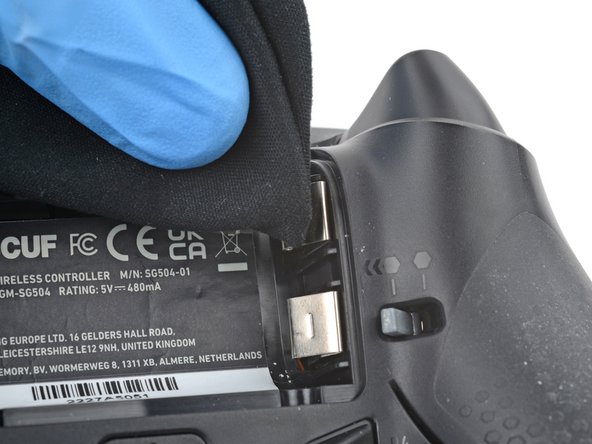
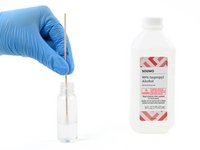
      • Isopropyl alcohol will remove any residue left from the previous step.

      • Lightly dip a cotton swab in highly-concentrated isopropyl alcohol (over 90%).

      • Don't soak the cotton swab. Only use a small amount of liquid at a time.

      • Gently rub the battery terminals with the cotton swap to remove any remaining residue from the previous step.

      • Wipe the residue away with a microfiber or lint-free cloth.

      • Repeat this process until the terminals are completely clean.

      • Wait two minutes to allow any residual alcohol to evaporate.

      crwdns2952109:0crwdne2952109:0

      crwdns2917038:0crwdne2917038:0

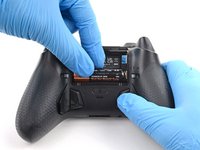
    7. How to Clean Corroded Battery Terminals, Install new batteries: crwdns2935265:07crwdnd2935265:01crwdnd2935265:03crwdne2935265:0 How to Clean Corroded Battery Terminals, Install new batteries: crwdns2935265:07crwdnd2935265:02crwdnd2935265:03crwdne2935265:0 How to Clean Corroded Battery Terminals, Install new batteries: crwdns2935265:07crwdnd2935265:03crwdnd2935265:03crwdne2935265:0
      crwdns2952109:0crwdne2952109:0

      crwdns2917038:0crwdne2917038:0

crwdns2915888:0crwdne2915888:0

Cleaning didn’t go as planned? Ask our Answers community for help.

For other electronics skills, click here.

crwdns2935221:0crwdne2935221:0

crwdns2935229:021crwdne2935229:0

Spencer Day

crwdns2935283:009/14/22crwdne2935283:0

200,085 crwdns2915208:0crwdne2915208:0

crwdns2935297:01,243crwdne2935297:0

crwdns2935287:0crwdne2935287:0

iFixit crwdns2935289:0iFixitcrwdne2935289:0

Staff

crwdns2931471:0123crwdne2931471:0

crwdns2935297:084,436crwdne2935297:0

crwdns2947412:02crwdne2947412:0

crwdns2917038:0crwdne2917038:0

crwdns2936625:0crwdne2936625:0:

crwdns2936751:024crwdne2936751:0 59

crwdns2936753:07crwdne2936753:0 481

crwdns2936753:030crwdne2936753:0 2,144

crwdns2942667:0crwdne2942667:0 72,576