
Connect Four Electronic Handheld Screen Replacement

crwdns2959932:0crwdnd2959932:0Wilcrwdnd2959932:0crwdnd2959932:0crwdnd2959932:04crwdnd2959932:0crwdne2959932:0
crwdns2959936:0Mud 7, 2024crwdne2959936:0
crwdns2869540:0crwdne2869540:0: 980
crwdns2959988:0crwdne2959988:0
- crwdns2959990:0crwdne2959990:0
- 1
- crwdns2959992:0crwdne2959992:0
- 16
- crwdns2959994:0crwdne2959994:0
- 95
- crwdns2959996:0crwdne2959996:0
- 980
crwdns2955950:0crwdne2955950:0: 0
crwdns2959998:0crwdne2959998:0
crwdns2960000:0crwdne2960000:0crwdns2959984:0crwdne2959984:0: 0 1
crwdns2959956:0crwdne2959956:0
crwdns2959968:01crwdne2959968:0
crwdns2959986:0crwdne2959986:0: 0 1
crwdns2959958:0crwdne2959958:0
crwdns2959976:01crwdne2959976:0
crwdns2915892:0crwdne2915892:0
crwdns2959928:0crwdne2959928:0 ↓This replacement guide will show you how to replace the screen by taking off the back covering, the buttons, and the circuit board in order to get to the screen.
crwdns2959930:0crwdne2959930:0
crwdns2943213:0crwdne2943213:0
crwdns2943215:0crwdne2943215:0


-
-
-
Make sure the Connect Four Electronic Handheld is off by allowing it to shut off automatically.
 crwdns2952109:0crwdne2952109:0
-
-
-
Using a Phillips head screwdriver, remove the (9.1mm length) #2 screw in the middle of the battery casing.
-
Slide the cover off and remove the battery.
-
-
-
-
-
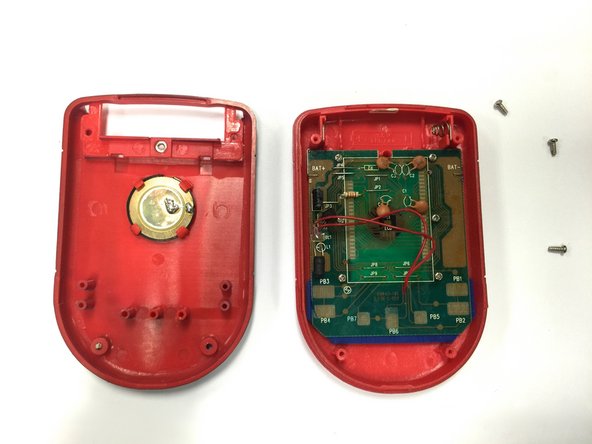
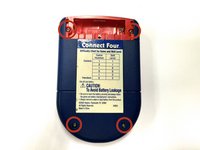
Using a Phillips head screwdriver, remove the four (7.1mm- length) #3 screws that hold the back casing in place.
-
Carefully remove the back casing.
-
-
-
-
-
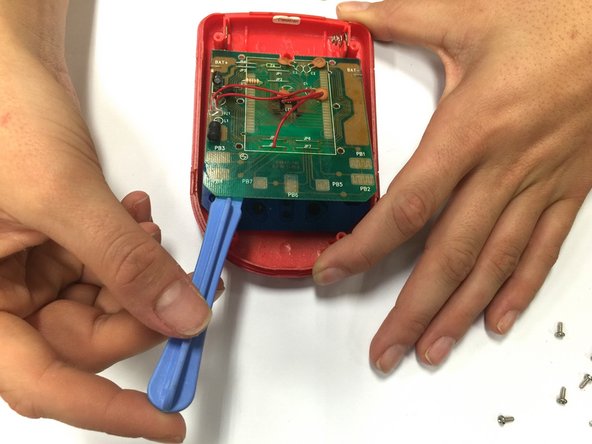
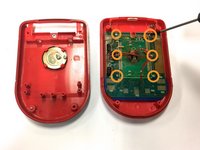
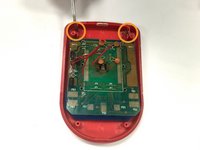
Using a Phillips head screwdriver, remove the six (0.25"-length) #3 screws that hold down the cpu board.
-
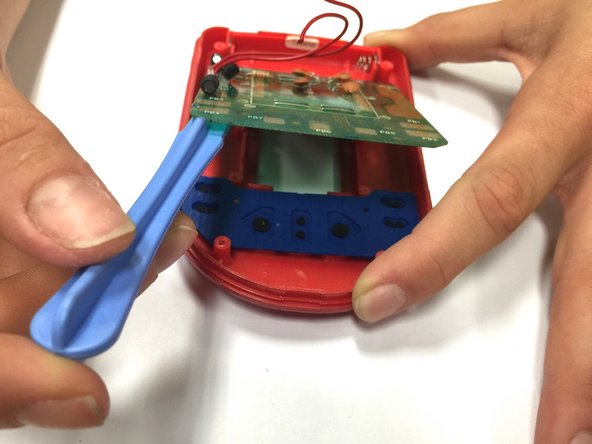
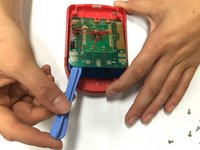
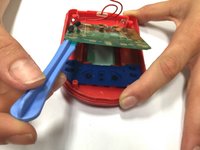
Using a plastic opening tool, lever the circuit board just enough to where you can easily access the button sheet.
-
-
-
crwdns2935267:0crwdne2935267:0Tweezers$4.99
-
Pop out the wires, connected to the battery terminals, out of their place. You can use a plastic opening tool or fine tweezers for this step.
-
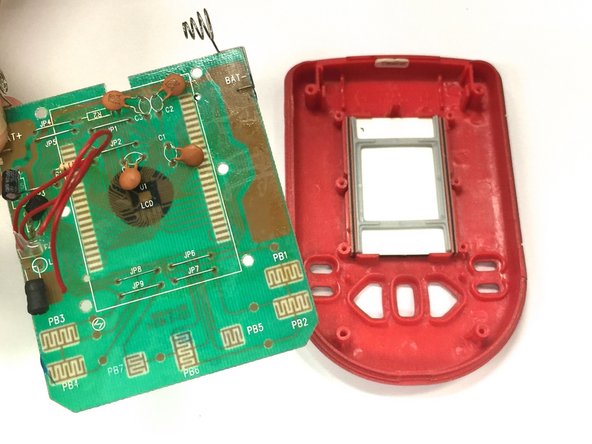
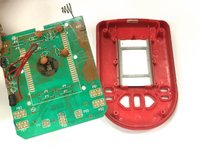
Once the terminals are out of place, remove the circuit board.
-
-
-
Take the old screen out.
-
Replace the old screen with the new screen.
-
-






To reassemble your device, follow these instructions in reverse order.

crwdns2935287:0crwdne2935287:0

Baylor, Team 8-11, Williams Fall 2014 crwdns2935289:0Baylor, Team 8-11, Williams Fall 2014crwdne2935289:0
BU-WILLIAMS-F14S8G11
crwdns2931471:03crwdne2931471:0
crwdns2935297:072crwdne2935297:0
