Brother PT-210 Battery Replacement

crwdns2944109:0crwdnd2944109:0TheMasterGcrwdnd2944109:0crwdnd2944109:0crwdnd2944109:0crwdne2944109:0
crwdns2944111:0Nhl 11, 2025crwdne2944111:0
crwdns2869540:0crwdne2869540:0: 575
crwdns2942659:0crwdne2942659:0
- crwdns2942661:0crwdne2942661:0
- 1
- crwdns2942663:0crwdne2942663:0
- 19
- crwdns2942665:0crwdne2942665:0
- 81
- crwdns2942667:0crwdne2942667:0
- 575
crwdns2955950:0crwdne2955950:0: 0
crwdns2942685:0crwdne2942685:0
crwdns2947416:0crwdne2947416:0Completed: 0 1
crwdns2942687:0crwdne2942687:0
crwdns2944089:01crwdne2944089:0
Favorites: 0 1
crwdns2942689:0crwdne2942689:0
crwdns2944097:01crwdne2944097:0
crwdns2944444:0crwdne2944444:0
crwdns2944446:0crwdne2944446:0
crwdns2915892:0crwdne2915892:0
crwdns2942287:0crwdne2942287:0 ↓This guide will show you how to change your Brother Label Maker's batteries.
-
-
-
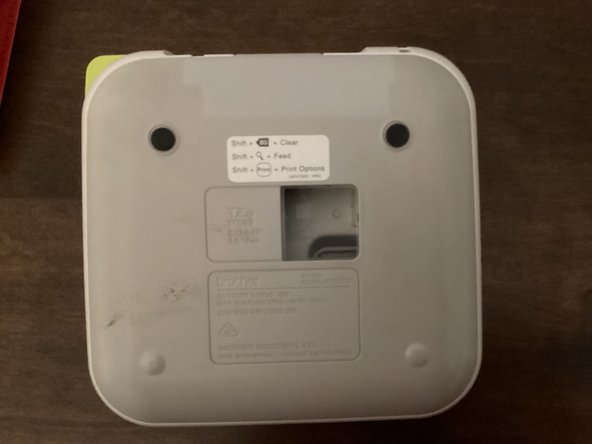
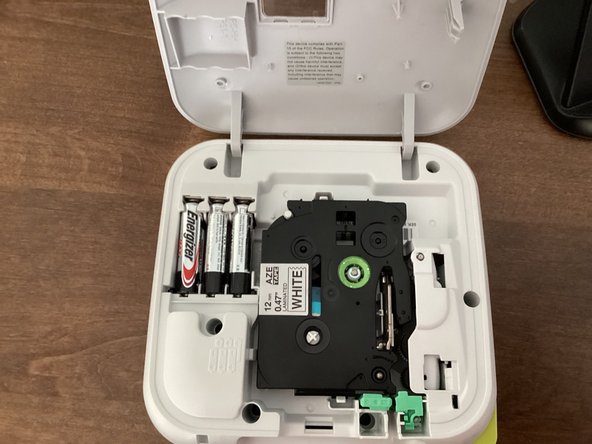
Use the tab to open the back cover of your machine.
 crwdns2952109:0crwdne2952109:0
-
-
-
-
-
-
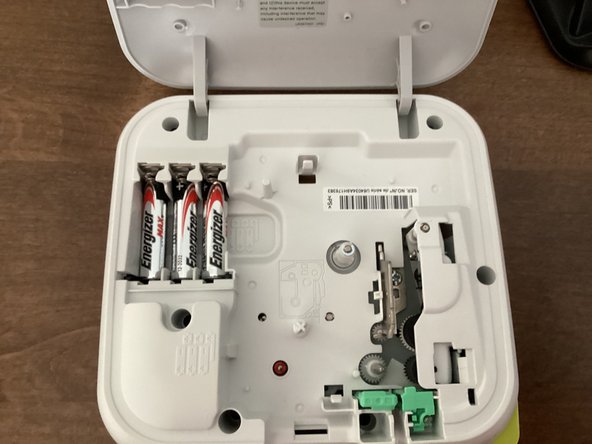
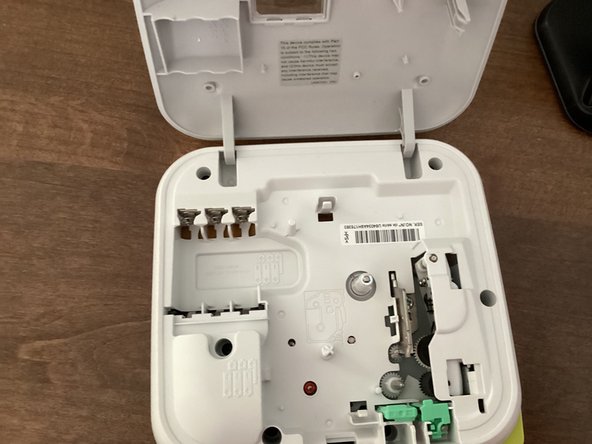
Remove all 6 batteries from your machine.
-
It might be helpful to take the tape out of your machine. This guide shows you how to.
-
-





To reassemble your device, follow these instructions in reverse order.