crwdns2933423:0crwdne2933423:0
crwdns2947577:0crwdnd2947577:0crwdne2947577:0

Backbone One Right Mainboard Replacement

crwdns2942213:0crwdne2942213:0

    1. Backbone One Right Mainboard Replacement, Remove the screws: crwdns2935265:01crwdnd2935265:01crwdnd2935265:01crwdne2935265:0
      • Use a Phillips screwdriver to remove the four 5.9 mm-long screws.

      crwdns2952109:0crwdne2952109:0

      crwdns2917038:0crwdne2917038:0

    2. Backbone One Right Mainboard Replacement, Rotate the upper part: crwdns2935265:02crwdnd2935265:01crwdnd2935265:03crwdne2935265:0 Backbone One Right Mainboard Replacement, Rotate the upper part: crwdns2935265:02crwdnd2935265:02crwdnd2935265:03crwdne2935265:0 Backbone One Right Mainboard Replacement, Rotate the upper part: crwdns2935265:02crwdnd2935265:03crwdnd2935265:03crwdne2935265:0
      • Lift up the upper cover of the controller.

      • Swing the upper cover over and place it on the controller case.

      • Make sure that the interconnecting cable has no tension.

      crwdns2952109:0crwdne2952109:0

      crwdns2917038:0crwdne2917038:0

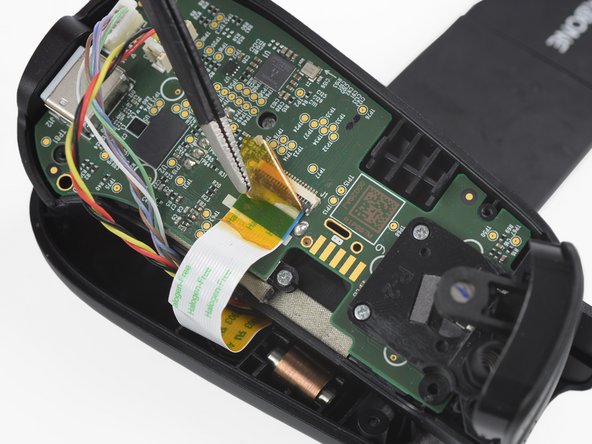
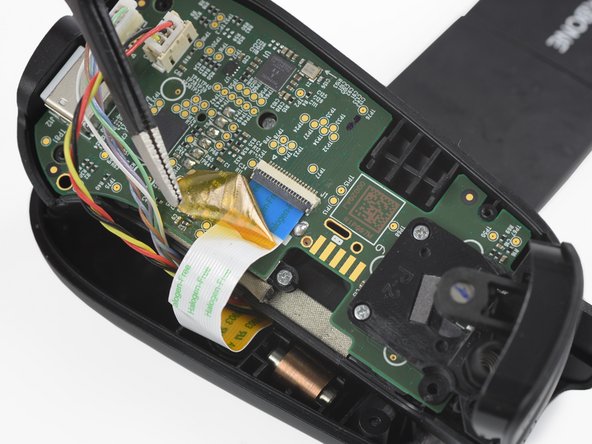
    1. Backbone One Right Mainboard Replacement, Remove the protective tape: crwdns2935265:03crwdnd2935265:01crwdnd2935265:03crwdne2935265:0 Backbone One Right Mainboard Replacement, Remove the protective tape: crwdns2935265:03crwdnd2935265:02crwdnd2935265:03crwdne2935265:0 Backbone One Right Mainboard Replacement, Remove the protective tape: crwdns2935265:03crwdnd2935265:03crwdnd2935265:03crwdne2935265:0
      crwdns2935267:0crwdne2935267:0
      Tweezers
      $4.99
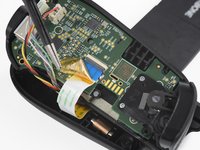
      • Use a pair of tweezers to remove the yellow protective tape which is placed over the interconnect cable and the connector.

      crwdns2952109:0crwdne2952109:0

      crwdns2917038:0crwdne2917038:0

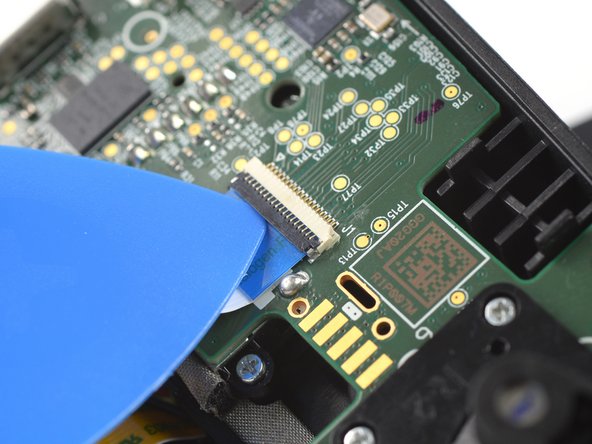
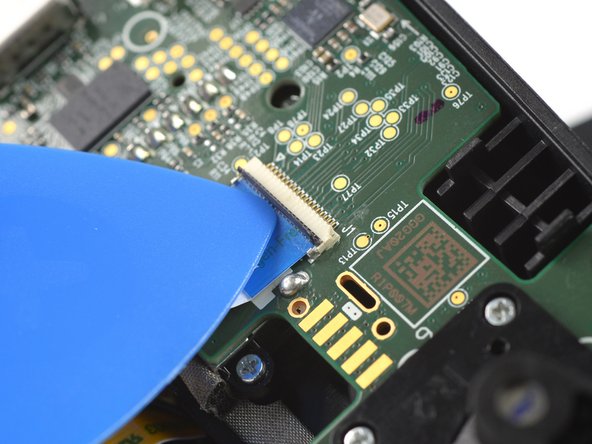
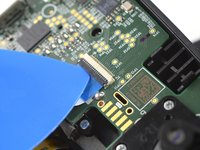
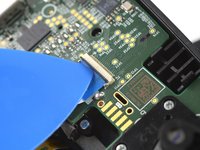
    2. Backbone One Right Mainboard Replacement, Open the interconnect cable ZIF connector: crwdns2935265:04crwdnd2935265:01crwdnd2935265:03crwdne2935265:0 Backbone One Right Mainboard Replacement, Open the interconnect cable ZIF connector: crwdns2935265:04crwdnd2935265:02crwdnd2935265:03crwdne2935265:0 Backbone One Right Mainboard Replacement, Open the interconnect cable ZIF connector: crwdns2935265:04crwdnd2935265:03crwdnd2935265:03crwdne2935265:0
      • Use the tip of an opening pick to open the gray flap of the interconnect cable ZIF connector by pushing it upwards.

      crwdns2952109:0crwdne2952109:0

      crwdns2917038:0crwdne2917038:0

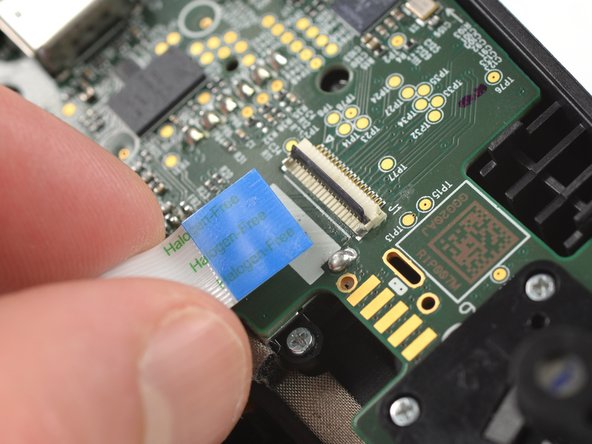
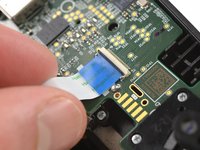
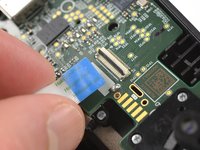
    3. Backbone One Right Mainboard Replacement, Disconnect the interconnect cable: crwdns2935265:05crwdnd2935265:01crwdnd2935265:02crwdne2935265:0 Backbone One Right Mainboard Replacement, Disconnect the interconnect cable: crwdns2935265:05crwdnd2935265:02crwdnd2935265:02crwdne2935265:0
      • Disconnect the cable by pulling it straight out the ZIF connector.

      crwdns2952109:0crwdne2952109:0

      crwdns2917038:0crwdne2917038:0

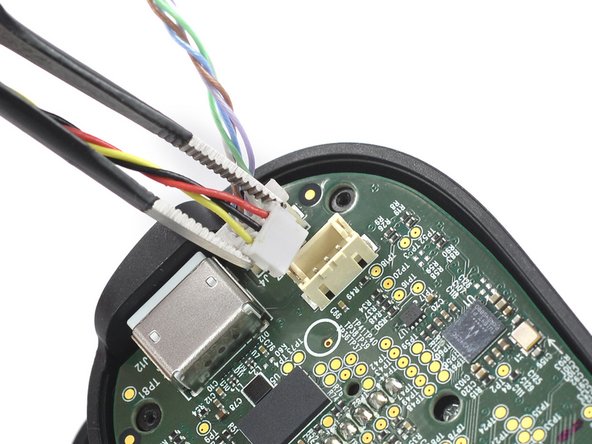
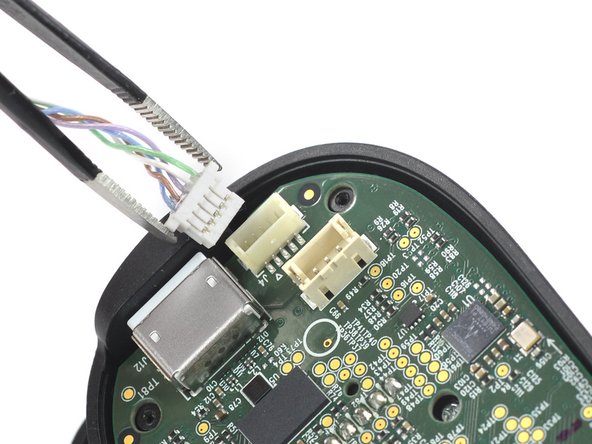
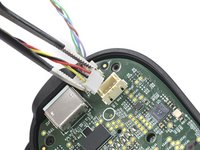
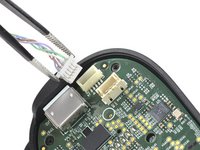
    4. Backbone One Right Mainboard Replacement, Disconnect the phone connector cables: crwdns2935265:06crwdnd2935265:01crwdnd2935265:03crwdne2935265:0 Backbone One Right Mainboard Replacement, Disconnect the phone connector cables: crwdns2935265:06crwdnd2935265:02crwdnd2935265:03crwdne2935265:0 Backbone One Right Mainboard Replacement, Disconnect the phone connector cables: crwdns2935265:06crwdnd2935265:03crwdnd2935265:03crwdne2935265:0
      • Use a pair of tweezers to disconnect the phone connector cables out from their sockets.

      crwdns2952109:0crwdne2952109:0

      crwdns2917038:0crwdne2917038:0

    5. Backbone One Right Mainboard Replacement, Separate the upper case: crwdns2935265:07crwdnd2935265:01crwdnd2935265:01crwdne2935265:0
      • Separate the the upper case of the left controller handle.

      crwdns2952109:0crwdne2952109:0

      crwdns2917038:0crwdne2917038:0

    6. Backbone One Right Mainboard Replacement, Remove the screws: crwdns2935265:08crwdnd2935265:01crwdnd2935265:01crwdne2935265:0
      • Use a Phillips screwdriver to remove the three 5.9 mm-long screws.

      crwdns2952109:0crwdne2952109:0

      crwdns2917038:0crwdne2917038:0

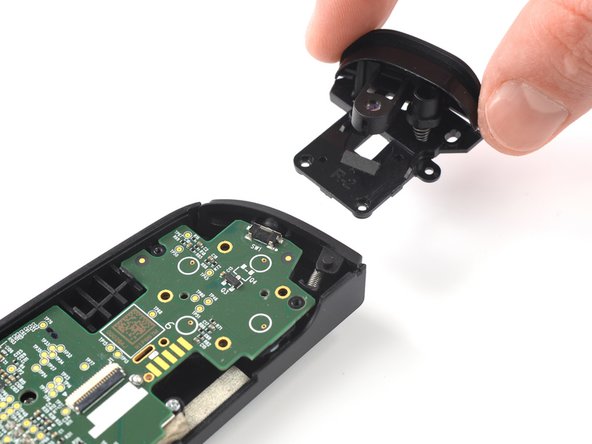
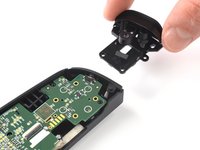
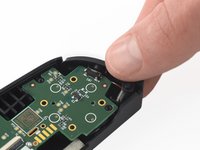
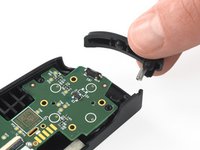
    7. Backbone One Right Mainboard Replacement, Remove the trigger: crwdns2935265:09crwdnd2935265:01crwdnd2935265:02crwdne2935265:0 Backbone One Right Mainboard Replacement, Remove the trigger: crwdns2935265:09crwdnd2935265:02crwdnd2935265:02crwdne2935265:0
      • Remove the trigger.

      crwdns2952109:0crwdne2952109:0

      crwdns2917038:0crwdne2917038:0

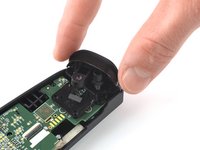
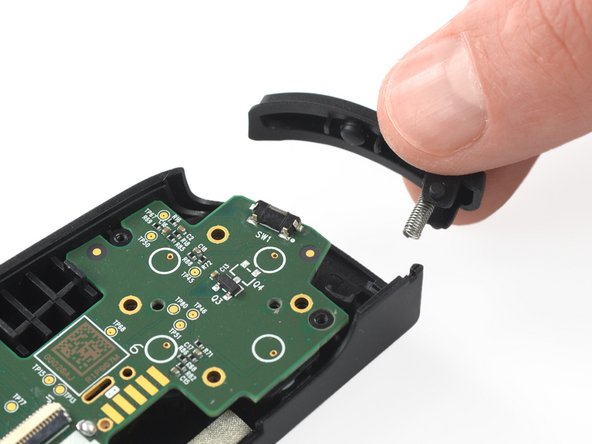
    1. Backbone One Right Mainboard Replacement, Remove the bumper: crwdns2935265:010crwdnd2935265:01crwdnd2935265:02crwdne2935265:0 Backbone One Right Mainboard Replacement, Remove the bumper: crwdns2935265:010crwdnd2935265:02crwdnd2935265:02crwdne2935265:0
      • Remove the bumper.

      crwdns2952109:0crwdne2952109:0

      crwdns2917038:0crwdne2917038:0

    1. Backbone One Right Mainboard Replacement, Remove the screws: crwdns2935265:011crwdnd2935265:01crwdnd2935265:01crwdne2935265:0
      • Use a Phillips screwdriver to remove the two 3.9 mm-long screws.

      crwdns2952109:0crwdne2952109:0

      crwdns2917038:0crwdne2917038:0

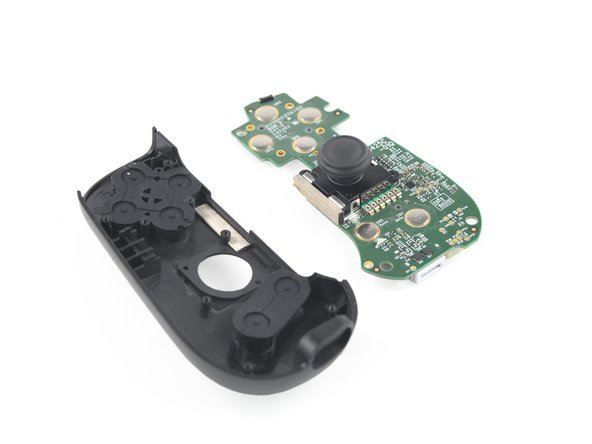
    2. Backbone One Right Mainboard Replacement, Remove the mainboard: crwdns2935265:012crwdnd2935265:01crwdnd2935265:03crwdne2935265:0 Backbone One Right Mainboard Replacement, Remove the mainboard: crwdns2935265:012crwdnd2935265:02crwdnd2935265:03crwdne2935265:0 Backbone One Right Mainboard Replacement, Remove the mainboard: crwdns2935265:012crwdnd2935265:03crwdnd2935265:03crwdne2935265:0
      • Remove the mainboard.

      crwdns2952109:0crwdne2952109:0

      crwdns2917038:0crwdne2917038:0

crwdns2915888:0crwdne2915888:0

To reassemble your device, follow these instructions in reverse order.

Take your e-waste to an R2 or e-Stewards certified recycler.

Repair didn’t go as planned? Ask our Answers community for help.

crwdns2935221:0crwdne2935221:0

crwdns2935227:0crwdne2935227:0

Adriana Zwink

crwdns2935283:012/18/19crwdne2935283:0

68,072 crwdns2915208:0crwdne2915208:0

crwdns2935297:0167crwdne2935297:0

crwdns2935287:0crwdne2935287:0

iFixit crwdns2935289:0iFixitcrwdne2935289:0

Staff

crwdns2931471:0123crwdne2931471:0

crwdns2935297:058,163crwdne2935297:0

crwdns2947410:01crwdne2947410:0

Where do I find this replacement part?

pete_r10@live.com - crwdns2934203:0crwdne2934203:0 crwdns2950251:0crwdne2950251:0
crwdns2917038:0crwdne2917038:0

crwdns2936625:0crwdne2936625:0:

crwdns2936751:024crwdne2936751:0 13

crwdns2936753:07crwdne2936753:0 16

crwdns2936753:030crwdne2936753:0 42

crwdns2942667:0crwdne2942667:0 2,127