crwdns2933423:0crwdne2933423:0
crwdns2947577:0crwdnd2947577:0crwdne2947577:0

Asus A53S Fan Assembly Replacement

crwdns2942213:0crwdne2942213:0

  1. Asus A53S Fan Assembly Replacement, Motherboard: crwdns2935265:01crwdnd2935265:01crwdnd2935265:03crwdne2935265:0 Asus A53S Fan Assembly Replacement, Motherboard: crwdns2935265:01crwdnd2935265:02crwdnd2935265:03crwdne2935265:0 Asus A53S Fan Assembly Replacement, Motherboard: crwdns2935265:01crwdnd2935265:03crwdnd2935265:03crwdne2935265:0
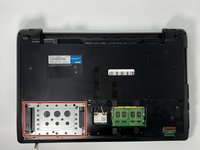
    • Power off your device and remove the battery before beginning this guide.

    • Flip the laptop so the underside is facing up.

    • Using a Phillips #01 screwdriver, unscrew the two 6 mm screws.

    crwdns2952109:0crwdne2952109:0
  2. Asus A53S Fan Assembly Replacement: crwdns2935265:02crwdnd2935265:01crwdnd2935265:02crwdne2935265:0 Asus A53S Fan Assembly Replacement: crwdns2935265:02crwdnd2935265:02crwdnd2935265:02crwdne2935265:0
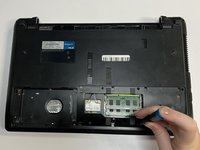
    • Place a spudger under the white wire and pull it up gently, disconnecting it from the Wi-Fi card.

    • Use the same method on the black wire.

    crwdns2952109:0crwdne2952109:0
  3. Asus A53S Fan Assembly Replacement: crwdns2935265:03crwdnd2935265:01crwdnd2935265:03crwdne2935265:0 Asus A53S Fan Assembly Replacement: crwdns2935265:03crwdnd2935265:02crwdnd2935265:03crwdne2935265:0 Asus A53S Fan Assembly Replacement: crwdns2935265:03crwdnd2935265:03crwdnd2935265:03crwdne2935265:0
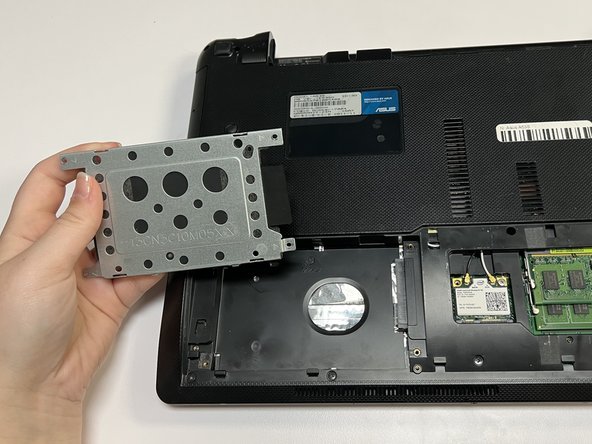
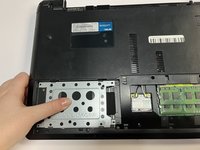
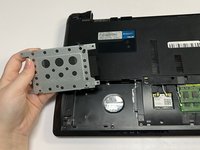
    • Push the hard drive to the left and remove it.

    crwdns2952109:0crwdne2952109:0
  4. Asus A53S Fan Assembly Replacement: crwdns2935265:04crwdnd2935265:01crwdnd2935265:02crwdne2935265:0 Asus A53S Fan Assembly Replacement: crwdns2935265:04crwdnd2935265:02crwdnd2935265:02crwdne2935265:0
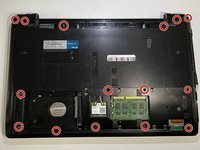
    • Using a Phillips #01 screwdriver, unscrew the fifteen 6 mm screws.

    crwdns2952109:0crwdne2952109:0
  5. Asus A53S Fan Assembly Replacement: crwdns2935265:05crwdnd2935265:01crwdnd2935265:02crwdne2935265:0 Asus A53S Fan Assembly Replacement: crwdns2935265:05crwdnd2935265:02crwdnd2935265:02crwdne2935265:0
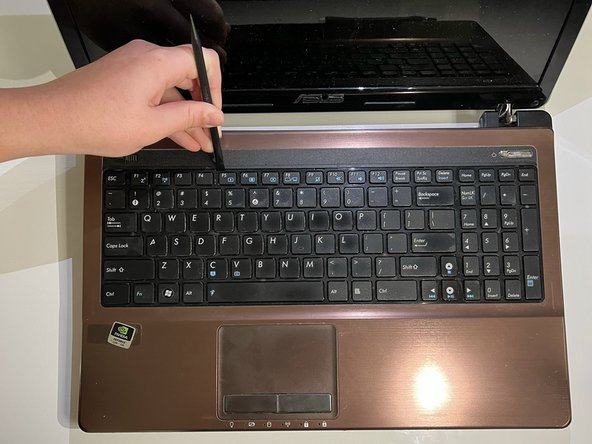
    • Flip over the laptop and open it.

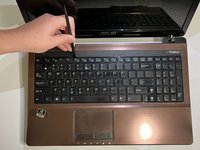
    • Using the spudger, insert the flat end into the notches at the top of the keyboard and slowly "pop" the keyboard up and out of the device.

    crwdns2952109:0crwdne2952109:0
  6. Asus A53S Fan Assembly Replacement: crwdns2935265:06crwdnd2935265:01crwdnd2935265:02crwdne2935265:0 Asus A53S Fan Assembly Replacement: crwdns2935265:06crwdnd2935265:02crwdnd2935265:02crwdne2935265:0
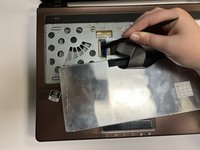
    • Using the flat end of the spudger, lift the black ZIF connector lock bar and disconnect the keyboard from the computer.

    • Remove the keyboard.

    crwdns2952109:0crwdne2952109:0
  7. Asus A53S Fan Assembly Replacement: crwdns2935265:07crwdnd2935265:01crwdnd2935265:02crwdne2935265:0 Asus A53S Fan Assembly Replacement: crwdns2935265:07crwdnd2935265:02crwdnd2935265:02crwdne2935265:0
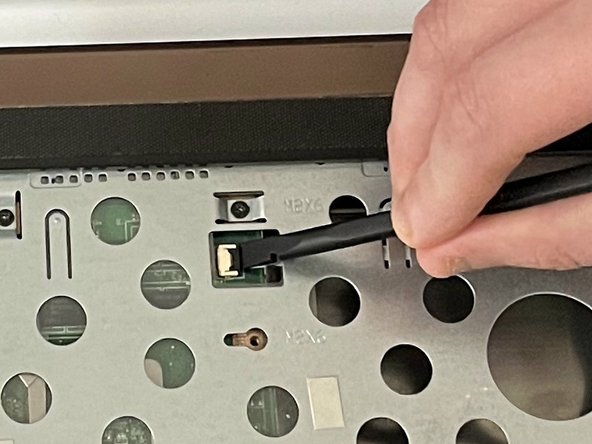
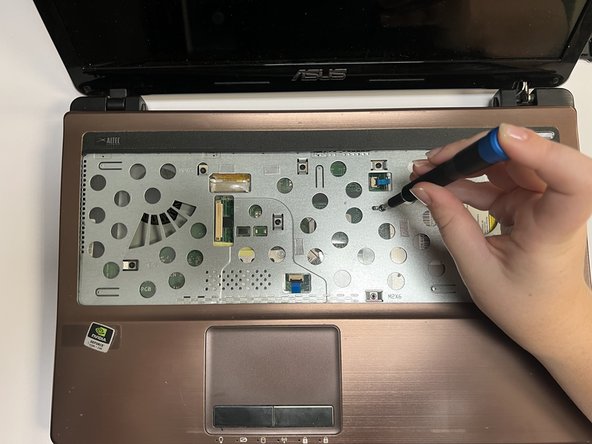
    • Using the spudger, place the flat end under the black lock bar holding the power switch. Push the spudger up and to the left, disconnecting the power switch.

    • Use the same technique on the touchpad to disconnect it.

    crwdns2952109:0crwdne2952109:0
  8. Asus A53S Fan Assembly Replacement: crwdns2935265:08crwdnd2935265:01crwdnd2935265:02crwdne2935265:0 Asus A53S Fan Assembly Replacement: crwdns2935265:08crwdnd2935265:02crwdnd2935265:02crwdne2935265:0
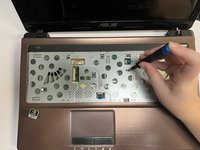
    • Using a Phillips #01 screwdriver, unscrew the seven 6 mm screws.

    crwdns2952109:0crwdne2952109:0
  9. Asus A53S Fan Assembly Replacement: crwdns2935265:09crwdnd2935265:01crwdnd2935265:01crwdne2935265:0
    • Gently pull out the optical drive.

    crwdns2952109:0crwdne2952109:0
  10. Asus A53S Fan Assembly Replacement: crwdns2935265:010crwdnd2935265:01crwdnd2935265:01crwdne2935265:0
    • Flip the laptop back over so that the bottom is facing up.

    • Use a Phillips #01 screwdriver to unscrew the three 6 mm screws.

    crwdns2952109:0crwdne2952109:0
  11. Asus A53S Fan Assembly Replacement: crwdns2935265:011crwdnd2935265:01crwdnd2935265:02crwdne2935265:0 Asus A53S Fan Assembly Replacement: crwdns2935265:011crwdnd2935265:02crwdnd2935265:02crwdne2935265:0
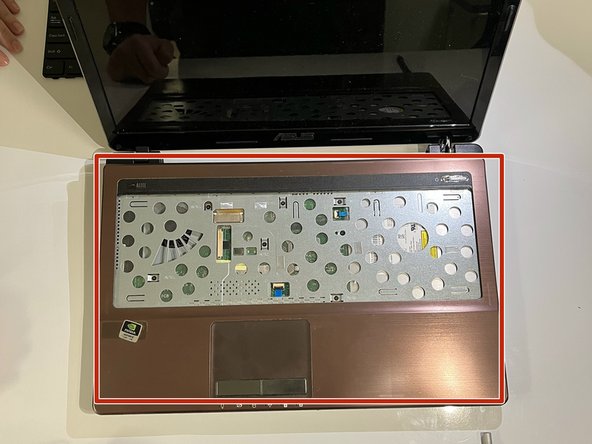
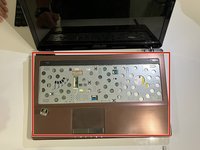
    • Turn the laptop back over so that you can open it.

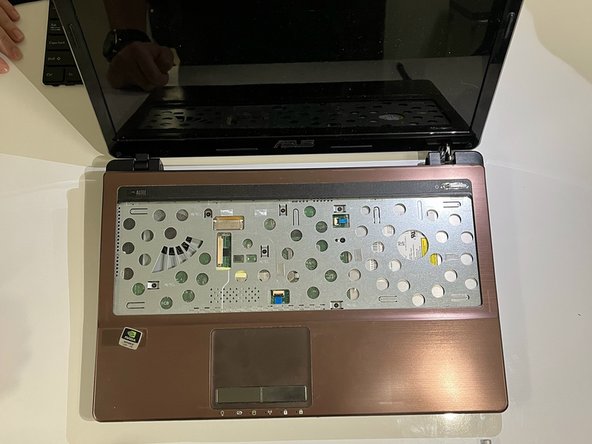
    • Gently separate the cover from the laptop by putting an opening tool between the cover and the lower part of the laptop.

    crwdns2952109:0crwdne2952109:0
  12. Asus A53S Fan Assembly Replacement: crwdns2935265:012crwdnd2935265:01crwdnd2935265:01crwdne2935265:0
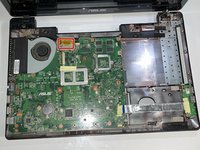
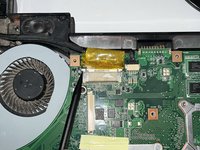
    • Remove the yellow tape.

    crwdns2952109:0crwdne2952109:0
  13. Asus A53S Fan Assembly Replacement: crwdns2935265:013crwdnd2935265:01crwdnd2935265:01crwdne2935265:0
    • Using the flat end of a spudger, flip ZIF connector lock bar up, disconnecting the USB board from the mother board.

    crwdns2952109:0crwdne2952109:0
  14. Asus A53S Fan Assembly Replacement: crwdns2935265:014crwdnd2935265:01crwdnd2935265:02crwdne2935265:0 Asus A53S Fan Assembly Replacement: crwdns2935265:014crwdnd2935265:02crwdnd2935265:02crwdne2935265:0
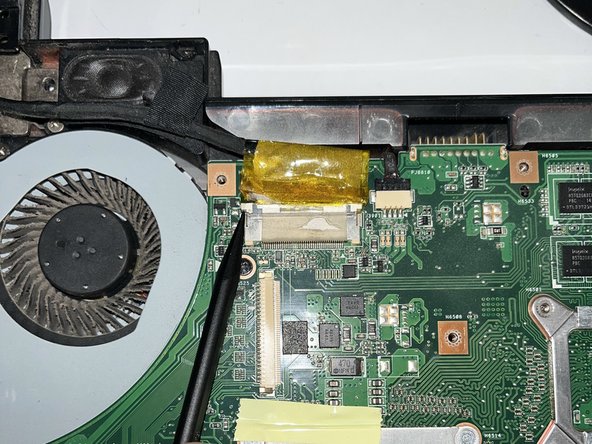
    • Using the pointy end of a spudger, push upwards on the notches of the tan part of the LCD connector.

    crwdns2952109:0crwdne2952109:0
  15. Asus A53S Fan Assembly Replacement: crwdns2935265:015crwdnd2935265:01crwdnd2935265:02crwdne2935265:0 Asus A53S Fan Assembly Replacement: crwdns2935265:015crwdnd2935265:02crwdnd2935265:02crwdne2935265:0
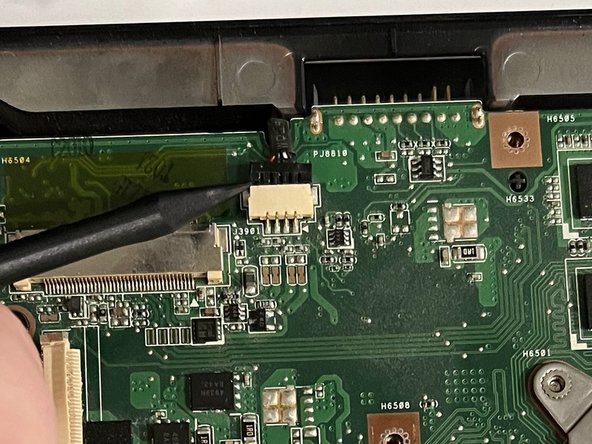
    • Using the pointy end of a spudger, gently push upwards on the black part of the speaker connector.

    crwdns2952109:0crwdne2952109:0
  16. Asus A53S Fan Assembly Replacement: crwdns2935265:016crwdnd2935265:01crwdnd2935265:02crwdne2935265:0 Asus A53S Fan Assembly Replacement: crwdns2935265:016crwdnd2935265:02crwdnd2935265:02crwdne2935265:0
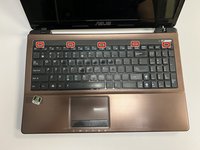
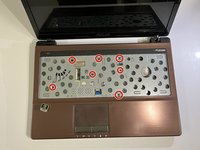
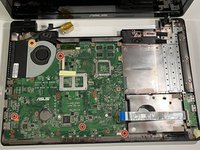
    • Using a Phillips #01 screwdriver, unscrew the five 6 mm screws at the indicated places.

    • Using a Phillips #01 screwdriver, unscrew the 5 mm screws.

    • All of these screws are indicated by a small white arrow.

    crwdns2952109:0crwdne2952109:0
  17. Asus A53S Fan Assembly Replacement: crwdns2935265:017crwdnd2935265:01crwdnd2935265:02crwdne2935265:0 Asus A53S Fan Assembly Replacement: crwdns2935265:017crwdnd2935265:02crwdnd2935265:02crwdne2935265:0
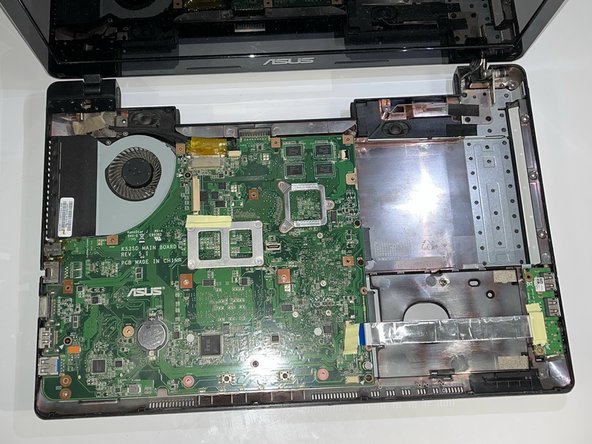
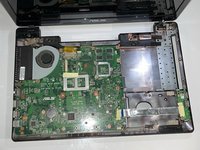
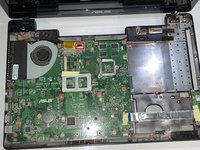
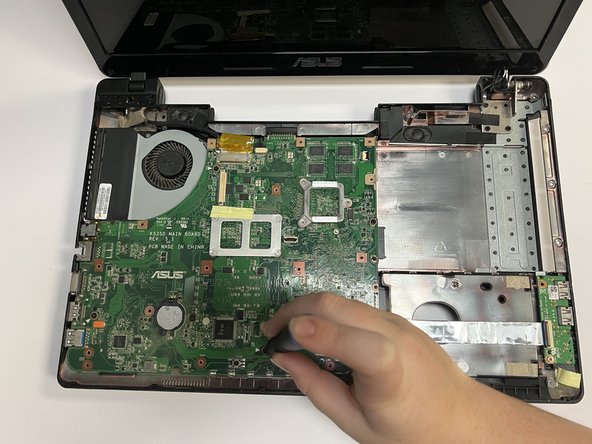
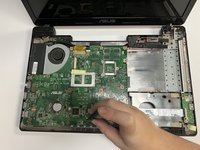
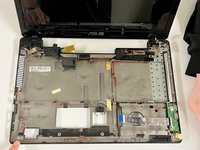
    • Gently lift the motherboard, removing it from the laptop shell.

    crwdns2952109:0crwdne2952109:0
  18. Asus A53S Fan Assembly Replacement, Fan Assembly: crwdns2935265:018crwdnd2935265:01crwdnd2935265:03crwdne2935265:0 Asus A53S Fan Assembly Replacement, Fan Assembly: crwdns2935265:018crwdnd2935265:02crwdnd2935265:03crwdne2935265:0 Asus A53S Fan Assembly Replacement, Fan Assembly: crwdns2935265:018crwdnd2935265:03crwdnd2935265:03crwdne2935265:0
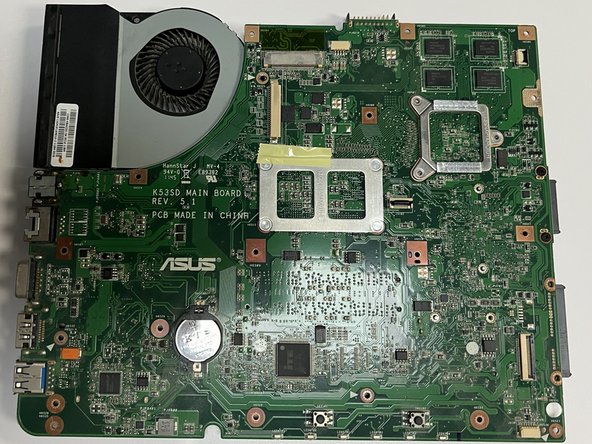
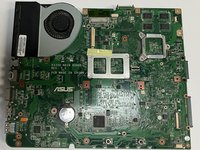
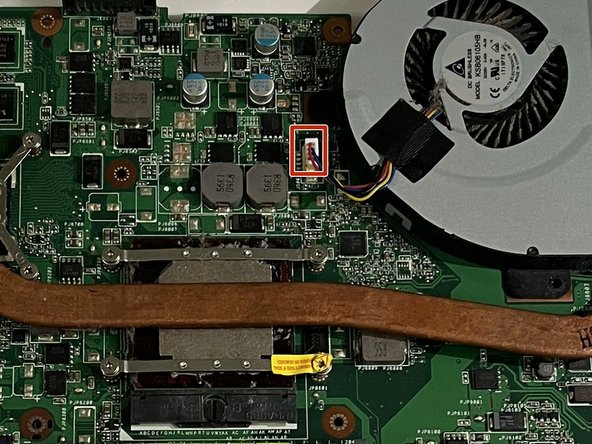
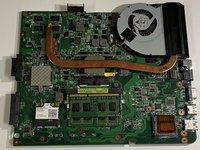
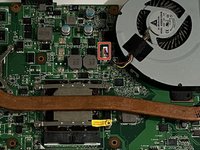
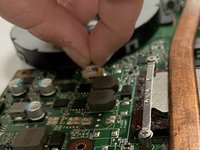
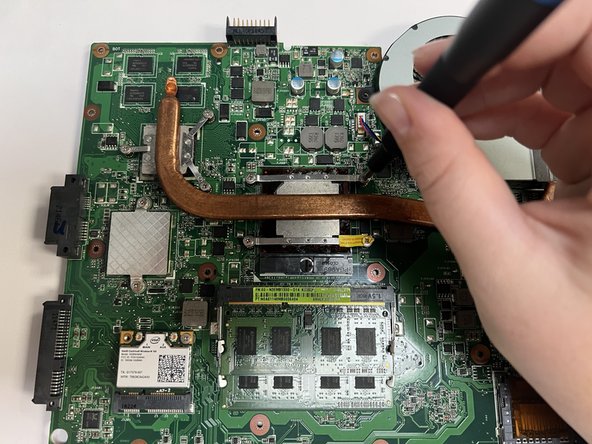
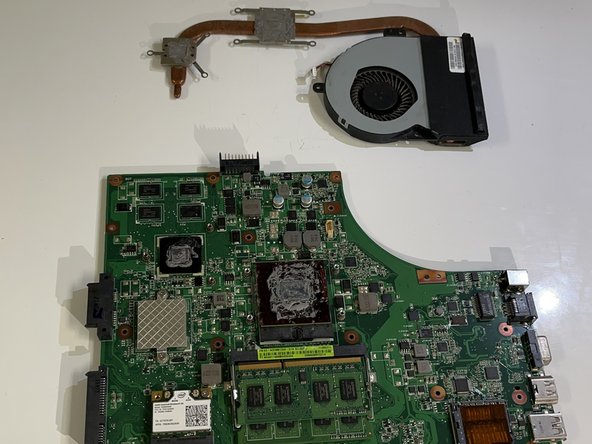
    • Flip the motherboard so that the fan and heat sink are facing up.

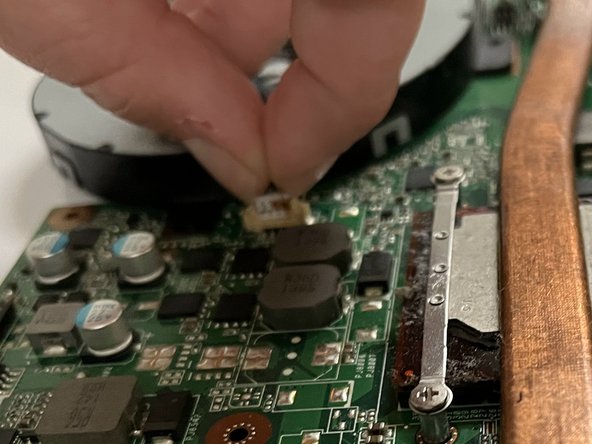
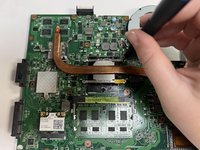
    • Pinch the upper part of the connector and pull upwards, slightly shimmying it side to side, to disconnect the fan.

    crwdns2952109:0crwdne2952109:0
  19. Asus A53S Fan Assembly Replacement: crwdns2935265:019crwdnd2935265:01crwdnd2935265:03crwdne2935265:0 Asus A53S Fan Assembly Replacement: crwdns2935265:019crwdnd2935265:02crwdnd2935265:03crwdne2935265:0 Asus A53S Fan Assembly Replacement: crwdns2935265:019crwdnd2935265:03crwdnd2935265:03crwdne2935265:0
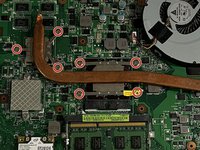
    • Using a Phillips #01 screwdriver, unscrew the seven 5 mm screws.

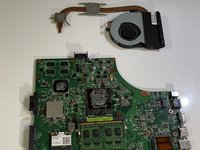
    • Remove the fan assembly.

    crwdns2952109:0crwdne2952109:0
crwdns2915888:0crwdne2915888:0

To reassemble your device, follow these instructions in reverse order.

crwdns2935229:02crwdne2935229:0

Ethan Martins

crwdns2935283:009/22/22crwdne2935283:0

115 crwdns2915208:0crwdne2915208:0

crwdns2935295:0crwdne2935295:0

crwdns2935287:0crwdne2935287:0

University of North Texas, Team 3-1, Saru Jimmy Fall 2022 crwdns2935289:0University of North Texas, Team 3-1, Saru Jimmy Fall 2022crwdne2935289:0

UNT-SARU JIMMY-F22S3G1

crwdns2931471:04crwdne2931471:0

crwdns2935297:06crwdne2935297:0

crwdns2947412:00crwdne2947412:0

crwdns2917038:0crwdne2917038:0

crwdns2936625:0crwdne2936625:0:

crwdns2936751:024crwdne2936751:0 3

crwdns2936753:07crwdne2936753:0 13

crwdns2936753:030crwdne2936753:0 68

crwdns2942667:0crwdne2942667:0 954