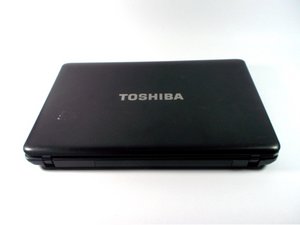

Keyboard is not working
My Keyboard not work
crwdns2934109:0crwdne2934109:0
crwdns2889612:0crwdne2889612:0
0
My Keyboard not work
crwdns2934109:0crwdne2934109:0
crwdns2934065:0crwdne2934065:0: 53.9crwdns2936485:0crwdne2936485:0
 20
 21
 37
Hi!
So, what isn't working? As in the keyboard does not get detected? Or some buttons aren't working? Or something else?
And since when did this happen?
Anyway, if you need to replace the keyboard, this is the guide to follow: Toshiba Satellite c650d Keyboard Replacement
You can still plug in an external keyboard to keep working on it, in the meantime.
crwdns2934105:0crwdne2934105:0
crwdns2936751:024crwdne2936751:0 1
crwdns2936753:07crwdne2936753:0 2
crwdns2936753:030crwdne2936753:0 19
crwdns2959996:0crwdne2959996:0 19

