
Help identifying FPC connector ribbon
Hello everyone!
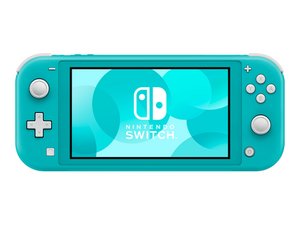
I recently started my soldering journey and decided to step up buying a faulty NS Lite.
The assessment from the vendor was no power, no charge, no LCD. I tried soft reseting and suddenly I was getting weak power draw instead of 0.
After some time it was able to reach 15V, 0,46A and 6,94W. The battery is at 4.1V so it looks healthy.
Upon eye inspection I noticed that the 29 pin FPC connector that sits right above the battery connector was missing the white cover that holds the cable in place. Under the microscope I noticed some damage to the FPC connector pins inside it. Checking the ribbon cable confirmed this since I could see some lifted traces in the cable due to the connector.
I have identified that I need the 29 pin FPC connector but I am having trouble identifying what ribbon cable is this. I am seeing everywhere daughterboard, Left pad and these names and I feel lost. Would appreciate some directions <3


crwdns2934109:0crwdne2934109:0

 10
10  29
29  46
46 