crwdns2933423:0crwdne2933423:0
crwdns2947577:0crwdnd2947577:0crwdne2947577:0

iSight (FaceTime) camera cable replacement?

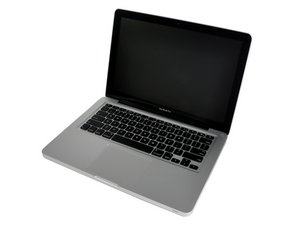
Hello all, I broke the iSight/FaceTime camera cable on my Late 2011 MacBook Pro, I plan to replace the cable but I don't know what is the right way to do it.

Methods I've seen:
1. Replace the entire screen assembly (expensive
2. Disassembly the entire screen assembly (cheaper but difficult)

Based on few part images I've found on online shops like AliExpress, it seems like there's two cables for the camera. One is just the cable, and the other is part of the WiFi/Bluetooth antenna module. Are there two cables for the iSight/FaceTime camera? Is there one connecting the camera module to the antenna then the antenna to the motherboard? How can I replace it for cheap and easy?

Thanks

Block Image
crwdns2934089:0crwdne2934089:0 crwdns2934093:0crwdne2934093:0

crwdns2934109:0crwdne2934109:0

crwdns2889612:0crwdne2889612:0 0

crwdns2934285:0crwdne2934285:0

crwdns2933313:01crwdne2933313:0

There are a group of cables passing thru the hollow hinge, only one is the camera cable. Because the cables are hostage within the hinge they all get replaced together.

Block Image

crwdns2934105:0crwdne2934105:0

crwdns2889612:0crwdne2889612:0 0

crwdns2947414:01crwdne2947414:0:

So can I just replace the antennas (where the cables are) to get the camera back or do I still have to disassemble the display assembly just to replace the camera cable?

crwdns2934271:0crwdnd2934271:0crwdne2934271:0

crwdns2934285:0crwdne2934285:0

crwdns2934229:0crwdne2934229:0

Raine Gillingham crwdns2934231:0crwdne2934231:0
crwdns2936625:0crwdne2936625:0:

crwdns2936751:024crwdne2936751:0 7

crwdns2936753:07crwdne2936753:0 7

crwdns2936753:030crwdne2936753:0 7

crwdns2942667:0crwdne2942667:0 7