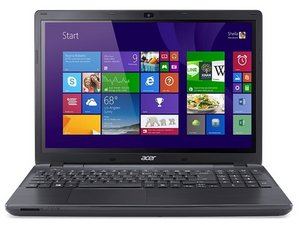

I guess there are possible things to consider as a problem, depending on the brand of your laptop. Follow this step: 1. Display settings misconfigured; maybe it was set up to output to an external monitor only. Try Fn +a key like F4/F5/F8, depending on your laptop brand. 2. Faulty screen Backlight might have failed. Shine a flashlight close to the screen at an angle if you can faintly see any content, if you see it then the backlight or its inverter is the main issue. 3. BIOS/UEFI may be outdated or corrupted taht could prevent the display from initializing the BIOS.
crwdns2934105:0crwdne2934105:0
crwdns2934113:0crwdne2934113:0
crwdns2915270:0crwdne2915270:0
crwdns2889612:0crwdne2889612:0
1