
 5
5  2
2 File Explorer Unable to Find Photos
Hi Everyone!
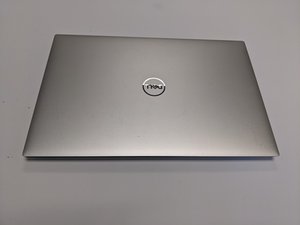
I'm currently having a software issue with an Dell XPS 15, which is running on Windows 11 Pro 26200.7623. When I attempt to upload a photo to a website, the File Explorer box in the upper left corner opens as usual. However, when I type the file name in the "Home" box or the "Pictures" box, no files appear.
All of these files are located in the Photos App, and when I open the seperate OneDrive box, they are visible as well. From OneDrive, I am able to click and drag the image to upload (that's how I uploaded the image here).
I have already restarted the device, and it appears that everything is up to date. I also checked TaskManager, and everything seems normal (CPU normal speed, RAM has plenty of space, etc).
I'd appreciate any help in resolving this issue!

crwdns2934109:0crwdne2934109:0

 1.5crwdns2936485:0crwdne2936485:0
