crwdns2933423:0crwdne2933423:0
crwdns2947577:0crwdnd2947577:0crwdne2947577:0

Why is the folder on the screen

How to get the folder of the screen

Update (01/02/26)

I was on the laptop and I cut it off and I cut it back on and the folder was in it

crwdns2934089:0crwdne2934089:0 crwdns2934093:0crwdne2934093:0

crwdns2934109:0crwdne2934109:0

crwdns2889612:0crwdne2889612:0 0
crwdns2934285:0crwdne2934285:0

crwdns2933313:01crwdne2933313:0

The flashing folder suggests that the O/S has not been detected,here are some things to try:

1 - Open the laptop, and remove and re-seat the SSD and then try turning it on.

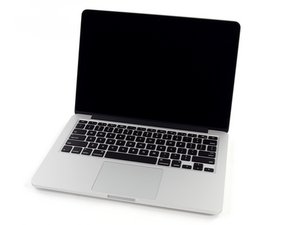
MacBook Pro 13" Retina Display Late 2013 SSD Replacement

2 - Reinstall MacOS https://support.apple.com/en-ph/102655

crwdns2934105:0crwdne2934105:0

crwdns2889612:0crwdne2889612:0 0
crwdns2934285:0crwdne2934285:0

crwdns2934229:0crwdne2934229:0

Jackson crwdns2934231:0crwdne2934231:0
crwdns2936625:0crwdne2936625:0:

crwdns2936751:024crwdne2936751:0 1

crwdns2936753:07crwdne2936753:0 3

crwdns2936753:030crwdne2936753:0 7

crwdns2942667:0crwdne2942667:0 42