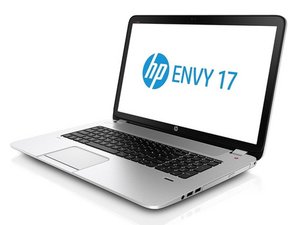
the webcam is not showing up in device manager, i have followed every online fix from google. i need the camera for my zoom meetings. the last time i used my webcam was march 2021, i needed it Aug. 2022 and it said missing
Have you reloaded or upgraded the operating system? Checked the HP website for the webcam device driver? What exactly told you the webcam was missing - did the Zoom application not find any cameras?
So if it's not in the device manager, there are a few ways of trying to fix this
If you go to the HP Driver Webpage and check the laptop drivers, see if there is either a BIOS or Webcam Driver you can install. I don't know the exact model of laptop, but if you give it to me, I can find the drivers.
You can also go to Action > Scan For Hardware Changes and see if the webcam is detected
Worst case you may have to do a Reset the PC by Clicking here
If you choose to do this, you can keep your files, but loose installed applications
Well I will suggest to check for the driver updated because some time an outdated device driver can also be the cause of the issue. So I will suggest to updated your driver to the latest version you can update the driver from the official website or you can use good driver updater software like Advanced Driver Updater.
And also try to check or update the zoom application to the latest version.
Perhaps there is an option in the BIOS menu to turn the camera on or off?
crwdns2934271:0crwdnd2934271:0 mike crwdne2934271:0
Have you reloaded or upgraded the operating system? Checked the HP website for the webcam device driver? What exactly told you the webcam was missing - did the Zoom application not find any cameras?
crwdns2934271:0crwdnd2934271:0 Jerry Wheeler crwdne2934271:0
Hi M O
What is the full model number of the laptop as shown on the information label on the bottom of the laptop?
crwdns2934271:0crwdnd2934271:0 jayeff crwdne2934271:0