crwdns2915892:0crwdne2915892:0
This guide is for an iBUYPOWER WA550B desktop computer.
Before using this guide, try to re-install Windows and see if the solid-state drive appears in the re-installation media. If you cannot find it, try going into the BIOS. If you are still unable to find it open up the case and ensure that the SATA power and data cables are plugged in. One last thing you can do is to replace the SATA power and data cables. If you are still unable to locate the solid-state drive, this will confirm that it needs to be replaced.
Before beginning, make sure that the computer is turned off and unplugged from a power source.
crwdns2942213:0crwdne2942213:0
-
-
-
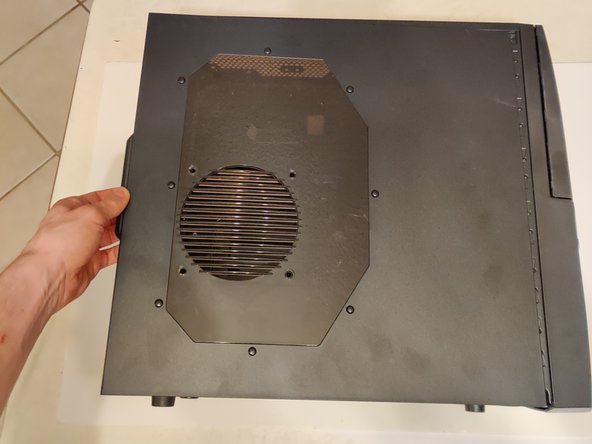
Remove the 6mm thumbscrews for the side panels.
 crwdns2952109:0crwdne2952109:0
-
-
-
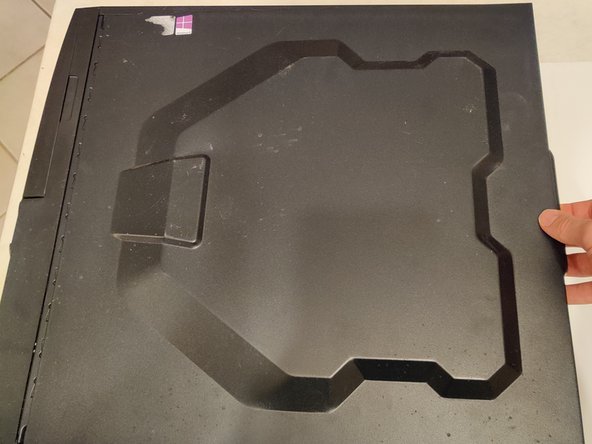
Slide each side panel off.
-
-
-
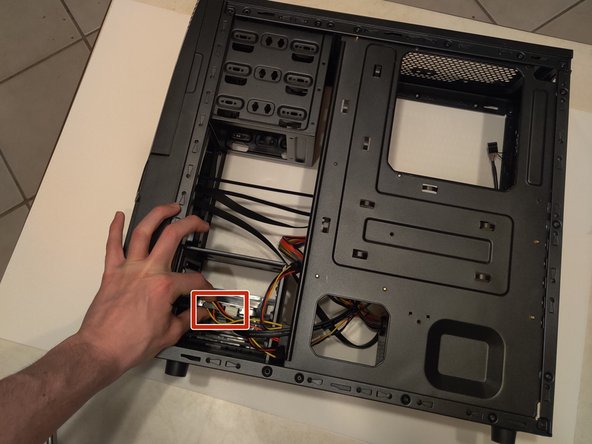
Remove both the SATA power and the SATA data cables from the SSD.
-
-
-
-
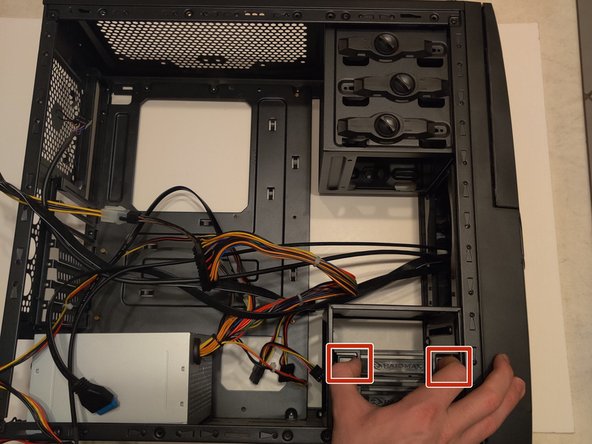
Remove the SSD mounting bracket from the case of the computer.
-
-
-
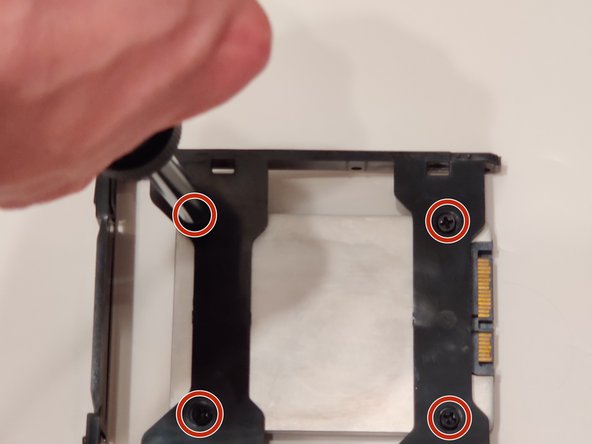
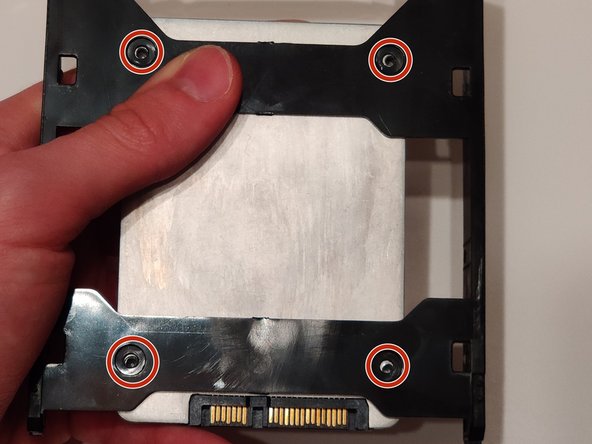
Use the Phillips #0 Screwdriver to remove the 9mm HDD screws from the SSD that are holding it to the hard drive case.
-
-
-
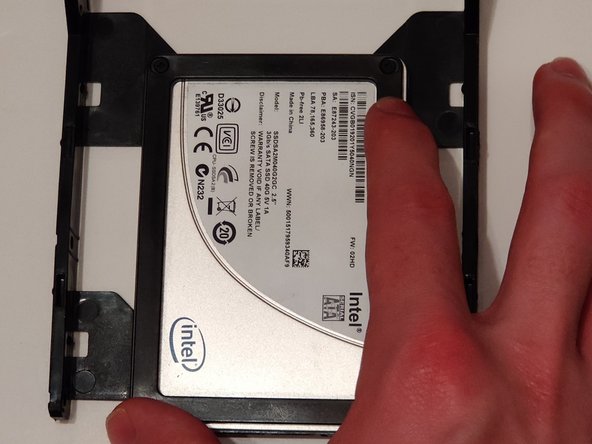
Remove the broken SSD from the mounting bracket.
-
-
-
Place the new SSD in the hard drive case, and line it up with the screw holes.
-
-




You have now successfully replaced the SATA Solid-State Drive for your computer!

crwdns2935287:0crwdne2935287:0

University of Memphis, Team S5-G8, Willis Spring 2020 crwdns2935289:0University of Memphis, Team S5-G8, Willis Spring 2020crwdne2935289:0
UM-WILLIS-S20S5G8
crwdns2934841:01crwdne2934841:0
crwdns2935297:012crwdne2935297:0
