crwdns2915892:0crwdne2915892:0
The Zenbre SoundBank Z3 bluetooth speaker is built for portable music. If your device speaker is producing no sound, low audio or damage, replacing the internal speakers can restore its performance and make the device last longer, plus keeping it out of landfill. This repair guide will provide you a step by step process of removing and replacing the speakers from the device. Soldering skill is needed to remove and replace the speaker, likely resolving problems of sound performance or broken speakers.
crwdns2942213:0crwdne2942213:0
-
-
Turn over the device.
-
Peel the silicone feet up to remove.
-
-
-
Remove all eight of the 11 mm Phillips screws from the bottom of the device.
-
-
-
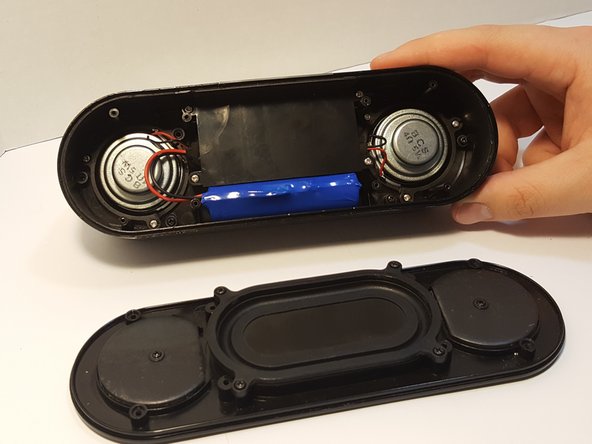
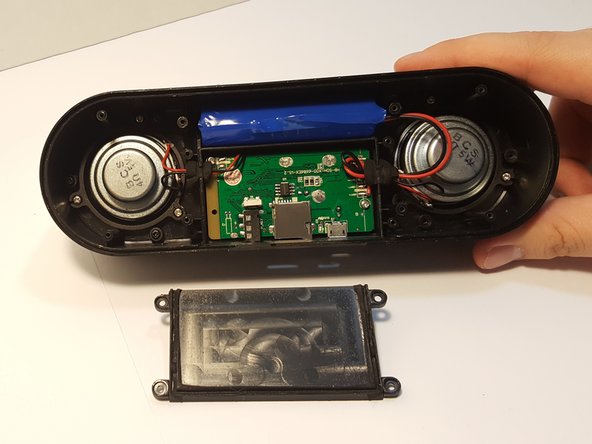
Remove the bottom panel speaker using an iFixit opening tool.
-
-
-
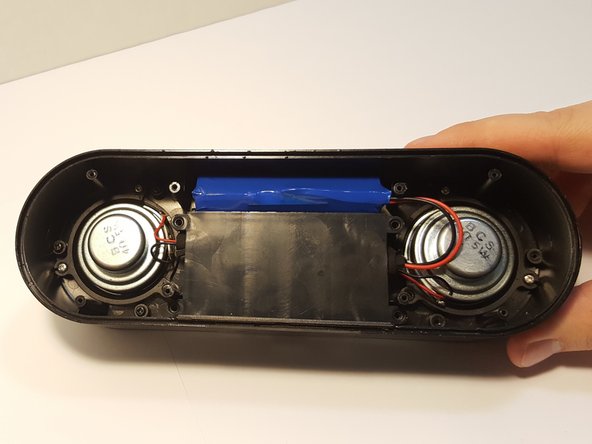
Remove the four 4.5 mm silver Phillips screws that secure the plastic panel covering the motherboard.
-
Remove the plastic panel.
-
-
-
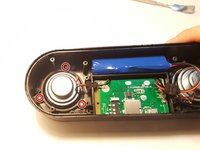
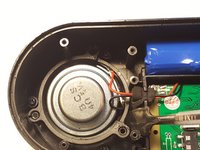
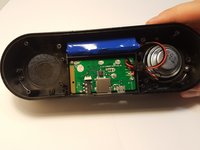
Remove the three screws that are holding the speaker down.
-
-
-
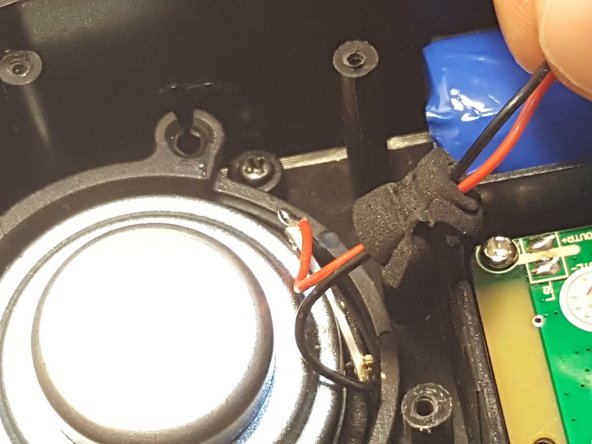
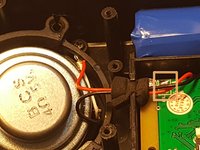
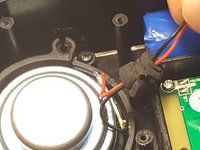
Desolder the speaker joints from the motherboard. Follow this How To Solder guide for help with desoldering.
-
-
-
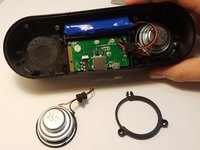
Remove the speaker from the motherboard.
-
Remove the speaker ring.
-
Repeat Steps 5-7 with the other speaker.
-








To reassemble your device, follow these instructions in reverse order.
crwdns2935221:0crwdne2935221:0
crwdns2935227:0crwdne2935227:0


crwdns2935287:0crwdne2935287:0

UMass Dartmouth, Team 3-2, Bhusal Spring 2016 crwdns2935289:0UMass Dartmouth, Team 3-2, Bhusal Spring 2016crwdne2935289:0
UMASSD-BHUSAL-S16S3G2
crwdns2931471:05crwdne2931471:0
crwdns2935297:08crwdne2935297:0
