crwdns2933423:0crwdne2933423:0
crwdns2947577:0crwdnd2947577:0crwdne2947577:0

Yuneec ST10 Plus Camera Switch Spring Replacement

crwdns2942213:0crwdne2942213:0

    1. Yuneec ST10 Plus Camera Switch Spring Replacement, Battery: crwdns2935265:01crwdnd2935265:01crwdnd2935265:01crwdne2935265:0
      • Flip the controller upside down to access the battery compartment.

      • Grab the compartment door and pull down.

      crwdns2952109:0crwdne2952109:0

      crwdns2917038:0crwdne2917038:0

    2. Yuneec ST10 Plus Camera Switch Spring Replacement: crwdns2935265:02crwdnd2935265:01crwdnd2935265:01crwdne2935265:0
      • Gently lift the blue tab connected to the battery in order to remove the battery from its housing.

      crwdns2952109:0crwdne2952109:0

      crwdns2917038:0crwdne2917038:0

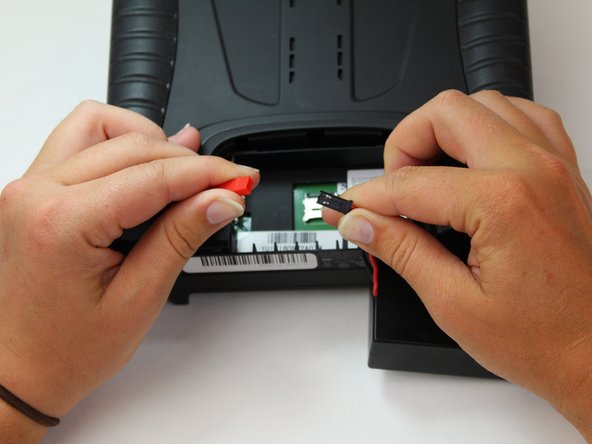
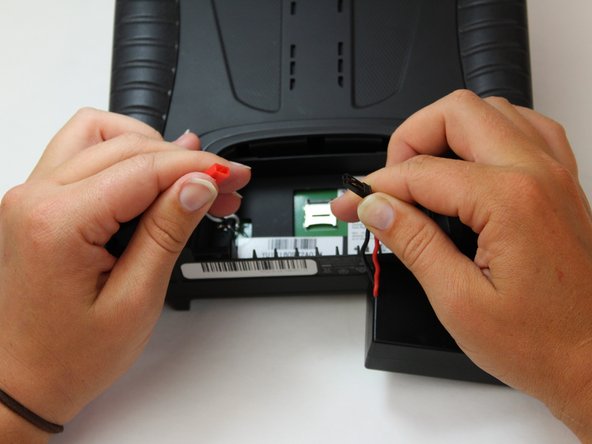
    3. Yuneec ST10 Plus Camera Switch Spring Replacement: crwdns2935265:03crwdnd2935265:01crwdnd2935265:03crwdne2935265:0 Yuneec ST10 Plus Camera Switch Spring Replacement: crwdns2935265:03crwdnd2935265:02crwdnd2935265:03crwdne2935265:0 Yuneec ST10 Plus Camera Switch Spring Replacement: crwdns2935265:03crwdnd2935265:03crwdnd2935265:03crwdne2935265:0
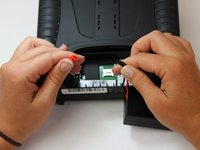
      • To disconnect the battery from the remote, grab the red and black connectors.

      • Pull gently on connectors until they disconnect.

      crwdns2952109:0crwdne2952109:0

      crwdns2917038:0crwdne2917038:0

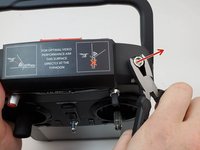
    1. Yuneec ST10 Plus Camera Switch Spring Replacement, Camera Switch: crwdns2935265:04crwdnd2935265:01crwdnd2935265:03crwdne2935265:0 Yuneec ST10 Plus Camera Switch Spring Replacement, Camera Switch: crwdns2935265:04crwdnd2935265:02crwdnd2935265:03crwdne2935265:0 Yuneec ST10 Plus Camera Switch Spring Replacement, Camera Switch: crwdns2935265:04crwdnd2935265:03crwdnd2935265:03crwdne2935265:0
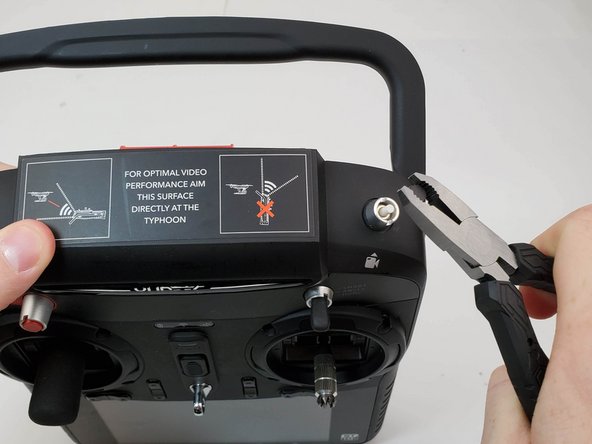
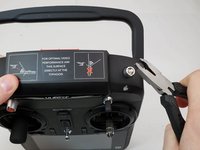
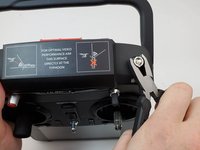
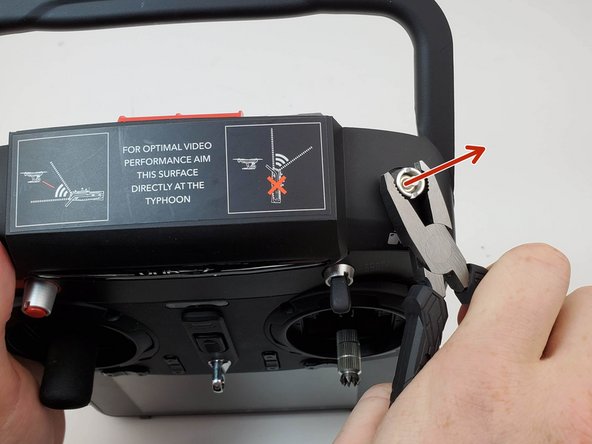
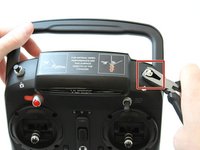
      • Grab ahold of the top of the black cap on the button with the pliers and pull up forcefully.

      crwdns2952109:0crwdne2952109:0

      crwdns2917038:0crwdne2917038:0

    2. Yuneec ST10 Plus Camera Switch Spring Replacement: crwdns2935265:05crwdnd2935265:01crwdnd2935265:02crwdne2935265:0 Yuneec ST10 Plus Camera Switch Spring Replacement: crwdns2935265:05crwdnd2935265:02crwdnd2935265:02crwdne2935265:0
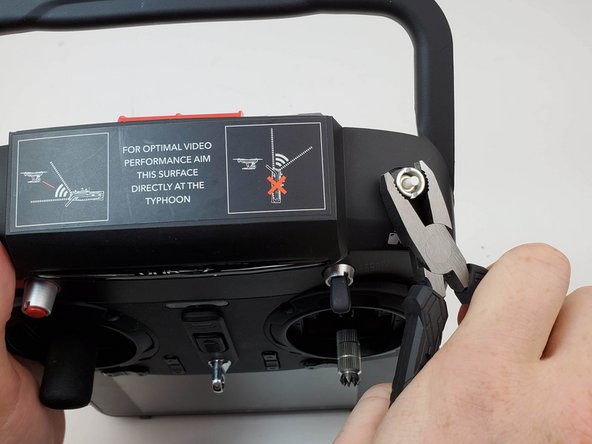
      • Twist counter clockwise on the silver portion of the device with a pair of pliers.

      crwdns2952109:0crwdne2952109:0

      crwdns2917038:0crwdne2917038:0

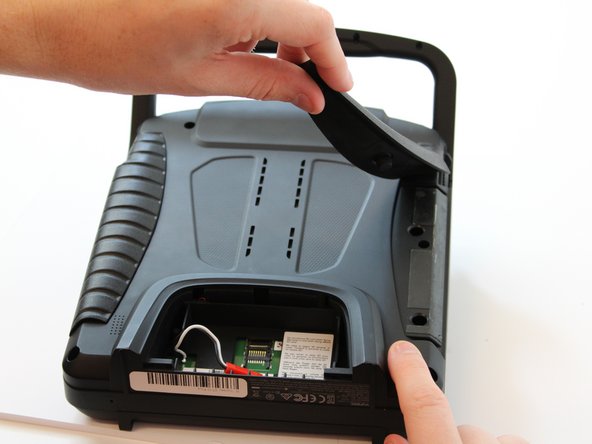
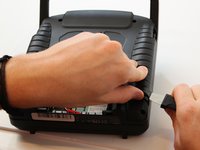
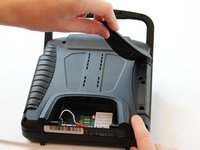
    3. Yuneec ST10 Plus Camera Switch Spring Replacement: crwdns2935265:06crwdnd2935265:01crwdnd2935265:02crwdne2935265:0 Yuneec ST10 Plus Camera Switch Spring Replacement: crwdns2935265:06crwdnd2935265:02crwdnd2935265:02crwdne2935265:0
      • Slide the Jimmy underneath the rubber grips and pry upwards.

      • With your free hand grasp the rubber grips and pull upward to remove it.

      crwdns2952109:0crwdne2952109:0

      crwdns2917038:0crwdne2917038:0

    4. Yuneec ST10 Plus Camera Switch Spring Replacement: crwdns2935265:07crwdnd2935265:01crwdnd2935265:01crwdne2935265:0
      • Remove the six 1.3 cm screws located on the back panel of the remote using the 5.5mm hex screw bit.

      crwdns2952109:0crwdne2952109:0

      crwdns2917038:0crwdne2917038:0

    5. Yuneec ST10 Plus Camera Switch Spring Replacement: crwdns2935265:08crwdnd2935265:01crwdnd2935265:01crwdne2935265:0
      • Remove the four 6mm screws from the handle using the 4mm hex driver bit.

      crwdns2952109:0crwdne2952109:0

      crwdns2917038:0crwdne2917038:0

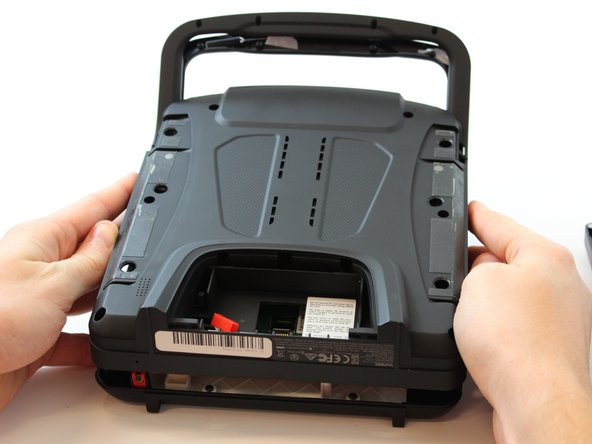
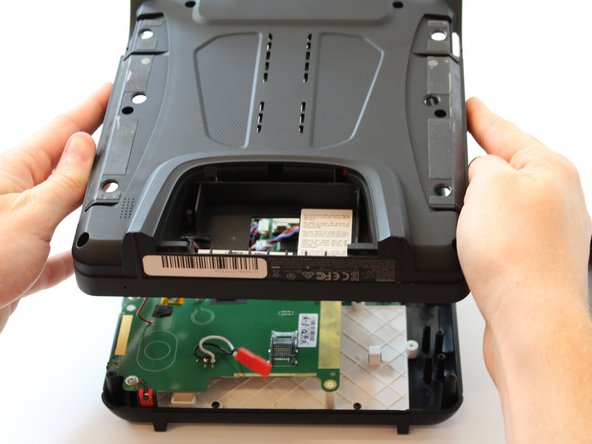
    6. Yuneec ST10 Plus Camera Switch Spring Replacement: crwdns2935265:09crwdnd2935265:01crwdnd2935265:02crwdne2935265:0 Yuneec ST10 Plus Camera Switch Spring Replacement: crwdns2935265:09crwdnd2935265:02crwdnd2935265:02crwdne2935265:0
      • Carefully pull up and over on the back panel to remove. Take your time because there are wires connecting the two panels that can easily torn.

      crwdns2952109:0crwdne2952109:0

      crwdns2917038:0crwdne2917038:0

    7. Yuneec ST10 Plus Camera Switch Spring Replacement: crwdns2935265:010crwdnd2935265:01crwdnd2935265:02crwdne2935265:0 Yuneec ST10 Plus Camera Switch Spring Replacement: crwdns2935265:010crwdnd2935265:02crwdnd2935265:02crwdne2935265:0
      • Flip your device.

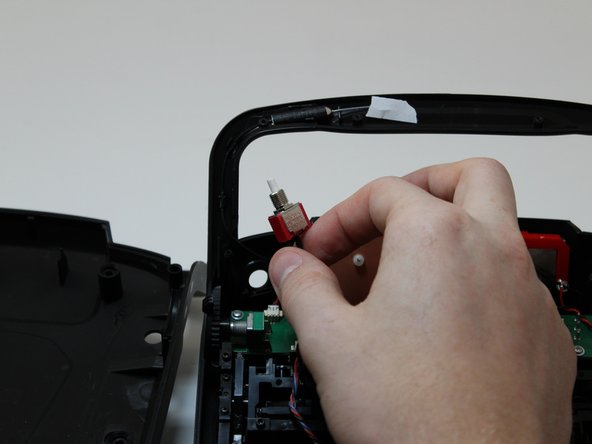
      • Once the silver cover holding the switch in place is removed, remove the switch by grabbing it and pulling back towards you.

      crwdns2952109:0crwdne2952109:0

      crwdns2917038:0crwdne2917038:0

    8. Yuneec ST10 Plus Camera Switch Spring Replacement: crwdns2935265:011crwdnd2935265:01crwdnd2935265:03crwdne2935265:0 Yuneec ST10 Plus Camera Switch Spring Replacement: crwdns2935265:011crwdnd2935265:02crwdnd2935265:03crwdne2935265:0 Yuneec ST10 Plus Camera Switch Spring Replacement: crwdns2935265:011crwdnd2935265:03crwdnd2935265:03crwdne2935265:0
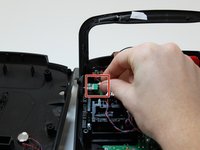
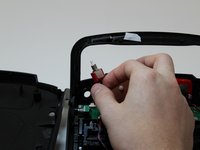
      • Once the switch is removed, disconnect the switch from the circuit board by pulling the cable from the cable connector.

      • The cable will come out by pulling it away from you if the bottom of the controller is oriented closer to you.

      crwdns2952109:0crwdne2952109:0

      crwdns2917038:0crwdne2917038:0

    1. Yuneec ST10 Plus Camera Switch Spring Replacement, Camera Switch Spring: crwdns2935265:012crwdnd2935265:01crwdnd2935265:02crwdne2935265:0 Yuneec ST10 Plus Camera Switch Spring Replacement, Camera Switch Spring: crwdns2935265:012crwdnd2935265:02crwdnd2935265:02crwdne2935265:0
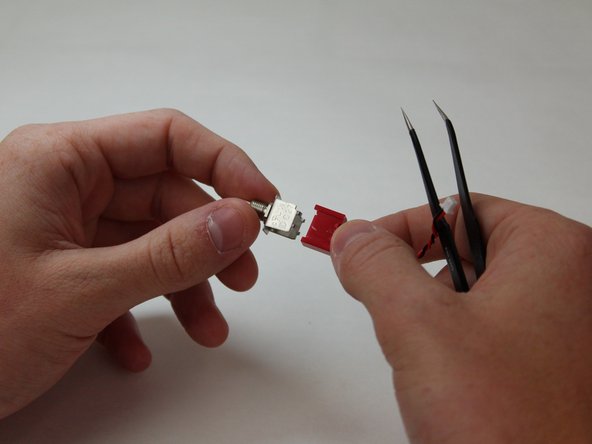
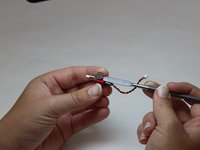
      • Carefully pry up the small metal feet surrounding the red switch connector on both sides using a metal spudger.

      • There are four feet located on the silver portion of the switch.

      crwdns2952109:0crwdne2952109:0

      crwdns2917038:0crwdne2917038:0

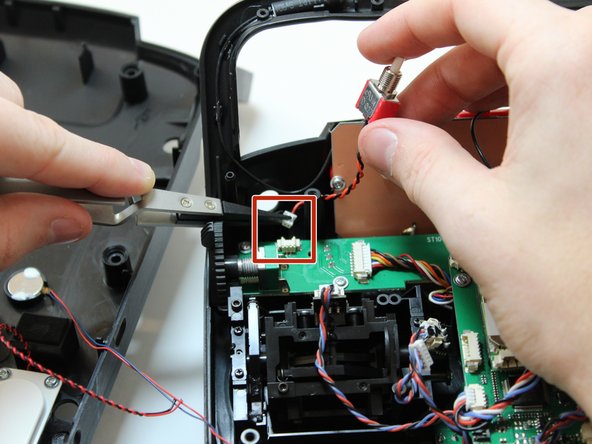
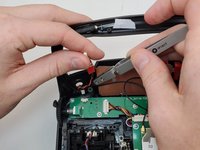
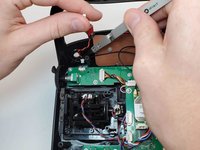
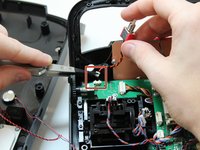
    2. Yuneec ST10 Plus Camera Switch Spring Replacement: crwdns2935265:013crwdnd2935265:01crwdnd2935265:03crwdne2935265:0 Yuneec ST10 Plus Camera Switch Spring Replacement: crwdns2935265:013crwdnd2935265:02crwdnd2935265:03crwdne2935265:0 Yuneec ST10 Plus Camera Switch Spring Replacement: crwdns2935265:013crwdnd2935265:03crwdnd2935265:03crwdne2935265:0
      crwdns2935267:0crwdne2935267:0
      Tweezers
      $3.99
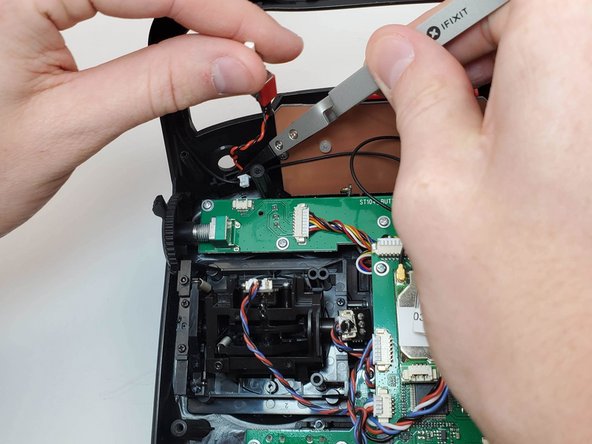
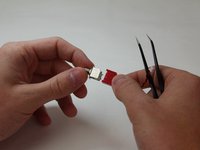
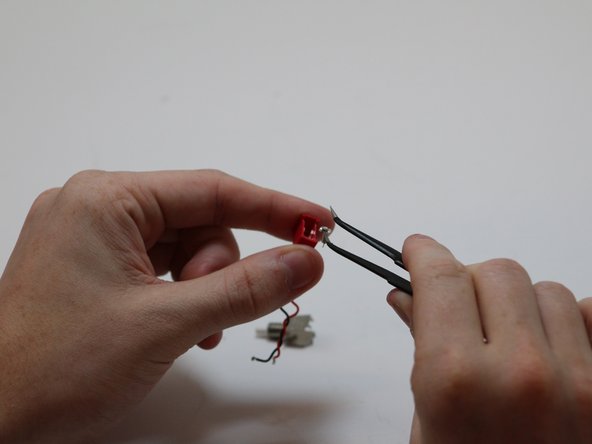
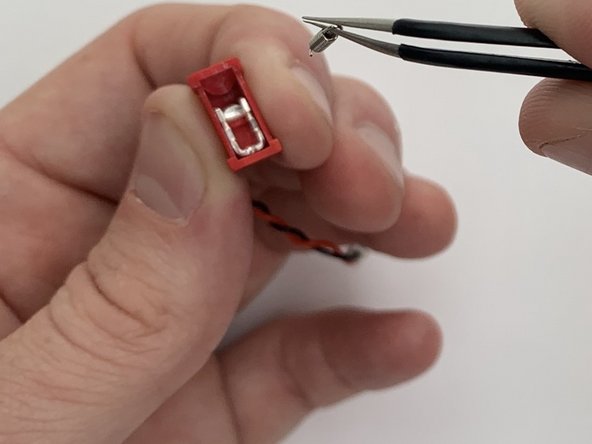
      • Make sure to pull up and out where the spring connects. Do not pull from the middle of the spring or it will snap it.

      • With the angled tweezers pinch the end of the spring with the loop and gently push the spring down and back, then lift up.

      • Pinch the spring with the angled tweezers, bringing it to a vertical position. Then push down on the spring to remove it from the port that it is connected to.

      • Pull the spring away from the housing.

      crwdns2952109:0crwdne2952109:0

      crwdns2917038:0crwdne2917038:0

crwdns2915888:0crwdne2915888:0

To reassemble your device, follow these instructions in reverse order.

crwdns2935221:0crwdne2935221:0

Joshua Collins

crwdns2935283:001/27/20crwdne2935283:0

586 crwdns2915208:0crwdne2915208:0

crwdns2935297:04crwdne2935297:0

crwdns2935287:0crwdne2935287:0

Embry-Riddle Aeronautical University, Team S6-G6, Watkins Spring 2020 crwdns2935289:0Embry-Riddle Aeronautical University, Team S6-G6, Watkins Spring 2020crwdne2935289:0

ERAU-WATKINS-S20S6G6

crwdns2931471:05crwdne2931471:0

crwdns2935297:05crwdne2935297:0

crwdns2947412:00crwdne2947412:0

crwdns2917038:0crwdne2917038:0

crwdns2936625:0crwdne2936625:0:

crwdns2936751:024crwdne2936751:0 2

crwdns2936753:07crwdne2936753:0 6

crwdns2936753:030crwdne2936753:0 20

crwdns2942667:0crwdne2942667:0 353