crwdns2933423:0crwdne2933423:0
crwdns2947577:0crwdnd2947577:0crwdne2947577:0

Xbox One Kinect Infrared Camera Replacement

crwdns2942213:0crwdne2942213:0

  1. Xbox One Kinect Infrared Camera Replacement, Outer Shell: crwdns2935265:01crwdnd2935265:01crwdnd2935265:01crwdne2935265:0
    • Remove the sticker on the underside of the device.

    • Remove the four 3.1x23.5 mm T10 screws underneath the sticker.

    • While you're at it, remove the four 3.1x7.5 mm T10 screws beneath the sticker. Make note of the sizes and locations of the screws.

    crwdns2952109:0crwdne2952109:0

    crwdns2917038:0crwdne2917038:0

  2. Xbox One Kinect Infrared Camera Replacement: crwdns2935265:02crwdnd2935265:01crwdnd2935265:03crwdne2935265:0 Xbox One Kinect Infrared Camera Replacement: crwdns2935265:02crwdnd2935265:02crwdnd2935265:03crwdne2935265:0 Xbox One Kinect Infrared Camera Replacement: crwdns2935265:02crwdnd2935265:03crwdnd2935265:03crwdne2935265:0
    • Remove the back panel.

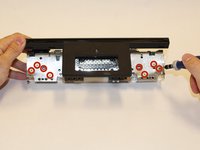
    • Remove the black panels on either side of the Kinect, and remove the 3.1x7.5mm T10 screws underneath them.

    crwdns2952109:0crwdne2952109:0

    crwdns2917038:0crwdne2917038:0

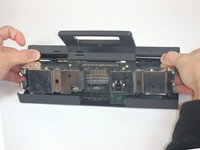
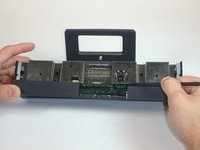
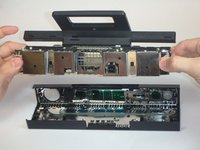
  3. Xbox One Kinect Infrared Camera Replacement: crwdns2935265:03crwdnd2935265:01crwdnd2935265:03crwdne2935265:0 Xbox One Kinect Infrared Camera Replacement: crwdns2935265:03crwdnd2935265:02crwdnd2935265:03crwdne2935265:0 Xbox One Kinect Infrared Camera Replacement: crwdns2935265:03crwdnd2935265:03crwdnd2935265:03crwdne2935265:0
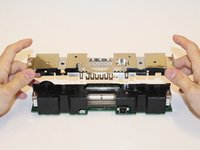
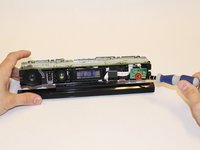
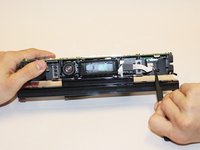
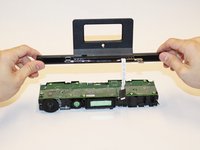
    • Using your thumbs, press firmly against the outer case on either side of the stand. This will disengage the internal assembly.

    • Lift the internal assembly with the spudger.

    • Remove the assembly from the case. You now have access to the inner shell of the kinect, along with the heat sink, microphone, and LED sensor.

    crwdns2952109:0crwdne2952109:0

    crwdns2917038:0crwdne2917038:0

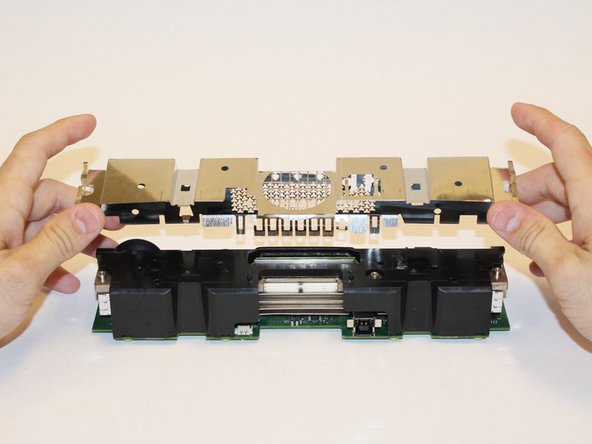
  4. Xbox One Kinect Infrared Camera Replacement, Heat Sink Assembly: crwdns2935265:04crwdnd2935265:01crwdnd2935265:02crwdne2935265:0 Xbox One Kinect Infrared Camera Replacement, Heat Sink Assembly: crwdns2935265:04crwdnd2935265:02crwdnd2935265:02crwdne2935265:0
    • Remove the eight 2.9x7.6 mm T9 screws from the rear of the internal case.

    • Lift the internal metal case from the plastic shell enclosing the heat sink assembly.

    crwdns2952109:0crwdne2952109:0

    crwdns2917038:0crwdne2917038:0

  5. Xbox One Kinect Infrared Camera Replacement: crwdns2935265:05crwdnd2935265:01crwdnd2935265:03crwdne2935265:0 Xbox One Kinect Infrared Camera Replacement: crwdns2935265:05crwdnd2935265:02crwdnd2935265:03crwdne2935265:0 Xbox One Kinect Infrared Camera Replacement: crwdns2935265:05crwdnd2935265:03crwdnd2935265:03crwdne2935265:0
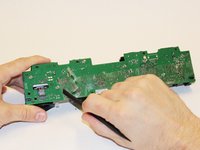
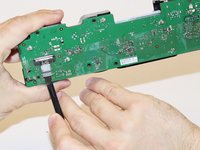
    • Disconnect the ribbon cable between the sensor driver board and the motherboard.

    • Remove the 3.0x7.5 mm T9 screw holding the sensor driver board to the heat sink.

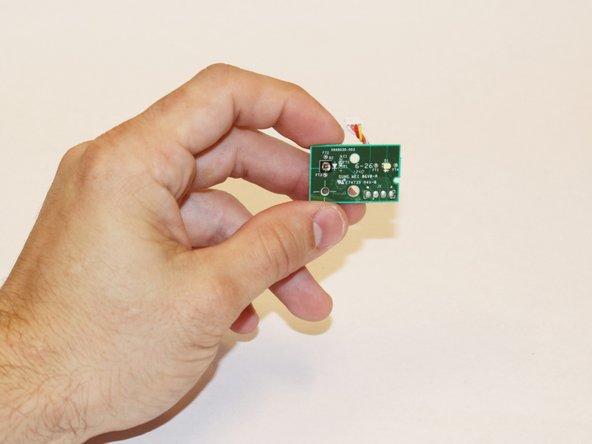
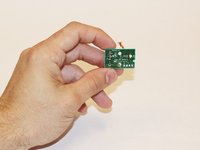
    • Remove the infrared sensor board for the Kinect.

    crwdns2952109:0crwdne2952109:0

    crwdns2917038:0crwdne2917038:0

  6. Xbox One Kinect Infrared Camera Replacement: crwdns2935265:06crwdnd2935265:01crwdnd2935265:03crwdne2935265:0 Xbox One Kinect Infrared Camera Replacement: crwdns2935265:06crwdnd2935265:02crwdnd2935265:03crwdne2935265:0 Xbox One Kinect Infrared Camera Replacement: crwdns2935265:06crwdnd2935265:03crwdnd2935265:03crwdne2935265:0
    crwdns2935267:0crwdne2935267:0
    Tweezers
    $4.99
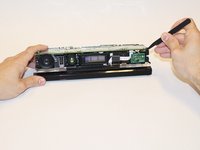
    • Detach the ribbon cable leading to the microphone with the tweezers.

    • Remove the four 3.1x7.7 mm T9 screws connecting the microphone to the heat sink assembly.

    • Remove the stand.

    crwdns2952109:0crwdne2952109:0

    crwdns2917038:0crwdne2917038:0

  7. Xbox One Kinect Infrared Camera Replacement: crwdns2935265:07crwdnd2935265:01crwdnd2935265:03crwdne2935265:0 Xbox One Kinect Infrared Camera Replacement: crwdns2935265:07crwdnd2935265:02crwdnd2935265:03crwdne2935265:0 Xbox One Kinect Infrared Camera Replacement: crwdns2935265:07crwdnd2935265:03crwdnd2935265:03crwdne2935265:0
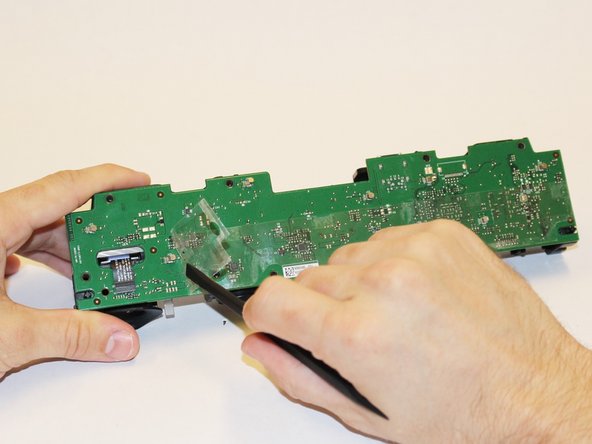
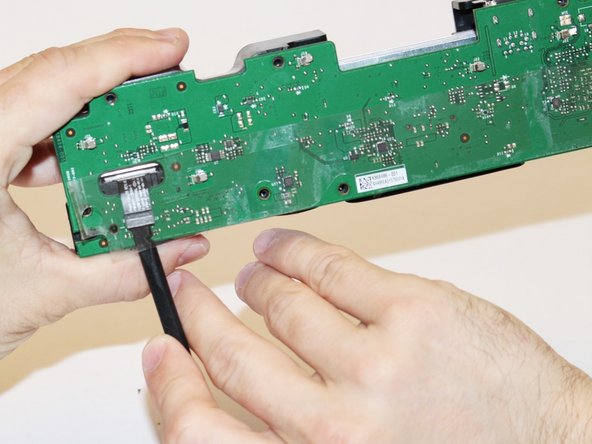
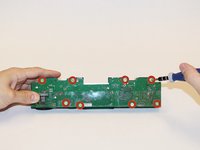
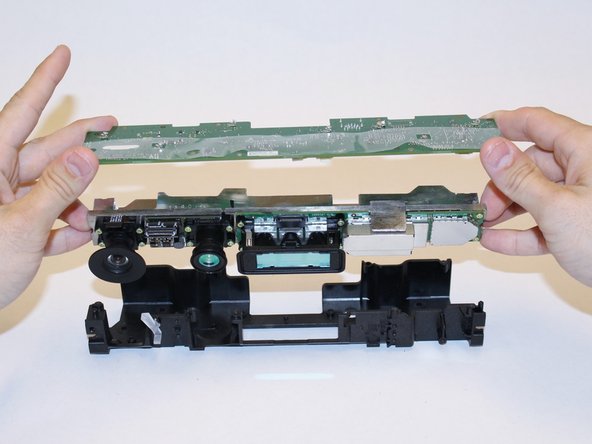
    • Remove the eight 3.0x7.6 mm T9 screws from the motherboard.

    • Peel away the plastic film from the motherboard using the spudger.

    • Detach the ribbon cable leading to the color camera using the spudger.

    crwdns2952109:0crwdne2952109:0

    crwdns2917038:0crwdne2917038:0

  8. Xbox One Kinect Infrared Camera Replacement: crwdns2935265:08crwdnd2935265:01crwdnd2935265:03crwdne2935265:0 Xbox One Kinect Infrared Camera Replacement: crwdns2935265:08crwdnd2935265:02crwdnd2935265:03crwdne2935265:0 Xbox One Kinect Infrared Camera Replacement: crwdns2935265:08crwdnd2935265:03crwdnd2935265:03crwdne2935265:0
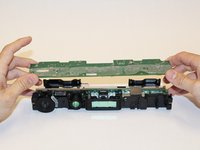
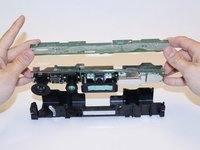
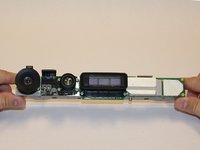
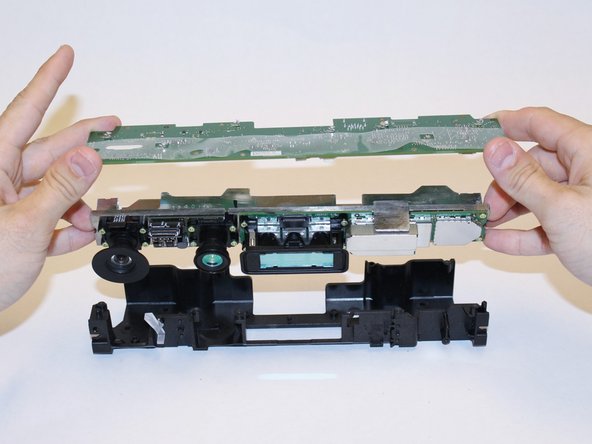
    • Lift the motherboard and the heat sink assembly from the plastic shell. The components attached to the heat sink are now accessible.

    crwdns2952109:0crwdne2952109:0

    crwdns2917038:0crwdne2917038:0

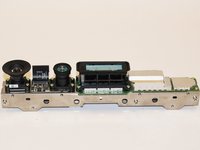
  9. Xbox One Kinect Infrared Camera Replacement, Infrared Camera: crwdns2935265:09crwdnd2935265:01crwdnd2935265:03crwdne2935265:0 Xbox One Kinect Infrared Camera Replacement, Infrared Camera: crwdns2935265:09crwdnd2935265:02crwdnd2935265:03crwdne2935265:0 Xbox One Kinect Infrared Camera Replacement, Infrared Camera: crwdns2935265:09crwdnd2935265:03crwdnd2935265:03crwdne2935265:0
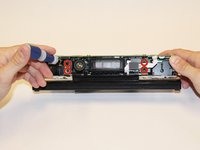
    • First step is to make sure that the inner compartment containg the camera is separated from the outer casing.

    crwdns2952109:0crwdne2952109:0

    crwdns2917038:0crwdne2917038:0

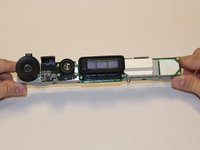
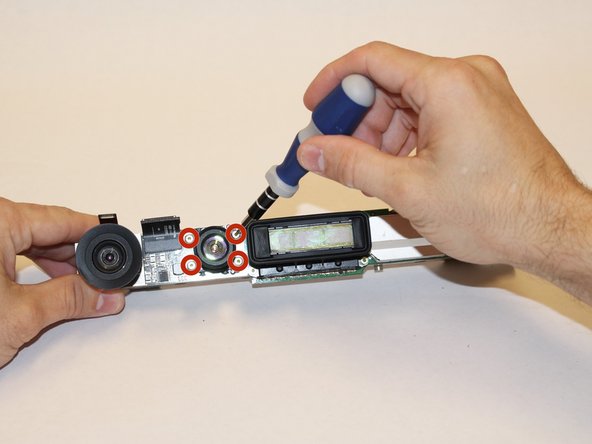
  10. Xbox One Kinect Infrared Camera Replacement: crwdns2935265:010crwdnd2935265:01crwdnd2935265:02crwdne2935265:0 Xbox One Kinect Infrared Camera Replacement: crwdns2935265:010crwdnd2935265:02crwdnd2935265:02crwdne2935265:0
    • Once the area where the camera is found is uncovered, use the T5 Torx Screwdriver to remove the four 1.9x10.2 mm screws.

    crwdns2952109:0crwdne2952109:0

    crwdns2917038:0crwdne2917038:0

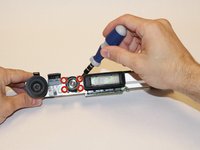
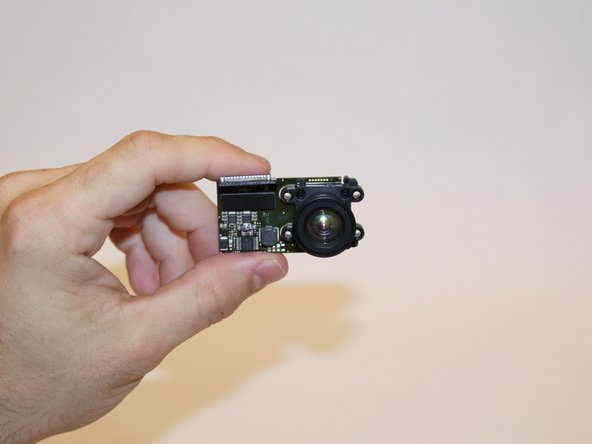
  11. Xbox One Kinect Infrared Camera Replacement: crwdns2935265:011crwdnd2935265:01crwdnd2935265:02crwdne2935265:0 Xbox One Kinect Infrared Camera Replacement: crwdns2935265:011crwdnd2935265:02crwdnd2935265:02crwdne2935265:0
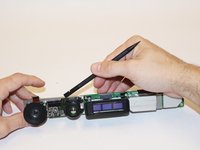
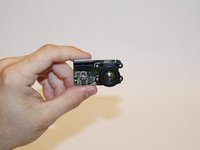
    • Using the spudger, detach the camera from the base.

    crwdns2952109:0crwdne2952109:0

    crwdns2917038:0crwdne2917038:0

crwdns2915888:0crwdne2915888:0

To reassemble your device, follow these instructions in reverse order.

crwdns2935221:0crwdne2935221:0

Laura Gonzalez

crwdns2935283:009/22/14crwdne2935283:0

106 crwdns2915208:0crwdne2915208:0

crwdns2935295:0crwdne2935295:0

crwdns2935287:0crwdne2935287:0

USF Tampa, Team 1-3, Hickman Fall 2014 crwdns2935289:0USF Tampa, Team 1-3, Hickman Fall 2014crwdne2935289:0

USFT-HICKMAN-F14S1G3

crwdns2931471:04crwdne2931471:0

crwdns2935297:07crwdne2935297:0

crwdns2947410:01crwdne2947410:0

I have the new Infrared Camera ,1080p HD wide-angle camera,motherboard, IR projectors board.If you need please contact me.

mouyi chen - crwdns2934203:0crwdne2934203:0 crwdns2950251:0crwdne2950251:0
crwdns2917038:0crwdne2917038:0

crwdns2936625:0crwdne2936625:0:

crwdns2936751:024crwdne2936751:0 0

crwdns2936753:07crwdne2936753:0 7

crwdns2936753:030crwdne2936753:0 40

crwdns2942667:0crwdne2942667:0 2,425