
Xbox Controller S Buttons Replacement Guide

crwdns2959934:0crwdnd2959934:0burntpizzacrwdnd2959934:0crwdnd2959934:0crwdnd2959934:0crwdne2959934:0
crwdns2959936:0N'w 18, 2025crwdne2959936:0
crwdns2869540:0crwdne2869540:0: 759
crwdns2959988:0crwdne2959988:0
- crwdns2959990:0crwdne2959990:0
- 5
- crwdns2959992:0crwdne2959992:0
- 30
- crwdns2959994:0crwdne2959994:0
- 120
- crwdns2959996:0crwdne2959996:0
- 759
crwdns2955950:0crwdne2955950:0: 0
crwdns2959998:0crwdne2959998:0
crwdns2960000:0crwdne2960000:0crwdns2959984:0crwdne2959984:0: 1 2
crwdns2959972:01crwdne2959972:0
crwdns2959970:02crwdne2959970:0
crwdns2959986:0crwdne2959986:0: 0 1
crwdns2959958:0crwdne2959958:0
crwdns2959976:01crwdne2959976:0
crwdns2944444:0crwdne2944444:0
crwdns2944446:0crwdne2944446:0
crwdns2915892:0crwdne2915892:0
crwdns2959928:0crwdne2959928:0 ↓This guide will help you replace your Xbox Controller's buttons and D-pad in case they break or need cleaning.
crwdns2959930:0crwdne2959930:0
crwdns2943215:0crwdne2943215:0
-
Tweezers4.9


-
-
-
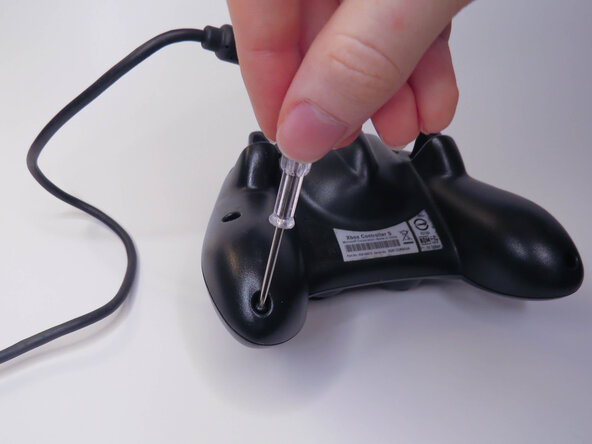
Remove the six visible 8mm Phillips screws with a #1 Phillips screwdriver.
 crwdns2952109:0crwdne2952109:0
-
-
-
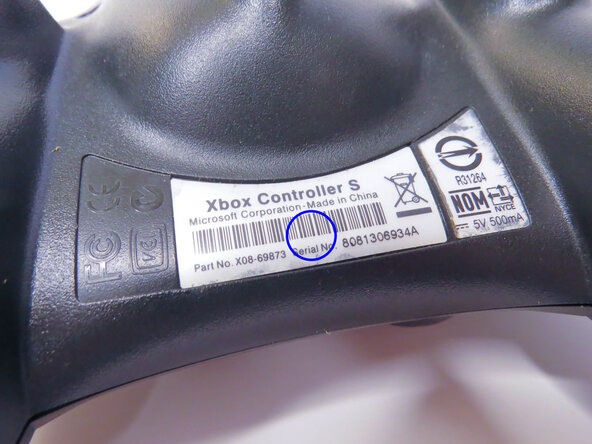
Peel back the barcode sticker to reveal the seventh Phillips screw and remove it.
-
-
-
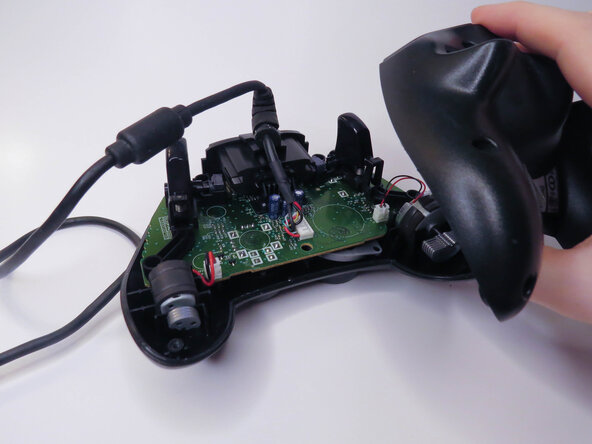
Carefully lift the backplate off of the controller.
-
-
-
-
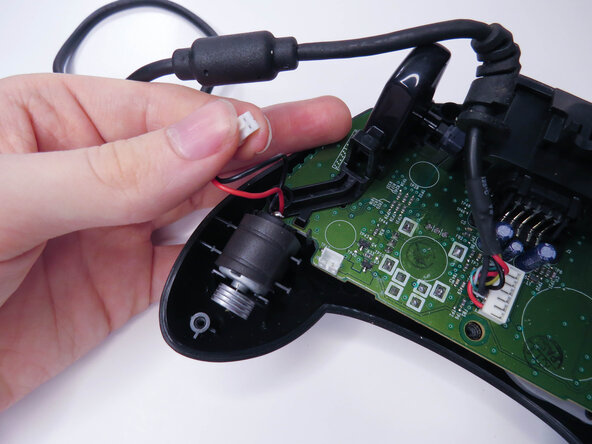
Unplug the two vibration motors and lift them out of the case, being sure not to pull on the wires.
-
-
-
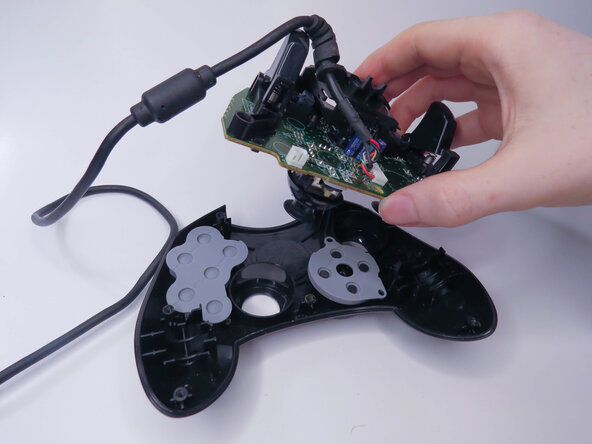
Lift the logic board out of the controller.
-
-
-
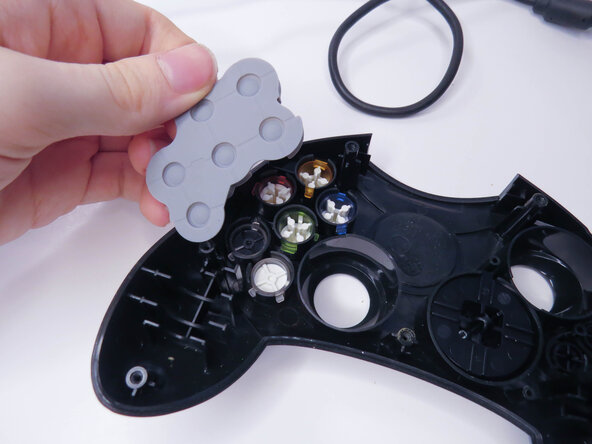
Remove the rubber pads.
-
-
-
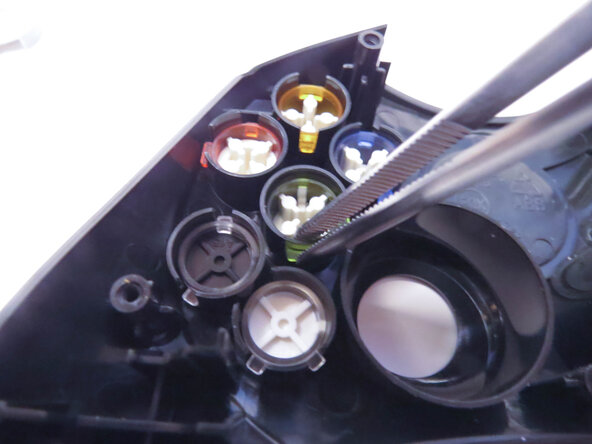
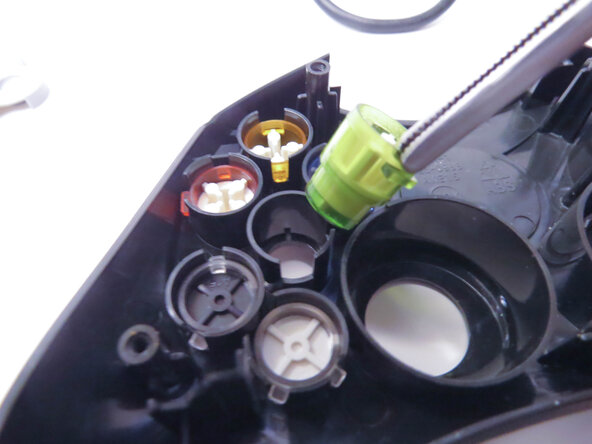
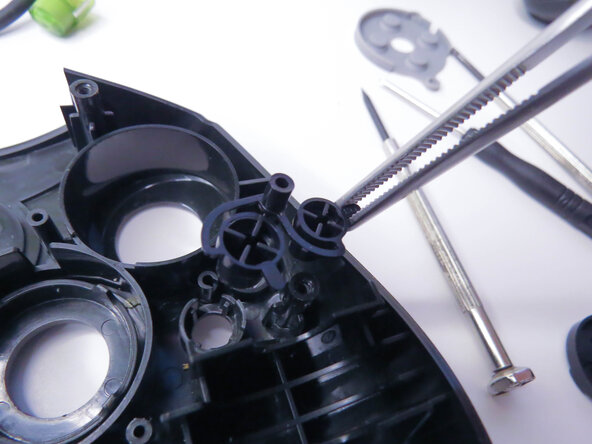
Remove the A, B, X, Y, White, and Black buttons with a pair of tweezers.
-
Remove the Back and Start buttons.
-
-
-
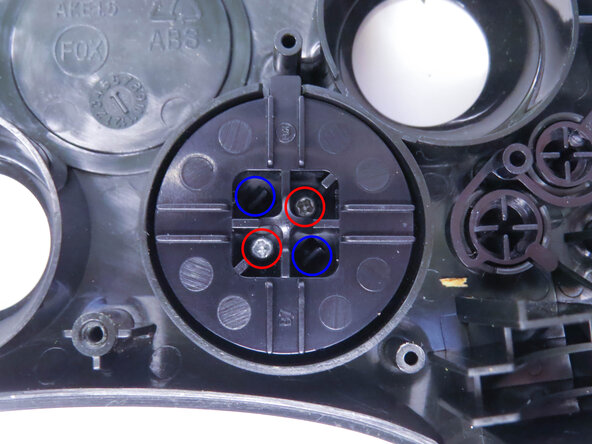
Unscrew the the two 7mm Phillips screws.
-
Separate the D-pad by pushing the two clips in with a pair of tweezers.
-
-
-
Separate the two halves of the D-pad.
-
-

















To reassemble your device, follow these instructions in reverse order, being careful to line everything back up.
crwdns2935221:0crwdne2935221:0
crwdns2935227:0crwdne2935227:0

