crwdns2933423:0crwdne2933423:0
crwdns2947577:0crwdnd2947577:0crwdne2947577:0

VTech VM3254 Battery Replacement

crwdns2942213:0crwdne2942213:0

    1. VTech VM3254 Battery Replacement, Battery: crwdns2935265:01crwdnd2935265:01crwdnd2935265:02crwdne2935265:0 VTech VM3254 Battery Replacement, Battery: crwdns2935265:01crwdnd2935265:02crwdnd2935265:02crwdne2935265:0
      • Turn the monitor on its back, and remove the two 8 mm Phillips #0 case screws.

      crwdns2952109:0crwdne2952109:0

      crwdns2917038:0crwdne2917038:0

    2. VTech VM3254 Battery Replacement: crwdns2935265:02crwdnd2935265:01crwdnd2935265:03crwdne2935265:0 VTech VM3254 Battery Replacement: crwdns2935265:02crwdnd2935265:02crwdnd2935265:03crwdne2935265:0 VTech VM3254 Battery Replacement: crwdns2935265:02crwdnd2935265:03crwdnd2935265:03crwdne2935265:0
      • Use the iFixit Jimmy tool to begin removing the face of the monitor.

      • You may need to use an opening pick to hold the screen open as you move the Jimmy tool around all the edges of the device.

      • Once the screen has been separated, lift it from the case.

      • Be gentle while removing the screen. There are wires connected to the two pieces that may be damaged.

      crwdns2952109:0crwdne2952109:0

      crwdns2917038:0crwdne2917038:0

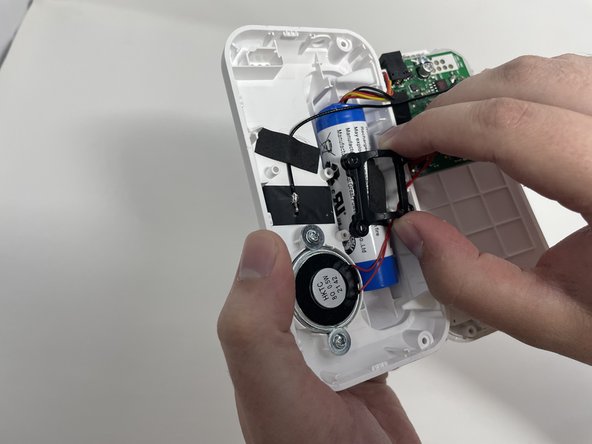
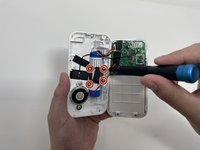
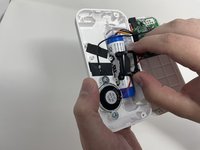
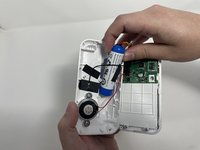
    3. VTech VM3254 Battery Replacement: crwdns2935265:03crwdnd2935265:01crwdnd2935265:02crwdne2935265:0 VTech VM3254 Battery Replacement: crwdns2935265:03crwdnd2935265:02crwdnd2935265:02crwdne2935265:0
      • Remove the four 8 mm Phillips #00 screws from the bracket that secures the battery.

      • Remove the bracket.

      crwdns2952109:0crwdne2952109:0

      crwdns2917038:0crwdne2917038:0

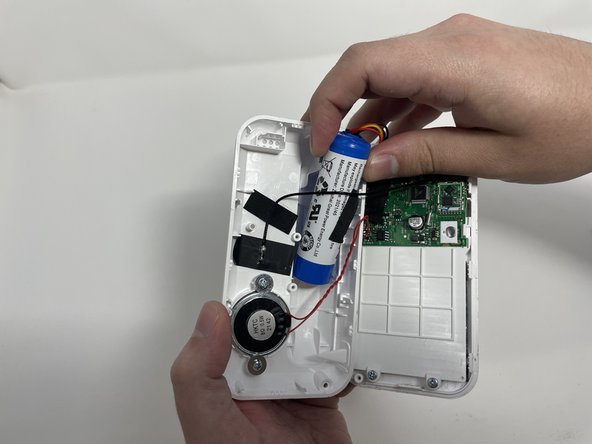
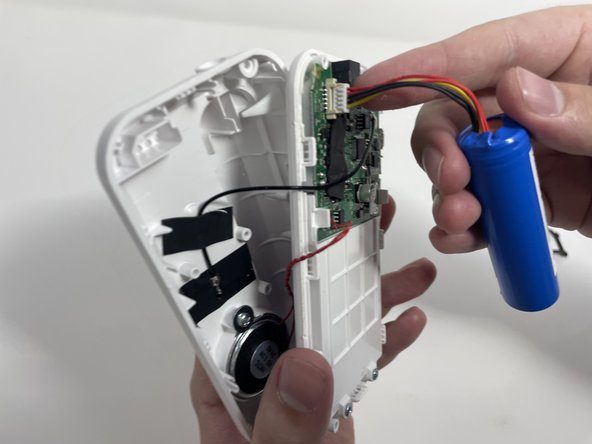
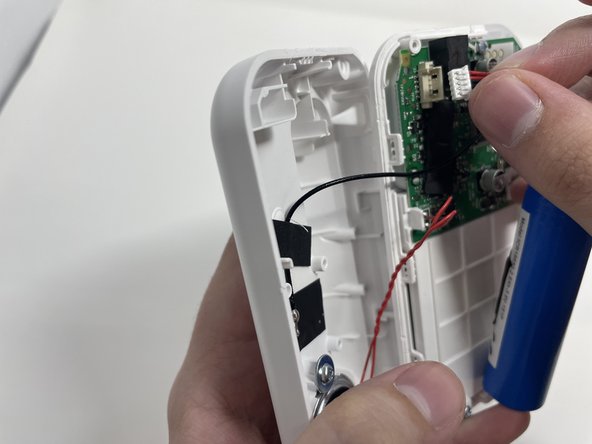
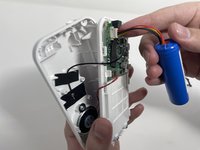
    4. VTech VM3254 Battery Replacement: crwdns2935265:04crwdnd2935265:01crwdnd2935265:03crwdne2935265:0 VTech VM3254 Battery Replacement: crwdns2935265:04crwdnd2935265:02crwdnd2935265:03crwdne2935265:0 VTech VM3254 Battery Replacement: crwdns2935265:04crwdnd2935265:03crwdnd2935265:03crwdne2935265:0
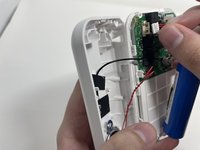
      • Gently remove the battery from its location.

      • Carefully disconnect the bundled cable connector from the circuit board.

      crwdns2952109:0crwdne2952109:0

      crwdns2917038:0crwdne2917038:0

crwdns2915888:0crwdne2915888:0

To reassemble your device, follow these instructions in reverse order.

crwdns2935221:0crwdne2935221:0

Jackson Meacham

crwdns2935283:002/14/23crwdne2935283:0

109 crwdns2915208:0crwdne2915208:0

crwdns2935295:0crwdne2935295:0

crwdns2935287:0crwdne2935287:0

Utah Tech University, Team 1-2, McMurrin Spring 2023 crwdns2935289:0Utah Tech University, Team 1-2, McMurrin Spring 2023crwdne2935289:0

UTAHTECH-MCMURRIN-S23S1G2

crwdns2931471:04crwdne2931471:0

crwdns2935297:072crwdne2935297:0

crwdns2947410:01crwdne2947410:0

What is the battery that needs to be replaced called?

Aden Brooks - crwdns2934203:0crwdne2934203:0 crwdns2950251:0crwdne2950251:0

crwdns2917038:0crwdne2917038:0

crwdns2936625:0crwdne2936625:0:

crwdns2936751:024crwdne2936751:0 9

crwdns2936753:07crwdne2936753:0 36

crwdns2936753:030crwdne2936753:0 80

crwdns2942667:0crwdne2942667:0 3,127