crwdns2933423:0crwdne2933423:0
crwdns2947577:0crwdnd2947577:0crwdne2947577:0

Toshiba Thrive Front Camera Replacement

crwdns2942213:0crwdne2942213:0

    1. Toshiba Thrive Front Camera Replacement, Back Cover: crwdns2935265:01crwdnd2935265:01crwdnd2935265:01crwdne2935265:0
      • Make sure the lock switch for the back cover is unlocked.

      • The cover is unlocked when the switch is slid in the direction of the 'unlock' icon.

      crwdns2952109:0crwdne2952109:0

      crwdns2917038:0crwdne2917038:0

    2. Toshiba Thrive Front Camera Replacement: crwdns2935265:02crwdnd2935265:01crwdnd2935265:02crwdne2935265:0 Toshiba Thrive Front Camera Replacement: crwdns2935265:02crwdnd2935265:02crwdnd2935265:02crwdne2935265:0
      • Remove back cover by prying away from the Thrive.

      • The easiest place to pry from is one of the two speakers.

      crwdns2952109:0crwdne2952109:0

      crwdns2917038:0crwdne2917038:0

    3. Toshiba Thrive Front Camera Replacement: crwdns2935265:03crwdnd2935265:01crwdnd2935265:01crwdne2935265:0
      • To remove the battery, make sure the lock switch is in the unlocked position.

      • The battery is unlocked when the switch is slid to the unlocked position.

      crwdns2952109:0crwdne2952109:0

      crwdns2917038:0crwdne2917038:0

    4. Toshiba Thrive Front Camera Replacement: crwdns2935265:04crwdnd2935265:01crwdnd2935265:03crwdne2935265:0 Toshiba Thrive Front Camera Replacement: crwdns2935265:04crwdnd2935265:02crwdnd2935265:03crwdne2935265:0 Toshiba Thrive Front Camera Replacement: crwdns2935265:04crwdnd2935265:03crwdnd2935265:03crwdne2935265:0
      • Slide the battery switch release to the right.

      • While holding the switch in place, lift up the battery.

      crwdns2952109:0crwdne2952109:0

      crwdns2917038:0crwdne2917038:0

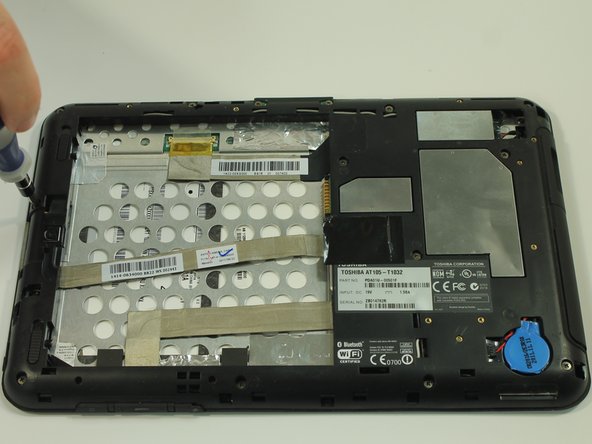
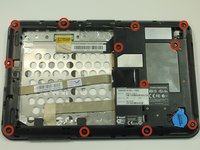
    1. Toshiba Thrive Front Camera Replacement, Midframe: crwdns2935265:05crwdnd2935265:01crwdnd2935265:02crwdne2935265:0 Toshiba Thrive Front Camera Replacement, Midframe: crwdns2935265:05crwdnd2935265:02crwdnd2935265:02crwdne2935265:0
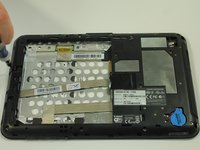
      • Start by using a screwdriver to remove the 12 screws holding on the back cover. The screws are 5mm in length and require a PH0 screwdriver.

      • All of these screws are identical so don't worry about getting them mixed up.

      crwdns2952109:0crwdne2952109:0

      crwdns2917038:0crwdne2917038:0

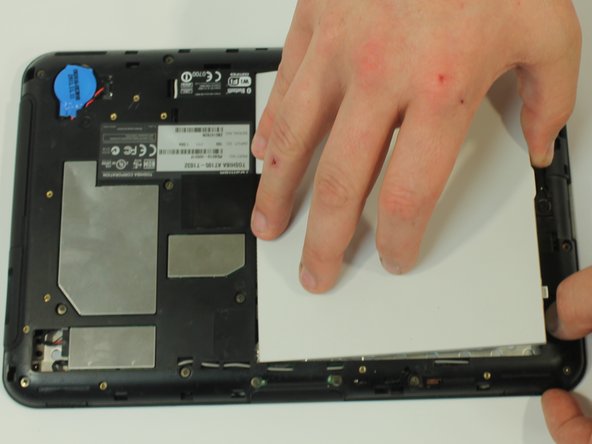
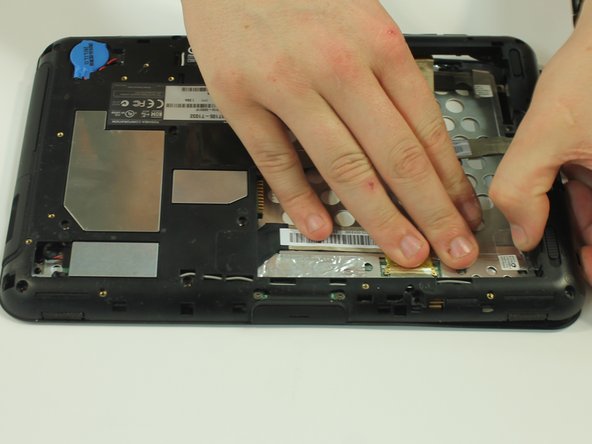
    2. Toshiba Thrive Front Camera Replacement: crwdns2935265:06crwdnd2935265:01crwdnd2935265:03crwdne2935265:0 Toshiba Thrive Front Camera Replacement: crwdns2935265:06crwdnd2935265:02crwdnd2935265:03crwdne2935265:0 Toshiba Thrive Front Camera Replacement: crwdns2935265:06crwdnd2935265:03crwdnd2935265:03crwdne2935265:0
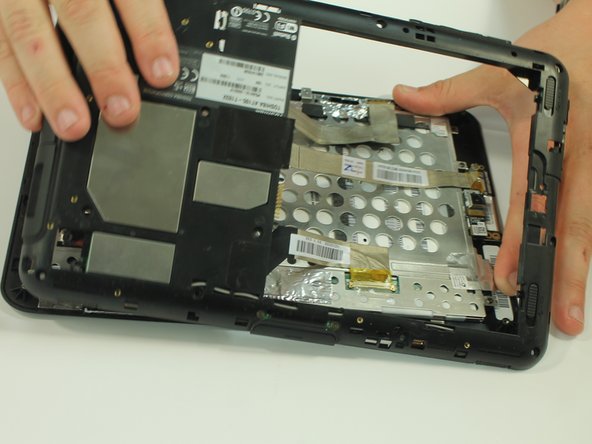
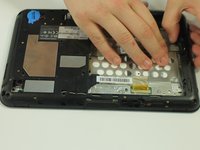
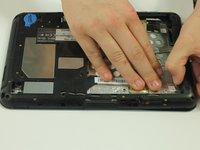
      • Start to gently pry the back of the device off, while leaving it loosely in place.

      • Be careful not to tear or damage the cables when removing the back.

      crwdns2952109:0crwdne2952109:0

      crwdns2917038:0crwdne2917038:0

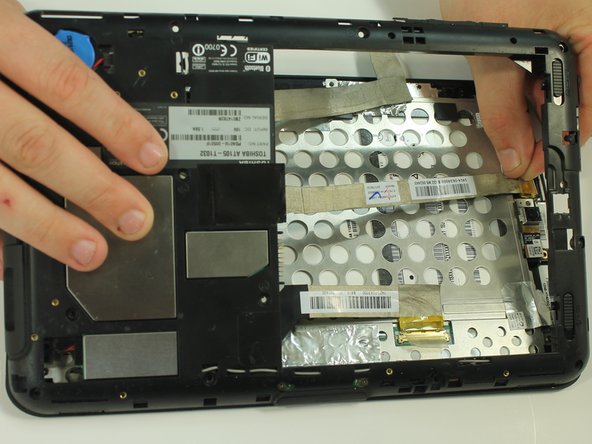
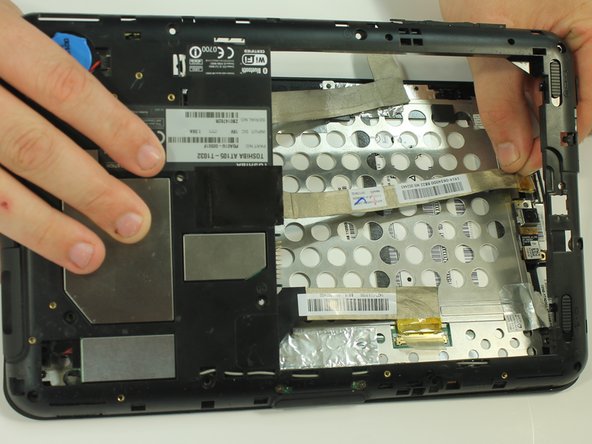
    3. Toshiba Thrive Front Camera Replacement: crwdns2935265:07crwdnd2935265:01crwdnd2935265:03crwdne2935265:0 Toshiba Thrive Front Camera Replacement: crwdns2935265:07crwdnd2935265:02crwdnd2935265:03crwdne2935265:0 Toshiba Thrive Front Camera Replacement: crwdns2935265:07crwdnd2935265:03crwdnd2935265:03crwdne2935265:0
      • Once the back of the case is off, disconnect the wires by gently pulling on the plastic tabs as shown.

      crwdns2952109:0crwdne2952109:0

      crwdns2917038:0crwdne2917038:0

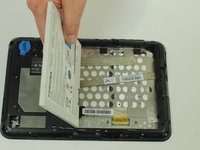
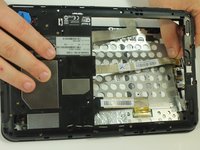
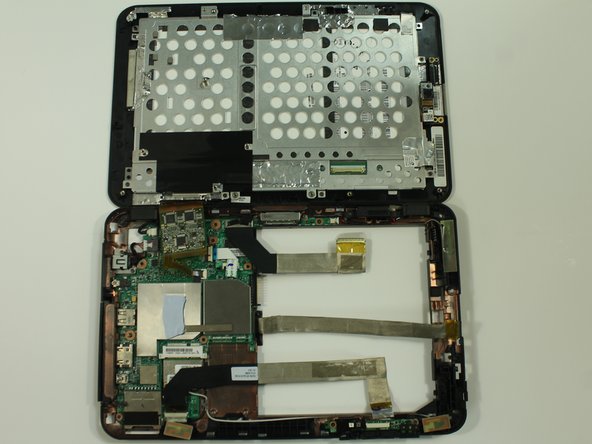
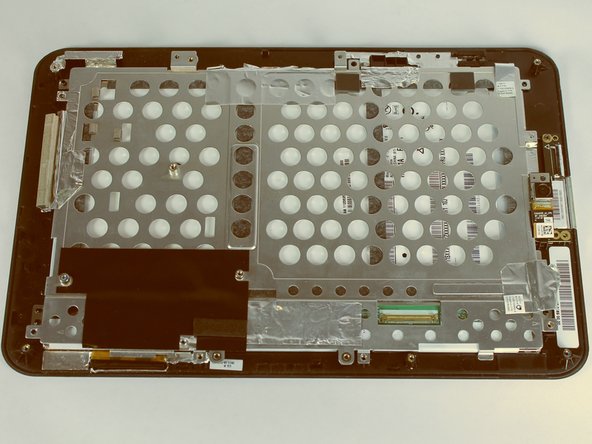
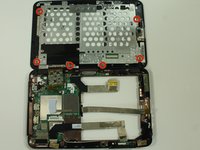
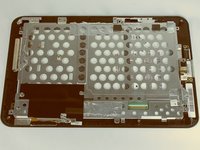
    4. Toshiba Thrive Front Camera Replacement: crwdns2935265:08crwdnd2935265:01crwdnd2935265:02crwdne2935265:0 Toshiba Thrive Front Camera Replacement: crwdns2935265:08crwdnd2935265:02crwdnd2935265:02crwdne2935265:0
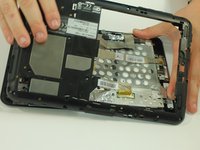
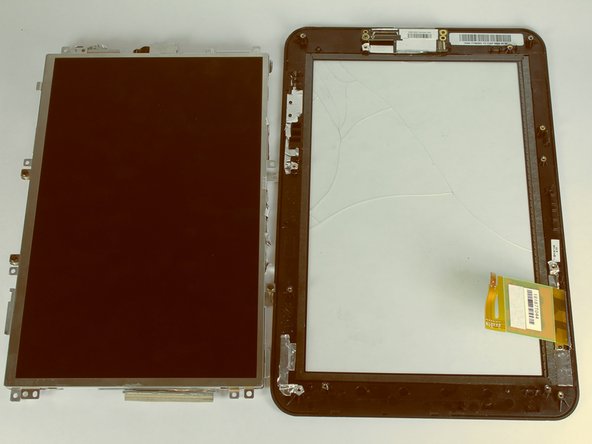
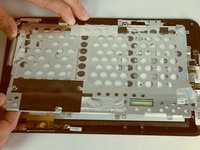
      • Carefully open the device like a book and lay the two halves beside each other.

      crwdns2952109:0crwdne2952109:0

      crwdns2917038:0crwdne2917038:0

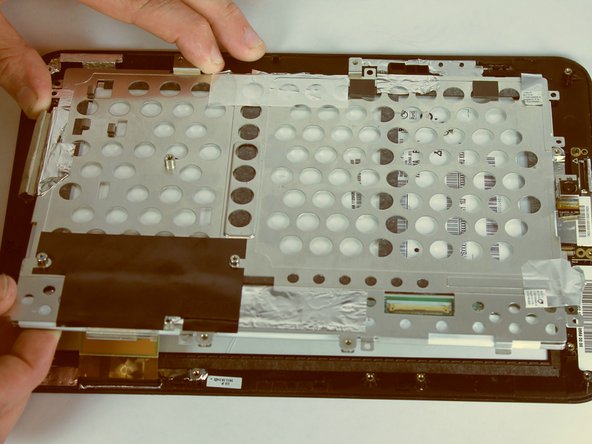
    1. Toshiba Thrive Front Camera Replacement, Front Camera: crwdns2935265:09crwdnd2935265:01crwdnd2935265:02crwdne2935265:0 Toshiba Thrive Front Camera Replacement, Front Camera: crwdns2935265:09crwdnd2935265:02crwdnd2935265:02crwdne2935265:0
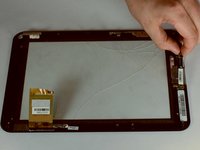
      • Separate the two halves of your Thrive

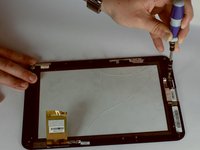
      • Using a Phillips screwdriver, remove the six screws holding the LCD in place. These screws are 3mm in length and require a PH0 screwdriver.

      crwdns2952109:0crwdne2952109:0

      crwdns2917038:0crwdne2917038:0

    2. Toshiba Thrive Front Camera Replacement: crwdns2935265:010crwdnd2935265:01crwdnd2935265:01crwdne2935265:0
      • With a spudger, disconnect the cable connecting the camera to the motherboard.

      crwdns2952109:0crwdne2952109:0

      crwdns2917038:0crwdne2917038:0

    3. Toshiba Thrive Front Camera Replacement: crwdns2935265:011crwdnd2935265:01crwdnd2935265:02crwdne2935265:0 Toshiba Thrive Front Camera Replacement: crwdns2935265:011crwdnd2935265:02crwdnd2935265:02crwdne2935265:0
      • Lift up the LCD from the screen and place it on the side

      crwdns2952109:0crwdne2952109:0

      crwdns2917038:0crwdne2917038:0

    4. Toshiba Thrive Front Camera Replacement: crwdns2935265:012crwdnd2935265:01crwdnd2935265:02crwdne2935265:0 Toshiba Thrive Front Camera Replacement: crwdns2935265:012crwdnd2935265:02crwdnd2935265:02crwdne2935265:0
      • Remove the one screw holding the camera in place. The screw is 3mm in length and requires a PH0 screwdriver.

      • Lift up the camera from the screen.

      crwdns2952109:0crwdne2952109:0

      crwdns2917038:0crwdne2917038:0

crwdns2915888:0crwdne2915888:0

To reassemble your device, follow these instructions in reverse order.

crwdns2935221:0crwdne2935221:0

Kason

crwdns2935283:009/22/14crwdne2935283:0

1,120 crwdns2915208:0crwdne2915208:0

crwdns2935297:05crwdne2935297:0

crwdns2935287:0crwdne2935287:0

USF Tampa, Team 10-1, Brown Fall 2014 crwdns2935289:0USF Tampa, Team 10-1, Brown Fall 2014crwdne2935289:0

USFT-BROWN-F14S10G1

crwdns2931471:03crwdne2931471:0

crwdns2935297:072crwdne2935297:0

crwdns2947412:00crwdne2947412:0

crwdns2917038:0crwdne2917038:0

crwdns2936625:0crwdne2936625:0:

crwdns2936751:024crwdne2936751:0 0

crwdns2936753:07crwdne2936753:0 3

crwdns2936753:030crwdne2936753:0 19

crwdns2942667:0crwdne2942667:0 654