crwdns2933423:0crwdne2933423:0
crwdns2947577:0crwdnd2947577:0crwdne2947577:0

Sony Ericsson T68i Screen Replacement

crwdns2942213:0crwdne2942213:0

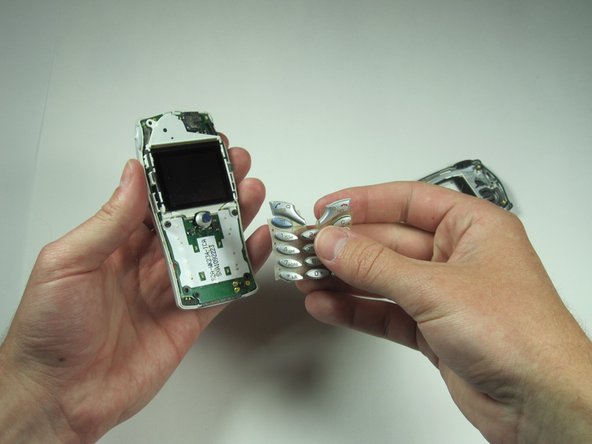
    1. Sony Ericsson T68i Screen Replacement, Keypad: crwdns2935265:01crwdnd2935265:01crwdnd2935265:02crwdne2935265:0 Sony Ericsson T68i Screen Replacement, Keypad: crwdns2935265:01crwdnd2935265:02crwdnd2935265:02crwdne2935265:0
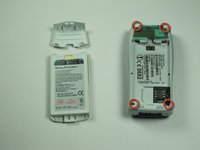
      • Remove the battery from the back.

      crwdns2952109:0crwdne2952109:0

      crwdns2917038:0crwdne2917038:0

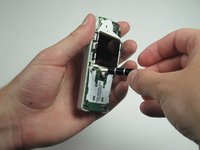
    2. Sony Ericsson T68i Screen Replacement: crwdns2935265:02crwdnd2935265:01crwdnd2935265:03crwdne2935265:0 Sony Ericsson T68i Screen Replacement: crwdns2935265:02crwdnd2935265:02crwdnd2935265:03crwdne2935265:0 Sony Ericsson T68i Screen Replacement: crwdns2935265:02crwdnd2935265:03crwdnd2935265:03crwdne2935265:0
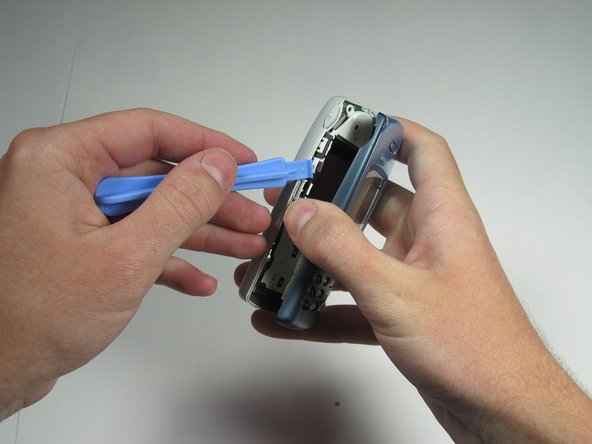
      • Pry off the plastic cover from the top with a thin plastic shim, then remove it from the two bottom clips.

      • Do not bend it too far down, or else you risk breaking the two bottom clips.

      crwdns2952109:0crwdne2952109:0

      crwdns2917038:0crwdne2917038:0

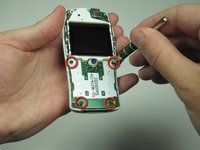
    3. Sony Ericsson T68i Screen Replacement: crwdns2935265:03crwdnd2935265:01crwdnd2935265:03crwdne2935265:0 Sony Ericsson T68i Screen Replacement: crwdns2935265:03crwdnd2935265:02crwdnd2935265:03crwdne2935265:0 Sony Ericsson T68i Screen Replacement: crwdns2935265:03crwdnd2935265:03crwdnd2935265:03crwdne2935265:0
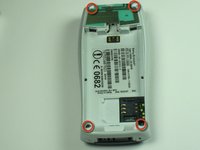
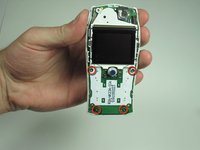
      • Unscrew all four Torx T6 screws.

      • Keep in a safe place.

      crwdns2952109:0crwdne2952109:0

      crwdns2917038:0crwdne2917038:0

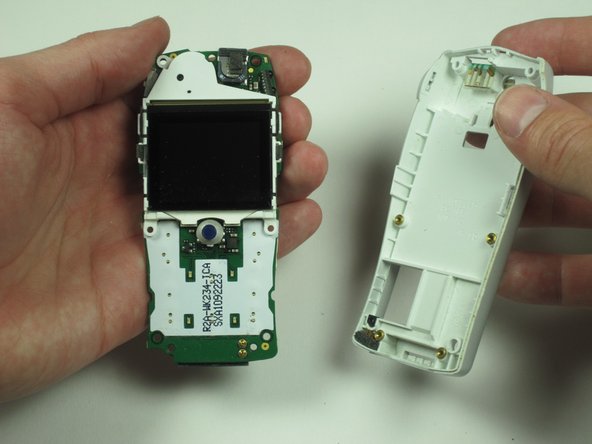
    4. Sony Ericsson T68i Screen Replacement: crwdns2935265:04crwdnd2935265:01crwdnd2935265:03crwdne2935265:0 Sony Ericsson T68i Screen Replacement: crwdns2935265:04crwdnd2935265:02crwdnd2935265:03crwdne2935265:0 Sony Ericsson T68i Screen Replacement: crwdns2935265:04crwdnd2935265:03crwdnd2935265:03crwdne2935265:0
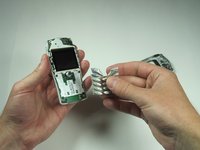
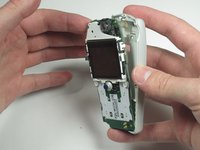
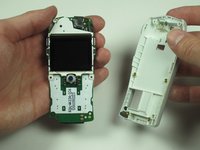
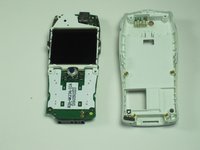
      • After removing the screws, the two halves will separate. If not, then pry them gently apart.

      crwdns2952109:0crwdne2952109:0

      crwdns2917038:0crwdne2917038:0

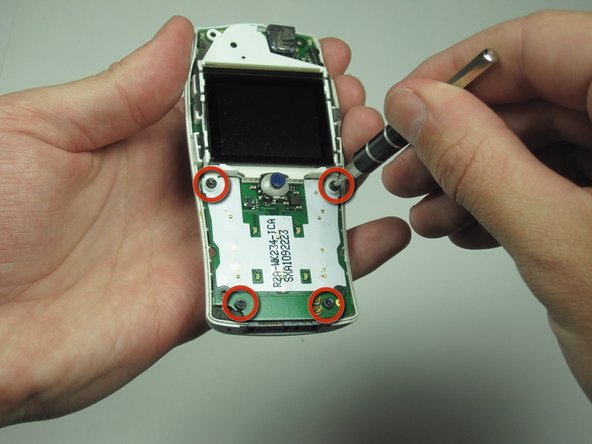
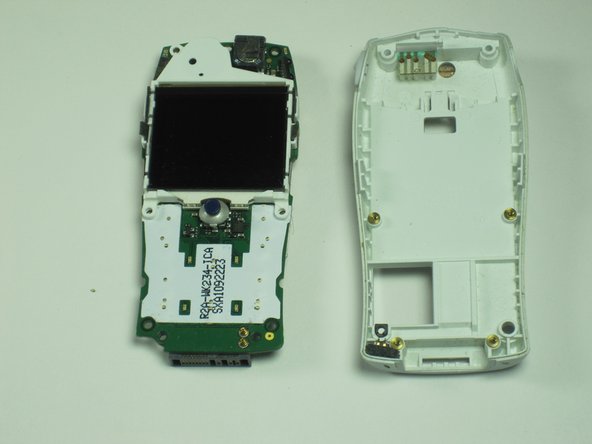
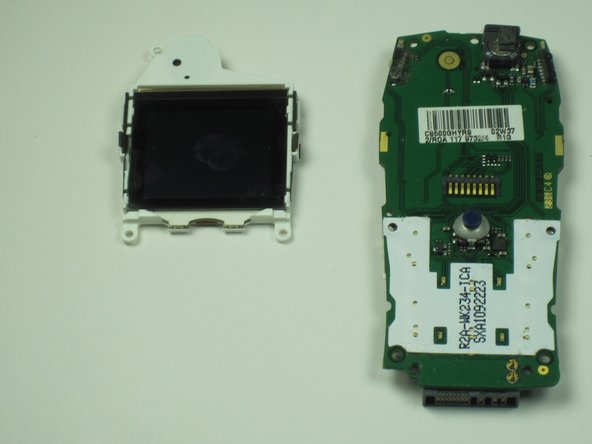
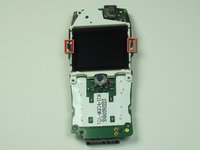
    1. Sony Ericsson T68i Screen Replacement, Screen: crwdns2935265:05crwdnd2935265:01crwdnd2935265:03crwdne2935265:0 Sony Ericsson T68i Screen Replacement, Screen: crwdns2935265:05crwdnd2935265:02crwdnd2935265:03crwdne2935265:0 Sony Ericsson T68i Screen Replacement, Screen: crwdns2935265:05crwdnd2935265:03crwdnd2935265:03crwdne2935265:0
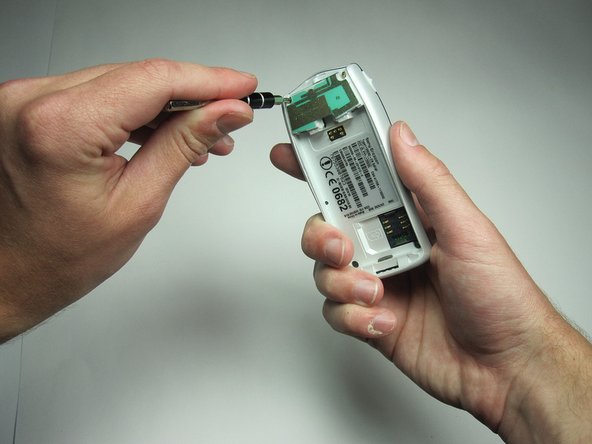
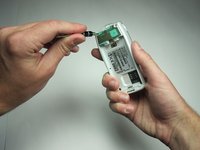
      • Remove the circuit board and screen from the device.

      • Use your T6 to remove the 4 screws.

      crwdns2952109:0crwdne2952109:0

      crwdns2917038:0crwdne2917038:0

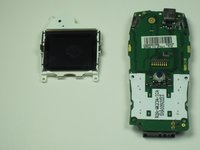
    2. Sony Ericsson T68i Screen Replacement: crwdns2935265:06crwdnd2935265:01crwdnd2935265:03crwdne2935265:0 Sony Ericsson T68i Screen Replacement: crwdns2935265:06crwdnd2935265:02crwdnd2935265:03crwdne2935265:0 Sony Ericsson T68i Screen Replacement: crwdns2935265:06crwdnd2935265:03crwdnd2935265:03crwdne2935265:0
      • Remove the board and screen.

      crwdns2952109:0crwdne2952109:0

      crwdns2917038:0crwdne2917038:0

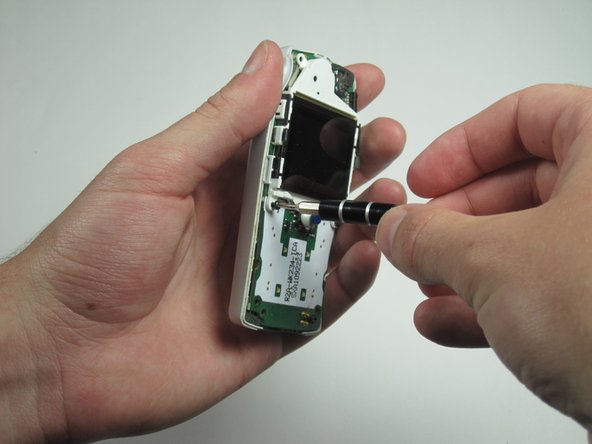
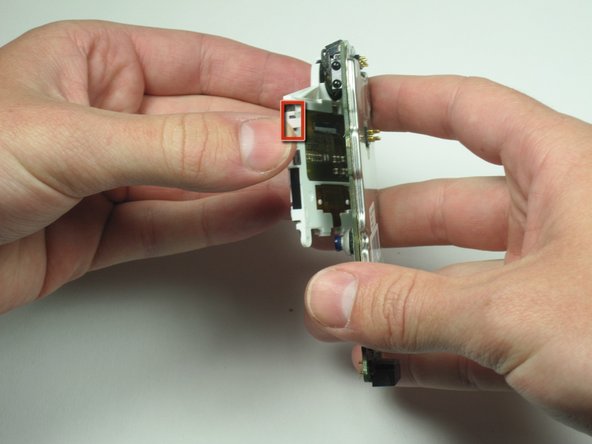
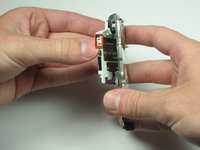
    3. Sony Ericsson T68i Screen Replacement: crwdns2935265:07crwdnd2935265:01crwdnd2935265:03crwdne2935265:0 Sony Ericsson T68i Screen Replacement: crwdns2935265:07crwdnd2935265:02crwdnd2935265:03crwdne2935265:0 Sony Ericsson T68i Screen Replacement: crwdns2935265:07crwdnd2935265:03crwdnd2935265:03crwdne2935265:0
      • Carefully remove the plastic clips holding the screen on the board.

      crwdns2952109:0crwdne2952109:0

      crwdns2917038:0crwdne2917038:0

crwdns2915888:0crwdne2915888:0

To reassemble your device, follow these instructions in reverse order.

crwdns2935221:0crwdne2935221:0

Tim Dascomb

crwdns2935283:004/13/10crwdne2935283:0

174 crwdns2915208:0crwdne2915208:0

crwdns2935297:07crwdne2935297:0

crwdns2935287:0crwdne2935287:0

Cal Poly, Team 26-34, Regan Spring 2010 crwdns2935289:0Cal Poly, Team 26-34, Regan Spring 2010crwdne2935289:0

CPSU-REGAN-S10S26G34

crwdns2931471:04crwdne2931471:0

crwdns2935297:084crwdne2935297:0

crwdns2947412:00crwdne2947412:0

crwdns2917038:0crwdne2917038:0

crwdns2936625:0crwdne2936625:0:

crwdns2936751:024crwdne2936751:0 11

crwdns2936753:07crwdne2936753:0 22

crwdns2936753:030crwdne2936753:0 38

crwdns2942667:0crwdne2942667:0 2,164