crwdns2933423:0crwdne2933423:0
crwdns2947577:0crwdnd2947577:0crwdne2947577:0

Samsung Glyde Motherboard Replacement

crwdns2869540:0crwdne2869540:0: 1.6 k

crwdns2959988:0crwdne2959988:0

crwdns2959990:0crwdne2959990:0
0
crwdns2959992:0crwdne2959992:0
9
crwdns2959994:0crwdne2959994:0
52
crwdns2959996:0crwdne2959996:0
1,615
crwdns2955950:0crwdne2955950:0: 0

crwdns2959998:0crwdne2959998:0

crwdns2960000:0crwdne2960000:0
crwdns2959984:0crwdne2959984:0: 0

crwdns2959956:0crwdne2959956:0

crwdns2959986:0crwdne2959986:0: 4

crwdns2959982:04crwdne2959982:0

crwdns2955944:0crwdne2955944:0: crwdns2931273:0crwdne2931273:0
crwdns2955970:0crwdne2955970:0: crwdns2937801:0crwdne2937801:0
crwdns2869444:0crwdne2869444:0

crwdns2869445:0crwdne2869445:0

crwdns2862599:0crwdne2862599:0

crwdns2862600:0crwdne2862600:0

crwdns2862635:0crwdne2862635:0

crwdns2862636:0crwdne2862636:0

Samsung Glyde Motherboard Replacement

crwdns2915892:0crwdne2915892:0

crwdns2959928:0crwdne2959928:0 ↓

This replacement may be necessary to repair a device with severe hardware issues. This replacement can resolve problems such as signal failure or a phone that won't turn on. However, this repair may erase all data, so be sure to back up your information beforehand. You will need a Phillips #00 Screwdriver for this replacement.

crwdns2959930:0crwdne2959930:0

crwdns2943215:0crwdne2943215:0

    1. Samsung Glyde Motherboard Replacement, Battery: crwdns2935265:01crwdnd2935265:01crwdnd2935265:01crwdne2935265:0
      • Caution: Hazardous situation which, if not avoided, could result in minor or moderate injury. Make sure the device is completely turned off before the repair. The battery should not be removed while the phone is on.

      • Using your thumb, press down and slide the back cover away from the camera.

      crwdns2952109:0crwdne2952109:0

      crwdns2917038:0crwdne2917038:0

    2. Samsung Glyde Motherboard Replacement: crwdns2935265:02crwdnd2935265:01crwdnd2935265:01crwdne2935265:0
      • Remove the battery from the phone by using your plastic opening tool to find a gap at any edge of the battery and lifting the battery up.

      crwdns2952109:0crwdne2952109:0

      crwdns2917038:0crwdne2917038:0

    1. Samsung Glyde Motherboard Replacement, Motherboard: crwdns2935265:03crwdnd2935265:01crwdnd2935265:02crwdne2935265:0 Samsung Glyde Motherboard Replacement, Motherboard: crwdns2935265:03crwdnd2935265:02crwdnd2935265:02crwdne2935265:0
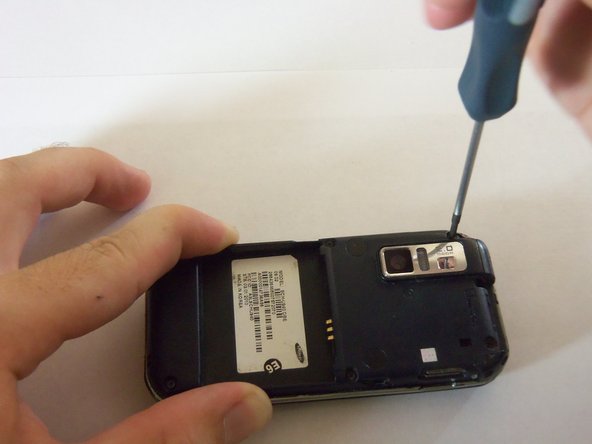
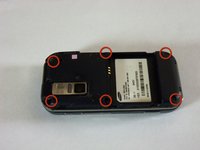
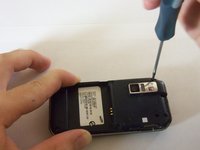
      • Using a Phillips#00 screw driver, remove the six 4mm screws holding the back case together.

      crwdns2952109:0crwdne2952109:0

      crwdns2917038:0crwdne2917038:0

    2. Samsung Glyde Motherboard Replacement: crwdns2935265:04crwdnd2935265:01crwdnd2935265:02crwdne2935265:0 Samsung Glyde Motherboard Replacement: crwdns2935265:04crwdnd2935265:02crwdnd2935265:02crwdne2935265:0
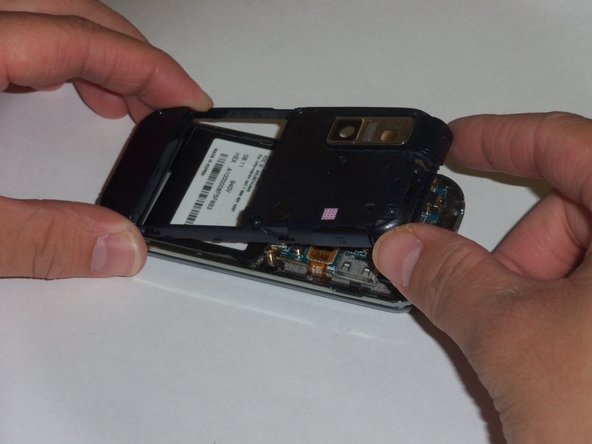
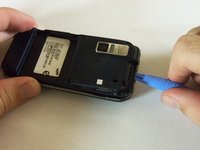
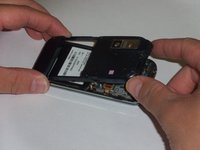
      • Use a plastic opening tool to pry the case off. To do this, find a gap on any side of the phone, top preferably, and slip the tip of the tool in the gap

      • Now use moderate strength and slowly maneuver the tool around the outside until the case becomes loose.

      • Using your fingers, take the case off.

      crwdns2952109:0crwdne2952109:0

      crwdns2917038:0crwdne2917038:0

    3. Samsung Glyde Motherboard Replacement: crwdns2935265:05crwdnd2935265:01crwdnd2935265:02crwdne2935265:0 Samsung Glyde Motherboard Replacement: crwdns2935265:05crwdnd2935265:02crwdnd2935265:02crwdne2935265:0
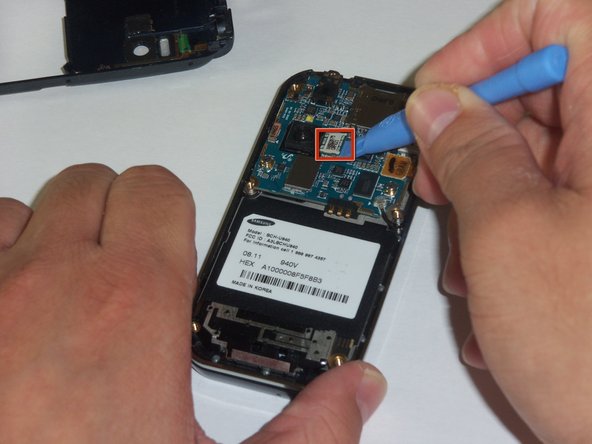
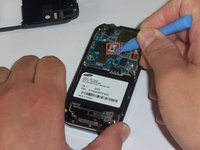
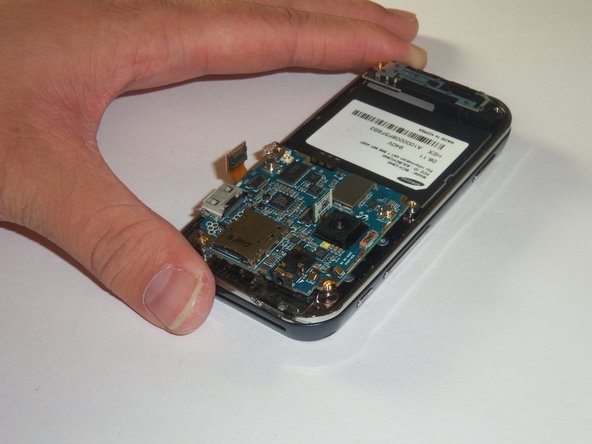
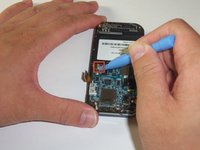
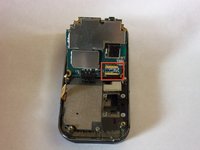
      • The green film above the camera is the camera connector to the motherboard.

      • Use a plastic opening tool to disconnect the camera connector.

      crwdns2952109:0crwdne2952109:0

      crwdns2917038:0crwdne2917038:0

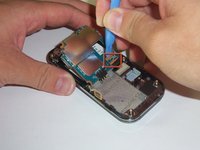
    4. Samsung Glyde Motherboard Replacement: crwdns2935265:06crwdnd2935265:01crwdnd2935265:02crwdne2935265:0 Samsung Glyde Motherboard Replacement: crwdns2935265:06crwdnd2935265:02crwdnd2935265:02crwdne2935265:0
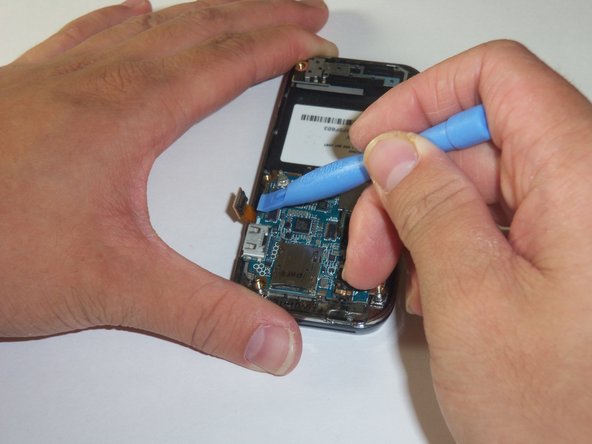
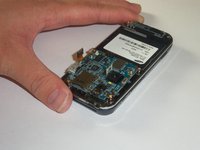
      • The golden film connector connects the keyboard to the motherboard.

      • Use a plastic opening tool to disconnect the keyboard connector.

      crwdns2952109:0crwdne2952109:0

      crwdns2917038:0crwdne2917038:0

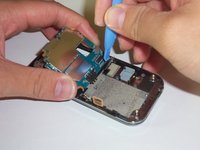
    5. Samsung Glyde Motherboard Replacement: crwdns2935265:07crwdnd2935265:01crwdnd2935265:02crwdne2935265:0 Samsung Glyde Motherboard Replacement: crwdns2935265:07crwdnd2935265:02crwdnd2935265:02crwdne2935265:0
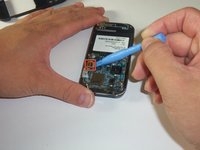
      • The circular connector holds the motherboard in place.

      • Using a plastic opening tool, disconnect the circular connector.

      crwdns2952109:0crwdne2952109:0

      crwdns2917038:0crwdne2917038:0

    6. Samsung Glyde Motherboard Replacement: crwdns2935265:08crwdnd2935265:01crwdnd2935265:03crwdne2935265:0 Samsung Glyde Motherboard Replacement: crwdns2935265:08crwdnd2935265:02crwdnd2935265:03crwdne2935265:0 Samsung Glyde Motherboard Replacement: crwdns2935265:08crwdnd2935265:03crwdnd2935265:03crwdne2935265:0
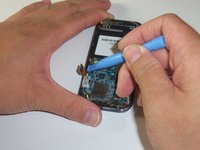
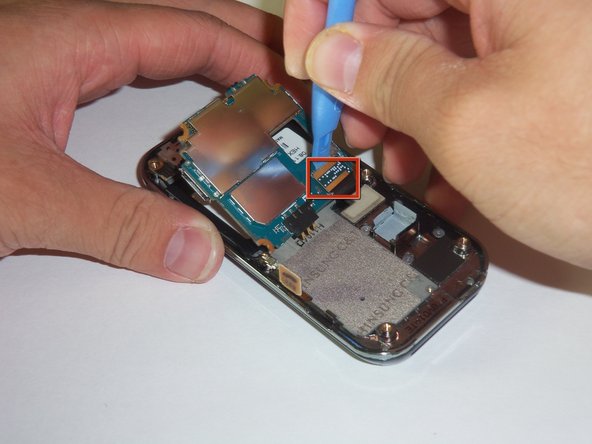
      • There is a LCD connector underneath the motherboard.

      • Gently lift the far edge of the motherboard upwards toward the center of the phone.

      • Using a plastic opening tool, disconnect the LCD connector.

      crwdns2952109:0crwdne2952109:0

      crwdns2917038:0crwdne2917038:0

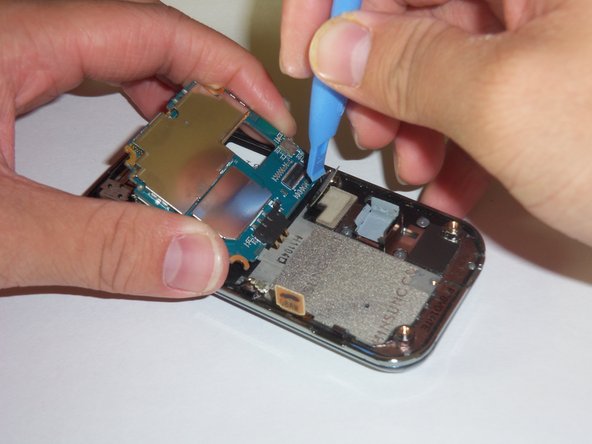
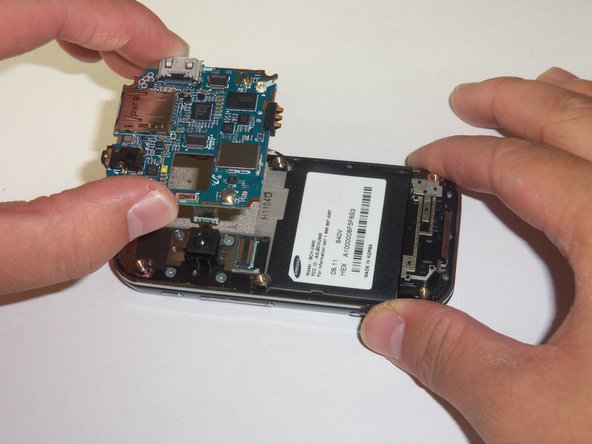
    7. Samsung Glyde Motherboard Replacement: crwdns2935265:09crwdnd2935265:01crwdnd2935265:02crwdne2935265:0 Samsung Glyde Motherboard Replacement: crwdns2935265:09crwdnd2935265:02crwdnd2935265:02crwdne2935265:0
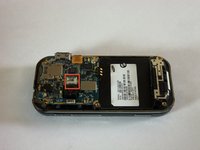
      • After disconnecting the four connectors, gently lift the motherboard up with your fingers.

      • Place the motherboard in a secure area.

      crwdns2952109:0crwdne2952109:0

      crwdns2917038:0crwdne2917038:0

crwdns2915888:0crwdne2915888:0

To reassemble your device, follow these instructions in reverse order.

crwdns2935221:0crwdne2935221:0

Stephen

crwdns2935283:010/12/11crwdne2935283:0

26 crwdns2915208:0crwdne2915208:0

crwdns2935295:0crwdne2935295:0

crwdns2935287:0crwdne2935287:0

Cal Poly, Team 3-12, Regan Fall 2011 crwdns2935289:0Cal Poly, Team 3-12, Regan Fall 2011crwdne2935289:0

CPSU-REGAN-F11S3G12

crwdns2931471:04crwdne2931471:0

crwdns2935297:084crwdne2935297:0

crwdns2947412:00crwdne2947412:0

crwdns2917038:0crwdne2917038:0

crwdns2936625:0crwdne2936625:0:

crwdns2936751:024crwdne2936751:0 0

crwdns2936753:07crwdne2936753:0 9

crwdns2936753:030crwdne2936753:0 52

crwdns2959996:0crwdne2959996:0 1,615