
Samsung Glyde Camera Replacement

crwdns2959932:0crwdnd2959932:0Cameron Lawcrwdnd2959932:0crwdnd2959932:0crwdnd2959932:08crwdnd2959932:0crwdne2959932:0
crwdns2959936:0Nhl 22, 2025crwdne2959936:0
crwdns2869540:0crwdne2869540:0: 1.5K
crwdns2959988:0crwdne2959988:0
- crwdns2959990:0crwdne2959990:0
- 2
- crwdns2959992:0crwdne2959992:0
- 22
- crwdns2959994:0crwdne2959994:0
- 87
- crwdns2959996:0crwdne2959996:0
- 1,529
crwdns2955950:0crwdne2955950:0: 0
crwdns2959998:0crwdne2959998:0
crwdns2960000:0crwdne2960000:0crwdns2959984:0crwdne2959984:0: 0 1
crwdns2959956:0crwdne2959956:0
crwdns2959968:01crwdne2959968:0
crwdns2959986:0crwdne2959986:0: 4 5
crwdns2959982:04crwdne2959982:0
crwdns2959978:05crwdne2959978:0
crwdns2869444:0crwdne2869444:0
crwdns2869445:0crwdne2869445:0
crwdns2862599:0crwdne2862599:0
crwdns2862600:0crwdne2862600:0
crwdns2862611:0crwdne2862611:0
crwdns2862612:0crwdne2862612:0
crwdns2915892:0crwdne2915892:0
crwdns2959928:0crwdne2959928:0 ↓This replacement can be done to restore a phone's camera functionality. By fixing this, this can solve blurry or broken camera or problems focusing. No skills are required for this replacement besides having minimal strength. Be aware that the camera is difficult to access and is also attached with adhesive, making it difficult to remove. Be sure you know that this replacement is permanent. Some tools you need are the iFixit Opening Tool and the Philips #00 Screwdriver.
crwdns2959930:0crwdne2959930:0
crwdns2943215:0crwdne2943215:0


-
-
-
Using your thumb, press down and slide the back cover away from the camera.
 crwdns2952109:0crwdne2952109:0
-
-
-
Remove the battery from the phone by using your plastic opening tool to find a gap at any edge of the battery and lifting the battery up.
-
-
-
-
-
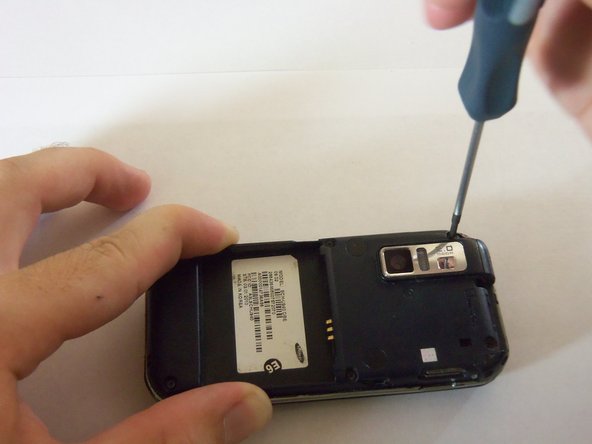
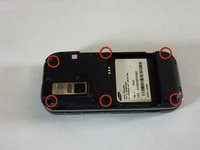
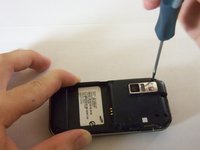
Using a Phillips#00 screw driver, remove the six 4mm screws holding the back case together.
-
-
-
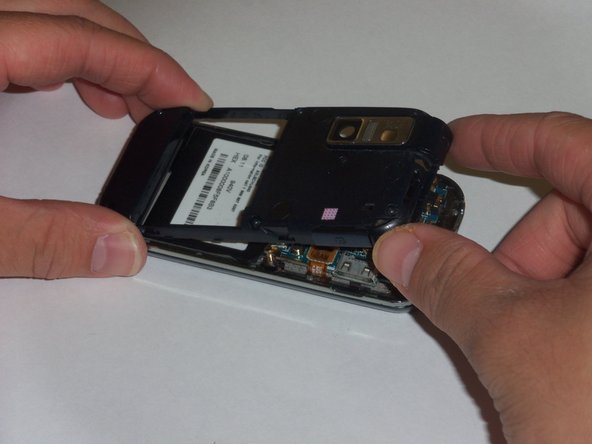
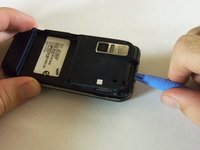
Use a plastic opening tool to pry the case off. To do this, find a gap on any side of the phone, top preferably, and slip the tip of the tool in the gap
-
Now use moderate strength and slowly maneuver the tool around the outside until the case becomes loose.
-
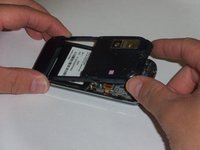
Using your fingers, take the case off.
-
-
-
-
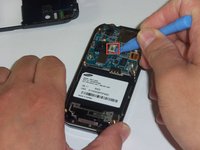
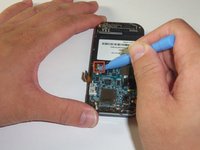
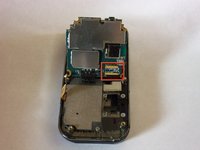
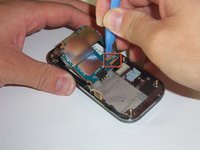
The green film above the camera is the camera connector to the motherboard.
-
Use a plastic opening tool to disconnect the camera connector.
-
-
-
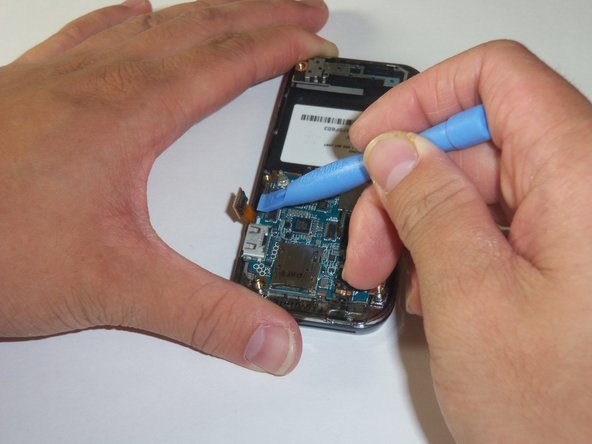
The golden film connector connects the keyboard to the motherboard.
-
Use a plastic opening tool to disconnect the keyboard connector.
-
-
-
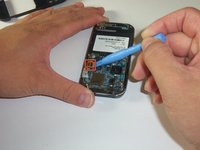
The circular connector holds the motherboard in place.
-
Using a plastic opening tool, disconnect the circular connector.
-
-
-
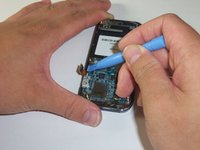
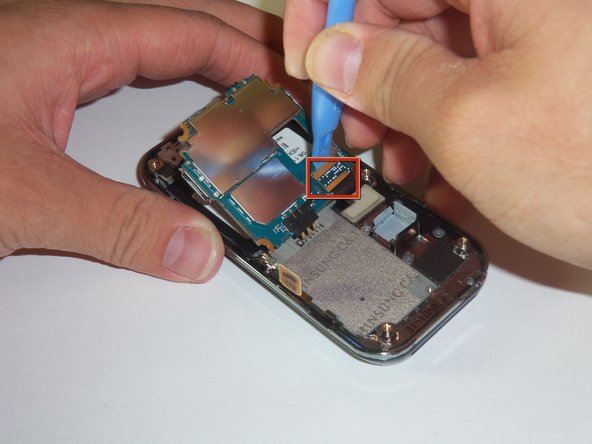
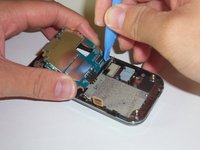
There is a LCD connector underneath the motherboard.
-
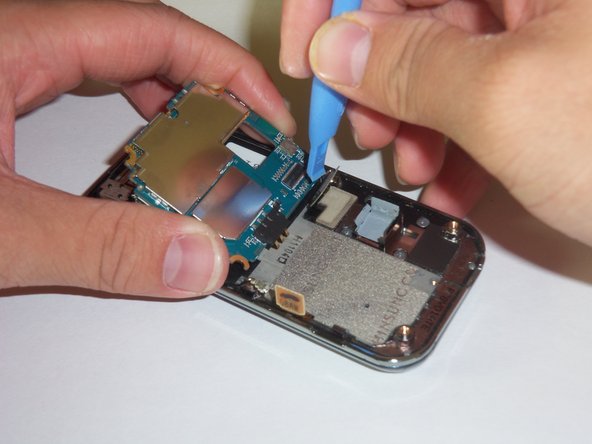
Gently lift the far edge of the motherboard upwards toward the center of the phone.
-
Using a plastic opening tool, disconnect the LCD connector.
-
-
-
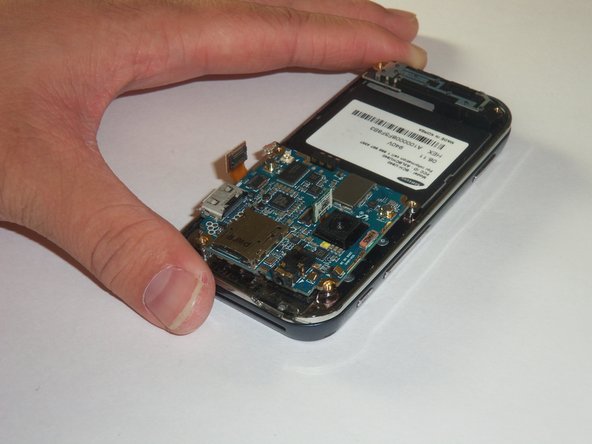
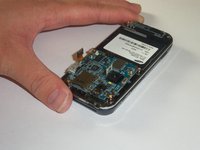
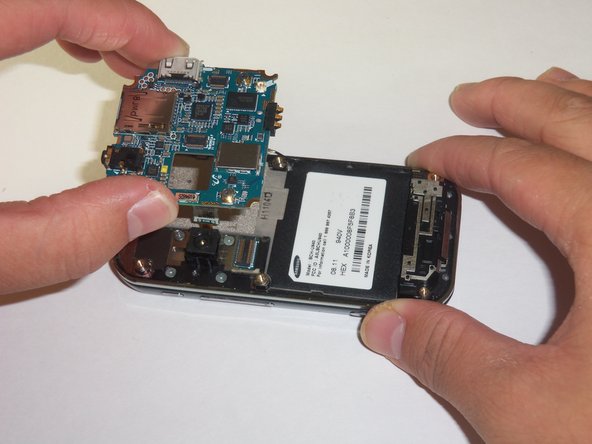
After disconnecting the four connectors, gently lift the motherboard up with your fingers.
-
Place the motherboard in a secure area.
-
-
-
-
-
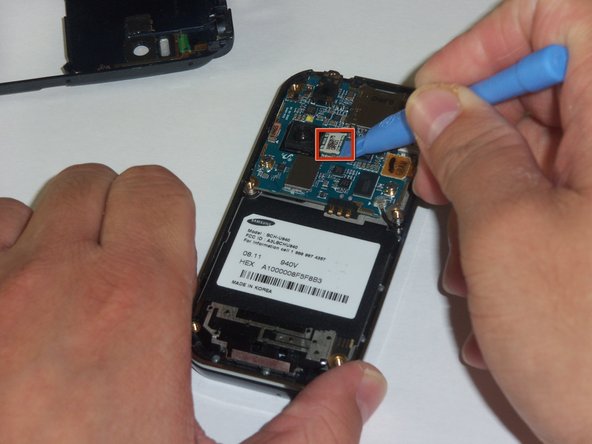
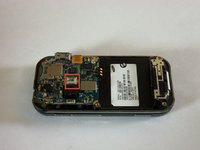
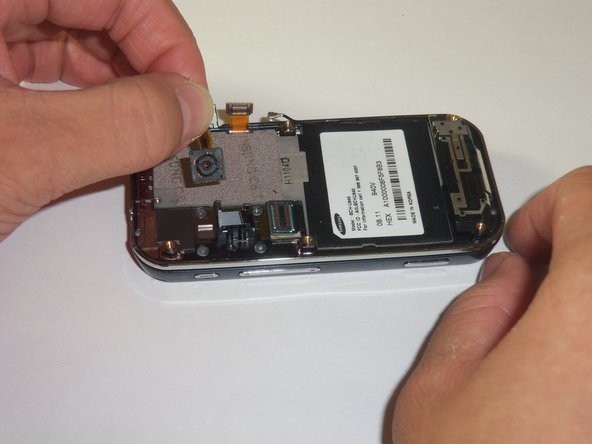
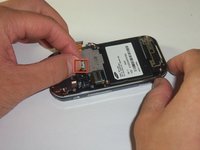
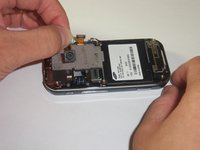
Use your thumb and index finger to grip the camera connector.
-
Pull the camera connector upwards to detach the camera.
-
-









To reassemble your device, follow these instructions in reverse order.

crwdns2935287:0crwdne2935287:0

Cal Poly, Team 3-12, Regan Fall 2011 crwdns2935289:0Cal Poly, Team 3-12, Regan Fall 2011crwdne2935289:0
CPSU-REGAN-F11S3G12
crwdns2931471:04crwdne2931471:0
crwdns2935297:084crwdne2935297:0
