crwdns2915892:0crwdne2915892:0
Replace the glass digitizer and the LCD screen.
crwdns2942213:0crwdne2942213:0
-
-
-
Locate the indent area highlighted in red and use either your fingernail or a Prying Tool (such as a guitar pick) to separate the back from the body of the phone.
 crwdns2952109:0crwdne2952109:0
-
-
-
Once the cover is removed, locate the battery that reads "SAMSUNG."
-
Use either your fingernail or a Plastic Prying Tool (such as a guitar pick) to lift up the bottom indent of the battery.
-
-
-
-
-
-
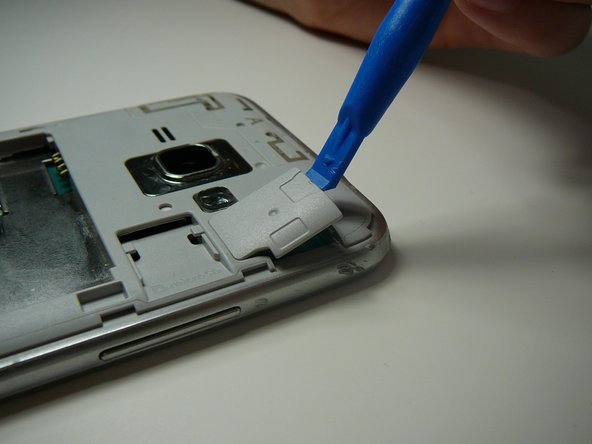
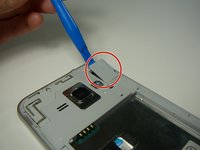
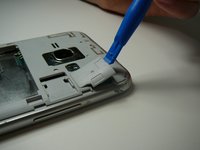
Use a Plastic Prying Tool (such as a spudger) to pop out piece shown.
-
-
-
Detach the screen connector.
-
-
-
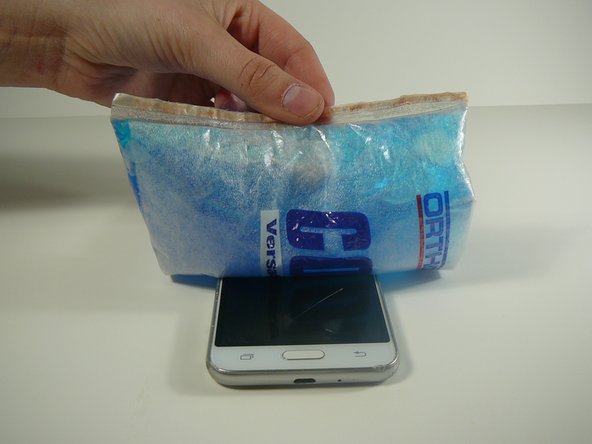
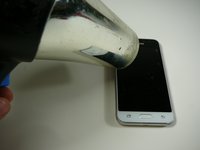
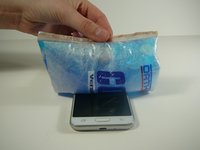
Use a blow dryer or heating pad to heat up the screen.
-
-
-
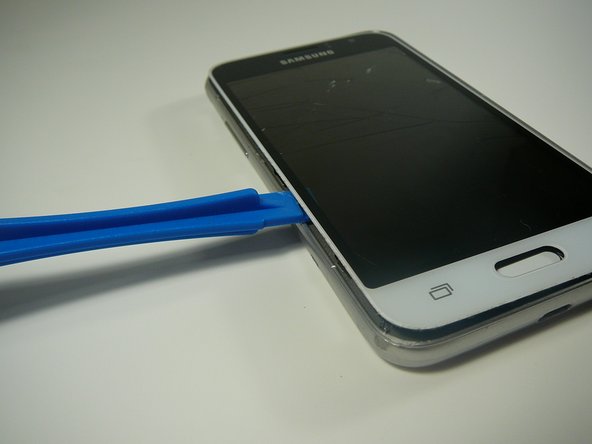
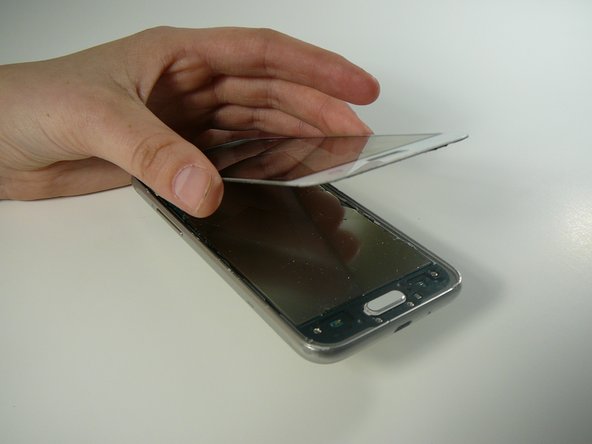
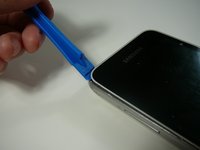
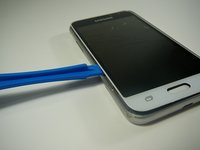
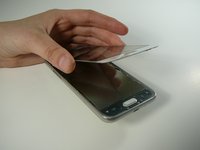
Use a Thin Plastic Tool (such as a guitar pick) or Plastic Prying Tool (such as a spudger) to lift out the glass digitizer and LCD screen around the edges.
-
-





To reassemble your device, follow these instructions in reverse order.
crwdns2935221:0crwdne2935221:0
crwdns2935229:07crwdne2935229:0

crwdns2935287:0crwdne2935287:0

Linn Benton Community College, Team S2-G4, Johnson Spring 2018 crwdns2935289:0Linn Benton Community College, Team S2-G4, Johnson Spring 2018crwdne2935289:0
LBCC-JOHNSON-S18S2G4
crwdns2931471:04crwdne2931471:0
crwdns2935297:084crwdne2935297:0
crwdns2947412:02crwdne2947412:0
My friend set on his phone the screen is broken. The phone will come on but the screen will not light up.
Rudolph Mc Alister - crwdns2934203:0crwdne2934203:0 crwdns2950251:0crwdne2950251:0
Same! For TWO phones now… have you had any luck on any suggestions or figuring anything out???
Faith Dockery - crwdns2934203:0crwdne2934203:0 crwdns2950251:0crwdne2950251:0
