crwdns2933423:0crwdne2933423:0
crwdns2947577:0crwdnd2947577:0crwdne2947577:0

Repairing VTech Touch and Swipe Baby Phone Screen Alignment

crwdns2942213:0crwdne2942213:0

  1. Repairing VTech Touch and Swipe Baby Phone Screen Alignment, Battery: crwdns2935265:01crwdnd2935265:01crwdnd2935265:02crwdne2935265:0 Repairing VTech Touch and Swipe Baby Phone Screen Alignment, Battery: crwdns2935265:01crwdnd2935265:02crwdnd2935265:02crwdne2935265:0
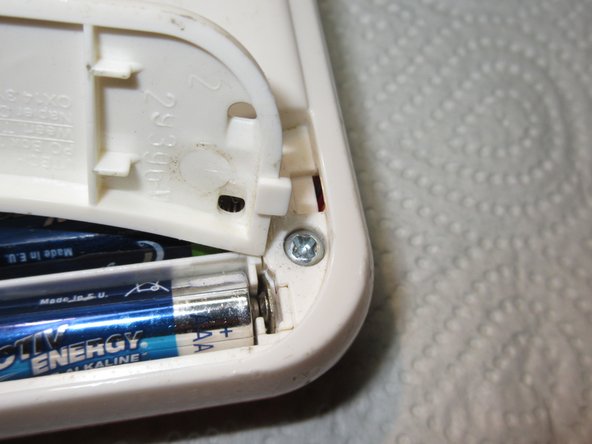
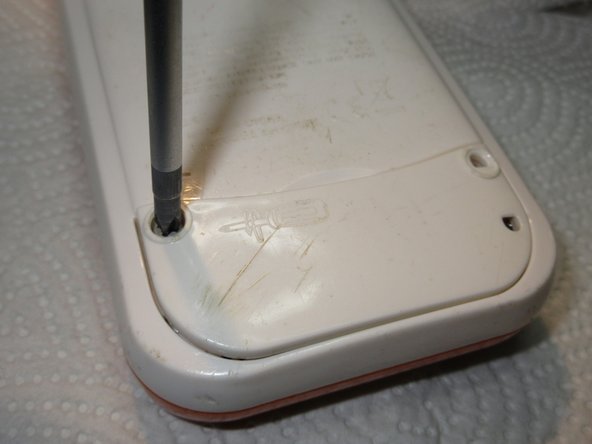
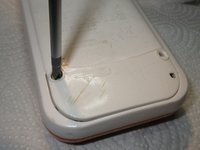
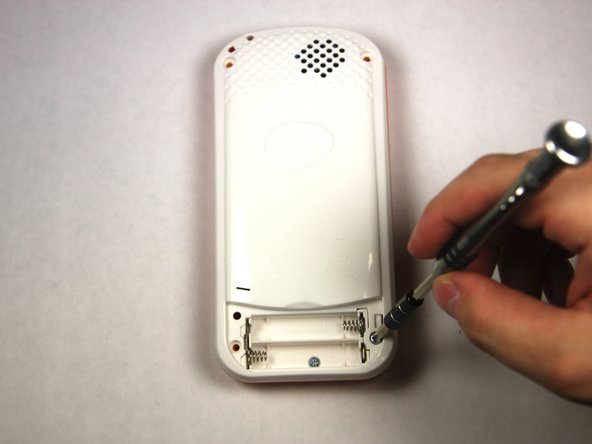
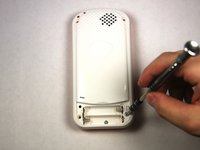
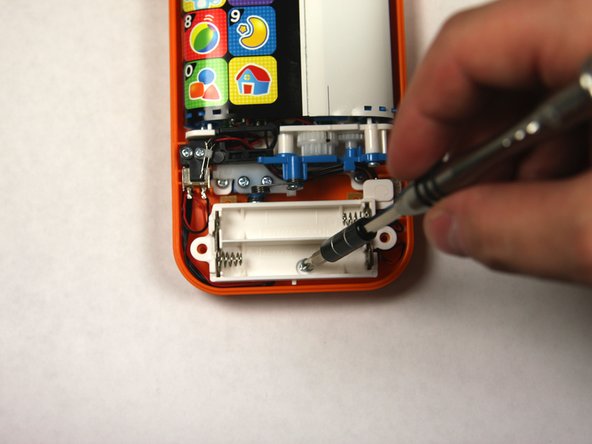
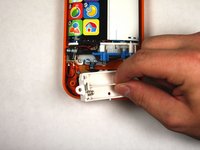
    • Using a Phillips #1 screwdriver, remove the 4.8mm screw on the battery cover by twisting the screwdriver counter-clockwise.

    crwdns2952109:0crwdne2952109:0

    crwdns2917038:0crwdne2917038:0

  2. Repairing VTech Touch and Swipe Baby Phone Screen Alignment: crwdns2935265:02crwdnd2935265:01crwdnd2935265:03crwdne2935265:0 Repairing VTech Touch and Swipe Baby Phone Screen Alignment: crwdns2935265:02crwdnd2935265:02crwdnd2935265:03crwdne2935265:0 Repairing VTech Touch and Swipe Baby Phone Screen Alignment: crwdns2935265:02crwdnd2935265:03crwdnd2935265:03crwdne2935265:0
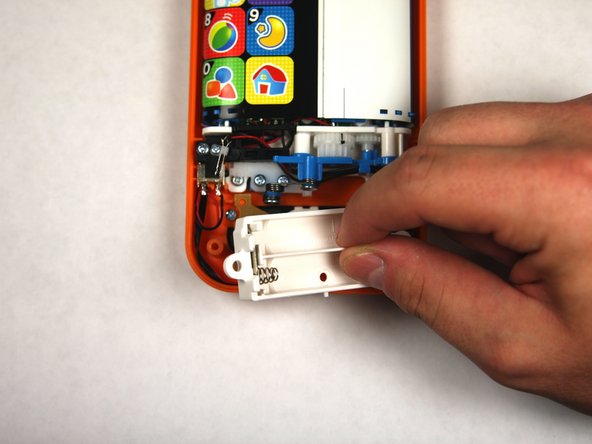
    • Remove the two AAA batteries by pulling on one end of the battery and lifting it straight out.

    crwdns2952109:0crwdne2952109:0

    crwdns2917038:0crwdne2917038:0

  3. Repairing VTech Touch and Swipe Baby Phone Screen Alignment: crwdns2935265:03crwdnd2935265:01crwdnd2935265:03crwdne2935265:0 Repairing VTech Touch and Swipe Baby Phone Screen Alignment: crwdns2935265:03crwdnd2935265:02crwdnd2935265:03crwdne2935265:0 Repairing VTech Touch and Swipe Baby Phone Screen Alignment: crwdns2935265:03crwdnd2935265:03crwdnd2935265:03crwdne2935265:0
    • When reassembling, align the notch on the battery panel with the slot on the phone.

    crwdns2952109:0crwdne2952109:0

    crwdns2917038:0crwdne2917038:0

  4. Repairing VTech Touch and Swipe Baby Phone Screen Alignment, Repairing VTech Touch and Swipe Baby Phone Screen Alignment: crwdns2935265:04crwdnd2935265:01crwdnd2935265:02crwdne2935265:0 Repairing VTech Touch and Swipe Baby Phone Screen Alignment, Repairing VTech Touch and Swipe Baby Phone Screen Alignment: crwdns2935265:04crwdnd2935265:02crwdnd2935265:02crwdne2935265:0
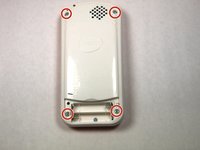
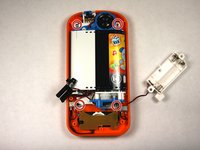
    • Remove four 13.8mm screws from the back of the device using a Phillips #1 screwdriver.

    crwdns2952109:0crwdne2952109:0

    crwdns2917038:0crwdne2917038:0

  5. Repairing VTech Touch and Swipe Baby Phone Screen Alignment: crwdns2935265:05crwdnd2935265:01crwdnd2935265:03crwdne2935265:0 Repairing VTech Touch and Swipe Baby Phone Screen Alignment: crwdns2935265:05crwdnd2935265:02crwdnd2935265:03crwdne2935265:0 Repairing VTech Touch and Swipe Baby Phone Screen Alignment: crwdns2935265:05crwdnd2935265:03crwdnd2935265:03crwdne2935265:0
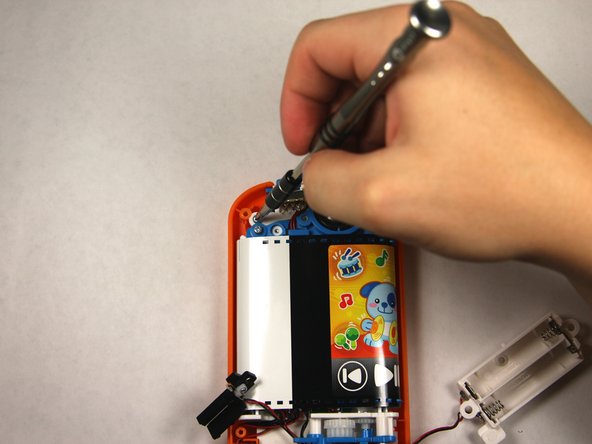
    • Remove a single 4.8 mm screw with a Phillips #0 screwdriver and lift away the battery pack being careful of the wires.

    crwdns2952109:0crwdne2952109:0

    crwdns2917038:0crwdne2917038:0

  6. Repairing VTech Touch and Swipe Baby Phone Screen Alignment: crwdns2935265:06crwdnd2935265:01crwdnd2935265:02crwdne2935265:0 Repairing VTech Touch and Swipe Baby Phone Screen Alignment: crwdns2935265:06crwdnd2935265:02crwdnd2935265:02crwdne2935265:0
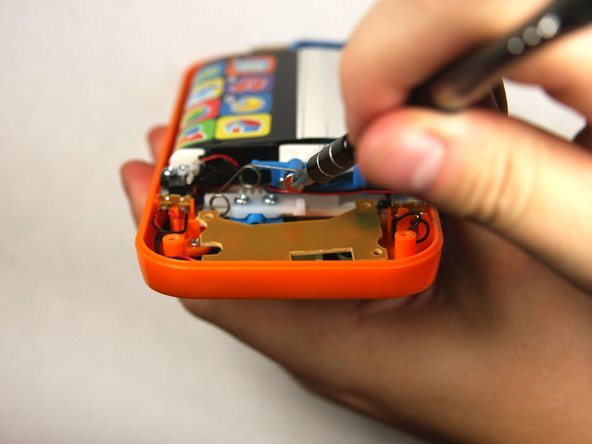
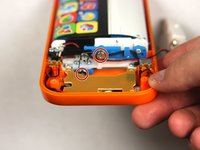
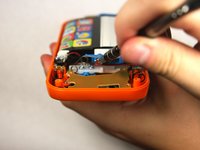
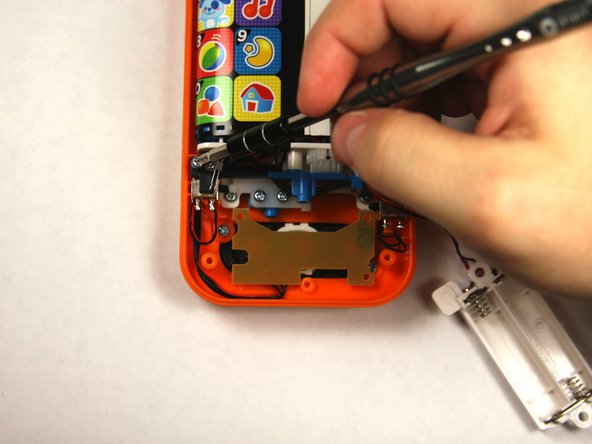
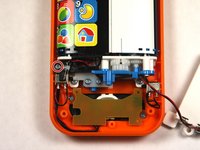
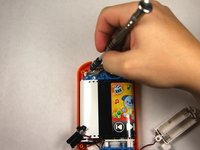
    • Remove two 7.2 mm screws with a Phillips #0 screwdriver.

    • Slide off the spring.

    crwdns2952109:0crwdne2952109:0

    crwdns2917038:0crwdne2917038:0

  7. Repairing VTech Touch and Swipe Baby Phone Screen Alignment: crwdns2935265:07crwdnd2935265:01crwdnd2935265:03crwdne2935265:0 Repairing VTech Touch and Swipe Baby Phone Screen Alignment: crwdns2935265:07crwdnd2935265:02crwdnd2935265:03crwdne2935265:0 Repairing VTech Touch and Swipe Baby Phone Screen Alignment: crwdns2935265:07crwdnd2935265:03crwdnd2935265:03crwdne2935265:0
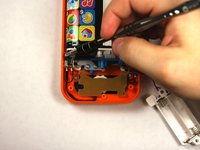
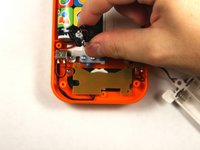
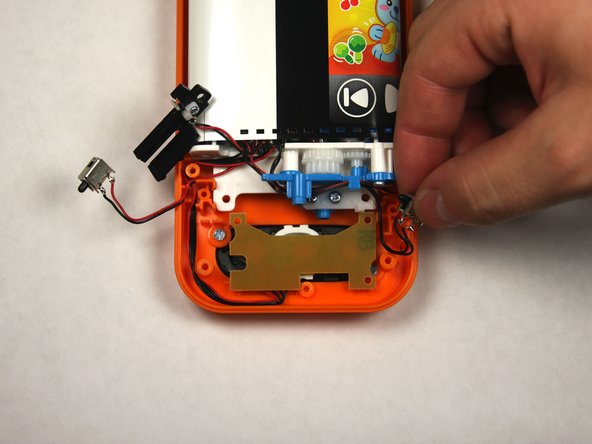
    • Remove the single 7.5mm screw with a Phillips #0 screwdriver.

    • Lift up the black plastic piece.

    crwdns2952109:0crwdne2952109:0

    crwdns2917038:0crwdne2917038:0

  8. Repairing VTech Touch and Swipe Baby Phone Screen Alignment: crwdns2935265:08crwdnd2935265:01crwdnd2935265:02crwdne2935265:0 Repairing VTech Touch and Swipe Baby Phone Screen Alignment: crwdns2935265:08crwdnd2935265:02crwdnd2935265:02crwdne2935265:0
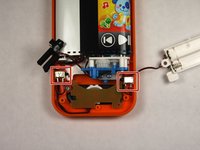
    • Remove four 7.5mm screws with a Phillips #0 screwdriver.

    crwdns2952109:0crwdne2952109:0

    crwdns2917038:0crwdne2917038:0

  9. Repairing VTech Touch and Swipe Baby Phone Screen Alignment: crwdns2935265:09crwdnd2935265:01crwdnd2935265:02crwdne2935265:0 Repairing VTech Touch and Swipe Baby Phone Screen Alignment: crwdns2935265:09crwdnd2935265:02crwdnd2935265:02crwdne2935265:0
    • Remove the two buttons, noting how wires are placed for reassembly.

    crwdns2952109:0crwdne2952109:0

    crwdns2917038:0crwdne2917038:0

  10. Repairing VTech Touch and Swipe Baby Phone Screen Alignment: crwdns2935265:010crwdnd2935265:01crwdnd2935265:02crwdne2935265:0 Repairing VTech Touch and Swipe Baby Phone Screen Alignment: crwdns2935265:010crwdnd2935265:02crwdnd2935265:02crwdne2935265:0
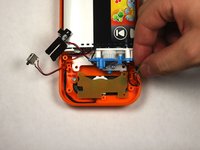
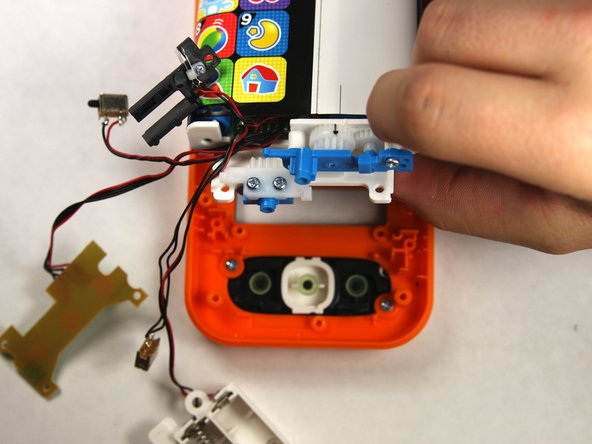
    • Lift the button board up and away to clear room for lifting the motherboard.

    • Tilt the assembly up but being wary that it is still attached to the front panel.

    crwdns2952109:0crwdne2952109:0

    crwdns2917038:0crwdne2917038:0

  11. Repairing VTech Touch and Swipe Baby Phone Screen Alignment: crwdns2935265:011crwdnd2935265:01crwdnd2935265:01crwdne2935265:0
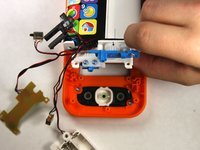
    • Slide the toothed slider towards you to remove.

    crwdns2952109:0crwdne2952109:0

    crwdns2917038:0crwdne2917038:0

  12. Repairing VTech Touch and Swipe Baby Phone Screen Alignment: crwdns2935265:012crwdnd2935265:01crwdnd2935265:01crwdne2935265:0
    • To reassemble, align the two black lines together by moving the belt back and forth.

    • Once aligned reinsert the toothed slider at the exact point shown.

    crwdns2952109:0crwdne2952109:0

    crwdns2917038:0crwdne2917038:0

crwdns2915888:0crwdne2915888:0

To reassemble your device, follow these instructions in reverse order, skipping step 10 as the toothed slider has already been put in for proper alignment.

crwdns2935221:0crwdne2935221:0

crwdns2935227:0crwdne2935227:0

Sean Webb

crwdns2935283:009/04/15crwdne2935283:0

384 crwdns2915208:0crwdne2915208:0

crwdns2935297:02crwdne2935297:0

crwdns2935287:0crwdne2935287:0

USF Tampa, Team 2-4, Sullivan Fall 2015 crwdns2935289:0USF Tampa, Team 2-4, Sullivan Fall 2015crwdne2935289:0

USFT-SULLIVAN-F15S2G4

crwdns2931471:03crwdne2931471:0

crwdns2935297:012crwdne2935297:0

crwdns2947410:01crwdne2947410:0

Good work !

Nice.

I did not see the black line in mine,

i opened the foil and glued it new together . Not so nice. :D

But it works.

Schwarzstein - crwdns2934203:0crwdne2934203:0 crwdns2950251:0crwdne2950251:0
crwdns2917038:0crwdne2917038:0

crwdns2936625:0crwdne2936625:0:

crwdns2936751:024crwdne2936751:0 1

crwdns2936753:07crwdne2936753:0 10

crwdns2936753:030crwdne2936753:0 41

crwdns2942667:0crwdne2942667:0 1,922