
Removing Olympus FE-210 Flash Assembly

crwdns2959932:0crwdnd2959932:0Mattcrwdnd2959932:0crwdnd2959932:0crwdnd2959932:05crwdnd2959932:0crwdne2959932:0
crwdns2959936:0Sun 28, 2014crwdne2959936:0
crwdns2869540:0crwdne2869540:0: 3.3K
crwdns2959988:0crwdne2959988:0
- crwdns2959990:0crwdne2959990:0
- 3
- crwdns2959992:0crwdne2959992:0
- 19
- crwdns2959994:0crwdne2959994:0
- 97
- crwdns2959996:0crwdne2959996:0
- 3,322
crwdns2955950:0crwdne2955950:0: 0
crwdns2959998:0crwdne2959998:0
crwdns2960000:0crwdne2960000:0crwdns2959984:0crwdne2959984:0: 0 1
crwdns2959956:0crwdne2959956:0
crwdns2959968:01crwdne2959968:0
crwdns2959986:0crwdne2959986:0: 2 3
crwdns2959982:02crwdne2959982:0
crwdns2959978:03crwdne2959978:0
crwdns2862613:0crwdne2862613:0
crwdns2862614:0crwdne2862614:0
crwdns2915892:0crwdne2915892:0
crwdns2959928:0crwdne2959928:0 ↓You must remove the battery, the front, and the rear casing before removing the flash assembly.
crwdns2959930:0crwdne2959930:0
crwdns2943215:0crwdne2943215:0
-
Spudger4.9


-
-
-
The battery compartment is located on the bottom side of the camera. Push the button in, and slide the cover to get access to the batteries.
 crwdns2952109:0crwdne2952109:0
-
-
-
The batteries will slide right out.
-
-
-
-
-
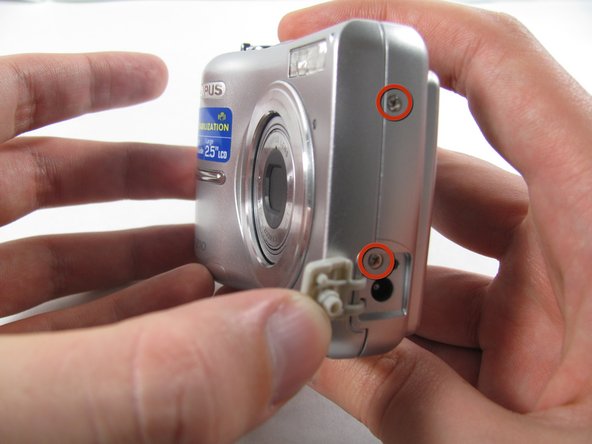
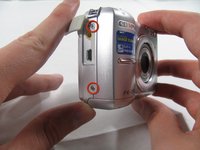
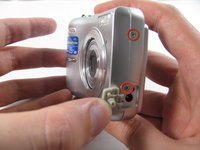
Remove the seven screws holding the front case in place, with a Phillips #00 screwdriver.
-
Six screws are 3.6 mm.
-
The seventh screw is 3.2 mm.
-
-
-
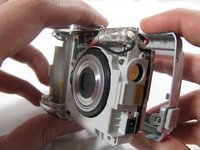
Insert an opening tool or spudger into the seam between the front case and body of the camera to release the clips holding it together.
-
These three places are located:
-
At the top and bottom of the battery side (opposite of side pictured) of the case.
-
Right in the middle of the DC-in side (side pictured) of the case.
-
Top of the camera, to the left of the power button.
-
Once those places are disconnected, the front case will pop right off.
-
-
-
-
-
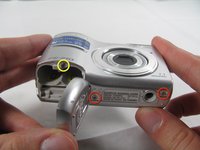
Remove the 3.2 mm screw in the battery compartment using a #00 screwdriver.
-
-
-
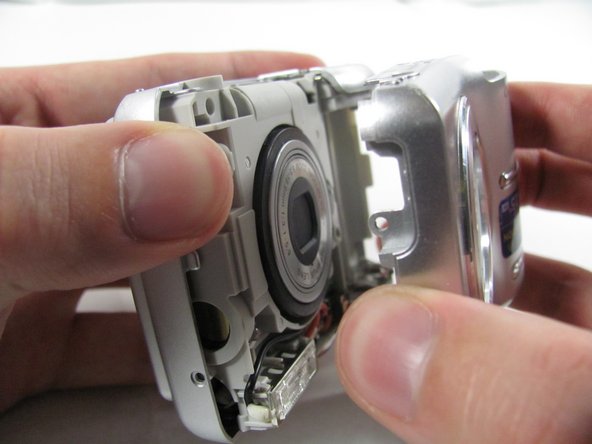
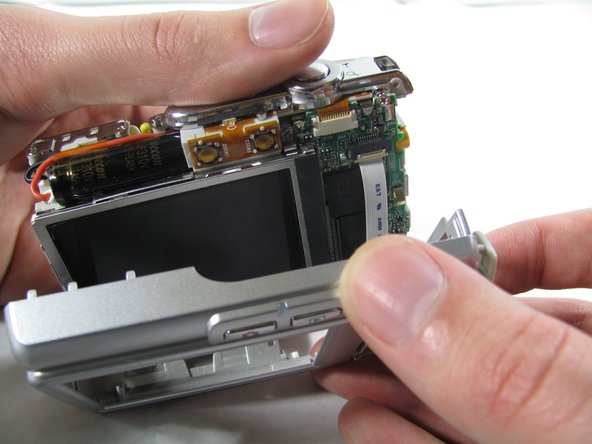
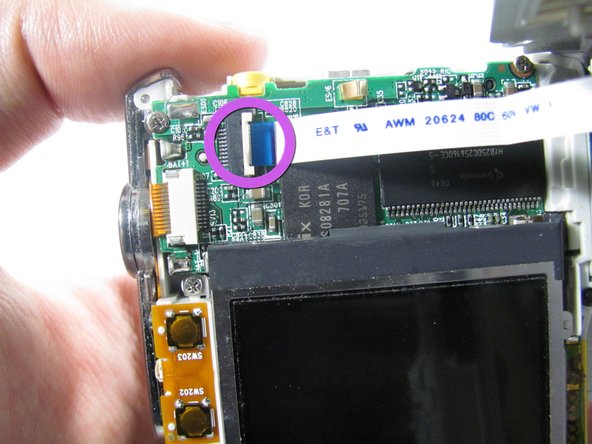
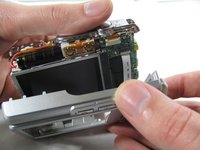
Carefully pull the rear case away from the camera until you have access to the cord connected to the motherboard.
-
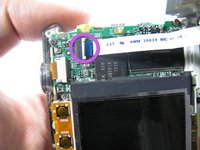
Lift the white latch using a fingernail or a spudger.
-
Pull the cord from its connector.
-
-
-
-
-
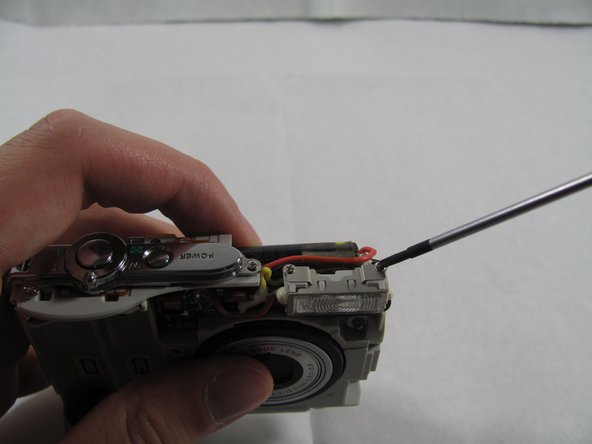
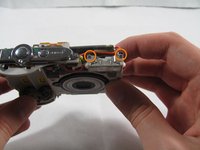
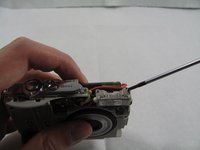
Remove the two 2.7 mm screws using a #00 screwdriver.
-
-
-
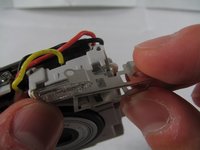
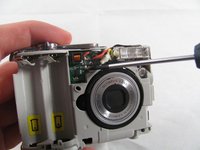
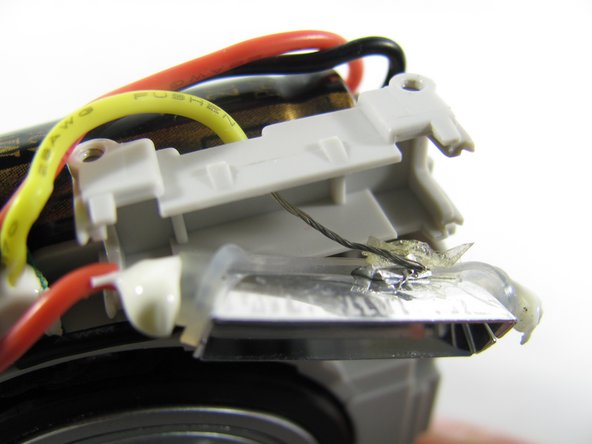
Remove the metal casing on the flash, by grabbing with two fingers and pry it off the snaps connecting it to the flash.
-
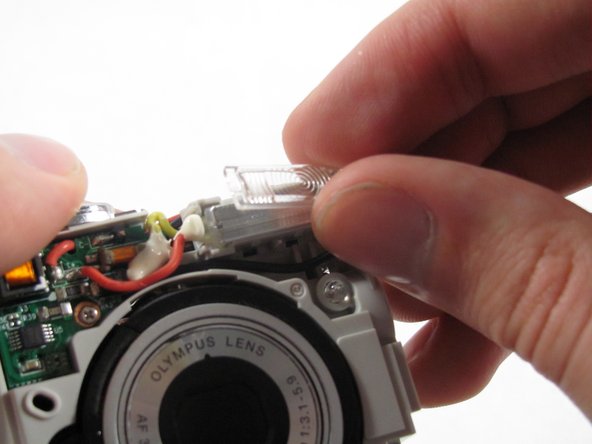
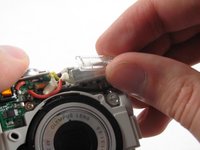
Remove the plastic cover on the flash, by simply grabbing the plastic with two fingers and pulling.
-
-
-
-
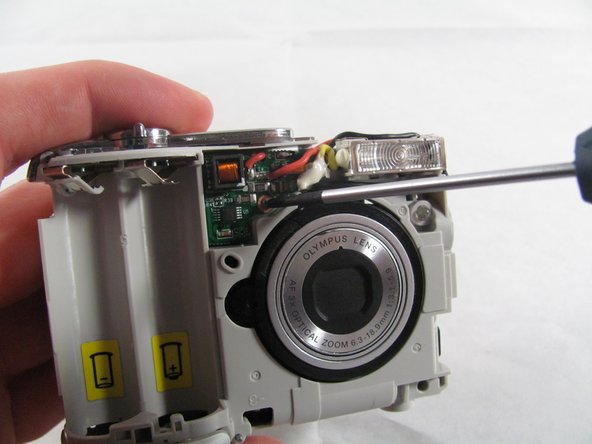
Remove the 2.7 mm screw holding the front circuit board in place.
-
-
-
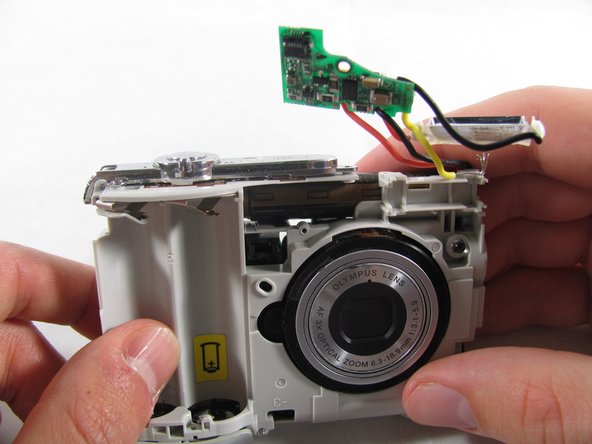
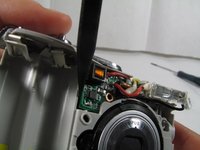
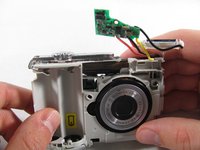
Remove the circuit board by prying it out with a spudger.
-
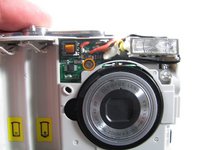
Remove the flashbulb from its place.
-
-
-
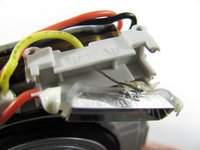
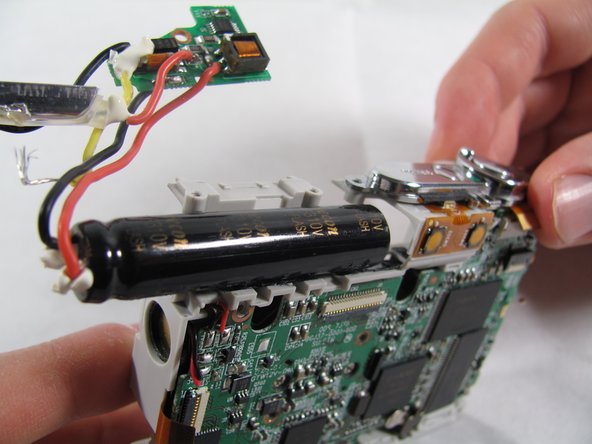
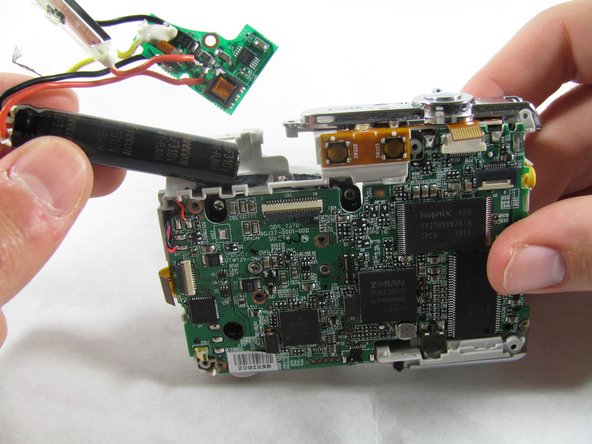
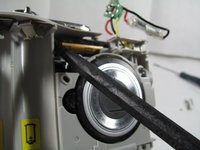
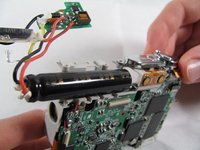
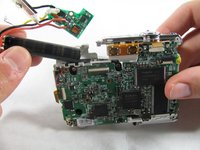
To remove the capacitor you must slide it out from the sticky tape that is holding it in place.
-
First insert a spudger between the capacitor and the plastic.
-
Pry with the spudger or pull with your hands to loosen the capacitor.
-
-











To reassemble your device, follow these instructions in reverse order.

crwdns2935287:0crwdne2935287:0

Cal Poly, Team 4-36, Regan Winter 2011 crwdns2935289:0Cal Poly, Team 4-36, Regan Winter 2011crwdne2935289:0
CPSU-REGAN-W11S4G36
crwdns2931471:03crwdne2931471:0
crwdns2935297:084crwdne2935297:0
