crwdns2933423:0crwdne2933423:0
crwdns2947577:0crwdnd2947577:0crwdne2947577:0

RYDIS H68 Pro Wheel Replacement

crwdns2942213:0crwdne2942213:0

    1. RYDIS H68 Pro Wheel  Replacement, Battery: crwdns2935265:01crwdnd2935265:01crwdnd2935265:02crwdne2935265:0 RYDIS H68 Pro Wheel  Replacement, Battery: crwdns2935265:01crwdnd2935265:02crwdnd2935265:02crwdne2935265:0
      • Flip the vacuum over so that the wheels are facing you.

      • Use a Phillips #1 screwdriver to remove the four 10 mm screws that surround the battery cover.

      crwdns2952109:0crwdne2952109:0

      crwdns2917038:0crwdne2917038:0

    2. RYDIS H68 Pro Wheel  Replacement: crwdns2935265:02crwdnd2935265:01crwdnd2935265:01crwdne2935265:0
      • Lift the battery cover up to reveal the battery.

      • Remove the battery.

      crwdns2952109:0crwdne2952109:0

      crwdns2917038:0crwdne2917038:0

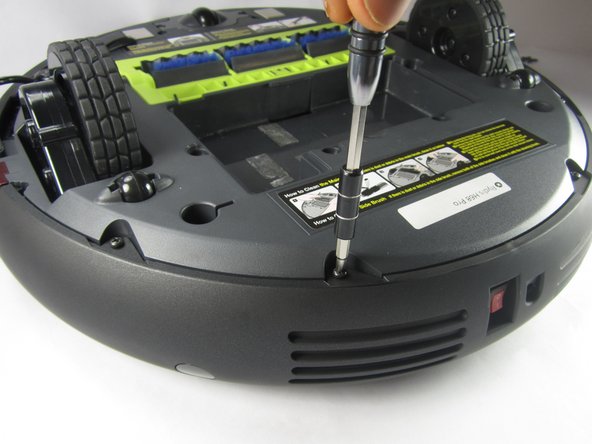
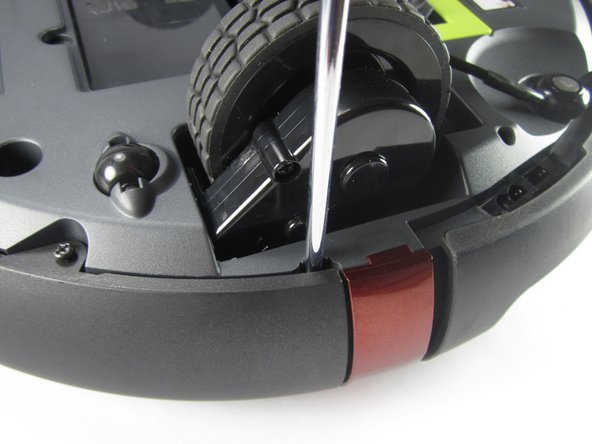
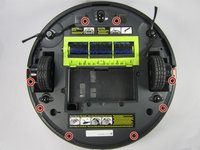
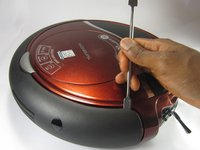
    1. RYDIS H68 Pro Wheel  Replacement, Bumper: crwdns2935265:03crwdnd2935265:01crwdnd2935265:03crwdne2935265:0 RYDIS H68 Pro Wheel  Replacement, Bumper: crwdns2935265:03crwdnd2935265:02crwdnd2935265:03crwdne2935265:0 RYDIS H68 Pro Wheel  Replacement, Bumper: crwdns2935265:03crwdnd2935265:03crwdnd2935265:03crwdne2935265:0
      • Remove the eight 10 mm Phillips #1 screws.

      crwdns2952109:0crwdne2952109:0

      crwdns2917038:0crwdne2917038:0

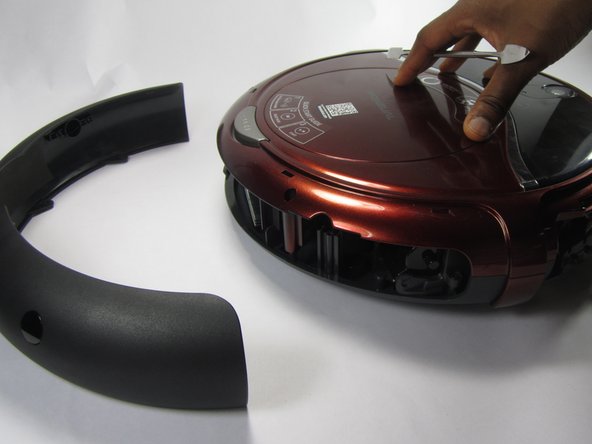
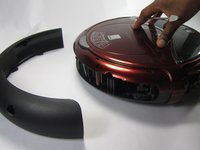
    2. RYDIS H68 Pro Wheel  Replacement: crwdns2935265:04crwdnd2935265:01crwdnd2935265:03crwdne2935265:0 RYDIS H68 Pro Wheel  Replacement: crwdns2935265:04crwdnd2935265:02crwdnd2935265:03crwdne2935265:0 RYDIS H68 Pro Wheel  Replacement: crwdns2935265:04crwdnd2935265:03crwdnd2935265:03crwdne2935265:0
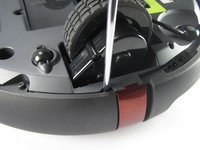
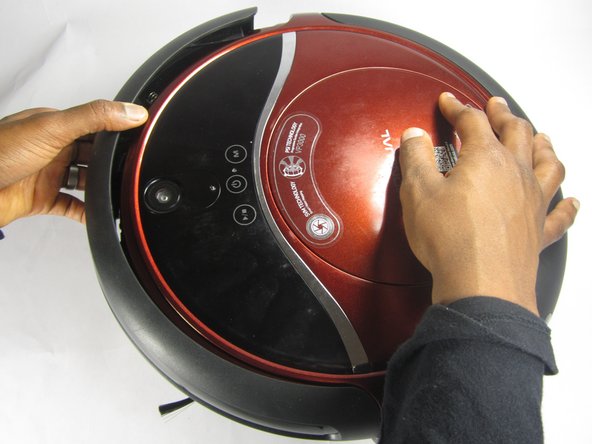
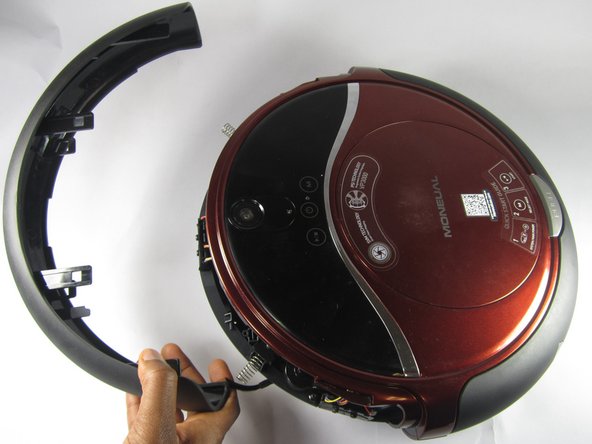
      • Hold the front bumper and pull it off.

      • It requires a lot of force to pull the bumper off.

      crwdns2952109:0crwdne2952109:0

      crwdns2917038:0crwdne2917038:0

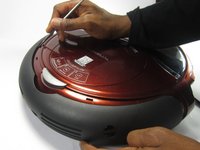
    3. RYDIS H68 Pro Wheel  Replacement: crwdns2935265:05crwdnd2935265:01crwdnd2935265:03crwdne2935265:0 RYDIS H68 Pro Wheel  Replacement: crwdns2935265:05crwdnd2935265:02crwdnd2935265:03crwdne2935265:0 RYDIS H68 Pro Wheel  Replacement: crwdns2935265:05crwdnd2935265:03crwdnd2935265:03crwdne2935265:0
      • Pry off the back bumper by going around the entire top of the bumper with the metal spudger.

      crwdns2952109:0crwdne2952109:0

      crwdns2917038:0crwdne2917038:0

    1. RYDIS H68 Pro Wheel  Replacement, Wheel assembly: crwdns2935265:06crwdnd2935265:01crwdnd2935265:01crwdne2935265:0
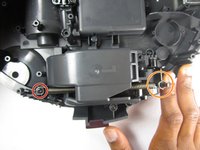
      • Remove three 10mm Philips #1 screws that are securing the wheel assembly.

      crwdns2952109:0crwdne2952109:0

      crwdns2917038:0crwdne2917038:0

    2. RYDIS H68 Pro Wheel  Replacement: crwdns2935265:07crwdnd2935265:01crwdnd2935265:02crwdne2935265:0 RYDIS H68 Pro Wheel  Replacement: crwdns2935265:07crwdnd2935265:02crwdnd2935265:02crwdne2935265:0
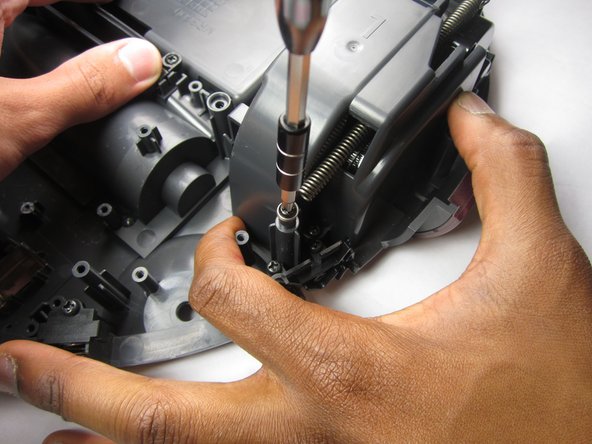
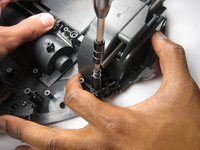
      • Remove the 10mm Phillips #1 screw securing the spring.

      • Then undo the spring from the plastic hook to completely remove it from the wheel assembly.

      crwdns2952109:0crwdne2952109:0

      crwdns2917038:0crwdne2917038:0

    3. RYDIS H68 Pro Wheel  Replacement: crwdns2935265:08crwdnd2935265:01crwdnd2935265:03crwdne2935265:0 RYDIS H68 Pro Wheel  Replacement: crwdns2935265:08crwdnd2935265:02crwdnd2935265:03crwdne2935265:0 RYDIS H68 Pro Wheel  Replacement: crwdns2935265:08crwdnd2935265:03crwdnd2935265:03crwdne2935265:0
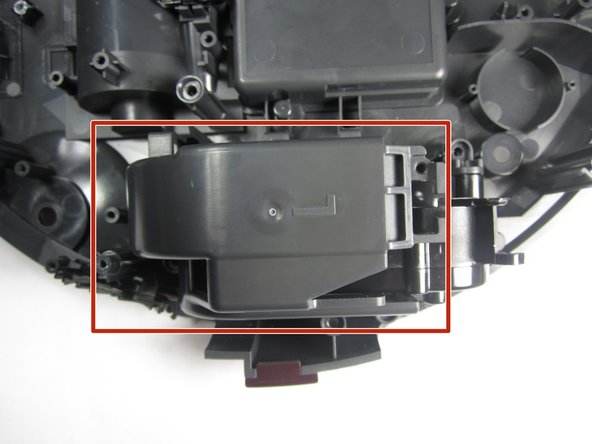
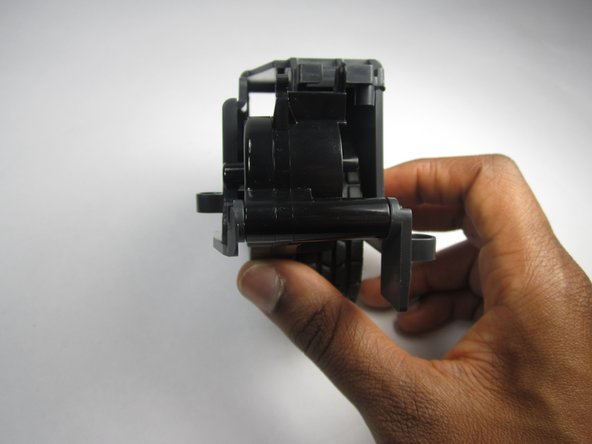
      • Lift up on the plastic piece to remove the entire wheel assembly.

      crwdns2952109:0crwdne2952109:0

      crwdns2917038:0crwdne2917038:0

    4. RYDIS H68 Pro Wheel  Replacement: crwdns2935265:09crwdnd2935265:01crwdnd2935265:03crwdne2935265:0 RYDIS H68 Pro Wheel  Replacement: crwdns2935265:09crwdnd2935265:02crwdnd2935265:03crwdne2935265:0 RYDIS H68 Pro Wheel  Replacement: crwdns2935265:09crwdnd2935265:03crwdnd2935265:03crwdne2935265:0
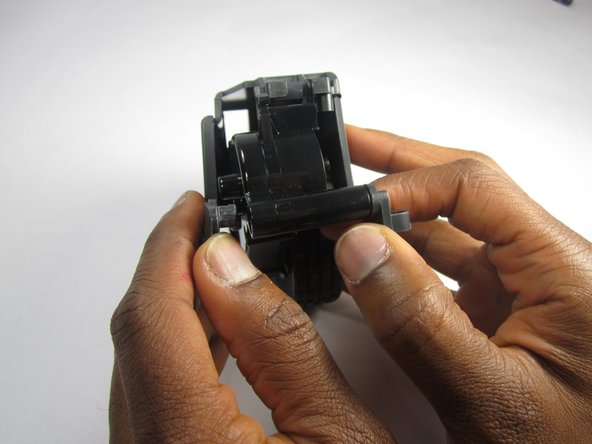
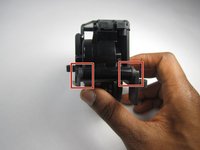
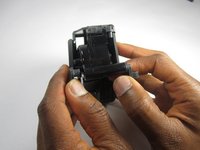
      • Remove the plastic frame by pulling outward on the two spots where it is fastened.

      crwdns2952109:0crwdne2952109:0

      crwdns2917038:0crwdne2917038:0

    5. RYDIS H68 Pro Wheel  Replacement: crwdns2935265:010crwdnd2935265:01crwdnd2935265:02crwdne2935265:0 RYDIS H68 Pro Wheel  Replacement: crwdns2935265:010crwdnd2935265:02crwdnd2935265:02crwdne2935265:0
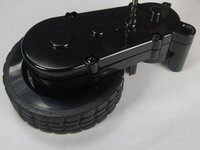
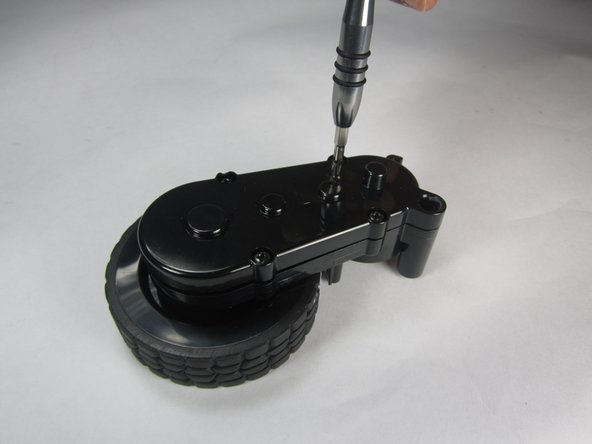
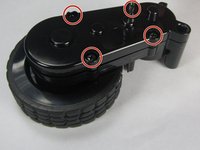
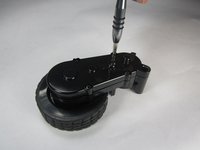
      • Remove the four 10mm Phillips #1 screws around the edges of the cover.

      crwdns2952109:0crwdne2952109:0

      crwdns2917038:0crwdne2917038:0

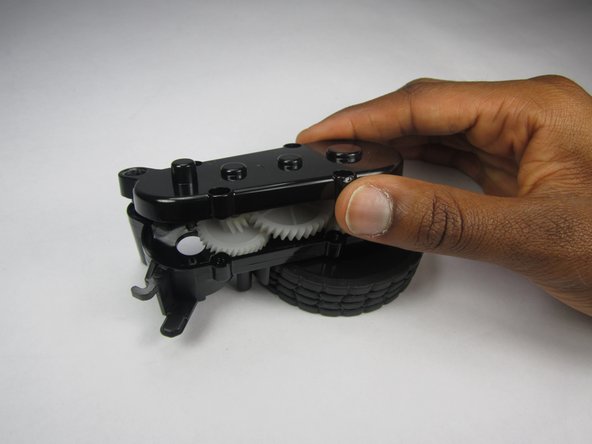
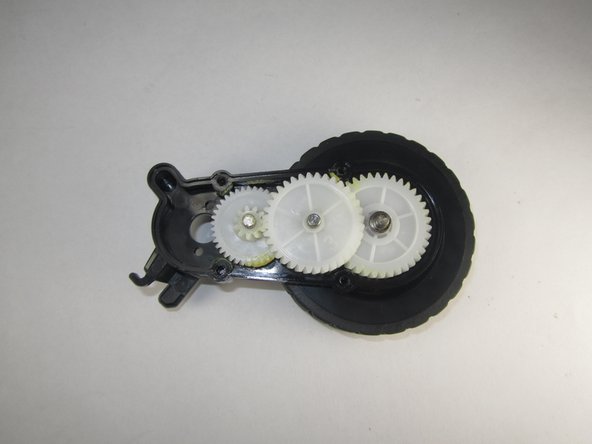
    6. RYDIS H68 Pro Wheel  Replacement: crwdns2935265:011crwdnd2935265:01crwdnd2935265:03crwdne2935265:0 RYDIS H68 Pro Wheel  Replacement: crwdns2935265:011crwdnd2935265:02crwdnd2935265:03crwdne2935265:0 RYDIS H68 Pro Wheel  Replacement: crwdns2935265:011crwdnd2935265:03crwdnd2935265:03crwdne2935265:0
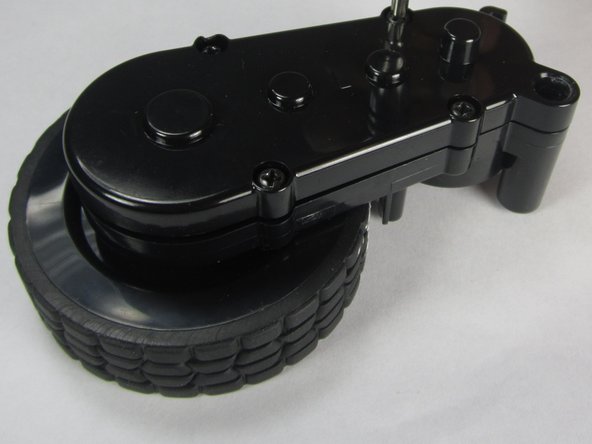
      • Lift up on the top cover to remove it.

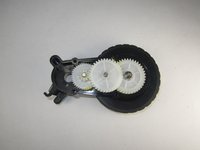
      • Removing the top cover reveals the gear system consisting of three gears.

      crwdns2952109:0crwdne2952109:0

      crwdns2917038:0crwdne2917038:0

crwdns2915888:0crwdne2915888:0

To reassemble your device, follow these instructions in reverse order.

crwdns2935221:0crwdne2935221:0

Shawn O'Meara

crwdns2935283:002/27/17crwdne2935283:0

101 crwdns2915208:0crwdne2915208:0

crwdns2935295:0crwdne2935295:0

crwdns2935287:0crwdne2935287:0

USFT-Lacy-S17S005G2 crwdns2935289:0USFT-Lacy-S17S005G2crwdne2935289:0

Local Repair Groups

crwdns2931471:04crwdne2931471:0

crwdns2935297:015crwdne2935297:0

crwdns2947412:00crwdne2947412:0

crwdns2917038:0crwdne2917038:0

crwdns2936625:0crwdne2936625:0:

crwdns2936751:024crwdne2936751:0 0

crwdns2936753:07crwdne2936753:0 8

crwdns2936753:030crwdne2936753:0 29

crwdns2942667:0crwdne2942667:0 695