
Protocol Vento Motor Replacement

crwdns2959932:0crwdnd2959932:0Maria Larcombcrwdnd2959932:0crwdnd2959932:0crwdne2959932:0
crwdns2959936:0Mud 7, 2024crwdne2959936:0
crwdns2869540:0crwdne2869540:0: 1,2K
crwdns2959988:0crwdne2959988:0
- crwdns2959990:0crwdne2959990:0
- 1
- crwdns2959992:0crwdne2959992:0
- 6
- crwdns2959994:0crwdne2959994:0
- 55
- crwdns2959996:0crwdne2959996:0
- 1.223
crwdns2955950:0crwdne2955950:0: 2
crwdns2960008:02crwdne2960008:0
crwdns2960000:0crwdne2960000:0crwdns2959984:0crwdne2959984:0: 4 5
crwdns2959974:04crwdne2959974:0
crwdns2959970:05crwdne2959970:0
crwdns2959986:0crwdne2959986:0: 0 1
crwdns2959958:0crwdne2959958:0
crwdns2959976:01crwdne2959976:0
crwdns2915892:0crwdne2915892:0
crwdns2959928:0crwdne2959928:0 ↓The Protocol Vento drone has four motors. Each motor is located at the base of one of the drone's four arms. This guide will demonstrate how to remove and replace a motor.
crwdns2959930:0crwdne2959930:0
crwdns2943213:0crwdne2943213:0
crwdns2943215:0crwdne2943215:0
-
Protocol Vento Prying Tool (Protocol Vento)
This tool is included in the original drone kit.

-
-
-
Grasp the tail end of the drone where the lip of the battery protrudes.
 crwdns2952109:0crwdne2952109:0
-
-
-
Pull away from the drone to remove the battery.
-
-
-
-
-
Place a prying tool under the base of the propeller.
-
-
-
-
Use a moderate amount of force to pry the propeller out of its base. The propeller should pop off.
-
-
-
-
-
Unscrew the 4.9mm Phillips #000 screw that is located at the end of the drone's arm.
-
-
-
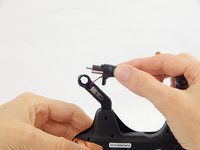
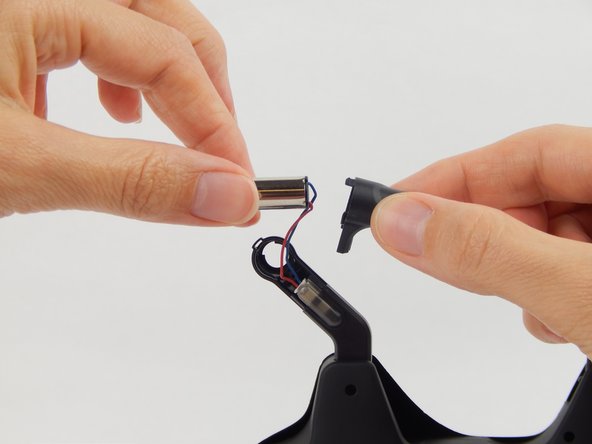
Hold the base of the arm while gently pulling the motor cover away from the arm.
-
-
-
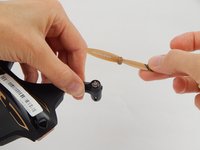
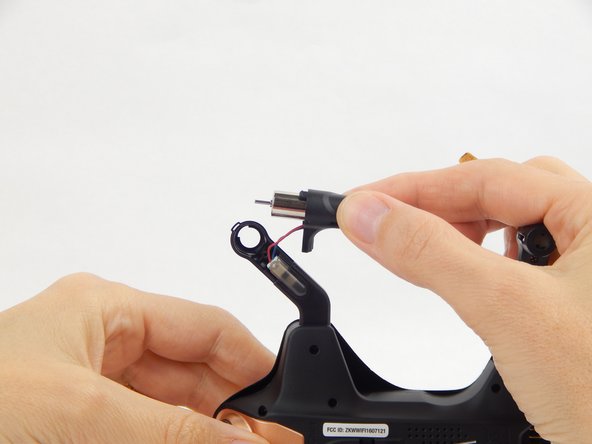
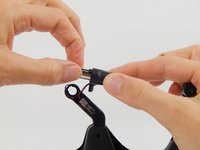
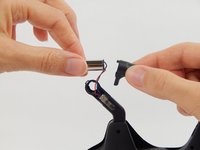
Gently pull the motor out from the plastic cover.
-
-
crwdns2935267:0crwdne2935267:0Tweezers$4.99
-
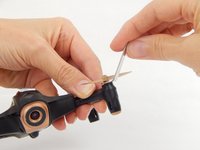
Grasp the clip’s edges with a pair of tweezers and pull outward.
-
-




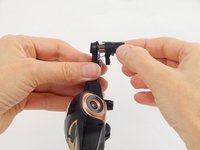


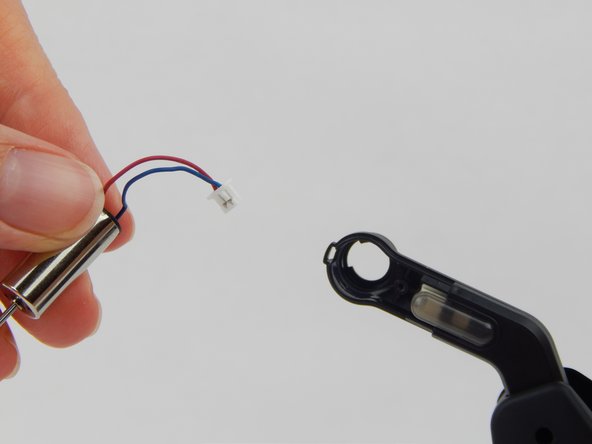

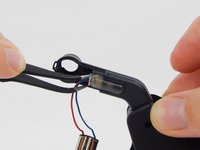
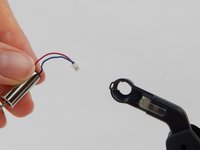
To reassemble your device, follow these instructions in reverse order.
crwdns2935221:0crwdne2935221:0
crwdns2935229:04crwdne2935229:0

crwdns2935287:0crwdne2935287:0

USF Tampa, Team S1-G2, Leahy Spring 2018 crwdns2935289:0USF Tampa, Team S1-G2, Leahy Spring 2018crwdne2935289:0
USFT-LEAHY-S18S1G2
crwdns2931471:04crwdne2931471:0
crwdns2935297:072crwdne2935297:0
crwdns2947412:02crwdne2947412:0
Please send me motor description
suresh virji - crwdns2934203:0crwdne2934203:0 crwdns2950251:0crwdne2950251:0
send me protocol vento motor
suresh virji - crwdns2934203:0crwdne2934203:0 crwdns2950251:0crwdne2950251:0
