crwdns2933423:0crwdne2933423:0
crwdns2947577:0crwdnd2947577:0crwdne2947577:0

ProntoTec Axius Motherboard Replacement

crwdns2942213:0crwdne2942213:0

    1. ProntoTec Axius Motherboard Replacement, Motherboard: crwdns2935265:01crwdnd2935265:01crwdnd2935265:01crwdne2935265:0
      • Make sure the device is completely turned off before you begging taking it apart to avoid electrocution risks.

      • Place the tablet face-up on a flat table.

      crwdns2952109:0crwdne2952109:0

      crwdns2917038:0crwdne2917038:0

    2. ProntoTec Axius Motherboard Replacement: crwdns2935265:02crwdnd2935265:01crwdnd2935265:01crwdne2935265:0
      • Starting near the headphone port, fit the flat end of the spudger in between the screen and back case.

      • Pry the back case from the screen around each point on the device to release the clips securing the case halves to each other.

      crwdns2952109:0crwdne2952109:0

      crwdns2917038:0crwdne2917038:0

    3. ProntoTec Axius Motherboard Replacement: crwdns2935265:03crwdnd2935265:01crwdnd2935265:01crwdne2935265:0
      • Gently remove the back case of the device and lay it in a flat surface as shown in the photo.

      • Make sure not to sever the wires (red and black) connected to the speaker that is located in the back case.

      crwdns2952109:0crwdne2952109:0

      crwdns2917038:0crwdne2917038:0

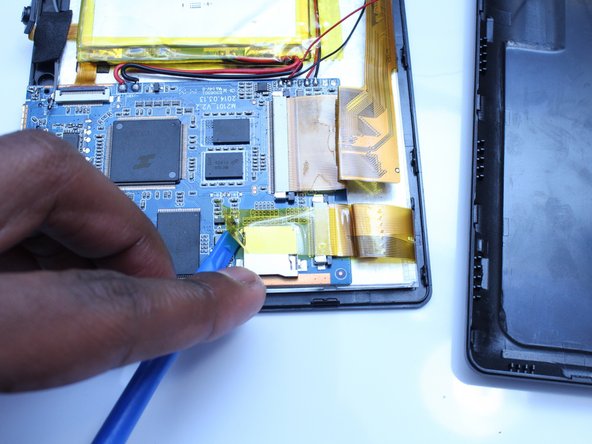
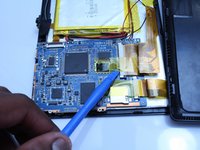
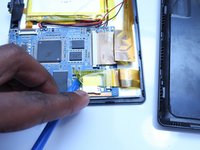
    4. ProntoTec Axius Motherboard Replacement: crwdns2935265:04crwdnd2935265:01crwdnd2935265:02crwdne2935265:0 ProntoTec Axius Motherboard Replacement: crwdns2935265:04crwdnd2935265:02crwdnd2935265:02crwdne2935265:0
      • Remove only the yellow tape that touches the motherboard

      • Be careful not to cut or damage the wires (red and black) that connect the battery to the motherboard.

      crwdns2952109:0crwdne2952109:0

      crwdns2917038:0crwdne2917038:0

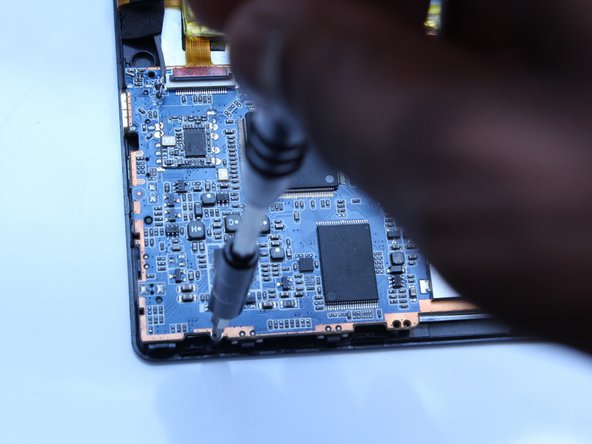
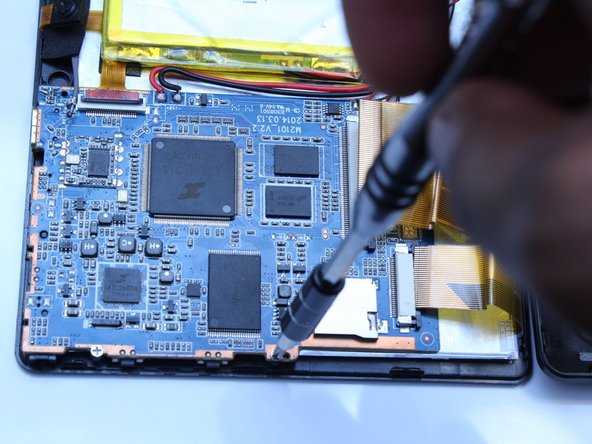
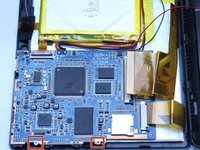
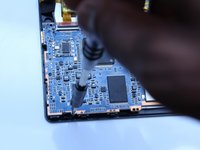
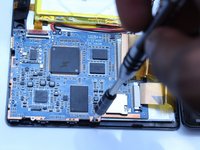
    5. ProntoTec Axius Motherboard Replacement: crwdns2935265:05crwdnd2935265:01crwdnd2935265:03crwdne2935265:0 ProntoTec Axius Motherboard Replacement: crwdns2935265:05crwdnd2935265:02crwdnd2935265:03crwdne2935265:0 ProntoTec Axius Motherboard Replacement: crwdns2935265:05crwdnd2935265:03crwdnd2935265:03crwdne2935265:0
      • Use a Phillips screwdriver (PH00) to unscrew the two screws that connects the motherboard to the device

      • Be careful not to cut or damage the wires (red and black) that connect the motherboard to the battery.

      crwdns2952109:0crwdne2952109:0

      crwdns2917038:0crwdne2917038:0

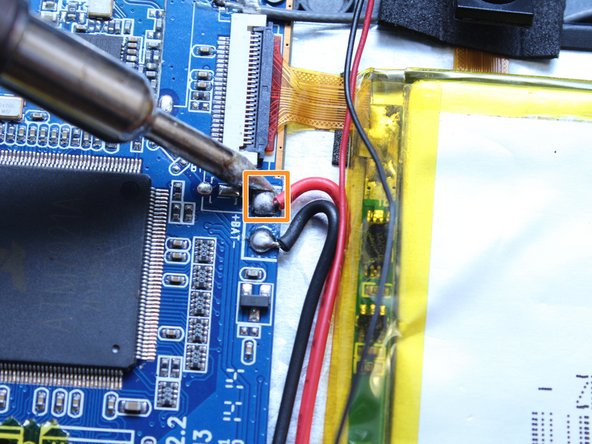
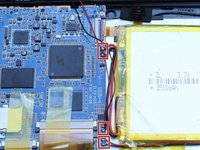
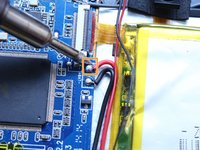
    6. ProntoTec Axius Motherboard Replacement: crwdns2935265:06crwdnd2935265:01crwdnd2935265:02crwdne2935265:0 ProntoTec Axius Motherboard Replacement: crwdns2935265:06crwdnd2935265:02crwdnd2935265:02crwdne2935265:0
      • Using a soldering iron, desolder the contact points of the speaker, battery and screen on the motherboard

      • If soldering is new to you, check out this helpful guide on soldering and desoldering connections.

      • Use pliers to pull the wire from the board

      crwdns2952109:0crwdne2952109:0

      crwdns2917038:0crwdne2917038:0

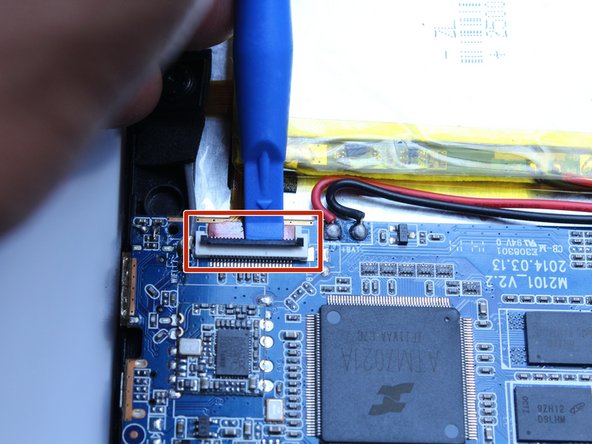
    7. ProntoTec Axius Motherboard Replacement: crwdns2935265:07crwdnd2935265:01crwdnd2935265:02crwdne2935265:0 ProntoTec Axius Motherboard Replacement: crwdns2935265:07crwdnd2935265:02crwdnd2935265:02crwdne2935265:0
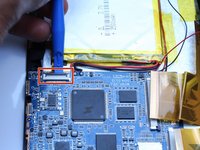
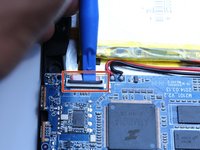
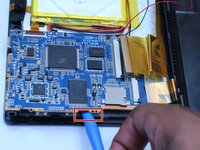
      • Using the spudger, disconnect the ribbon cable connecting the camera to the motherboard

      crwdns2952109:0crwdne2952109:0

      crwdns2917038:0crwdne2917038:0

    8. ProntoTec Axius Motherboard Replacement: crwdns2935265:08crwdnd2935265:01crwdnd2935265:03crwdne2935265:0 ProntoTec Axius Motherboard Replacement: crwdns2935265:08crwdnd2935265:02crwdnd2935265:03crwdne2935265:0 ProntoTec Axius Motherboard Replacement: crwdns2935265:08crwdnd2935265:03crwdnd2935265:03crwdne2935265:0
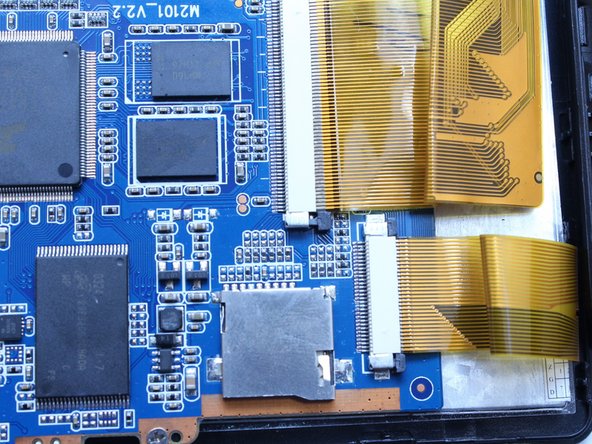
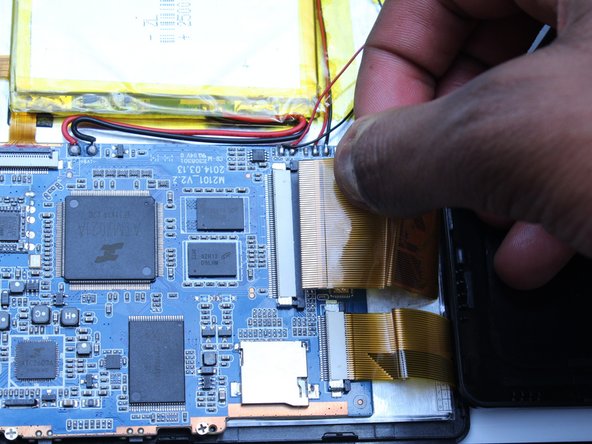
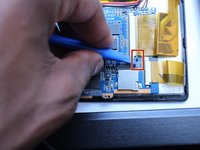
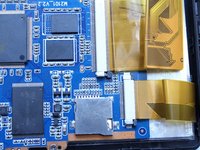
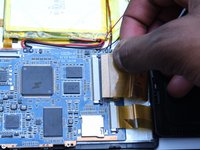
      • Using the spudger, push the black tabs towards the ribbon cable to unlock the ribbon cables that connect the screen to the motherboard.

      • Gently pull and remove the ribbon cables from the motherboard

      crwdns2952109:0crwdne2952109:0

      crwdns2917038:0crwdne2917038:0

    9. ProntoTec Axius Motherboard Replacement: crwdns2935265:09crwdnd2935265:01crwdnd2935265:02crwdne2935265:0 ProntoTec Axius Motherboard Replacement: crwdns2935265:09crwdnd2935265:02crwdnd2935265:02crwdne2935265:0
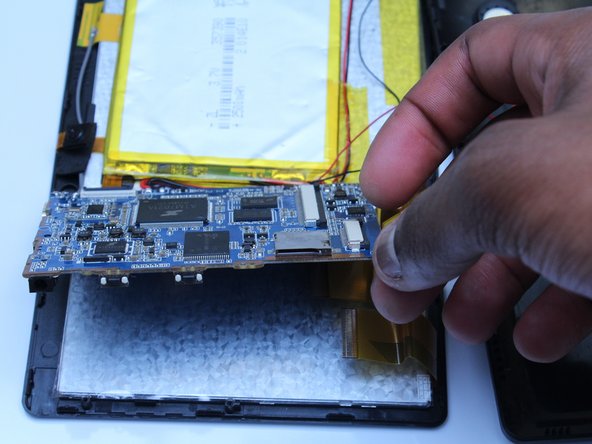
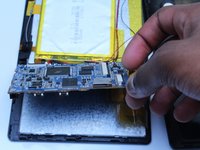
      • Using the flat side of the spudger, lift up the mother board to disconnect from the screen.

      crwdns2952109:0crwdne2952109:0

      crwdns2917038:0crwdne2917038:0

crwdns2915888:0crwdne2915888:0

To reassemble your device, follow these instructions in reverse order.

crwdns2935221:0crwdne2935221:0

crwdns2935227:0crwdne2935227:0

Estelle Hatem

crwdns2935283:010/20/16crwdne2935283:0

156 crwdns2915208:0crwdne2915208:0

crwdns2935295:0crwdne2935295:0

crwdns2935287:0crwdne2935287:0

UMass Dartmouth, Team 5-3, Martin Fall 2016 crwdns2935289:0UMass Dartmouth, Team 5-3, Martin Fall 2016crwdne2935289:0

UMASSD-MARTIN-F16S5G3

crwdns2931471:03crwdne2931471:0

crwdns2935297:060crwdne2935297:0

crwdns2947412:00crwdne2947412:0

crwdns2917038:0crwdne2917038:0

crwdns2936625:0crwdne2936625:0:

crwdns2936751:024crwdne2936751:0 1

crwdns2936753:07crwdne2936753:0 10

crwdns2936753:030crwdne2936753:0 38

crwdns2942667:0crwdne2942667:0 657