crwdns2933423:0crwdne2933423:0
crwdns2947577:0crwdnd2947577:0crwdne2947577:0

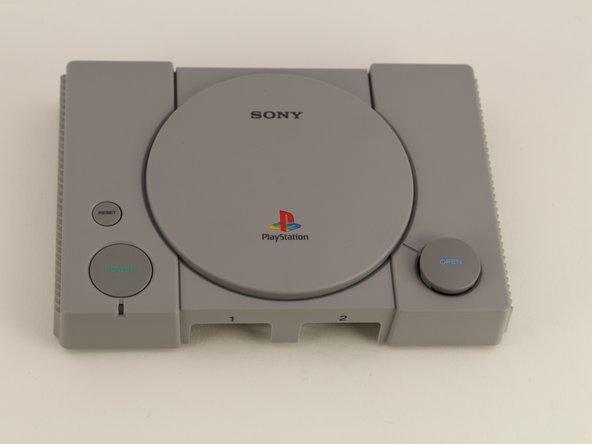
Playstation Classic Open Button Replacement

crwdns2942213:0crwdne2942213:0

    1. Playstation Classic Open Button Replacement, Motherboard: crwdns2935265:01crwdnd2935265:01crwdnd2935265:01crwdne2935265:0
      • Flip the console so its back is facing up.

      crwdns2952109:0crwdne2952109:0

      crwdns2917038:0crwdne2917038:0

    2. Playstation Classic Open Button Replacement: crwdns2935265:02crwdnd2935265:01crwdnd2935265:01crwdne2935265:0
      • Remove the five 8mm screws using the Phillips #00 screwdriver.

      • Make sure to keep your screws together in a secure location to avoid misplacement.

      crwdns2952109:0crwdne2952109:0

      crwdns2917038:0crwdne2917038:0

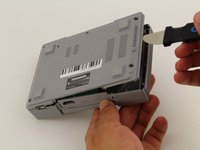
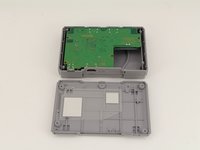
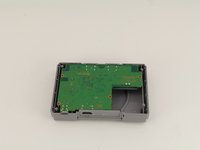
    3. Playstation Classic Open Button Replacement: crwdns2935265:03crwdnd2935265:01crwdnd2935265:03crwdne2935265:0 Playstation Classic Open Button Replacement: crwdns2935265:03crwdnd2935265:02crwdnd2935265:03crwdne2935265:0 Playstation Classic Open Button Replacement: crwdns2935265:03crwdnd2935265:03crwdnd2935265:03crwdne2935265:0
      • Remove the back plate from the rest of the console using your hands or the Jimmy tool.

      crwdns2952109:0crwdne2952109:0

      crwdns2917038:0crwdne2917038:0

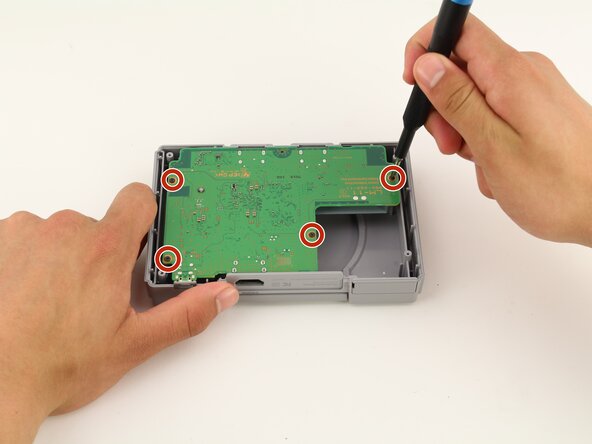
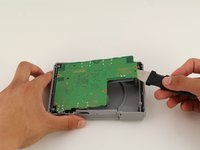
    4. Playstation Classic Open Button Replacement: crwdns2935265:04crwdnd2935265:01crwdnd2935265:01crwdne2935265:0
      • Unscrew the motherboard's four 6mm screws with the Phillips #00 screwdriver.

      • Be careful not to apply too much force. The motherboard is flimsy and easy to break.

      • Keep track of your screws once they are removed.

      crwdns2952109:0crwdne2952109:0

      crwdns2917038:0crwdne2917038:0

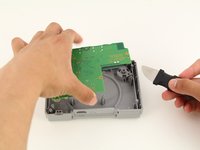
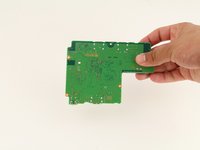
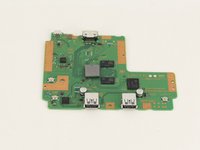
    5. Playstation Classic Open Button Replacement: crwdns2935265:05crwdnd2935265:01crwdnd2935265:03crwdne2935265:0 Playstation Classic Open Button Replacement: crwdns2935265:05crwdnd2935265:02crwdnd2935265:03crwdne2935265:0 Playstation Classic Open Button Replacement: crwdns2935265:05crwdnd2935265:03crwdnd2935265:03crwdne2935265:0
      • Carefully remove the motherboard from the the rest of the console using your hands or the Jimmy tool.

      crwdns2952109:0crwdne2952109:0

      crwdns2917038:0crwdne2917038:0

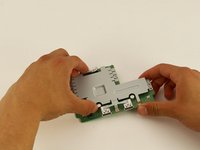
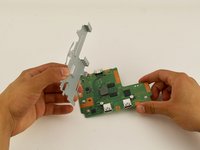
    6. Playstation Classic Open Button Replacement: crwdns2935265:06crwdnd2935265:01crwdnd2935265:03crwdne2935265:0 Playstation Classic Open Button Replacement: crwdns2935265:06crwdnd2935265:02crwdnd2935265:03crwdne2935265:0 Playstation Classic Open Button Replacement: crwdns2935265:06crwdnd2935265:03crwdnd2935265:03crwdne2935265:0
      • The motherboard is connected to its metal protective casing with sticky pads. No tools are required to remove it.

      • Pull the metal casing off the motherboard.

      • Remember to be gentle when handling the motherboard.

      crwdns2952109:0crwdne2952109:0

      crwdns2917038:0crwdne2917038:0

    1. Playstation Classic Open Button Replacement, Open Button: crwdns2935265:07crwdnd2935265:01crwdnd2935265:03crwdne2935265:0 Playstation Classic Open Button Replacement, Open Button: crwdns2935265:07crwdnd2935265:02crwdnd2935265:03crwdne2935265:0 Playstation Classic Open Button Replacement, Open Button: crwdns2935265:07crwdnd2935265:03crwdnd2935265:03crwdne2935265:0
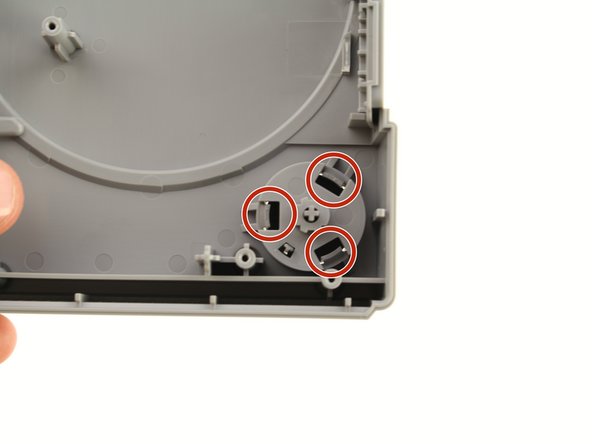
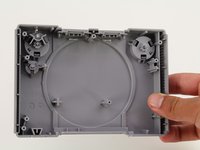
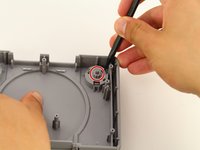
      • Remove the motherboard using the previous guide and isolate the top shell of the casing.

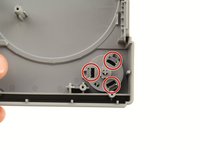
      • Use the Spudger to apply pressure inwards on the three plastic clips highlighted in the red circles.

      crwdns2952109:0crwdne2952109:0

      crwdns2917038:0crwdne2917038:0

    2. Playstation Classic Open Button Replacement: crwdns2935265:08crwdnd2935265:01crwdnd2935265:03crwdne2935265:0 Playstation Classic Open Button Replacement: crwdns2935265:08crwdnd2935265:02crwdnd2935265:03crwdne2935265:0 Playstation Classic Open Button Replacement: crwdns2935265:08crwdnd2935265:03crwdnd2935265:03crwdne2935265:0
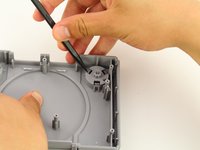
      • After all three clips are pushed in, apply pressure on the cylindrical piece circled in red.

      • Push softly on the button till a small gap is created on the other side.

      • You are not trying to fully remove the Open Button in this step.

      crwdns2952109:0crwdne2952109:0

      crwdns2917038:0crwdne2917038:0

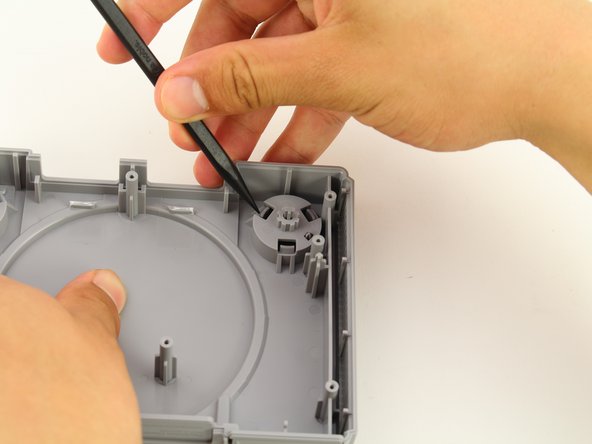
    3. Playstation Classic Open Button Replacement: crwdns2935265:09crwdnd2935265:01crwdnd2935265:03crwdne2935265:0 Playstation Classic Open Button Replacement: crwdns2935265:09crwdnd2935265:02crwdnd2935265:03crwdne2935265:0 Playstation Classic Open Button Replacement: crwdns2935265:09crwdnd2935265:03crwdnd2935265:03crwdne2935265:0
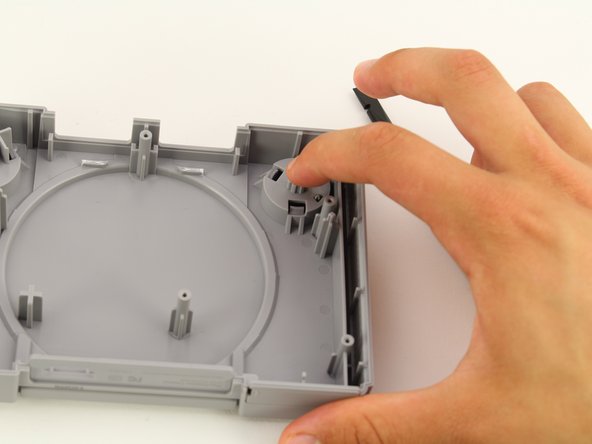
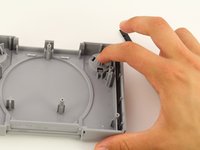
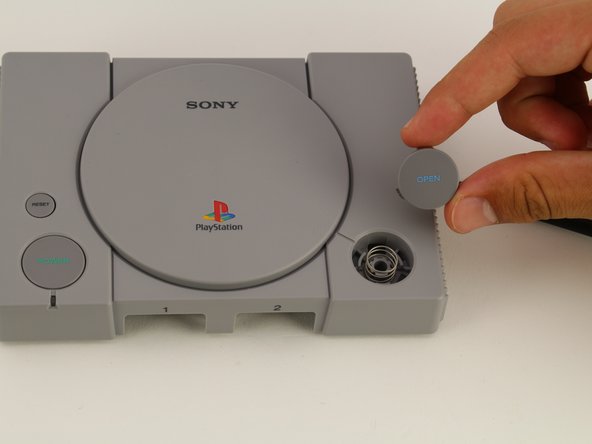
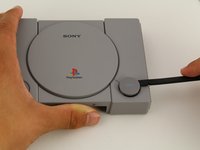
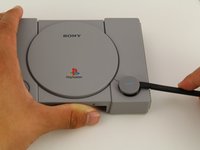
      • Use the black spudger to softly pry out the open button from the top of the casing.

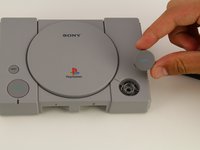
      • Once enough of a gap has been created, use your fingers to grab and slowly remove the open piece.

      • An unrestrained spring is under the open button and can fall out easily. To avoid losing the spring, complete this step on a flat surface and be gentle while removing the open button.

      crwdns2952109:0crwdne2952109:0

      crwdns2917038:0crwdne2917038:0

crwdns2915888:0crwdne2915888:0

To reassemble your device, follow these instructions in reverse order.

crwdns2935221:0crwdne2935221:0

crwdns2935227:0crwdne2935227:0

Maxwell Webb

crwdns2935283:004/22/19crwdne2935283:0

709 crwdns2915208:0crwdne2915208:0

crwdns2935297:05crwdne2935297:0

crwdns2935287:0crwdne2935287:0

Cal Poly, Team S2-G8, Maness Spring 2019 crwdns2935289:0Cal Poly, Team S2-G8, Maness Spring 2019crwdne2935289:0

CPSU-MANESS-S19S2G8

crwdns2931471:02crwdne2931471:0

crwdns2935297:060crwdne2935297:0

crwdns2947412:00crwdne2947412:0

crwdns2917038:0crwdne2917038:0

crwdns2936625:0crwdne2936625:0:

crwdns2936751:024crwdne2936751:0 2

crwdns2936753:07crwdne2936753:0 25

crwdns2936753:030crwdne2936753:0 73

crwdns2942667:0crwdne2942667:0 2,078