
PDP Rematch Advanced Back Shell Replacement

crwdns2959932:0crwdnd2959932:0Angel Velasquezcrwdnd2959932:0crwdnd2959932:0crwdnd2959932:03crwdnd2959932:0crwdne2959932:0
crwdns2959936:0Huk 18, 2024crwdne2959936:0
crwdns2869540:0crwdne2869540:0: 701
crwdns2959988:0crwdne2959988:0
- crwdns2959990:0crwdne2959990:0
- 3
- crwdns2959992:0crwdne2959992:0
- 17
- crwdns2959994:0crwdne2959994:0
- 85
- crwdns2959996:0crwdne2959996:0
- 701
crwdns2955950:0crwdne2955950:0: 0
crwdns2959998:0crwdne2959998:0
crwdns2960000:0crwdne2960000:0crwdns2959984:0crwdne2959984:0: 0 1
crwdns2959956:0crwdne2959956:0
crwdns2959968:01crwdne2959968:0
crwdns2959986:0crwdne2959986:0: 0 1
crwdns2959958:0crwdne2959958:0
crwdns2959976:01crwdne2959976:0
crwdns2915892:0crwdne2915892:0
crwdns2959928:0crwdne2959928:0 ↓The back shell of your PDP Rematch Advanced should be replaced if it's damaged or if you want to swap it out for a different color shell. If you need to replace the back shell, take out the motherboard with this guide.
crwdns2959930:0crwdne2959930:0
crwdns2943215:0crwdne2943215:0


-
-
-
Orient the controller so the back side is facing you.
-
Use a Phillips #000 screwdriver to remove the seven 9 mm screws that secure the back shell.
 crwdns2952109:0crwdne2952109:0
-
-
-
Pull apart the controller's front and back shells with moderate force.
-
-
-
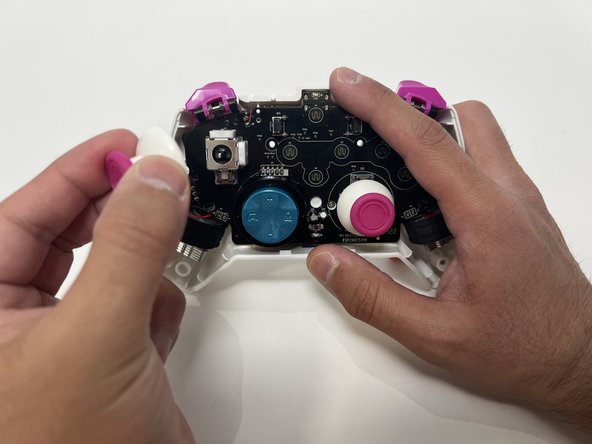
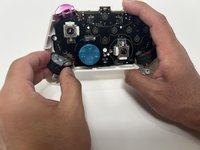
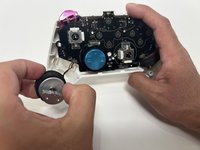
Twist the thumbstick to remove it from the motherboard. Repeat this step if both thumbsticks need to be replaced.
-
-
-
-
-
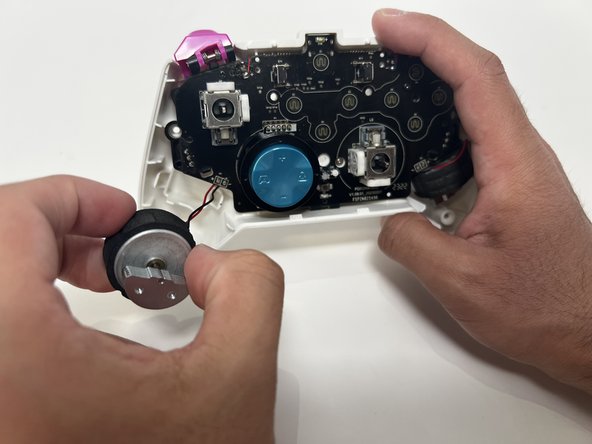
Grab the motor and pull away from the back shell. Repeat for both motors.
-
-
-
-
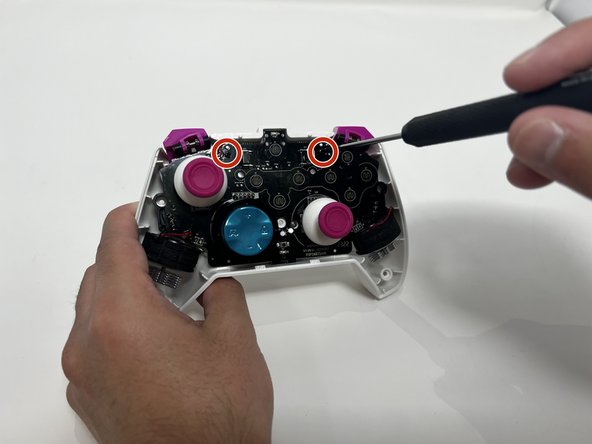
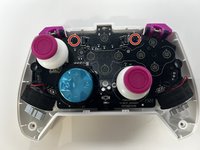
Use a Phillips #00 Screwdriver to remove the two 5mm screws from the motherboard.
-
-
-
Remove the motherboard from the back shell using moderate force.
-
-




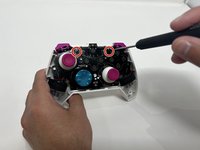

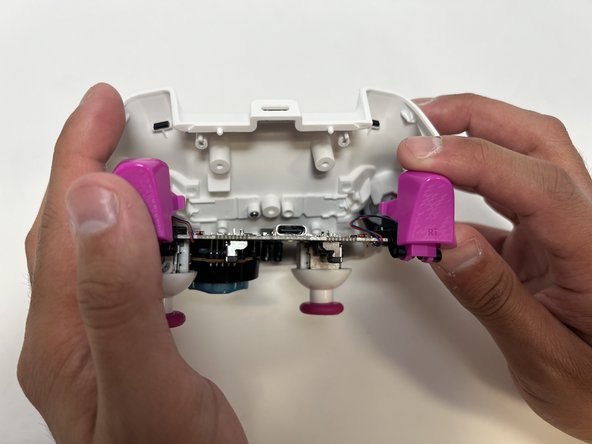
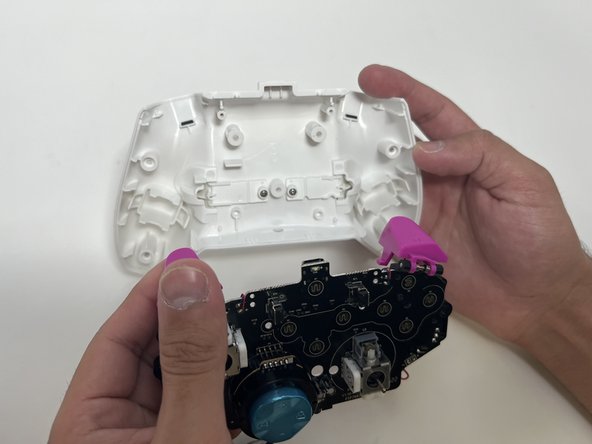
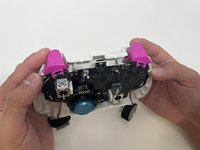
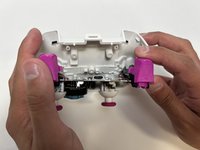
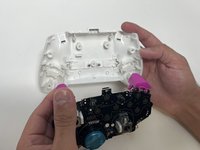
To reassemble your device, follow these instructions in reverse order.

crwdns2935287:0crwdne2935287:0

Utah Tech University, Team 1-1, McMurrin Spring 2024 crwdns2935289:0Utah Tech University, Team 1-1, McMurrin Spring 2024crwdne2935289:0
UTAHTECH-MCMURRIN-S24S1G1
crwdns2931471:02crwdne2931471:0
crwdns2935297:072crwdne2935297:0
