
PDP Rematch Advanced Action Buttons Replacement

crwdns2959932:0crwdnd2959932:0Collin Lawecrwdnd2959932:0crwdnd2959932:0crwdnd2959932:03crwdnd2959932:0crwdne2959932:0
crwdns2959936:0Maw 2, 2024crwdne2959936:0
crwdns2869540:0crwdne2869540:0: 1508
crwdns2959988:0crwdne2959988:0
- crwdns2959990:0crwdne2959990:0
- 3
- crwdns2959992:0crwdne2959992:0
- 19
- crwdns2959994:0crwdne2959994:0
- 102
- crwdns2959996:0crwdne2959996:0
- 1,508
crwdns2955950:0crwdne2955950:0: 2
crwdns2960004:02crwdne2960004:0.
crwdns2959984:0crwdne2959984:0: 1 2
crwdns2959972:01crwdne2959972:0
crwdns2959970:02crwdne2959970:0
crwdns2959986:0crwdne2959986:0: 0 1
crwdns2959958:0crwdne2959958:0
crwdns2959976:01crwdne2959976:0
crwdns2915892:0crwdne2915892:0
crwdns2959928:0crwdne2959928:0 ↓The action buttons should be replaced on your PDP Rematch Advanced controller if they take more effort to press down. If you need to replace any of the action buttons, separate the front housing shell from the motherboard with this guide.
crwdns2959930:0crwdne2959930:0
crwdns2943215:0crwdne2943215:0

-
-
-
Orient the controller so the back side is facing you.
-
Use a Phillips #000 screwdriver to remove the seven 9 mm screws that secure the back shell.
 crwdns2952109:0crwdne2952109:0
-
-
-
Pull apart the controller's front and back shells with moderate force.
-
-
-
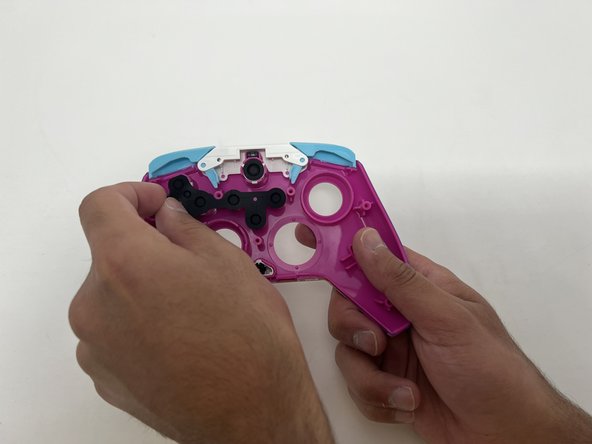
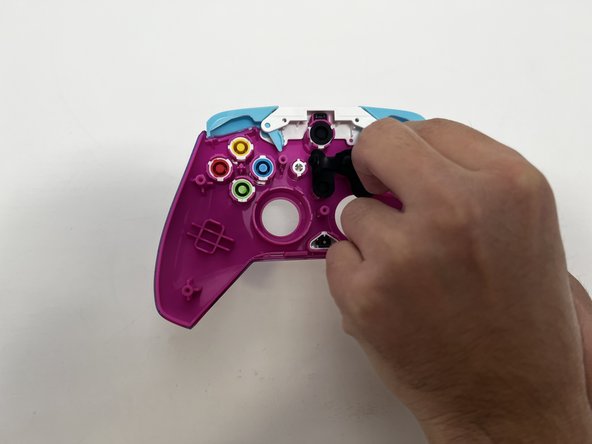
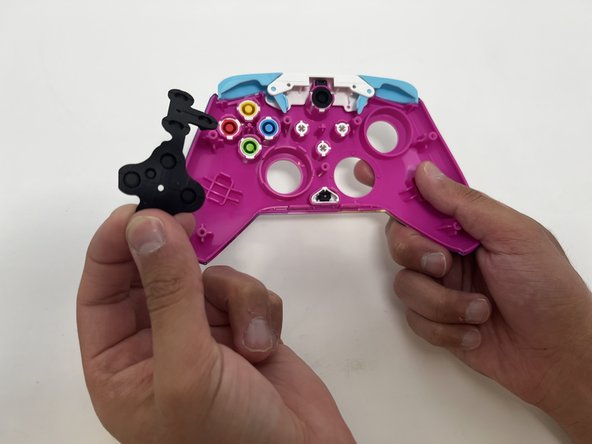
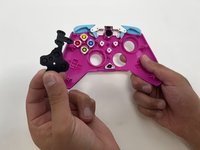
Peel the rubber gasket off the back of the action buttons.
-
-
-
-
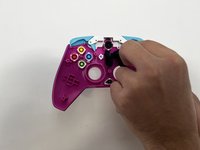
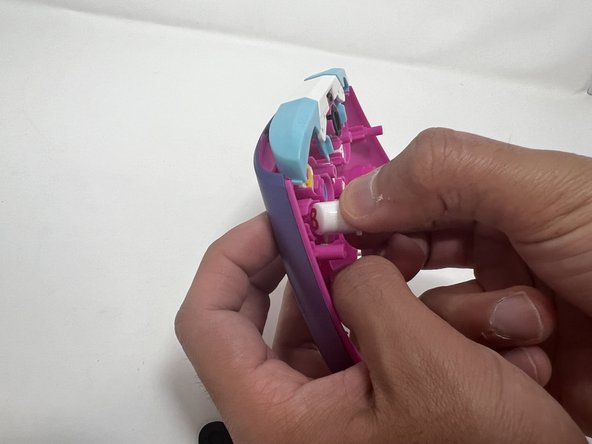
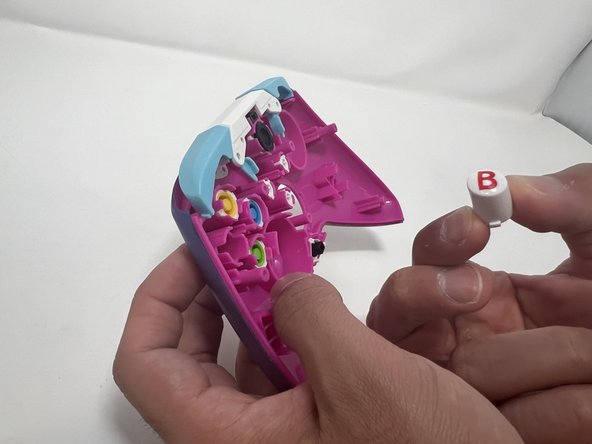
Push all the action buttons out from the front of the shell.
-
-



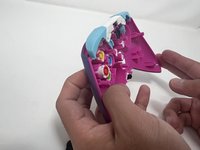
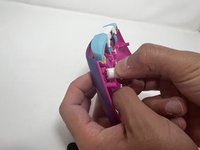
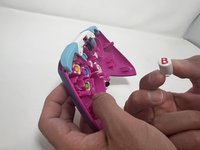
To reassemble your device, follow these instructions in reverse order.
crwdns2935221:0crwdne2935221:0
crwdns2935227:0crwdne2935227:0

crwdns2935287:0crwdne2935287:0

Utah Tech University, Team 1-1, McMurrin Spring 2024 crwdns2935289:0Utah Tech University, Team 1-1, McMurrin Spring 2024crwdne2935289:0
UTAHTECH-MCMURRIN-S24S1G1
crwdns2931471:02crwdne2931471:0
crwdns2935297:072crwdne2935297:0
