
Nokia E71x Camera Replacement

crwdns2959932:0crwdnd2959932:0Will Goldbycrwdnd2959932:0crwdnd2959932:0crwdnd2959932:07crwdnd2959932:0crwdne2959932:0
crwdns2959936:0Sun 20, 2025crwdne2959936:0
crwdns2869540:0crwdne2869540:0: 2.1K
crwdns2959988:0crwdne2959988:0
- crwdns2959990:0crwdne2959990:0
- 3
- crwdns2959992:0crwdne2959992:0
- 17
- crwdns2959994:0crwdne2959994:0
- 91
- crwdns2959996:0crwdne2959996:0
- 2,077
crwdns2955950:0crwdne2955950:0: 3
crwdns2960004:02crwdne2960004:0, crwdns2960006:01crwdne2960006:0
crwdns2960000:0crwdne2960000:0crwdns2959984:0crwdne2959984:0: 3 4
crwdns2959974:03crwdne2959974:0
crwdns2959970:04crwdne2959970:0
crwdns2959986:0crwdne2959986:0: 0 1
crwdns2959958:0crwdne2959958:0
crwdns2959976:01crwdne2959976:0
crwdns2862599:0crwdne2862599:0
crwdns2862600:0crwdne2862600:0
crwdns2862605:0crwdne2862605:0
crwdns2862606:0crwdne2862606:0
crwdns2862613:0crwdne2862613:0
crwdns2862614:0crwdne2862614:0
crwdns2862617:0crwdne2862617:0
crwdns2862618:0crwdne2862618:0
crwdns2862633:0crwdne2862633:0
crwdns2862634:0crwdne2862634:0
crwdns2862635:0crwdne2862635:0
crwdns2862636:0crwdne2862636:0
crwdns2915892:0crwdne2915892:0
crwdns2959928:0crwdne2959928:0 ↓To complete this repair you will need a Torx number 4
crwdns2959930:0crwdne2959930:0
crwdns2943215:0crwdne2943215:0

-
-
-
Remove battery
 crwdns2952109:0crwdne2952109:0
-
-
-
Using Torx number 4 unscrew the four 0.5mm screws.
-
-
-
Push in four clips to detach the body.
-
-
-
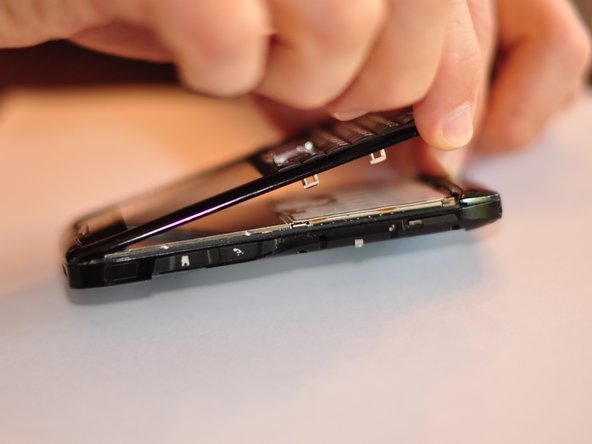
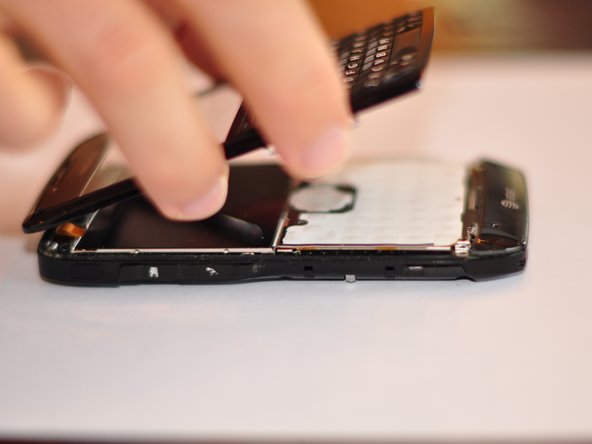
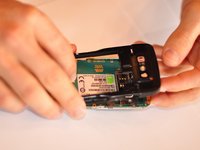
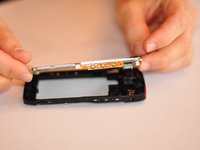
Separate the body into two pieces.
-
-
-
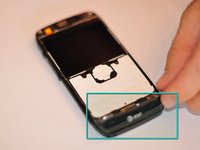
Remove the bottom piece that is clipped on.
-
Some force will need to be exerted to remove the clip.
-
-
-
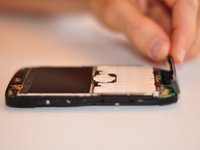
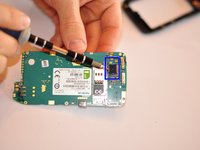
Using Torx number 4 unscrew the two 0.7 mm screws at the top of the device.
-
-
-
-
Once screws are removed detach back of phone from the motherboard.
-
-
-
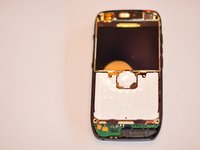
Replace motherboard, ensure that replacement has the same serial number.
-
-
-
-
-
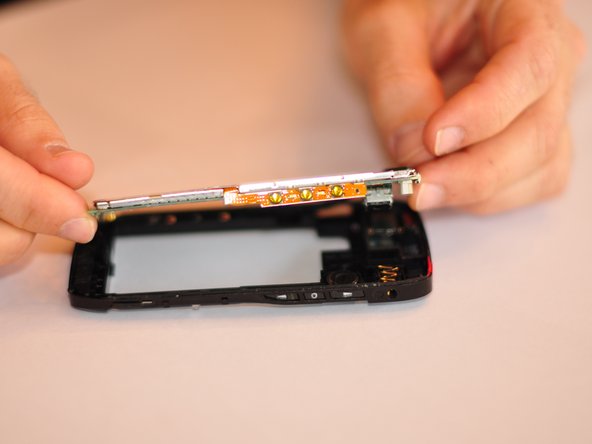
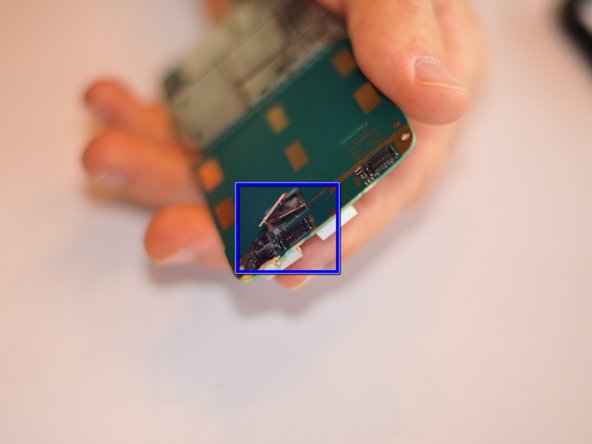
Carefully un-clip camera ribbon. Install new camera.
-
-


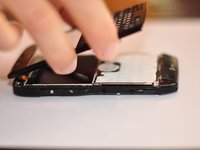

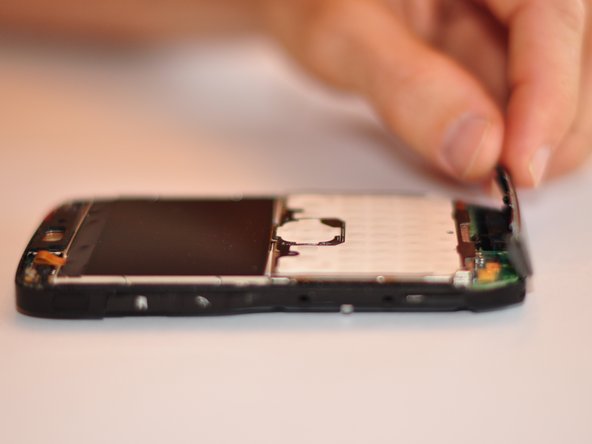
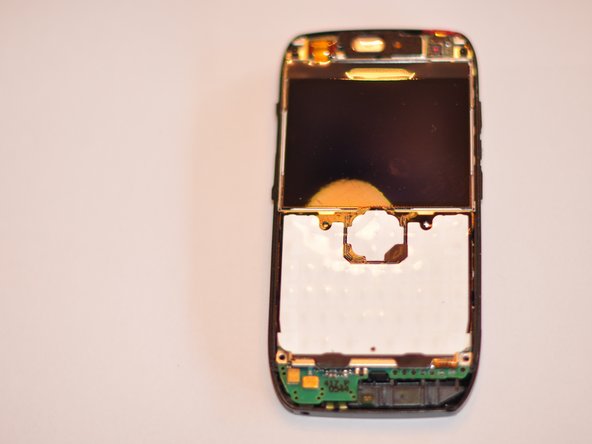




To reassemble your device, follow these instructions in reverse order.
crwdns2935221:0crwdne2935221:0
crwdns2935229:03crwdne2935229:0

crwdns2935287:0crwdne2935287:0

Cuesta, Team 1-1, Zipperian Fall 2011 crwdns2935289:0Cuesta, Team 1-1, Zipperian Fall 2011crwdne2935289:0
CUESTA-ZIPPERIAN-F11S1G1
crwdns2931471:03crwdne2931471:0
crwdns2935297:048crwdne2935297:0
crwdns2947410:01crwdne2947410:0
Will a Nokia E72 replacement camera part work in the Nokia E71 motherboard? In other words, can one upgrade the Nokia E71’s 3.2 MP camera to 5.0 MP using a spare part made for an E72?
Gam - crwdns2934203:0crwdne2934203:0 crwdns2950251:0crwdne2950251:0
