
Nintendo NES Advantage B Button Replacement

crwdns2959932:0crwdnd2959932:0Aksel Andreassencrwdnd2959932:0crwdnd2959932:0crwdnd2959932:04crwdnd2959932:0crwdne2959932:0
crwdns2959936:0N'w 19, 2022crwdne2959936:0
crwdns2869540:0crwdne2869540:0: 573
crwdns2959988:0crwdne2959988:0
- crwdns2959990:0crwdne2959990:0
- 1
- crwdns2959992:0crwdne2959992:0
- 8
- crwdns2959994:0crwdne2959994:0
- 53
- crwdns2959996:0crwdne2959996:0
- 573
crwdns2955950:0crwdne2955950:0: 0
crwdns2959998:0crwdne2959998:0
crwdns2960000:0crwdne2960000:0crwdns2959984:0crwdne2959984:0: 0 1
crwdns2959956:0crwdne2959956:0
crwdns2959968:01crwdne2959968:0
crwdns2959986:0crwdne2959986:0: 0 1
crwdns2959958:0crwdne2959958:0
crwdns2959976:01crwdne2959976:0
crwdns2915892:0crwdne2915892:0
crwdns2959928:0crwdne2959928:0 ↓If you are having problems with your Nintendo NES Model NES-026 Advantage's B Button, you'll need to remove it to investigate potential issues.
The B button is used to send inputs to the device. You'll need to remove your B Button if it is stuck in the pressed position or too stiff to move.
Before you start working on this guide, make sure the device is unplugged from any external sources.
crwdns2959930:0crwdne2959930:0
crwdns2943215:0crwdne2943215:0
-
Spudger4.9
-


-
-
-
Remove the four sticky pads from the bottom of the device.
 crwdns2952109:0crwdne2952109:0
-
-
-
Remove the six 8 mm screws from the bottom of the device with a Phillips #0 screwdriver.
-
Use your hands to pull the back panel away from the controller.
-
-
-
-
-
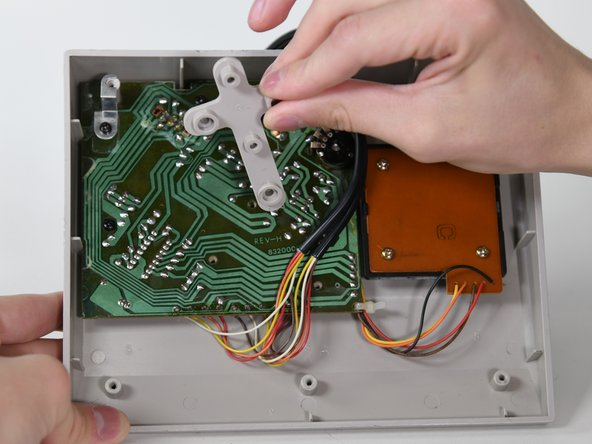
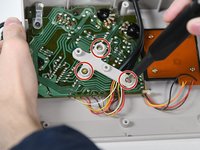
Remove the three 14 mm screws from the gray cross with a Phillips #0 screwdriver.
-
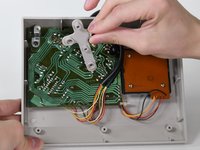
Lift the gray component away from the device.
-
-
-
Lift up the black wire and move it to the side.
-
-
crwdns2935267:0crwdne2935267:0Tweezers$4.99
-
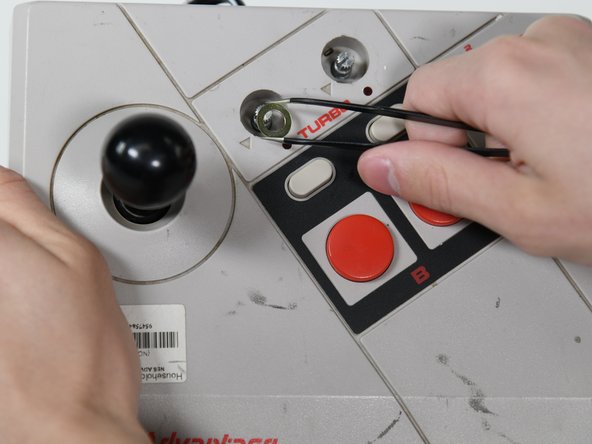
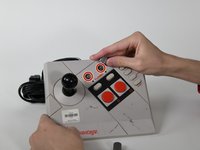
Remove the two silver knobs on the front of the device.
-
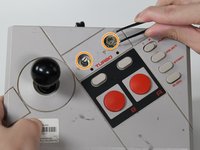
Unscrew the two silver nuts using a flathead screwdriver.
-
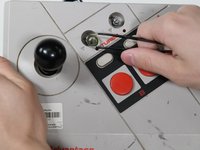
Remove each silver nut and silver washer using a pair of tweezers.
-
-
-
Remove the remaining three 8 mm screws on the circuit board with a Phillips #0 screwdriver.
-
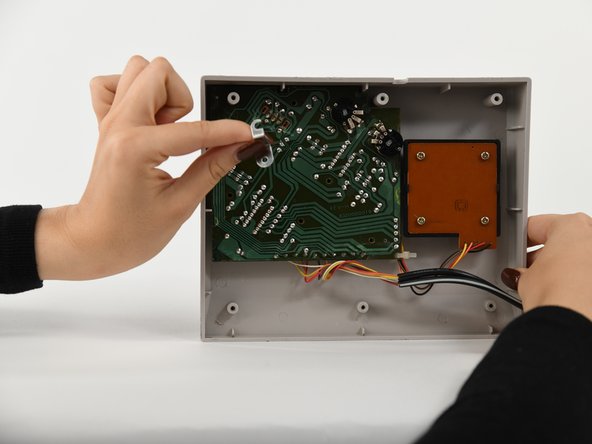
Remove the silver bracket from the top of the circuit board.
-
-
-
-
Remove the circuit board from the controller.
-
-
-
-
-
Remove the B button from the case (or the circuit board if it got stuck).
-
-





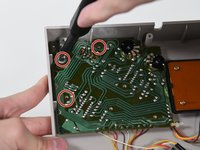
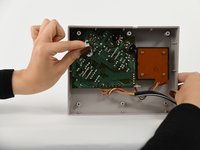
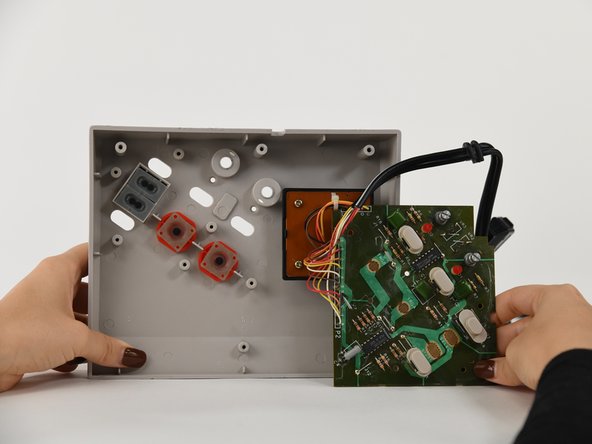

To reassemble your device, follow these instructions in reverse order.

crwdns2935287:0crwdne2935287:0

University of Colorado Denver, Team 1-2, Campeau Fall 2022 crwdns2935289:0University of Colorado Denver, Team 1-2, Campeau Fall 2022crwdne2935289:0
UCDENVER-CAMPEAU-F22S1G2
crwdns2931471:05crwdne2931471:0
crwdns2935297:084crwdne2935297:0
