crwdns2933423:0crwdne2933423:0
crwdns2947577:0crwdnd2947577:0crwdne2947577:0

Nikon 1 AW 1 Buttons Replacement

crwdns2869540:0crwdne2869540:0: 1,4K

crwdns2959988:0crwdne2959988:0

crwdns2959990:0crwdne2959990:0
2
crwdns2959992:0crwdne2959992:0
19
crwdns2959994:0crwdne2959994:0
88
crwdns2959996:0crwdne2959996:0
1.449
crwdns2955950:0crwdne2955950:0: 1

crwdns2960006:01crwdne2960006:0

crwdns2960000:0crwdne2960000:0
crwdns2959984:0crwdne2959984:0: 1

crwdns2959972:01crwdne2959972:0

crwdns2959986:0crwdne2959986:0: 0

crwdns2959958:0crwdne2959958:0

crwdns2955944:0crwdne2955944:0: crwdns2931273:0crwdne2931273:0
crwdns2955970:0crwdne2955970:0: crwdns2937801:0crwdne2937801:0
Nikon 1 AW 1 Buttons Replacement

crwdns2915892:0crwdne2915892:0

crwdns2959928:0crwdne2959928:0 ↓

Sometimes the only thing wrong with your camera is a broken button that won't let you turn it on. This guide will show you how to replace those problematic buttons.

crwdns2959930:0crwdne2959930:0

crwdns2943215:0crwdne2943215:0

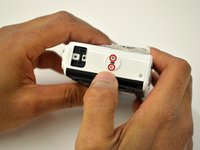
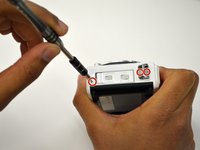
    1. Nikon 1 AW 1 Buttons Replacement, Buttons: crwdns2935265:01crwdnd2935265:01crwdnd2935265:03crwdne2935265:0 Nikon 1 AW 1 Buttons Replacement, Buttons: crwdns2935265:01crwdnd2935265:02crwdnd2935265:03crwdne2935265:0 Nikon 1 AW 1 Buttons Replacement, Buttons: crwdns2935265:01crwdnd2935265:03crwdnd2935265:03crwdne2935265:0
      • Using the Phillips PH00 screwdriver, remove the six 4.0mm screws marked in red. Then remove the panel cover by lightly pulling it off.

      crwdns2952109:0crwdne2952109:0

      crwdns2917038:0crwdne2917038:0

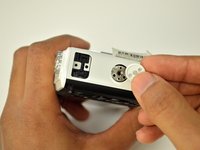
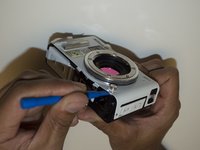
    2. Nikon 1 AW 1 Buttons Replacement: crwdns2935265:02crwdnd2935265:01crwdnd2935265:03crwdne2935265:0 Nikon 1 AW 1 Buttons Replacement: crwdns2935265:02crwdnd2935265:02crwdnd2935265:03crwdne2935265:0 Nikon 1 AW 1 Buttons Replacement: crwdns2935265:02crwdnd2935265:03crwdnd2935265:03crwdne2935265:0
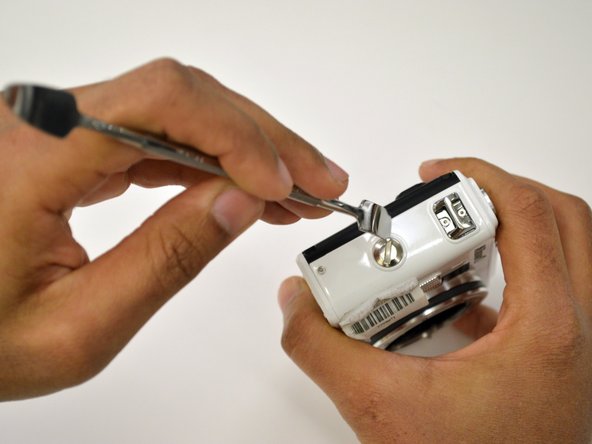
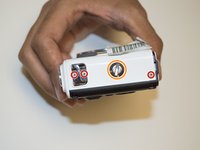
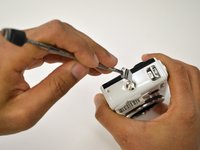
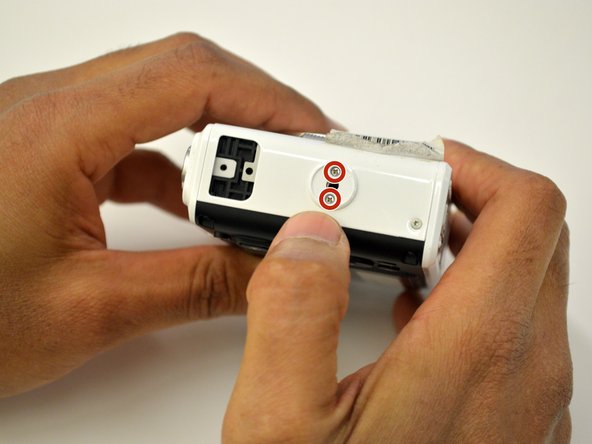
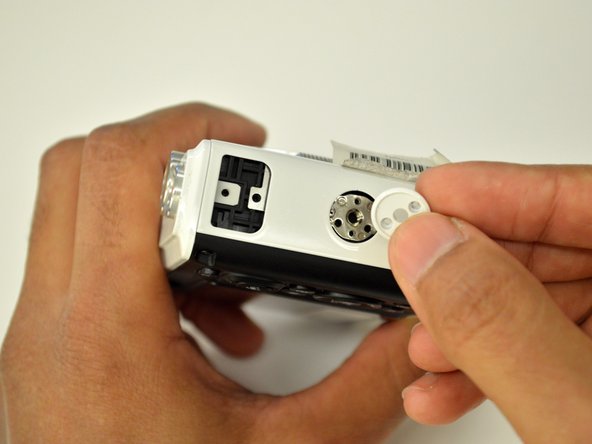
      • Using the Phillips PH00 screwdriver, remove the four 5.5mm screws in the red circles. Then use a plastic opening tool to pry off the tripod socket.

      • Remove the metal plate to have access to the 4.9mm screw under the orange circle, use the Phillips PH00 screwdriver to remove it.

      crwdns2952109:0crwdne2952109:0

      crwdns2917038:0crwdne2917038:0

    3. Nikon 1 AW 1 Buttons Replacement: crwdns2935265:03crwdnd2935265:01crwdnd2935265:03crwdne2935265:0 Nikon 1 AW 1 Buttons Replacement: crwdns2935265:03crwdnd2935265:02crwdnd2935265:03crwdne2935265:0 Nikon 1 AW 1 Buttons Replacement: crwdns2935265:03crwdnd2935265:03crwdnd2935265:03crwdne2935265:0
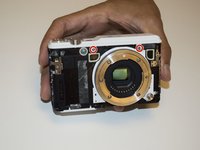
      • Using a T4 head screwdriver remove the three 5.4mm screws marked with the red circles.

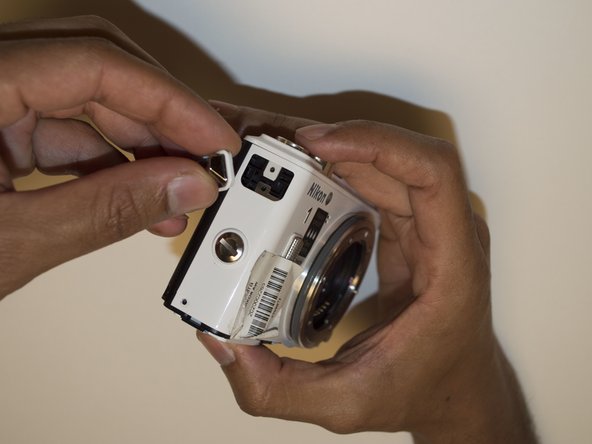
      • Use a 1/4" flathead screwdriver or a flat head tool to release the grip attachment screw.

      • Remove the camera strap eyelet.

      crwdns2952109:0crwdne2952109:0

      crwdns2917038:0crwdne2917038:0

    4. Nikon 1 AW 1 Buttons Replacement: crwdns2935265:04crwdnd2935265:01crwdnd2935265:03crwdne2935265:0 Nikon 1 AW 1 Buttons Replacement: crwdns2935265:04crwdnd2935265:02crwdnd2935265:03crwdne2935265:0 Nikon 1 AW 1 Buttons Replacement: crwdns2935265:04crwdnd2935265:03crwdnd2935265:03crwdne2935265:0
      • Remove the grip attachment screw.

      • Use a Phillips PH00 to remove the two 2.4mm screws on the grip attachment slot, then remove the slot.

      crwdns2952109:0crwdne2952109:0

      crwdns2917038:0crwdne2917038:0

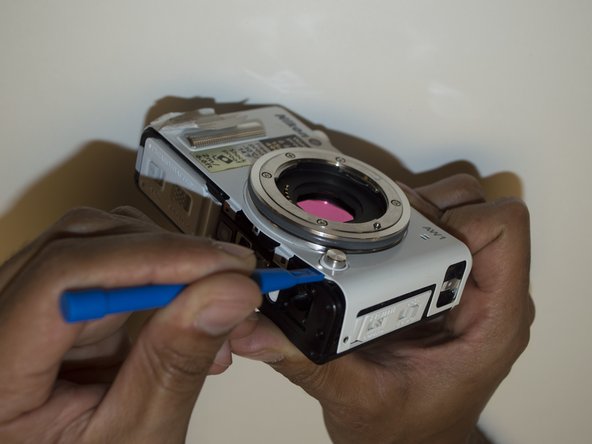
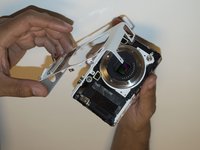
    5. Nikon 1 AW 1 Buttons Replacement: crwdns2935265:05crwdnd2935265:01crwdnd2935265:03crwdne2935265:0 Nikon 1 AW 1 Buttons Replacement: crwdns2935265:05crwdnd2935265:02crwdnd2935265:03crwdne2935265:0 Nikon 1 AW 1 Buttons Replacement: crwdns2935265:05crwdnd2935265:03crwdnd2935265:03crwdne2935265:0
      • Use a T4 screwdriver to remove the three 5.4mm screw marked with the red circles and the eyelet strap.

      • Use a plastic opening tool to lift the front camera cover off.

      crwdns2952109:0crwdne2952109:0

      crwdns2917038:0crwdne2917038:0

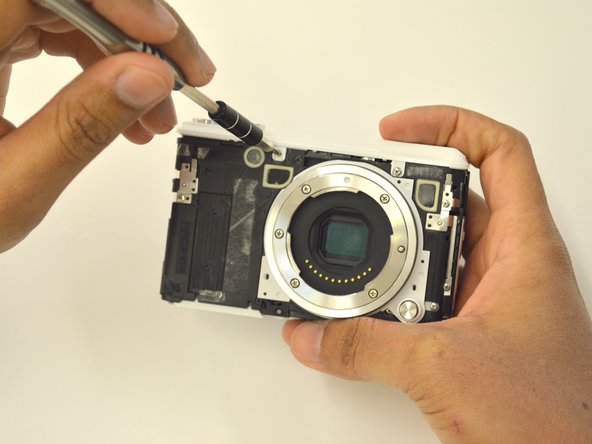
    6. Nikon 1 AW 1 Buttons Replacement: crwdns2935265:06crwdnd2935265:01crwdnd2935265:03crwdne2935265:0 Nikon 1 AW 1 Buttons Replacement: crwdns2935265:06crwdnd2935265:02crwdnd2935265:03crwdne2935265:0 Nikon 1 AW 1 Buttons Replacement: crwdns2935265:06crwdnd2935265:03crwdnd2935265:03crwdne2935265:0
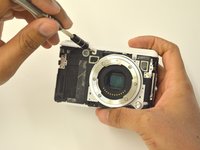
      • Use a Phillips PH00 to unscrew the two 3.5mm screws in red.

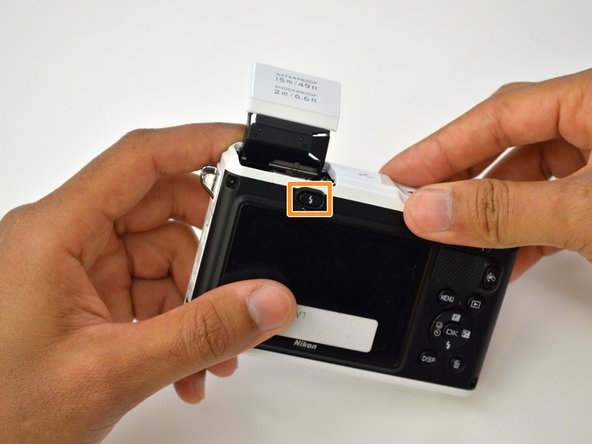
      • Press the flash pop-up button in the orange rectangle to be able to remove top cover of the camera.

      crwdns2952109:0crwdne2952109:0

      crwdns2917038:0crwdne2917038:0

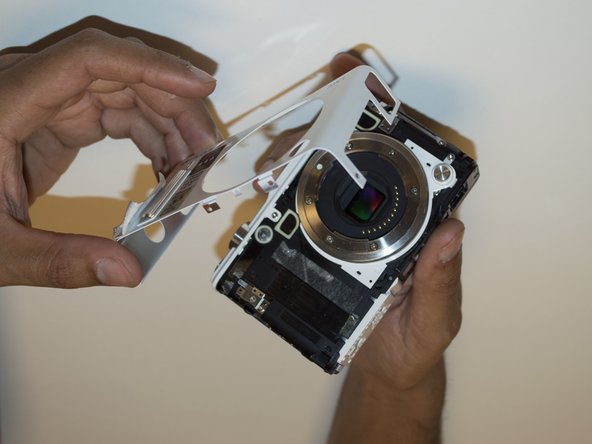
    7. Nikon 1 AW 1 Buttons Replacement: crwdns2935265:07crwdnd2935265:01crwdnd2935265:03crwdne2935265:0 Nikon 1 AW 1 Buttons Replacement: crwdns2935265:07crwdnd2935265:02crwdnd2935265:03crwdne2935265:0 Nikon 1 AW 1 Buttons Replacement: crwdns2935265:07crwdnd2935265:03crwdnd2935265:03crwdne2935265:0
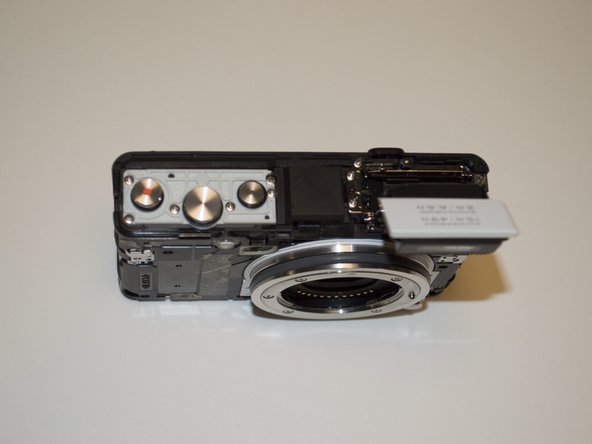
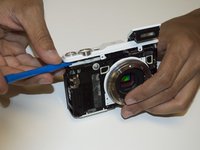
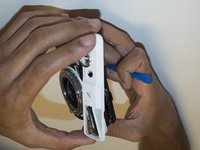
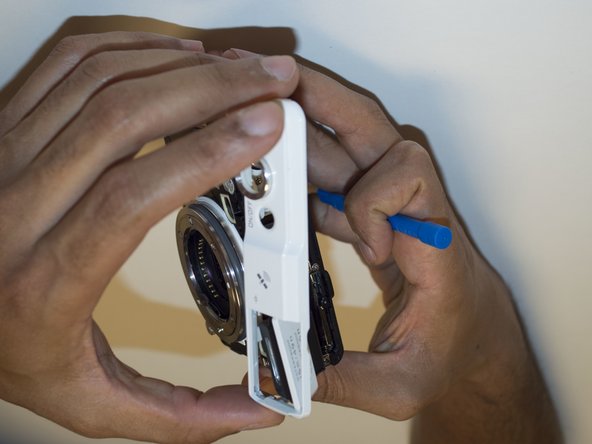
      • Use a plastic opening tool to lift off the top panel.

      crwdns2952109:0crwdne2952109:0

      crwdns2917038:0crwdne2917038:0

    8. Nikon 1 AW 1 Buttons Replacement: crwdns2935265:08crwdnd2935265:01crwdnd2935265:01crwdne2935265:0
      • If you needed to replace any buttons, you may now do so by pulling them off.

      crwdns2952109:0crwdne2952109:0

      crwdns2917038:0crwdne2917038:0

crwdns2915888:0crwdne2915888:0

To reassemble your device, follow these instructions in reverse order.

crwdns2935221:0crwdne2935221:0

crwdns2935227:0crwdne2935227:0

Lester Rodriguez Piti

crwdns2935283:010/04/16crwdne2935283:0

373 crwdns2915208:0crwdne2915208:0

crwdns2935297:03crwdne2935297:0

crwdns2935287:0crwdne2935287:0

USF Tampa, Team 3-4, Sullivan Fall 2016 crwdns2935289:0USF Tampa, Team 3-4, Sullivan Fall 2016crwdne2935289:0

USFT-SULLIVAN-F16S3G4

crwdns2931471:04crwdne2931471:0

crwdns2935297:072crwdne2935297:0

crwdns2947410:01crwdne2947410:0

What if the flash button is not working? How will i open or fix it? Flash does not pop out

Noel Marantan - crwdns2934203:0crwdne2934203:0 crwdns2950251:0crwdne2950251:0
crwdns2917038:0crwdne2917038:0

crwdns2936625:0crwdne2936625:0:

crwdns2936751:024crwdne2936751:0 2

crwdns2936753:07crwdne2936753:0 19

crwdns2936753:030crwdne2936753:0 88

crwdns2959996:0crwdne2959996:0 1,449