crwdns2933423:0crwdne2933423:0
crwdns2947577:0crwdnd2947577:0crwdne2947577:0

NexiGo NS32 Motherboard Replacement

crwdns2942213:0crwdne2942213:0

  1. NexiGo NS32 Motherboard Replacement, Rear Case: crwdns2935265:01crwdnd2935265:01crwdnd2935265:01crwdne2935265:0
    • Orient the controller so that it is face down.

    crwdns2952109:0crwdne2952109:0
  2. NexiGo NS32 Motherboard Replacement: crwdns2935265:02crwdnd2935265:01crwdnd2935265:02crwdne2935265:0 NexiGo NS32 Motherboard Replacement: crwdns2935265:02crwdnd2935265:02crwdnd2935265:02crwdne2935265:0
    • Remove the eight 9 mm Phillips screws that secure the rear case.

    crwdns2952109:0crwdne2952109:0
  3. NexiGo NS32 Motherboard Replacement: crwdns2935265:03crwdnd2935265:01crwdnd2935265:01crwdne2935265:0
    • Lift the rear case up and off.

    • You may need to use an opening tool to help release the rear case, but avoid using excessive force so you don't damage the controller.

    crwdns2952109:0crwdne2952109:0
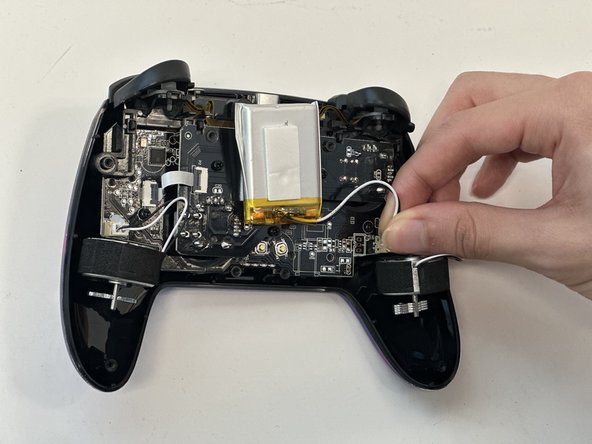
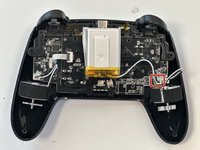
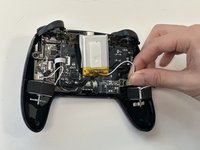
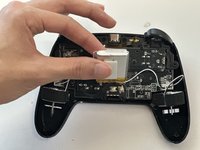
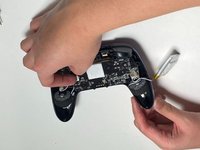
  4. NexiGo NS32 Motherboard Replacement, Battery: crwdns2935265:04crwdnd2935265:01crwdnd2935265:02crwdne2935265:0 NexiGo NS32 Motherboard Replacement, Battery: crwdns2935265:04crwdnd2935265:02crwdnd2935265:02crwdne2935265:0
    • Grip the white battery connector and pull it directly out of its motherboard socket.

    • This may require some force, as the connectors are secured with a bit of adhesive. If you're having trouble with disconnection, apply some high-concentration isopropyl alcohol to the adhesive to loosen it.

    • Do not pull on the wires.

    crwdns2952109:0crwdne2952109:0
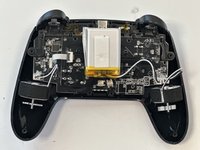
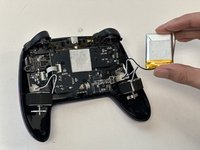
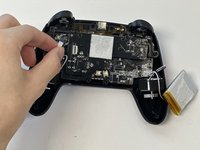
  5. NexiGo NS32 Motherboard Replacement: crwdns2935265:05crwdnd2935265:01crwdnd2935265:03crwdne2935265:0 NexiGo NS32 Motherboard Replacement: crwdns2935265:05crwdnd2935265:02crwdnd2935265:03crwdne2935265:0 NexiGo NS32 Motherboard Replacement: crwdns2935265:05crwdnd2935265:03crwdnd2935265:03crwdne2935265:0
    • Lift the battery up and out.

    • Take care not to bend or puncture the battery as you remove it.

    crwdns2952109:0crwdne2952109:0
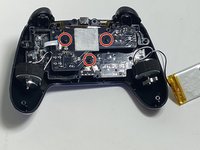
  6. NexiGo NS32 Motherboard Replacement, Joystick PCB: crwdns2935265:06crwdnd2935265:01crwdnd2935265:02crwdne2935265:0 NexiGo NS32 Motherboard Replacement, Joystick PCB: crwdns2935265:06crwdnd2935265:02crwdnd2935265:02crwdne2935265:0
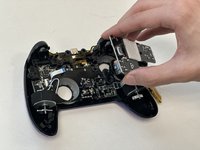
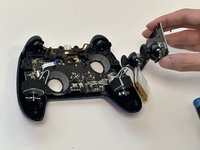
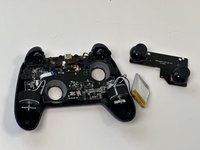
    • Remove the three 9 mm Phillips screws that secure the joystick PCB.

    crwdns2952109:0crwdne2952109:0
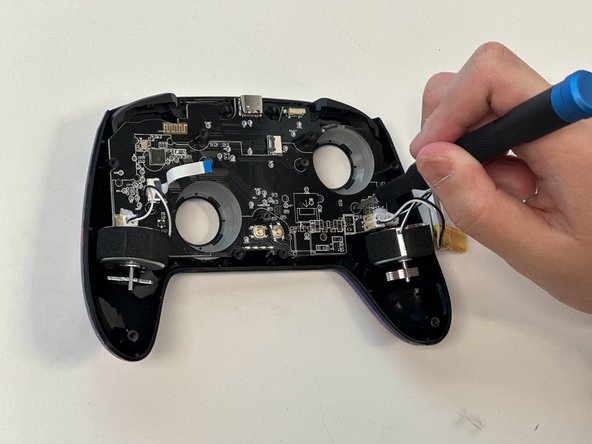
  7. NexiGo NS32 Motherboard Replacement: crwdns2935265:07crwdnd2935265:01crwdnd2935265:02crwdne2935265:0 NexiGo NS32 Motherboard Replacement: crwdns2935265:07crwdnd2935265:02crwdnd2935265:02crwdne2935265:0
    • Flip up the black ZIF connector locking flap on the left side of the joystick PCB.

    • Pull the ribbon cable directly out of its socket.

    crwdns2952109:0crwdne2952109:0
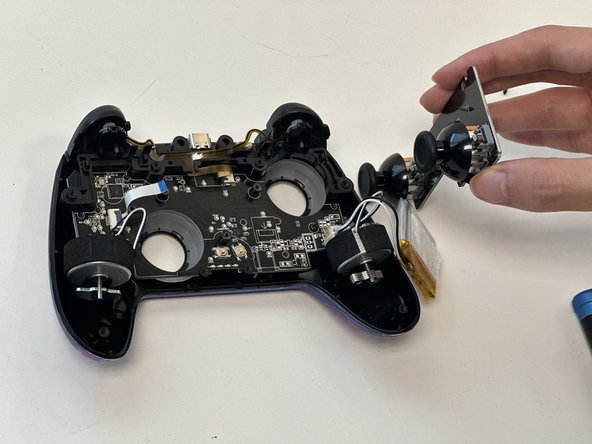
  8. NexiGo NS32 Motherboard Replacement: crwdns2935265:08crwdnd2935265:01crwdnd2935265:03crwdne2935265:0 NexiGo NS32 Motherboard Replacement: crwdns2935265:08crwdnd2935265:02crwdnd2935265:03crwdne2935265:0 NexiGo NS32 Motherboard Replacement: crwdns2935265:08crwdnd2935265:03crwdnd2935265:03crwdne2935265:0
    • Lift out the joystick PCB.

    crwdns2952109:0crwdne2952109:0
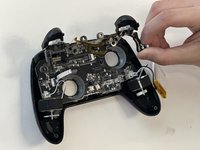
  9. NexiGo NS32 Motherboard Replacement, Trigger Assembly: crwdns2935265:09crwdnd2935265:01crwdnd2935265:01crwdne2935265:0
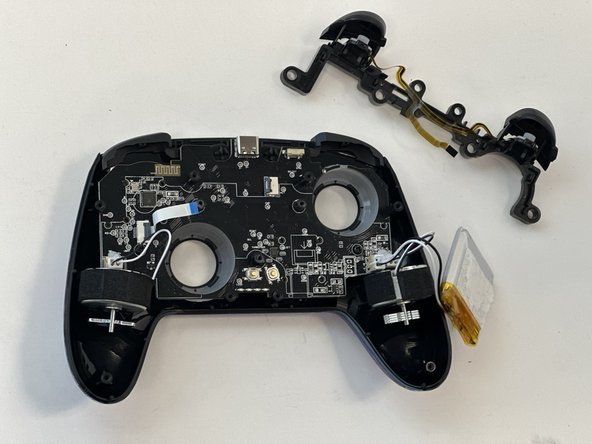
    • Flip up the black ZIF locking flap that secures the trigger assembly ribbon cable.

    • Disconnect the ribbon cable.

    crwdns2952109:0crwdne2952109:0
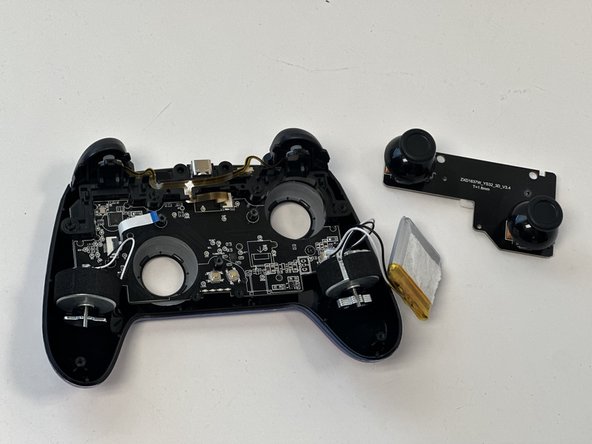
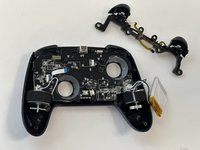
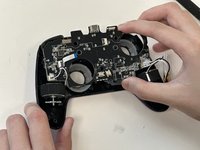
  10. NexiGo NS32 Motherboard Replacement: crwdns2935265:010crwdnd2935265:01crwdnd2935265:02crwdne2935265:0 NexiGo NS32 Motherboard Replacement: crwdns2935265:010crwdnd2935265:02crwdnd2935265:02crwdne2935265:0
    • Gently lift out the trigger assembly.

    crwdns2952109:0crwdne2952109:0
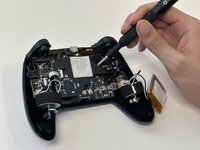
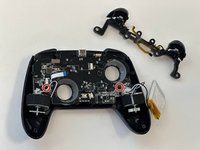
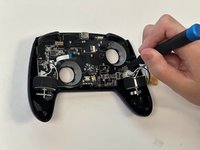
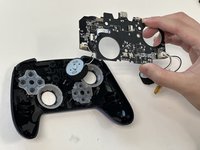
  11. NexiGo NS32 Motherboard Replacement, Motherboard: crwdns2935265:011crwdnd2935265:01crwdnd2935265:02crwdne2935265:0 NexiGo NS32 Motherboard Replacement, Motherboard: crwdns2935265:011crwdnd2935265:02crwdnd2935265:02crwdne2935265:0
    • Remove the two 9 mm Phillips screws that secure the motherboard to the front case.

    crwdns2952109:0crwdne2952109:0
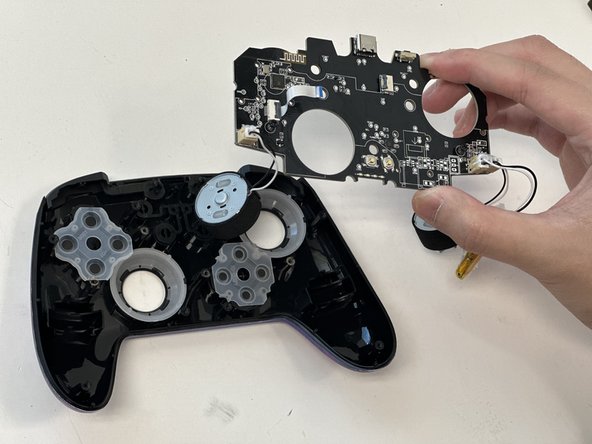
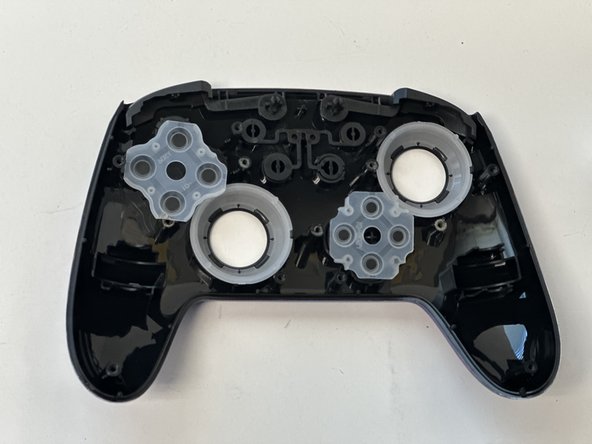
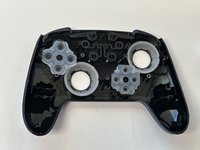
  12. NexiGo NS32 Motherboard Replacement: crwdns2935265:012crwdnd2935265:01crwdnd2935265:03crwdne2935265:0 NexiGo NS32 Motherboard Replacement: crwdns2935265:012crwdnd2935265:02crwdnd2935265:03crwdne2935265:0 NexiGo NS32 Motherboard Replacement: crwdns2935265:012crwdnd2935265:03crwdnd2935265:03crwdne2935265:0
    • Gently lift the motherboard up and out the chassis.

    • Take care not to strain the vibration motor cables.

    crwdns2952109:0crwdne2952109:0
crwdns2915888:0crwdne2915888:0

To reassemble your device, follow these instructions in reverse order.

Naiza Hall

crwdns2935283:001/29/24crwdne2935283:0

265 crwdns2915208:0crwdne2915208:0

crwdns2935297:03crwdne2935297:0

crwdns2935287:0crwdne2935287:0

Austin Community College, Team 18-3, Watkins Spring 2024 crwdns2935289:0Austin Community College, Team 18-3, Watkins Spring 2024crwdne2935289:0

AUSTINCC-WATKINS-S24S18G3

crwdns2931471:04crwdne2931471:0

crwdns2935297:08crwdne2935297:0

crwdns2947412:00crwdne2947412:0

crwdns2917038:0crwdne2917038:0

crwdns2936625:0crwdne2936625:0:

crwdns2936751:024crwdne2936751:0 2

crwdns2936753:07crwdne2936753:0 13

crwdns2936753:030crwdne2936753:0 40

crwdns2942667:0crwdne2942667:0 260