
Motorola SLVR L9 Keypad Replacement

crwdns2959932:0crwdnd2959932:0Eric Lopezcrwdnd2959932:0crwdnd2959932:0crwdnd2959932:02crwdnd2959932:0crwdne2959932:0
crwdns2959936:0Sun 4, 2016crwdne2959936:0
crwdns2869540:0crwdne2869540:0: 818
crwdns2959988:0crwdne2959988:0
- crwdns2959990:0crwdne2959990:0
- 2
- crwdns2959992:0crwdne2959992:0
- 24
- crwdns2959994:0crwdne2959994:0
- 87
- crwdns2959996:0crwdne2959996:0
- 818
crwdns2955950:0crwdne2955950:0: 0
crwdns2959998:0crwdne2959998:0
crwdns2960000:0crwdne2960000:0crwdns2959984:0crwdne2959984:0: 0 1
crwdns2959956:0crwdne2959956:0
crwdns2959968:01crwdne2959968:0
crwdns2959986:0crwdne2959986:0: 0 1
crwdns2959958:0crwdne2959958:0
crwdns2959976:01crwdne2959976:0
crwdns2862635:0crwdne2862635:0
crwdns2862636:0crwdne2862636:0
crwdns2915892:0crwdne2915892:0
crwdns2959928:0crwdne2959928:0 ↓The Keypad Replacement Guide provides a list of the tools and parts that you need to replace the keypad on the Motorola SLVR L9. As you begin the replacement process, look for the pictures provided with each step to better guide you.
crwdns2959930:0crwdne2959930:0
crwdns2943213:0crwdne2943213:0
crwdns2943215:0crwdne2943215:0


-
-
-
Turn the phone over so that the back of the phone is facing up.
 crwdns2952109:0crwdne2952109:0
-
-
-
Press down on the silver battery cover latch located at the top of the phone.
-
Pull the battery cover down and away from the latch; then lift it up to remove the battery cover.
-
-
-
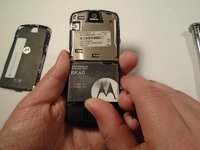
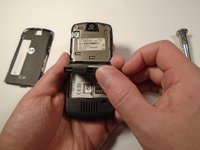
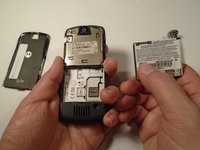
To remove the battery, pull the battery up from the bottom center.
-
-
-
-
-
Turn the phone over so that the back of the phone is facing towards you.
-
-
-
-
Press down on the battery cover latch located at the top of the phone.
-
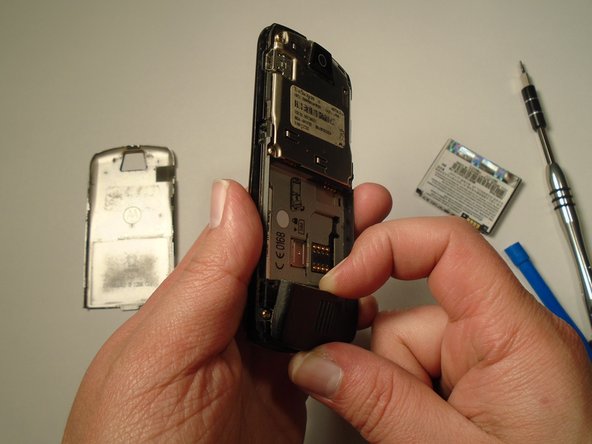
Pull the battery cover down and away from the latch; then lift it up to remove the battery cover.
-
-
-
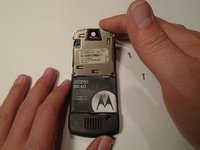
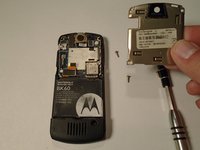
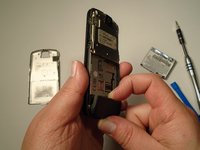
Remove the four housing screws (1/8") from each corner of the transceiver PC board shield. Use a screwdriver with a T6 Torx screwdriver head to turn the screws counter-clockwise (left).
-
-
-
Once you have removed all of the screws, lift the transceiver PC board shield up to remove it.
-
-
-
-
-
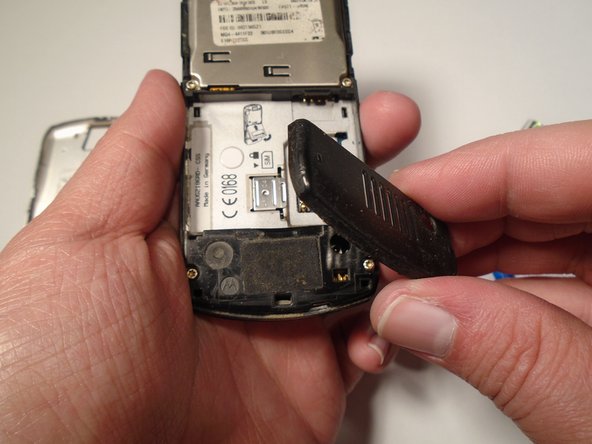
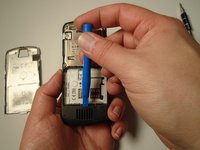
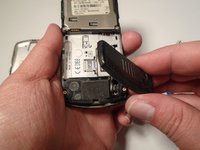
Use the plastic opening tool to loosen the cover latch.
-
Once the cover latch has been loosened, gently pull the cover latch off of the device.
-
-
-
-
-
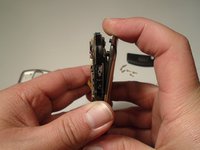
Use a screwdriver with a T6 Torx screwdriver head to remove both screws (1/8") from the speaker housing. Turn the screw counter-clockwise (left).
-
-
-
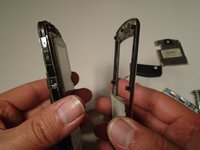
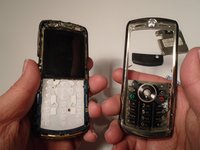
Using the grooves around the edge of the phone, gently pull the front plate away from the phone until it is fully removed from the device.
-
-
-
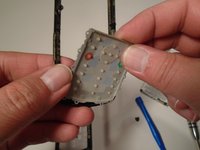
Lift the keypad up from the front plate to remove.
-
-








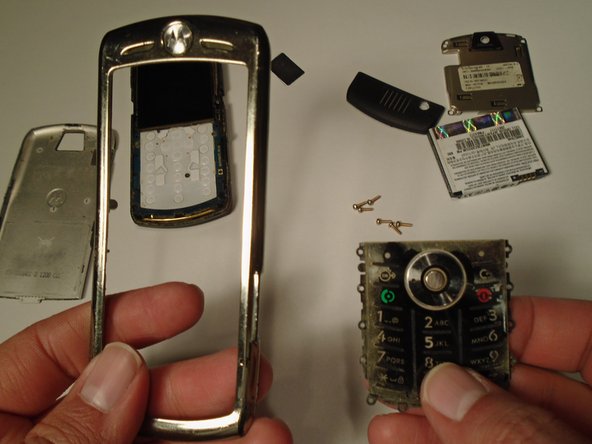
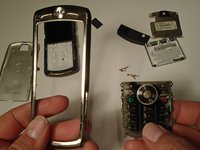
To reassemble your device, follow these instructions in reverse order.

crwdns2935287:0crwdne2935287:0

Sam Houston State, Team 1-5, Blackburne Fall 2015 crwdns2935289:0Sam Houston State, Team 1-5, Blackburne Fall 2015crwdne2935289:0
SHSU-BLACKBURNE-F15S1G5
crwdns2931471:03crwdne2931471:0
crwdns2935297:060crwdne2935297:0
