crwdns2933423:0crwdne2933423:0
crwdns2947577:0crwdnd2947577:0crwdne2947577:0

Motorola 120c Display Replacement

crwdns2942213:0crwdne2942213:0

    1. Motorola 120c Display Replacement, Battery: crwdns2935265:01crwdnd2935265:01crwdnd2935265:02crwdne2935265:0 Motorola 120c Display Replacement, Battery: crwdns2935265:01crwdnd2935265:02crwdnd2935265:02crwdne2935265:0
      • Hold the phone and pull the back latch down towards the bottom.

      • Remove the back panel by releasing the latch and lifting from the top.

      crwdns2952109:0crwdne2952109:0

      crwdns2917038:0crwdne2917038:0

    2. Motorola 120c Display Replacement: crwdns2935265:02crwdnd2935265:01crwdnd2935265:03crwdne2935265:0 Motorola 120c Display Replacement: crwdns2935265:02crwdnd2935265:02crwdnd2935265:03crwdne2935265:0 Motorola 120c Display Replacement: crwdns2935265:02crwdnd2935265:03crwdnd2935265:03crwdne2935265:0
      • Remove the battery by pushing the bottom end towards the top, then lifting up.

      crwdns2952109:0crwdne2952109:0

      crwdns2917038:0crwdne2917038:0

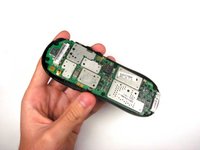
    1. Motorola 120c Display Replacement, Motherboard: crwdns2935265:03crwdnd2935265:01crwdnd2935265:03crwdne2935265:0 Motorola 120c Display Replacement, Motherboard: crwdns2935265:03crwdnd2935265:02crwdnd2935265:03crwdne2935265:0 Motorola 120c Display Replacement, Motherboard: crwdns2935265:03crwdnd2935265:03crwdnd2935265:03crwdne2935265:0
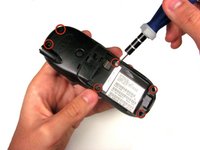
      • Once the battery is out, unscrew the six 7.0 mm screws with T-6 screwdriver.

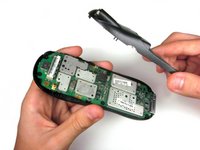
      • Once the screws are removed, simply lift the back panel off

      crwdns2952109:0crwdne2952109:0

      crwdns2917038:0crwdne2917038:0

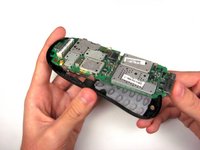
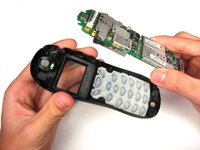
    2. Motorola 120c Display Replacement: crwdns2935265:04crwdnd2935265:01crwdnd2935265:03crwdne2935265:0 Motorola 120c Display Replacement: crwdns2935265:04crwdnd2935265:02crwdnd2935265:03crwdne2935265:0 Motorola 120c Display Replacement: crwdns2935265:04crwdnd2935265:03crwdnd2935265:03crwdne2935265:0
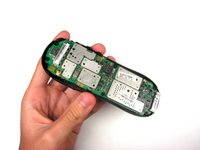
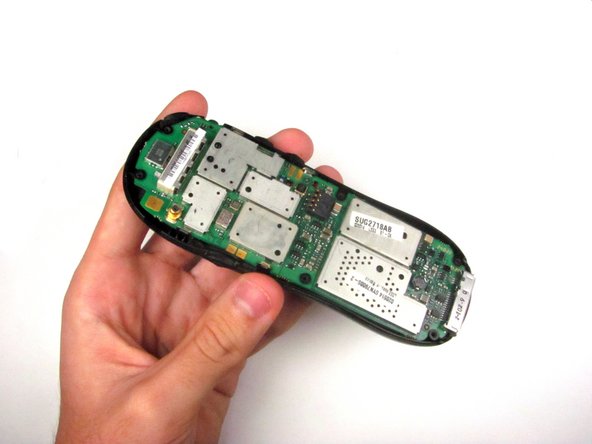
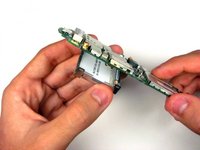
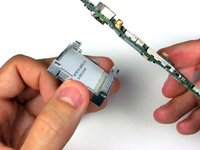
      • Remove the motherboard by lifting it up and out.

      crwdns2952109:0crwdne2952109:0

      crwdns2917038:0crwdne2917038:0

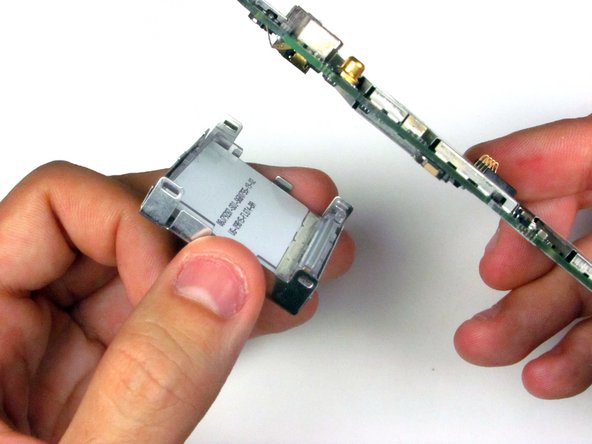
    1. Motorola 120c Display Replacement, Display: crwdns2935265:05crwdnd2935265:01crwdnd2935265:01crwdne2935265:0
      crwdns2935267:0crwdne2935267:0
      Tweezers
      $4.99
      • Use tweezers to pry off the four clasps that hold the display in place.

      crwdns2952109:0crwdne2952109:0

      crwdns2917038:0crwdne2917038:0

    2. Motorola 120c Display Replacement: crwdns2935265:06crwdnd2935265:01crwdnd2935265:02crwdne2935265:0 Motorola 120c Display Replacement: crwdns2935265:06crwdnd2935265:02crwdnd2935265:02crwdne2935265:0
      • Remove the display.

      crwdns2952109:0crwdne2952109:0

      crwdns2917038:0crwdne2917038:0

crwdns2915888:0crwdne2915888:0

To reassemble your device, follow these instructions in reverse order.

crwdns2935221:0crwdne2935221:0

Eric Dazet

crwdns2935283:004/10/12crwdne2935283:0

352 crwdns2915208:0crwdne2915208:0

crwdns2935297:05crwdne2935297:0

crwdns2935287:0crwdne2935287:0

Cal Poly, Team 6-21, Amido Spring 2012 crwdns2935289:0Cal Poly, Team 6-21, Amido Spring 2012crwdne2935289:0

CPSU-AMIDO-S12S6G21

crwdns2931471:04crwdne2931471:0

crwdns2935297:0108crwdne2935297:0

crwdns2947412:00crwdne2947412:0

crwdns2917038:0crwdne2917038:0

crwdns2936625:0crwdne2936625:0:

crwdns2936751:024crwdne2936751:0 1

crwdns2936753:07crwdne2936753:0 8

crwdns2936753:030crwdne2936753:0 28

crwdns2942667:0crwdne2942667:0 1,124