crwdns2915892:0crwdne2915892:0
Follow this guide to remove and replace the head strap for your Meta Quest 2.
-
-
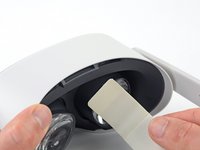
Grasp and pull on the nose section of the facial interface to unclip it from the headset.
-
-
-
Grasp and pull on the top section of the facial interface to unclip it from the headset.
-
-
-
-
Use your fingers to grasp the right strap near the headset.
-
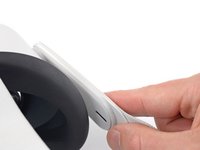
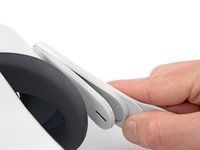
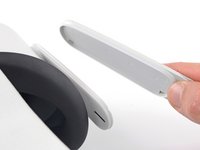
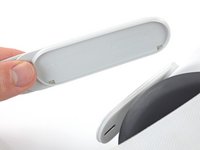
Peel the right strap away from the headset arm to unclip it.
-
-
-
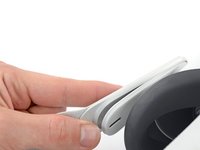
Repeat the procedure to peel the left strap away from the arm to unclip it.
-
-
-
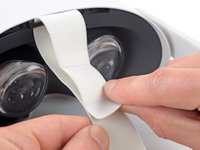
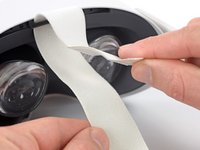
Separate the hook and loop strip on the top strap.
-
-
-
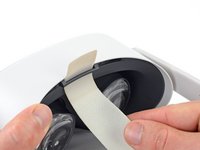
Unthread the top strap from its bracket.
-
Remove the head strap.
-








To reassemble your device, follow these instructions in reverse order.
Repair didn’t go as planned? Try some basic troubleshooting, or ask our Answers community for help.
crwdns2935221:0crwdne2935221:0
crwdns2935229:018crwdne2935229:0


crwdns2947410:01crwdne2947410:0
Merci pour ce tuto qui m'a permis de nettoyer la sangle. En revanche comme elle s'est décollée de ses deux supports, il a fallu la recoller.
