crwdns2915892:0crwdne2915892:0
Use this guide to upgrade or replace the solid-state drive in your MNT Reform. Reform uses a standard M.2 M-key socket for NVMe SSDs.
Before you perform this repair, if at all possible, back up your existing SSD.
crwdns2942213:0crwdne2942213:0
-
-
Remove the following screws securing the transparent acrylic bottom plate to the main box:
-
Ten M2×6mm silver Phillips screws
-
-
-
Lift the bottom plate and set it aside.
-
-
-
-
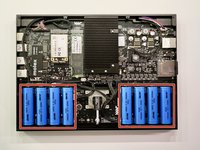
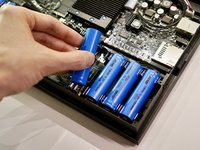
Pull out the eight battery cells one by one, and set them aside safely.
-
-
-
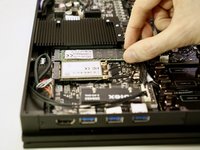
Remove the single M2×4 pan head screw securing the SSD to the motherboard.
-
-
-
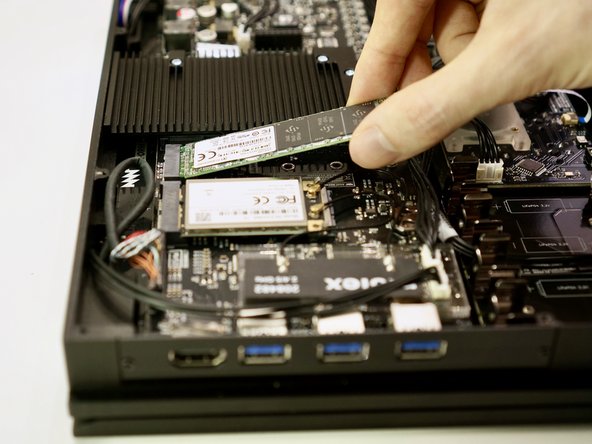
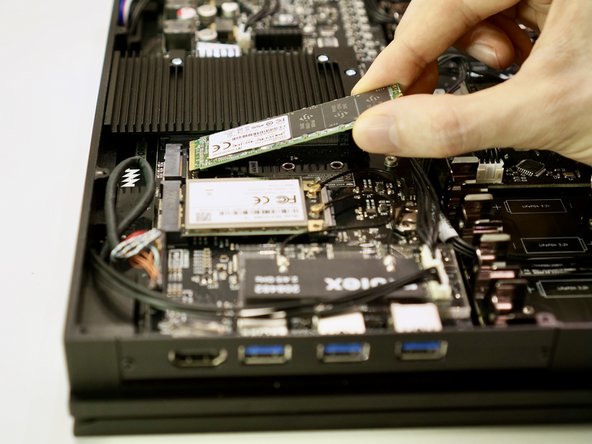
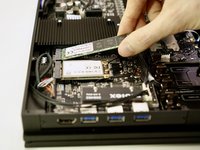
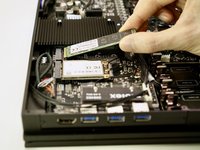
Lift the free end of the SSD up slightly and pull the SSD straight out of its M.2 socket on the motherboard.
-




To reassemble your device, follow these instructions in reverse order. Ensure that no cables are squeezed when replacing the bottom plate. Don’t overtighten screws.
crwdns2935221:0crwdne2935221:0
crwdns2935227:0crwdne2935227:0


