
LG Shine Battery Replacement

crwdns2959934:0crwdnd2959934:0Kosmarcrwdnd2959934:0crwdnd2959934:0crwdne2959934:0
crwdns2959936:0Kul 29, 2022crwdne2959936:0
crwdns2869540:0crwdne2869540:0: 571
crwdns2959988:0crwdne2959988:0
- crwdns2959990:0crwdne2959990:0
- 1
- crwdns2959992:0crwdne2959992:0
- 9
- crwdns2959994:0crwdne2959994:0
- 57
- crwdns2959996:0crwdne2959996:0
- 571
crwdns2955950:0crwdne2955950:0: 0
crwdns2959998:0crwdne2959998:0
crwdns2960000:0crwdne2960000:0crwdns2959984:0crwdne2959984:0: 0 1
crwdns2959956:0crwdne2959956:0
crwdns2959968:01crwdne2959968:0
crwdns2959986:0crwdne2959986:0: 0 1
crwdns2959958:0crwdne2959958:0
crwdns2959976:01crwdne2959976:0
crwdns2944444:0crwdne2944444:0
crwdns2944446:0crwdne2944446:0
crwdns2959930:0crwdne2959930:0
crwdns2943213:0crwdne2943213:0
crwdns2943215:0crwdne2943215:0


-
-
-
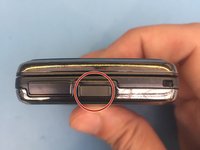
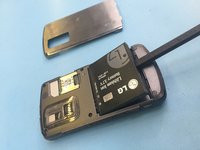
Use the small crease to prop open the back casing.
 crwdns2952109:0crwdne2952109:0
-
-
-
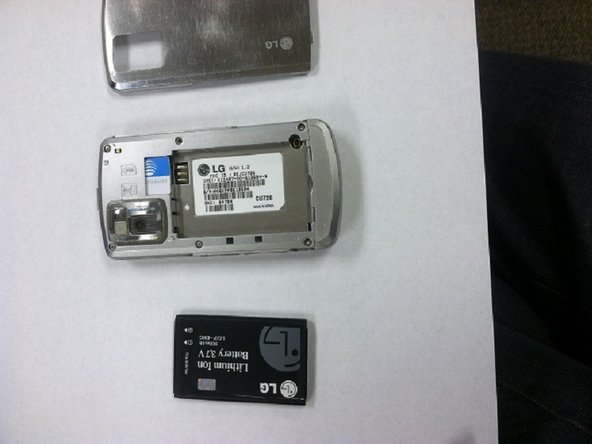
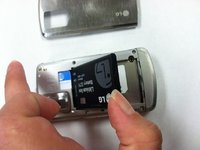
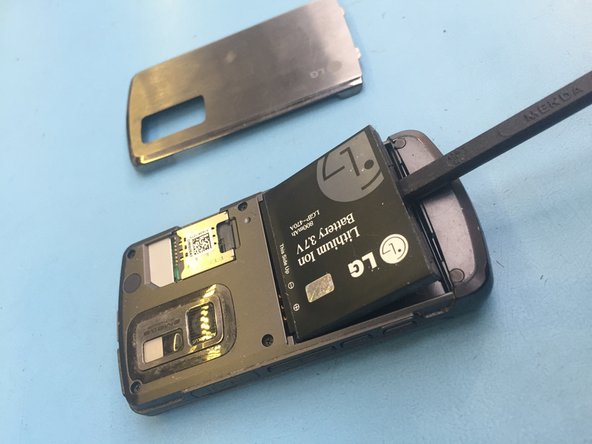
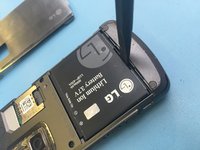
Find the slot at the bottom of the battery. Use a fingernail or opening tool to pry out the battery.
-
-
-
-
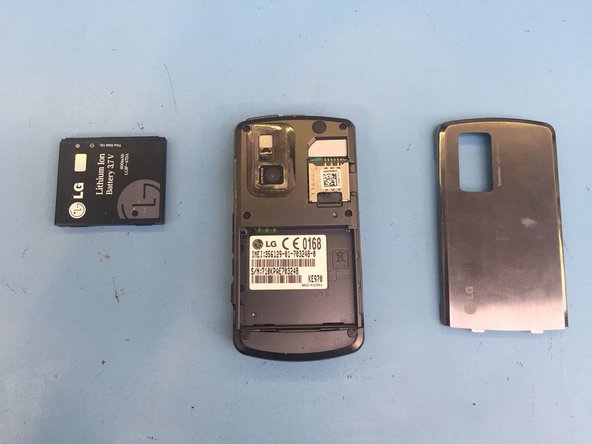
Use your thumb to gently remove the battery.
-
-
-
-
-
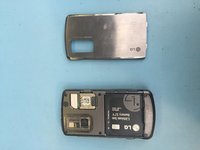
Click this button to remove the backplate
-
-
-
Insert your backstick and remove the battery. Alternative tool your nails or something plastic.
-
-
-
replace the battery with new one and follow steps backwards.
-
-





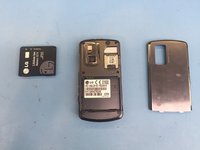

To reassemble your device, follow these instructions in reverse order.


