crwdns2933423:0crwdne2933423:0
crwdns2947577:0crwdnd2947577:0crwdne2947577:0

LG Muziq LX570 Display Panel Replacement

crwdns2942213:0crwdne2942213:0

    1. LG Muziq LX570 Display Panel Replacement, Front Case: crwdns2935265:01crwdnd2935265:01crwdnd2935265:02crwdne2935265:0 LG Muziq LX570 Display Panel Replacement, Front Case: crwdns2935265:01crwdnd2935265:02crwdnd2935265:02crwdne2935265:0
      • Use a spudger to remove the two screw covers below display.

      • Use a screw driver to remove the four Phillips #00 (3.3mm) screws at corners of the display.

      crwdns2952109:0crwdne2952109:0

      crwdns2917038:0crwdne2917038:0

    2. LG Muziq LX570 Display Panel Replacement: crwdns2935265:02crwdnd2935265:01crwdnd2935265:03crwdne2935265:0 LG Muziq LX570 Display Panel Replacement: crwdns2935265:02crwdnd2935265:02crwdnd2935265:03crwdne2935265:0 LG Muziq LX570 Display Panel Replacement: crwdns2935265:02crwdnd2935265:03crwdnd2935265:03crwdne2935265:0
      • Caution: Wires and ribbon connect the front case to the main body. Exhibit care when separating front case from the main body as to not break the connections.

      • Note: Side buttons may fall out when removing the front case. Do not misplace them.

      • Note: Each side button will only fit in the side that it came from.

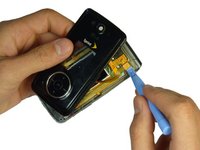
      • Insert a spudger between the black and grey casings and gently spread them apart.

      • Work around the device gradually, opening the gap further.

      crwdns2952109:0crwdne2952109:0

      crwdns2917038:0crwdne2917038:0

    3. LG Muziq LX570 Display Panel Replacement: crwdns2935265:03crwdnd2935265:01crwdnd2935265:03crwdne2935265:0 LG Muziq LX570 Display Panel Replacement: crwdns2935265:03crwdnd2935265:02crwdnd2935265:03crwdne2935265:0 LG Muziq LX570 Display Panel Replacement: crwdns2935265:03crwdnd2935265:03crwdnd2935265:03crwdne2935265:0
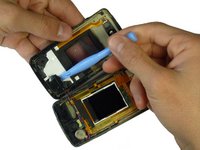
      • Caution: The wires and ribbon connector can break easily. Exhibit care when removing them.

      • Use the spudger and lift upward to disconnect the ribbon from the main part of the phone.

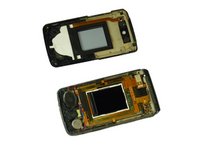
      • Carefully remove any parts stuck to the front case such as speakers.

      crwdns2952109:0crwdne2952109:0

      crwdns2917038:0crwdne2917038:0

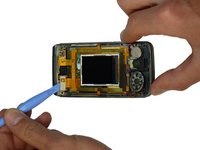
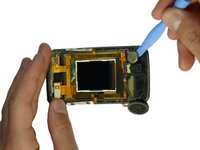
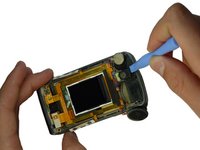
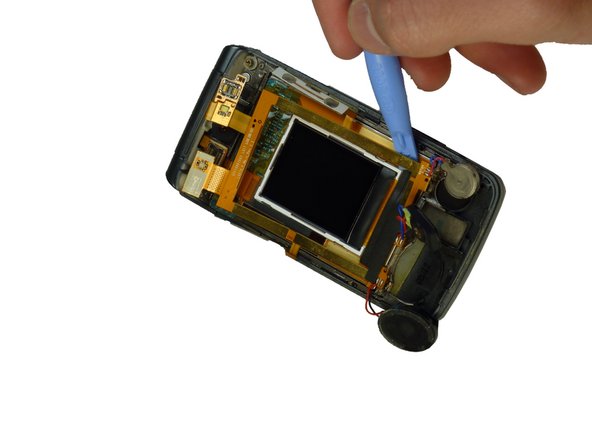
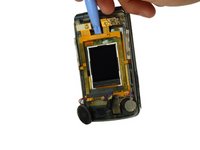
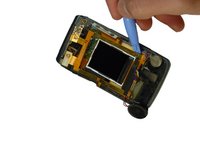
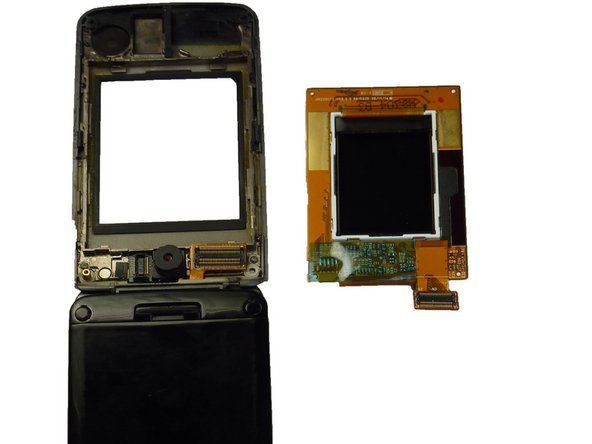
    1. LG Muziq LX570 Display Panel Replacement, Display Panel: crwdns2935265:04crwdnd2935265:01crwdnd2935265:03crwdne2935265:0 LG Muziq LX570 Display Panel Replacement, Display Panel: crwdns2935265:04crwdnd2935265:02crwdnd2935265:03crwdne2935265:0 LG Muziq LX570 Display Panel Replacement, Display Panel: crwdns2935265:04crwdnd2935265:03crwdnd2935265:03crwdne2935265:0
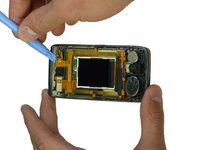
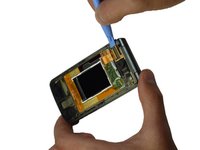
      • Use the spudger to unclip the two upper wiring connections.

      crwdns2952109:0crwdne2952109:0

      crwdns2917038:0crwdne2917038:0

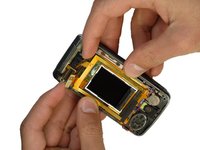
    2. LG Muziq LX570 Display Panel Replacement: crwdns2935265:05crwdnd2935265:01crwdnd2935265:02crwdne2935265:0 LG Muziq LX570 Display Panel Replacement: crwdns2935265:05crwdnd2935265:02crwdnd2935265:02crwdne2935265:0
      • Caution: The side buttons are attached to the ribbon around the display screen. Do not separate the side buttons from the ribbon when removing.

      • Gently lift the side buttons from the phone casing.

      crwdns2952109:0crwdne2952109:0

      crwdns2917038:0crwdne2917038:0

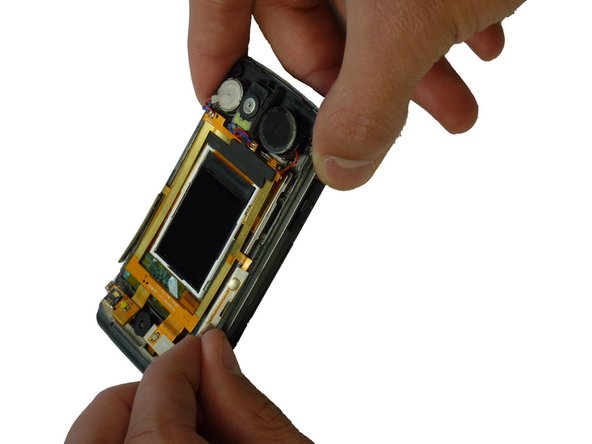
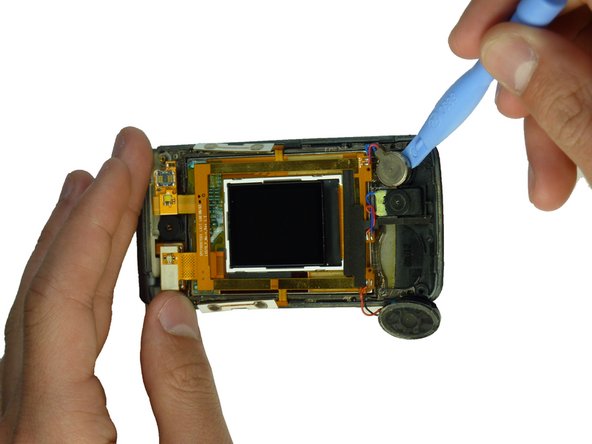
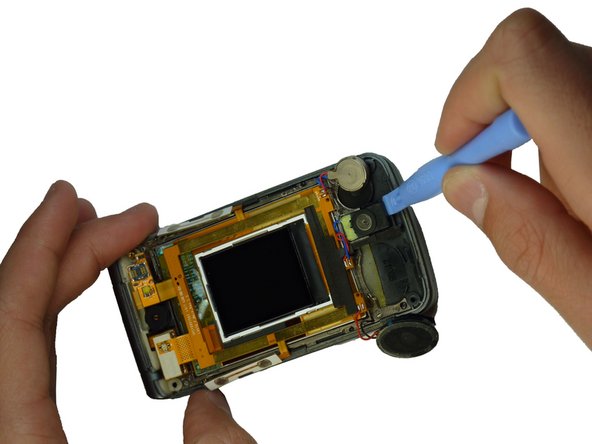
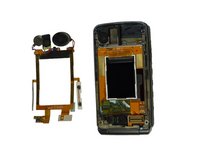
    3. LG Muziq LX570 Display Panel Replacement: crwdns2935265:06crwdnd2935265:01crwdnd2935265:03crwdne2935265:0 LG Muziq LX570 Display Panel Replacement: crwdns2935265:06crwdnd2935265:02crwdnd2935265:03crwdne2935265:0 LG Muziq LX570 Display Panel Replacement: crwdns2935265:06crwdnd2935265:03crwdnd2935265:03crwdne2935265:0
      • Caution: The wiring on the ribbon connector is delicate. Do not excessively pull on the wires.

      • Use the spudger to remove the three components connected to the ribbon.

      crwdns2952109:0crwdne2952109:0

      crwdns2917038:0crwdne2917038:0

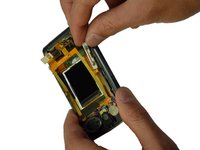
    4. LG Muziq LX570 Display Panel Replacement: crwdns2935265:07crwdnd2935265:01crwdnd2935265:03crwdne2935265:0 LG Muziq LX570 Display Panel Replacement: crwdns2935265:07crwdnd2935265:02crwdnd2935265:03crwdne2935265:0 LG Muziq LX570 Display Panel Replacement: crwdns2935265:07crwdnd2935265:03crwdnd2935265:03crwdne2935265:0
      • Caution: The ribbon contains important wiring and is glued to the phone. Be careful when removing the ribbon.

      • Use the spudger to gently remove the ribbon from the phone.

      crwdns2952109:0crwdne2952109:0

      crwdns2917038:0crwdne2917038:0

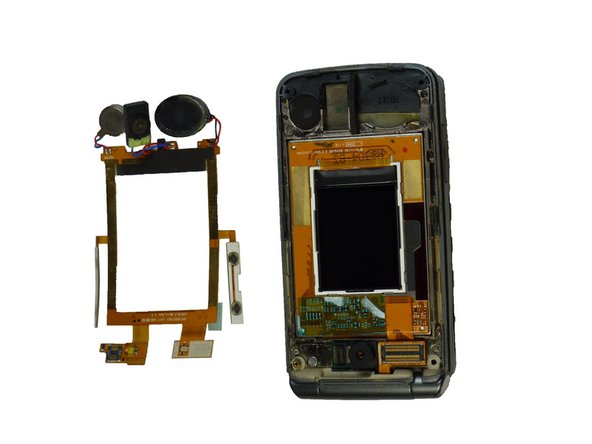
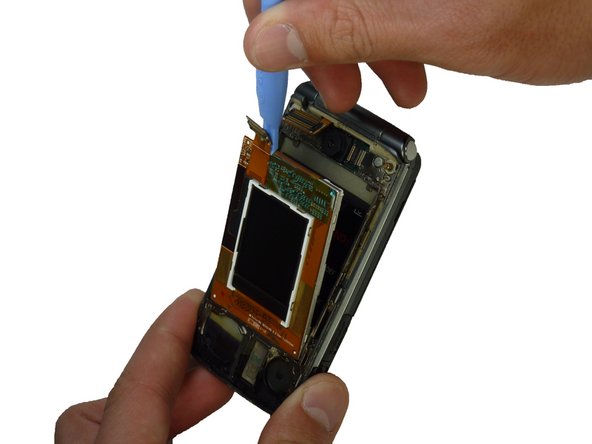
    5. LG Muziq LX570 Display Panel Replacement: crwdns2935265:08crwdnd2935265:01crwdnd2935265:03crwdne2935265:0 LG Muziq LX570 Display Panel Replacement: crwdns2935265:08crwdnd2935265:02crwdnd2935265:03crwdne2935265:0 LG Muziq LX570 Display Panel Replacement: crwdns2935265:08crwdnd2935265:03crwdnd2935265:03crwdne2935265:0
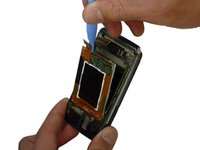
      • Use the spudger to lift the upper tab in the top left corner of the display.

      • Continue lifting until the display panels lift out of their setting and can be removed.

      crwdns2952109:0crwdne2952109:0

      crwdns2917038:0crwdne2917038:0

crwdns2915888:0crwdne2915888:0

To reassemble your device, follow these instructions in reverse order.

crwdns2935221:0crwdne2935221:0

Braden Burk

crwdns2935283:001/22/12crwdne2935283:0

1 crwdns2915208:0crwdne2915208:0

crwdns2935297:05crwdne2935297:0

crwdns2935287:0crwdne2935287:0

Cal Poly, Team 3-29, Amido Winter 2012 crwdns2935289:0Cal Poly, Team 3-29, Amido Winter 2012crwdne2935289:0

CPSU-AMIDO-W12S3G29

crwdns2931471:04crwdne2931471:0

crwdns2935297:049crwdne2935297:0

crwdns2947412:00crwdne2947412:0

crwdns2917038:0crwdne2917038:0

crwdns2936625:0crwdne2936625:0:

crwdns2936751:024crwdne2936751:0 1

crwdns2936753:07crwdne2936753:0 9

crwdns2936753:030crwdne2936753:0 33

crwdns2942667:0crwdne2942667:0 1,356