crwdns2915892:0crwdne2915892:0
This guide will instruct you on how to replace a cracked or damaged LCD screen and digitizer assembly in your LG G4 smartphone.
It may be necessary to use a pre-cut LG G4 adhesive strip or Tesa 61395 tape to secure your new screen to your device.
crwdns2942213:0crwdne2942213:0
-
-
-
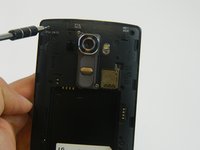
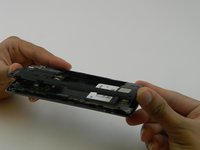
Remove the rear cover by placing the plastic opening tool in the groove on the bottom left side of the LG G4 and gently prying up.
 crwdns2952109:0crwdne2952109:0
-
-
-
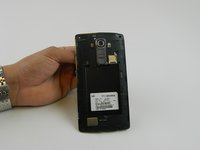
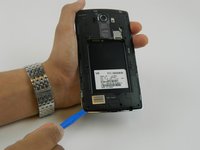
Place the plastic opening tool at the bottom edge of the battery and lift up. Carefully remove battery with your hands.
-
-
-
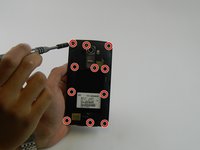
Remove the eleven 3.9 mm Phillips #00 screws found at the back of the phone.
-
-
-
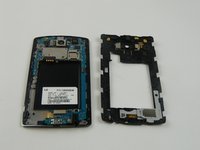
Once all the screws have been removed, place the plastic opening tool in the lower left corner and firmly lift the cover up.
-
Detach the cover with your fingers
-
-
-
-
-
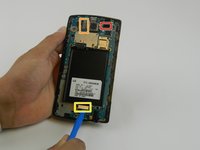
Remove the following four press-fit connectors with the flat edge of a plastic spudger or opening tool:
-
Front-facing camera connector.
-
Rear-facing camera connector.
-
Digitizer connector.
-
-
-
-
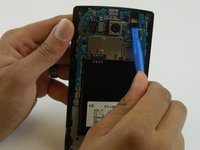
Remove the motherboard by lifting it up using the plastic opening tool and your fingers .
-
-
-
-
-
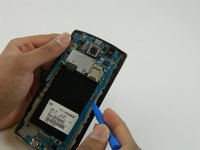
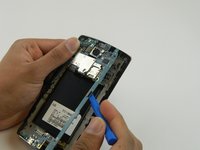
Use a heat gun or iOpener over the auxiliary port to soften the adhesive that secures it to the plastic housing.
-
-
crwdns2935267:0crwdne2935267:0Spudger$2.99
-
Insert a nylon spudger into the auxiliary port and gently pry upward to free the port.
-
-
-
Use a spudger to carefully remove these components and then place them in the new display assembly..
-
-
-
-
crwdns2935267:0crwdne2935267:0Tweezers$3.99
-
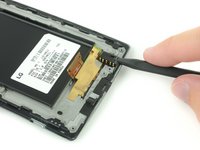
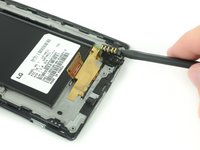
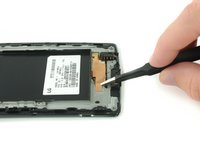
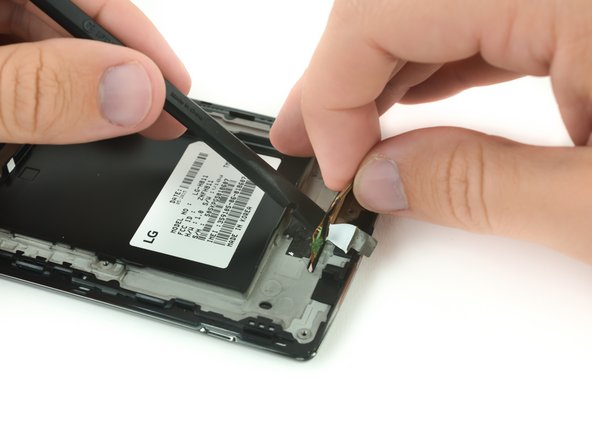
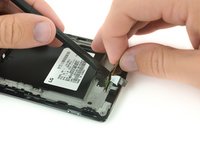
Use a pair of tweezers to remove the adhesive strip that secures the digitizer ribbon cable.
-
-
-
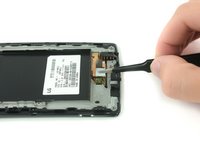
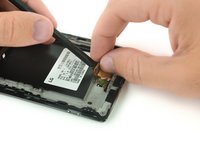
Insert the flat side of a nylon spudger below the digitizer ribbon cable to free it from the adhesive.
-
-
-
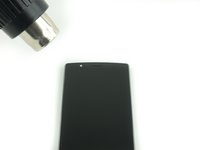
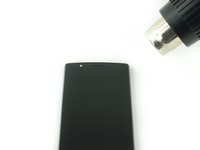
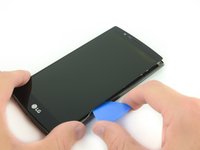
Use a heat gun or an iOpener to soften the adhesive underneath the edges of the screen.
-
-
crwdns2935267:0crwdne2935267:0Heavy-Duty Suction Cups (Pair)$16.95
-
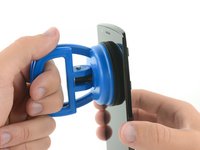
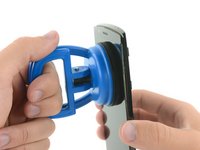
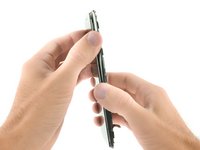
Use a heavy duty suction cup and firmly pull the screen away from the frame to create a small gap.
-
-
crwdns2935267:0crwdne2935267:0iFixit Opening Picks (Set of 6)$4.95
-
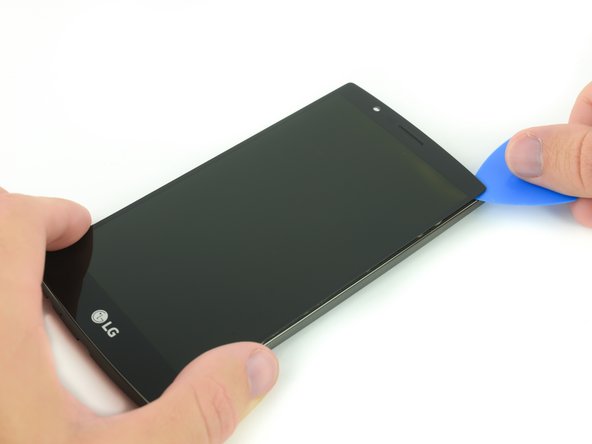
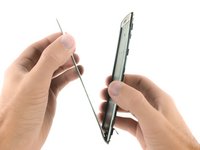
Insert a plastic opening pick into the gap between the screen and the plastic housing.
-
Slide the plastic opening pick along the border of the screen to break any additional adhesive and free the screen assembly.
-
-






















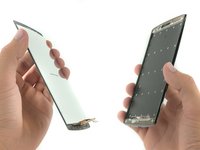
To reassemble your device, follow these instructions in reverse order.
crwdns2935221:0crwdne2935221:0
crwdns2935229:024crwdne2935229:0

crwdns2947412:04crwdne2947412:0
It is possible replace the digitalizer only? Thanks
Nene indy - crwdns2934203:0crwdne2934203:0 crwdns2950251:0crwdne2950251:0
Per the LG G4 Teardown guide, the glass, digitizer, and LCD are all fused together, so you have to replace the whole assembly
Eric Clothier - crwdns2934203:0crwdne2934203:0 crwdns2950251:0crwdne2950251:0
Lorsqu’on remplace l’ensemble écran + LCD achetés ensemble et que l’on transfère les pièces de l’ancien cadre (caméra, vibreur…), il ne faut pas oublier de transférer également 3 petits caoutchoucs carrés noir ou gris (2 en haut de chaque coté du haut parleur, et 1 en bas à gauche de la prise jack), sinon le détecteur de proximité ne marche pas et l’écran s’éteint et le reste lorsqu’on téléphone…
Nevile - crwdns2934203:0crwdne2934203:0 crwdns2950251:0crwdne2950251:0
C'est bien qu'on fasse cette observation. Mon technicien avait omis ces neoprenes et j'ai pu les transférés.
My tech had omitted these pads. I am super grateful someone commented that the phone would black out on a call. Problem solved!
Sidney Stratton - crwdns2934203:0crwdne2934203:0 crwdns2950251:0crwdne2950251:0
