crwdns2933423:0crwdne2933423:0
crwdns2947577:0crwdnd2947577:0crwdne2947577:0

LG Dare Logic Board Replacement

crwdns2942213:0crwdne2942213:0

    1. LG Dare Logic Board Replacement, Battery: crwdns2935265:01crwdnd2935265:01crwdnd2935265:02crwdne2935265:0 LG Dare Logic Board Replacement, Battery: crwdns2935265:01crwdnd2935265:02crwdnd2935265:02crwdne2935265:0
      • Remove the back cover by firmly pressing against the raised lip on the back panel. Slide the cover towards the top of the phone.

      crwdns2952109:0crwdne2952109:0

      crwdns2917038:0crwdne2917038:0

    2. LG Dare Logic Board Replacement: crwdns2935265:02crwdnd2935265:01crwdnd2935265:03crwdne2935265:0 LG Dare Logic Board Replacement: crwdns2935265:02crwdnd2935265:02crwdnd2935265:03crwdne2935265:0 LG Dare Logic Board Replacement: crwdns2935265:02crwdnd2935265:03crwdnd2935265:03crwdne2935265:0
      • Remove the battery by placing your fingernail or a opening tool in the recessed edge and lift the battery out.

      crwdns2952109:0crwdne2952109:0

      crwdns2917038:0crwdne2917038:0

    1. LG Dare Logic Board Replacement, Logic Board: crwdns2935265:03crwdnd2935265:01crwdnd2935265:02crwdne2935265:0 LG Dare Logic Board Replacement, Logic Board: crwdns2935265:03crwdnd2935265:02crwdnd2935265:02crwdne2935265:0
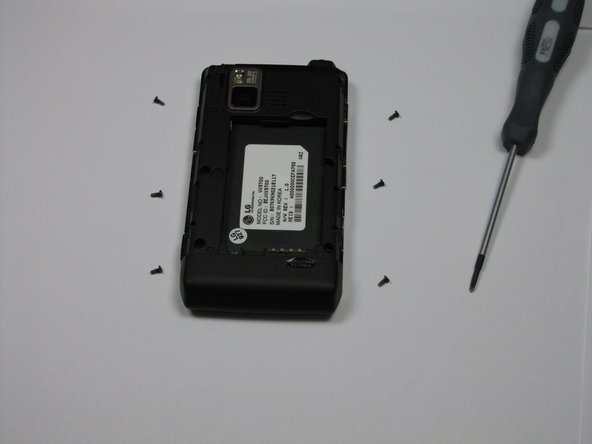
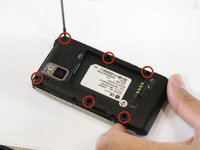
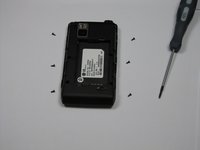
      • Use the #00 screwdriver to remove the six 4mm phillips screws located around the edges of the phone.

      crwdns2952109:0crwdne2952109:0

      crwdns2917038:0crwdne2917038:0

    2. LG Dare Logic Board Replacement: crwdns2935265:04crwdnd2935265:01crwdnd2935265:03crwdne2935265:0 LG Dare Logic Board Replacement: crwdns2935265:04crwdnd2935265:02crwdnd2935265:03crwdne2935265:0 LG Dare Logic Board Replacement: crwdns2935265:04crwdnd2935265:03crwdnd2935265:03crwdne2935265:0
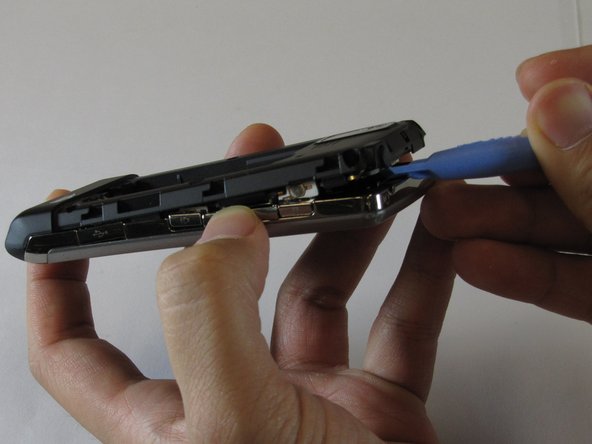
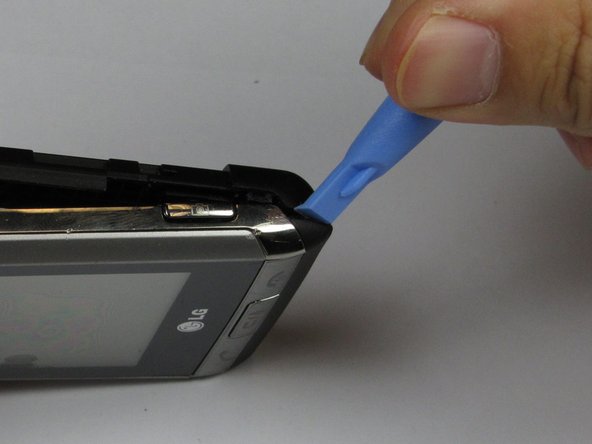
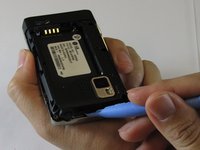
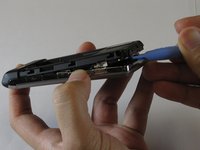
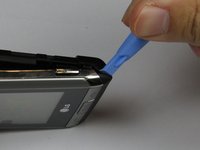
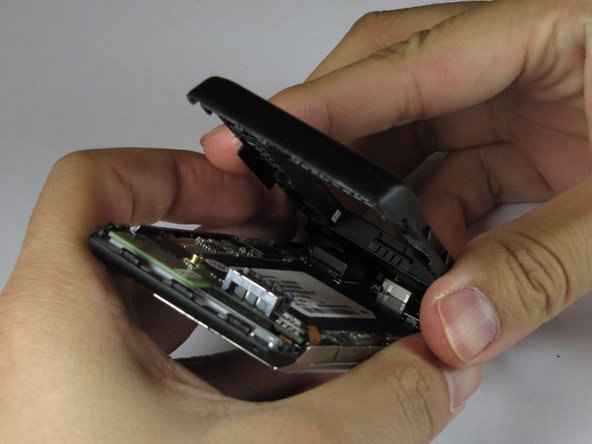
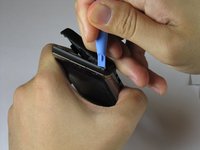
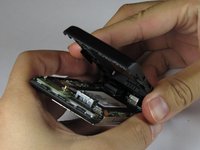
      • Lift the back plastic cover off by moving the opening tool around the edges of the phone.

      • Wedging the opening tool in several places on the bottom of the phone will help release small tabs that hold the back to the front frame.

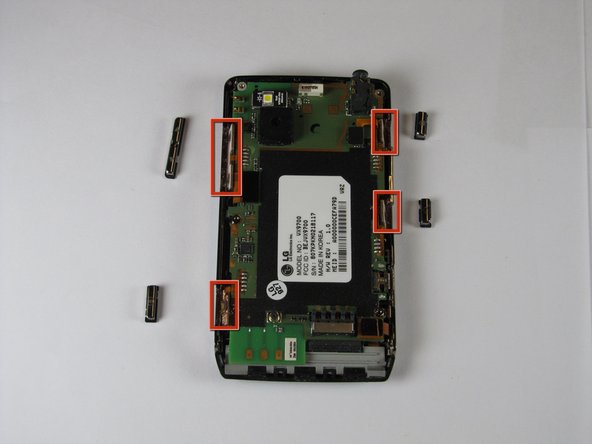
      • The side buttons may fall out when removing the back plastic.

      crwdns2952109:0crwdne2952109:0

      crwdns2917038:0crwdne2917038:0

    3. LG Dare Logic Board Replacement: crwdns2935265:05crwdnd2935265:01crwdnd2935265:03crwdne2935265:0 LG Dare Logic Board Replacement: crwdns2935265:05crwdnd2935265:02crwdnd2935265:03crwdne2935265:0 LG Dare Logic Board Replacement: crwdns2935265:05crwdnd2935265:03crwdnd2935265:03crwdne2935265:0
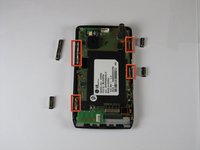
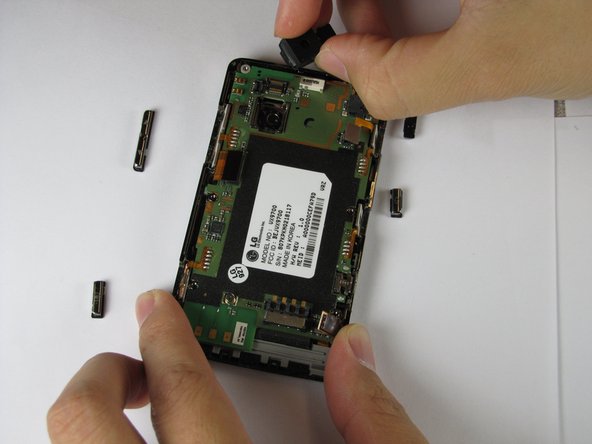
      • Pull off the back plastic panel.

      • Remove the buttons from the edge of the frame. The buttons are [lock], [volume control], [speaker], and [camera].

      crwdns2952109:0crwdne2952109:0

      crwdns2917038:0crwdne2917038:0

    4. LG Dare Logic Board Replacement: crwdns2935265:06crwdnd2935265:01crwdnd2935265:01crwdne2935265:0
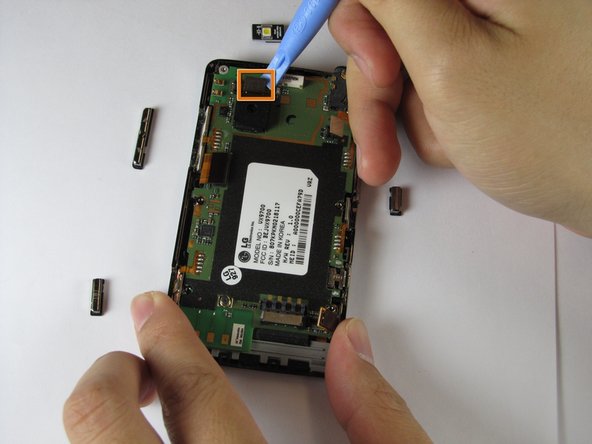
      • Disconnect the three ribbon connectors from the motherboard.

      crwdns2952109:0crwdne2952109:0

      crwdns2917038:0crwdne2917038:0

    5. LG Dare Logic Board Replacement: crwdns2935265:07crwdnd2935265:01crwdnd2935265:03crwdne2935265:0 LG Dare Logic Board Replacement: crwdns2935265:07crwdnd2935265:02crwdnd2935265:03crwdne2935265:0 LG Dare Logic Board Replacement: crwdns2935265:07crwdnd2935265:03crwdnd2935265:03crwdne2935265:0
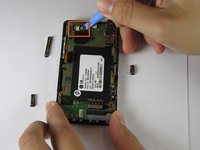
      • Remove the LED.

      • Remove the camera connector.

      • Remove the camera sensor from the logic board. Squeeze the sides of the camera sensor firmly and pull straight up.

      crwdns2952109:0crwdne2952109:0

      crwdns2917038:0crwdne2917038:0

    6. LG Dare Logic Board Replacement: crwdns2935265:08crwdnd2935265:01crwdnd2935265:01crwdne2935265:0
      • Open the USB port cover.

      crwdns2952109:0crwdne2952109:0

      crwdns2917038:0crwdne2917038:0

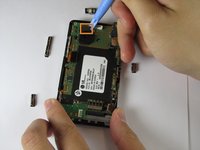
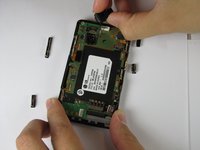
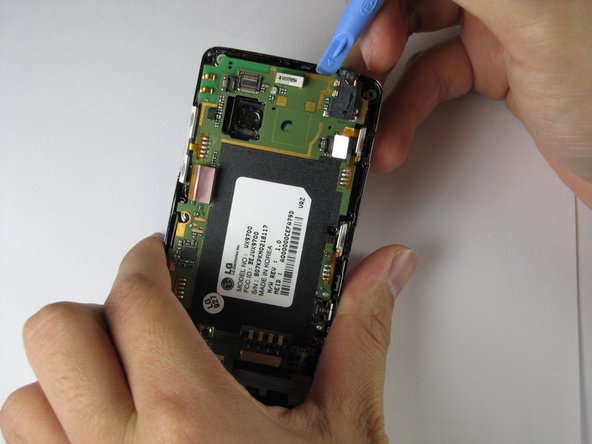
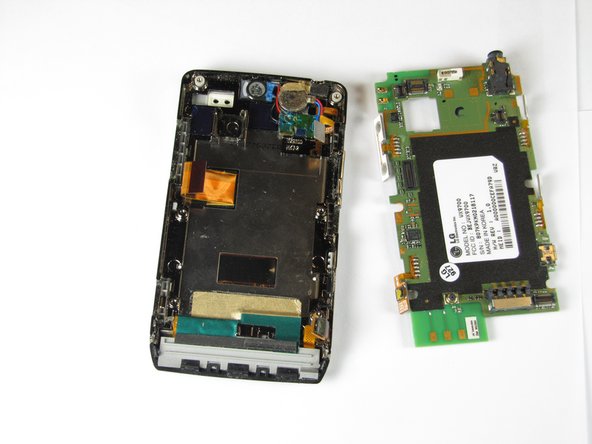
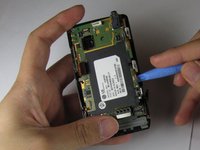
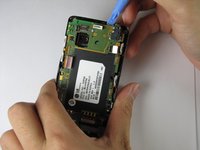
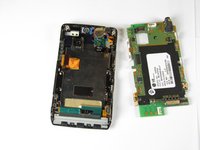
    7. LG Dare Logic Board Replacement: crwdns2935265:09crwdnd2935265:01crwdnd2935265:03crwdne2935265:0 LG Dare Logic Board Replacement: crwdns2935265:09crwdnd2935265:02crwdnd2935265:03crwdne2935265:0 LG Dare Logic Board Replacement: crwdns2935265:09crwdnd2935265:03crwdnd2935265:03crwdne2935265:0
      • Use the opening tool to lift up the green logic board in all areas and remove it.

      • The logic board may require some force to remove because it is taped to the plastic frame.

      • When removing the logic board, be careful not to tear any of the ribbon cables or side buttons.

      crwdns2952109:0crwdne2952109:0

      crwdns2917038:0crwdne2917038:0

crwdns2915888:0crwdne2915888:0

To re-assemble your device, follow these instructions in reverse order.

crwdns2935221:0crwdne2935221:0

crwdns2935229:02crwdne2935229:0

Haoyan Huang

crwdns2935283:001/26/12crwdne2935283:0

151 crwdns2915208:0crwdne2915208:0

crwdns2935297:04crwdne2935297:0

crwdns2935287:0crwdne2935287:0

Cal Poly, Team 9-4, Regan Winter 2012 crwdns2935289:0Cal Poly, Team 9-4, Regan Winter 2012crwdne2935289:0

CPSU-REGAN-W12S9G4

crwdns2931471:05crwdne2931471:0

crwdns2935297:060crwdne2935297:0

crwdns2947412:00crwdne2947412:0

crwdns2917038:0crwdne2917038:0

crwdns2936625:0crwdne2936625:0:

crwdns2936751:024crwdne2936751:0 10

crwdns2936753:07crwdne2936753:0 25

crwdns2936753:030crwdne2936753:0 47

crwdns2942667:0crwdne2942667:0 2,656